
Aware
Menubar app to track active computer use
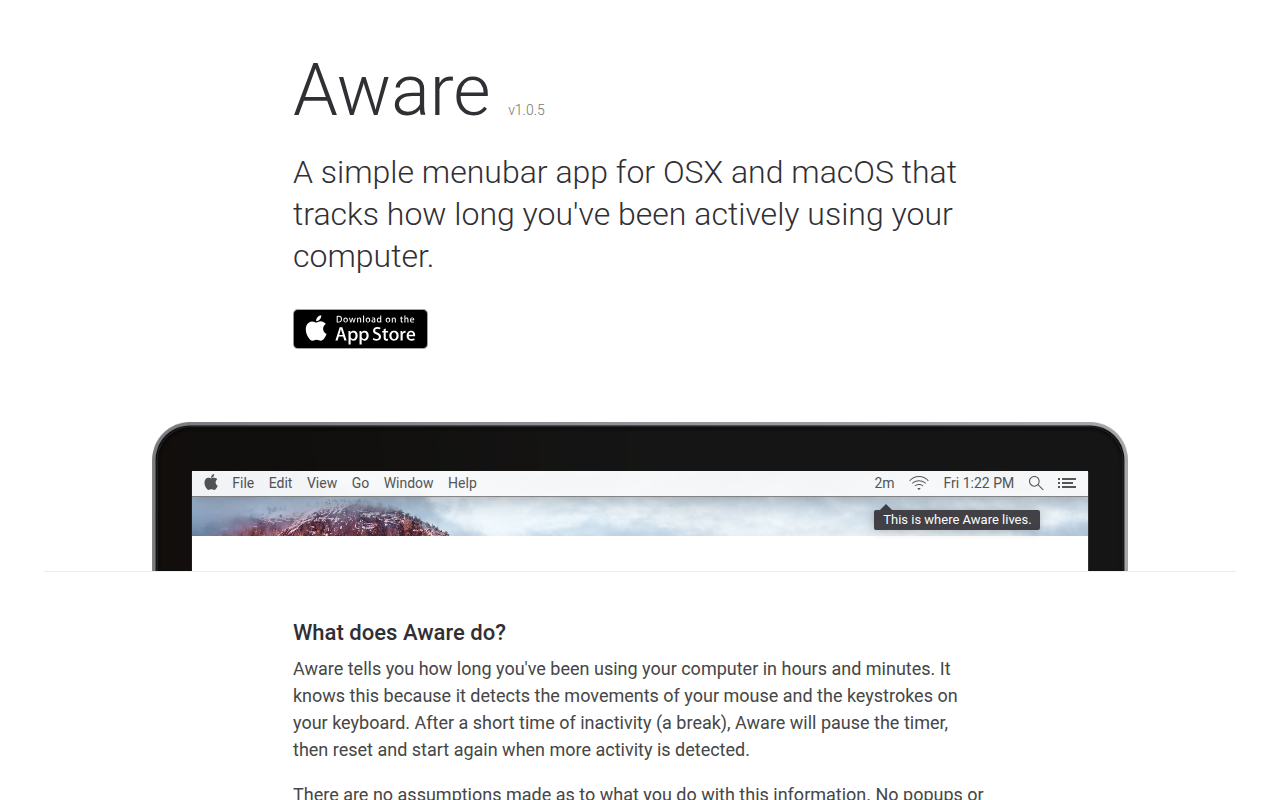
The application resides in the macOS menu bar and continuously monitors input activity, counting the time during which the mouse moves or keys are pressed. When a period of inactivity exceeds a short threshold, the timer pauses and then restarts once activity resumes, providing an ongoing tally of active computer use. The elapsed time is shown in hours and minutes directly in the menu bar, giving immediate visibility without additional windows or notifications.
Designed for users who want a simple record of how long they spend working at their computer, the tool does not issue reminders, pop‑ups, or alerts. It merely logs the duration of activity, leaving any interpretation or action to the user. The app runs on macOS and is offered as a stable, core‑only package, requiring no extra configuration beyond installation.
Reviews
Loading reviews…
Similar apps
DevOps & Infrastructure
Wakatime
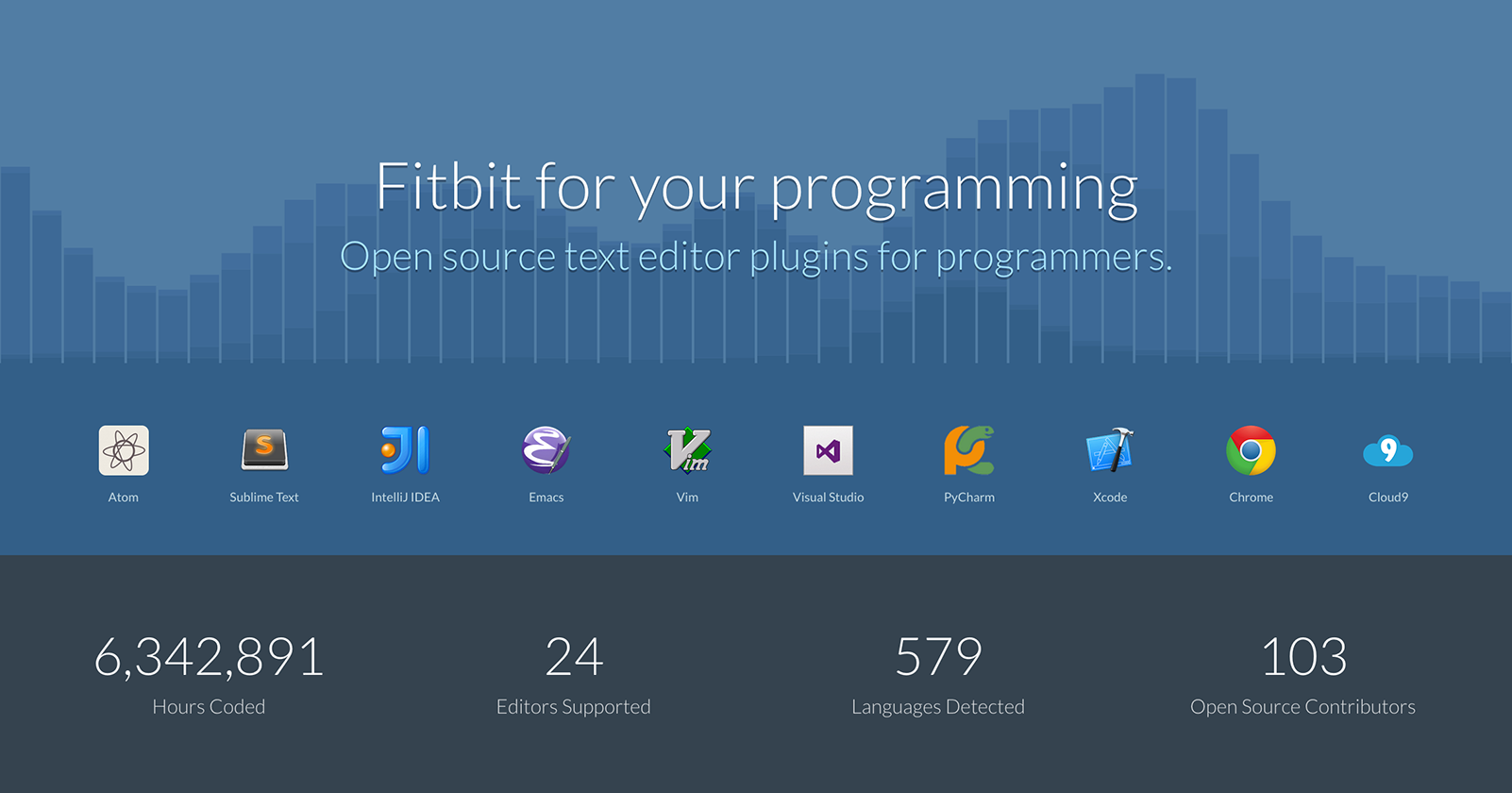
System tray app for automatic time tracking
Window & Desktop Management
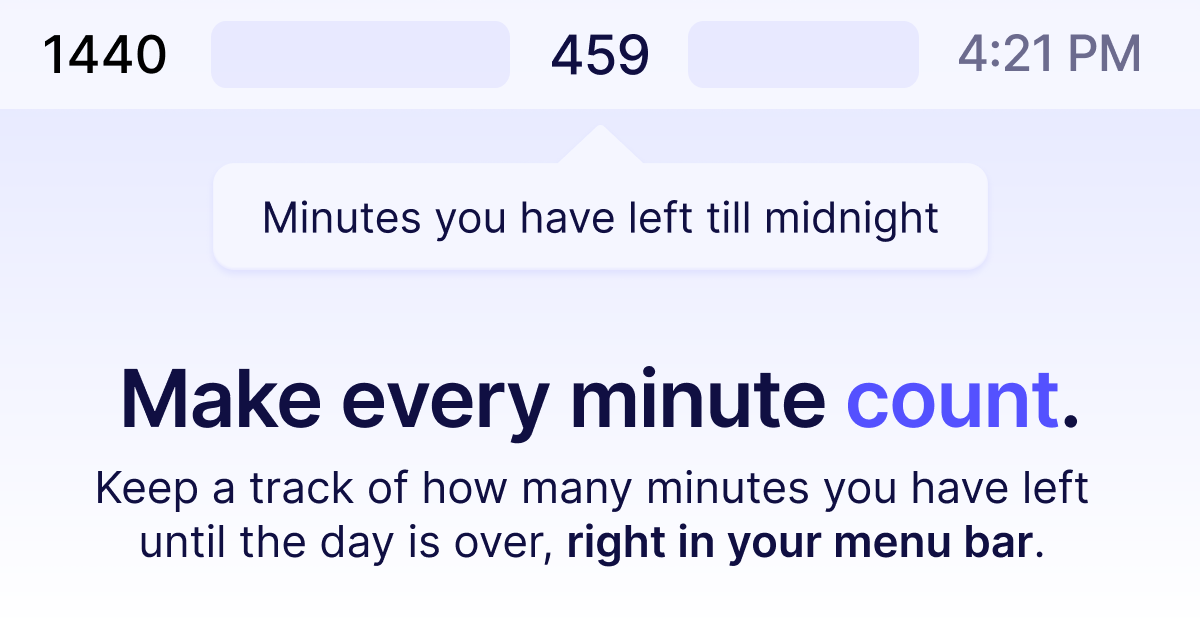
1440 Minutes Left Today
Show how many minutes are left in the day from your menu bar. ![Freeware][Freeware Icon]

Time Tracking & Focus
ActivityWatch
Automatically track how you spend time on your devices.
Time Tracking & Focus
Furtherance
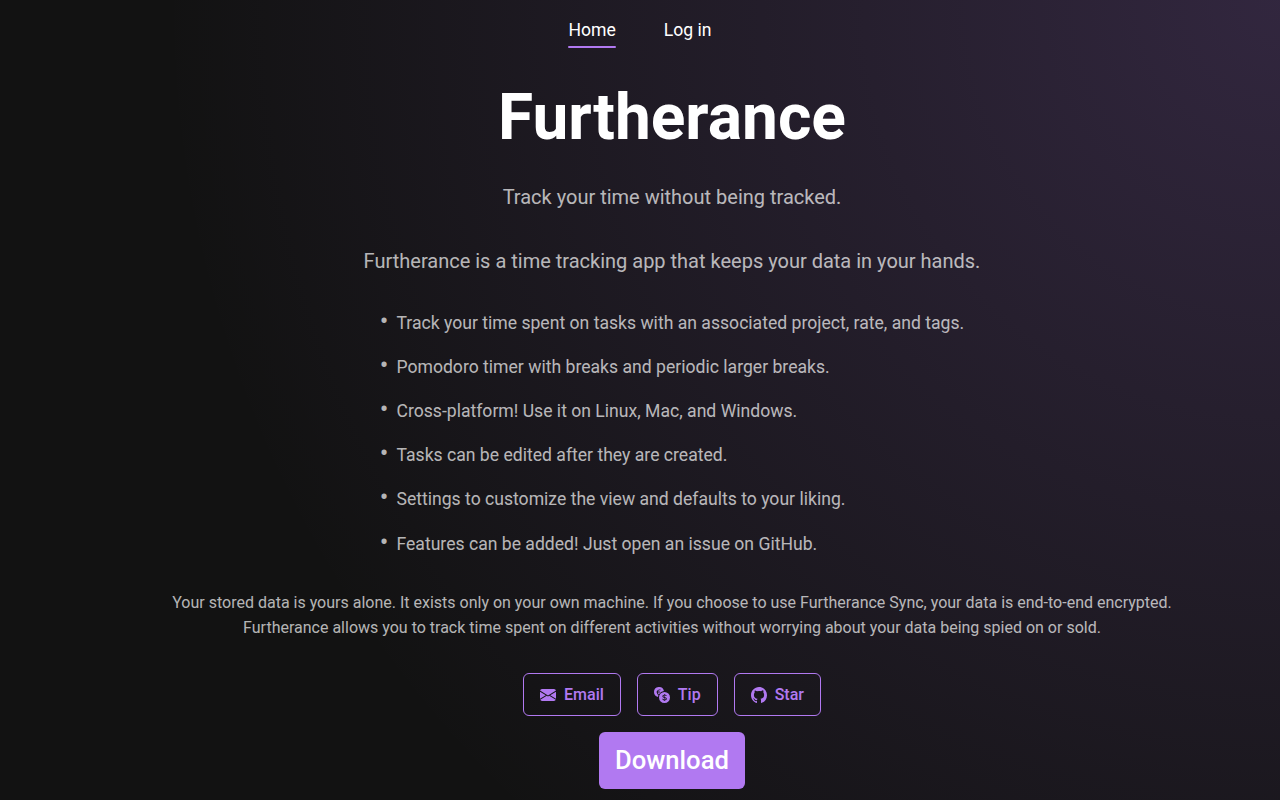
Time tracker
Time Tracking & Focus
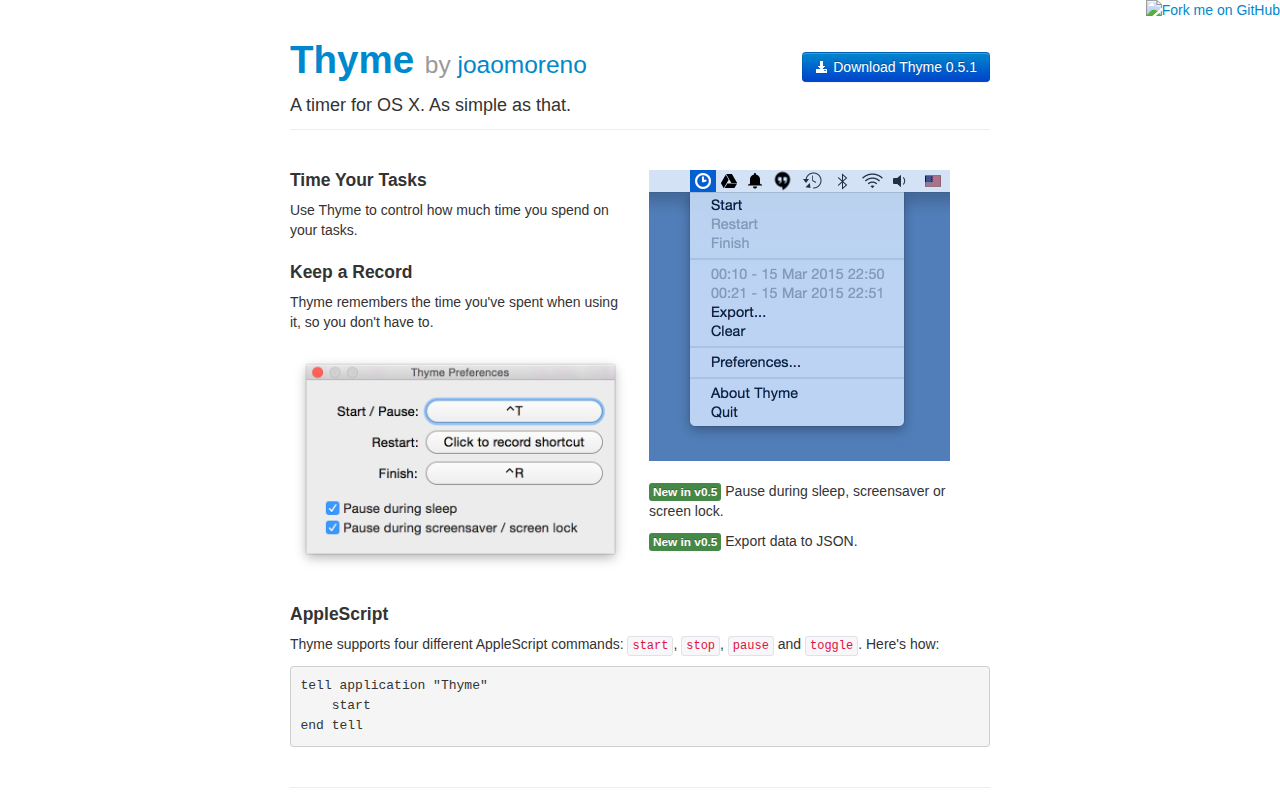
Thyme
Task timer

Time Tracking & Focus
Qbserve
Automatic time tracking with projects, timesheets, and productivity insights.