
aye-chat
Workspace for editing, running commands, and chatting with your codebase.
Aye Chat provides an integrated terminal workspace where developers can edit files, execute shell commands, and interact with an AI assistant without leaving a single session. The tool automatically discovers project files while respecting .gitignore, and stores all AI‑generated modifications in a hidden .aye directory for safe rollback.
Typical usage includes prompting the AI to fix bugs, refactor code, or run tests, then issuing standard commands such as vim, git, or pytest directly from the chat interface. A built‑in restore command lets users revert any AI change instantly, with options to target specific snapshots or individual files, while history and diff commands aid review.
Installation is available via pip, Homebrew, or a Windows installer, and the application can be launched with the aye command in any project folder. The interface requires no authentication and supports model selection, verbose toggling, and session management through simple text commands.
Reviews
Loading reviews…
Similar apps
AI Coding Agents
yai
AI powered terminal assistant.
AI Coding Agents
Aider
A terminal-based coding assistant that helps you write, modify and understand code through natural language conversations with AI models
AI Coding Agents
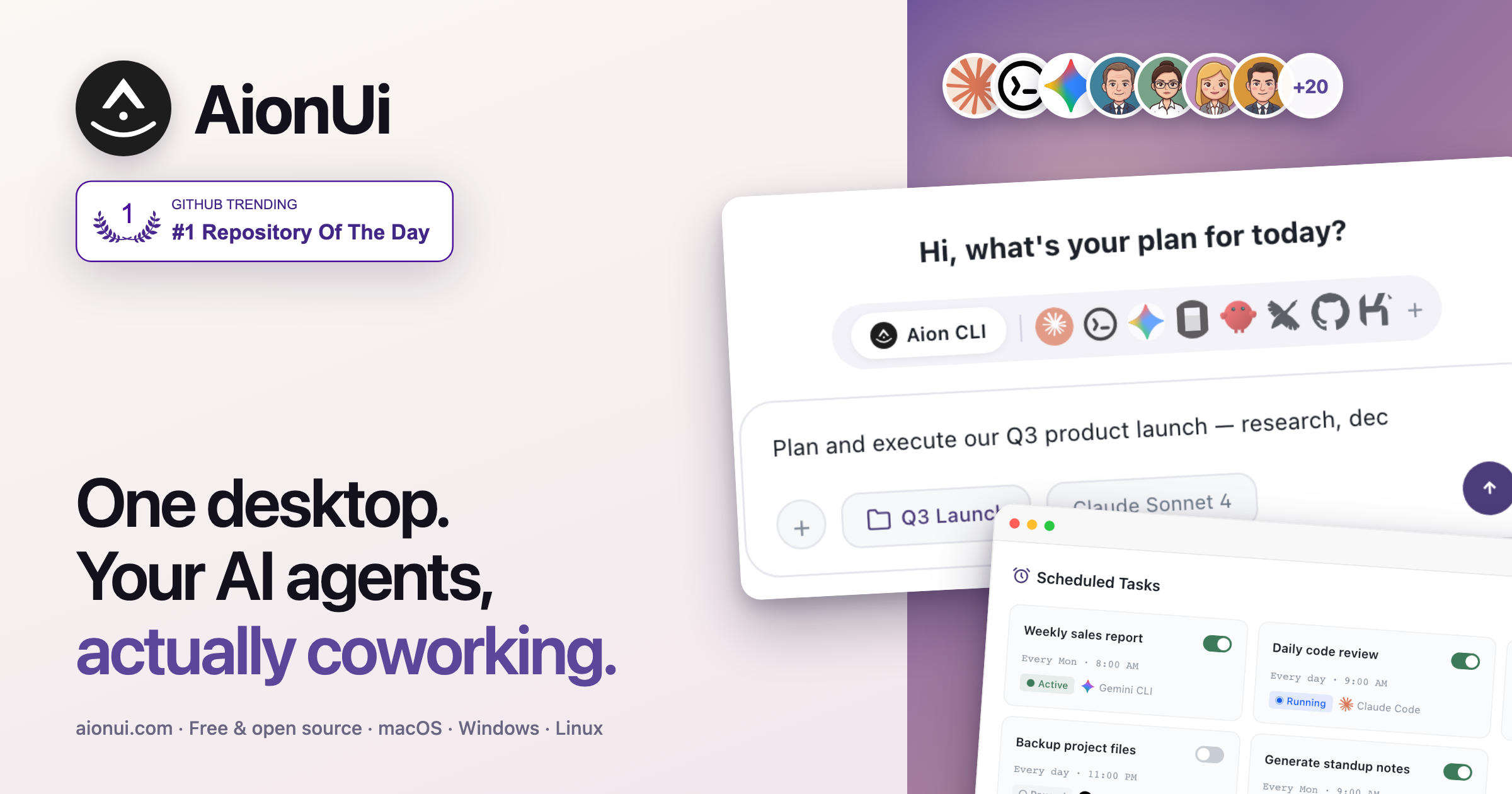
AionUi
Unified GUI for command-line AI agents

AI Coding Agents
AiderDesk
Desktop GUI for Aider AI pair programming
AI Coding Agents
Shep
Multi-session SDLC control center for AI coding agents.
Terminals & CLI
cmd-ai
Turns natural language into executable shell commands.