
BlockBlock
Me: "Please alert me whenever anything is persistently installed." BlockBlock: "You got it"
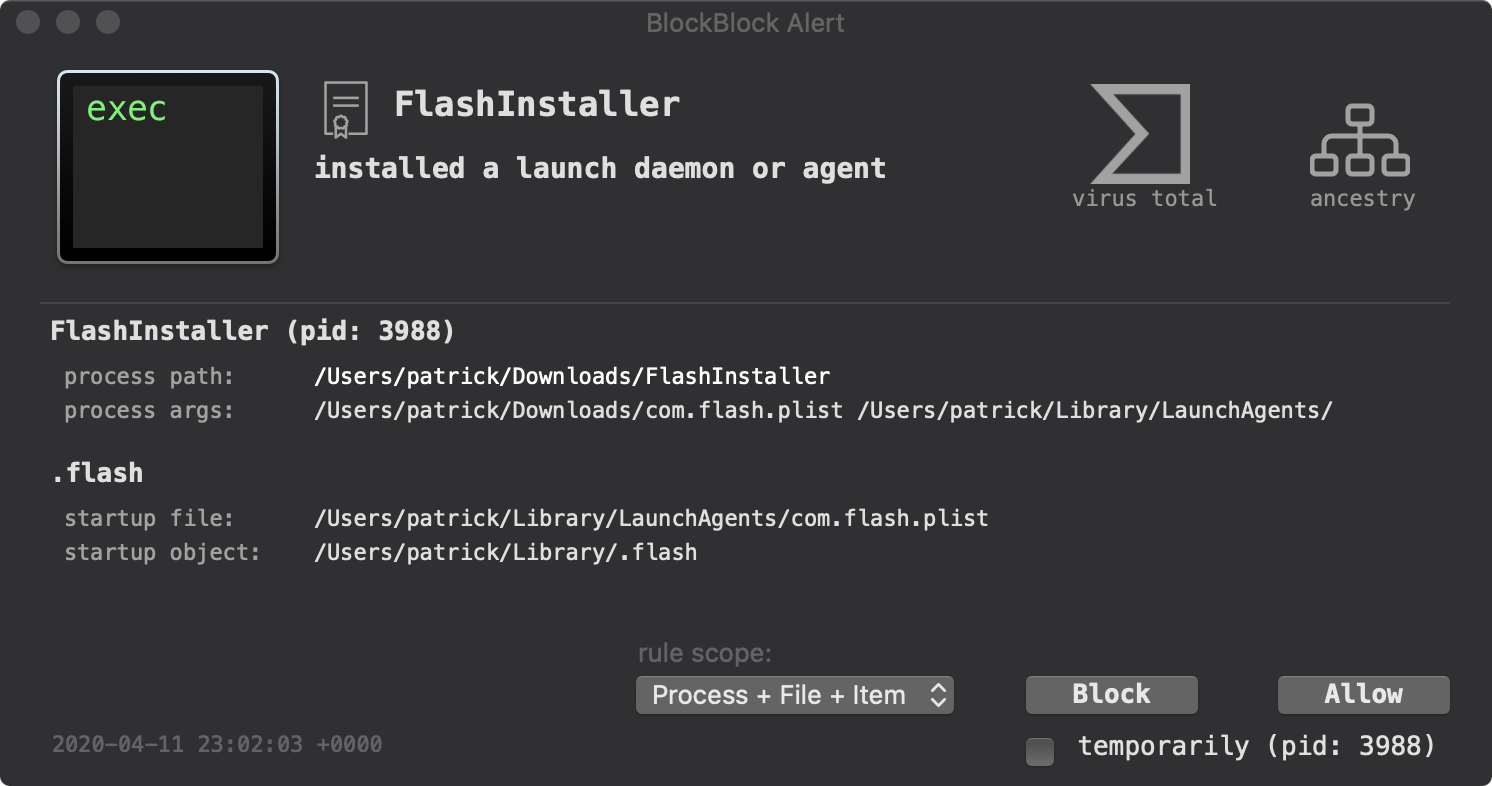
BlockBlock continuously monitors macOS for new persistence mechanisms that malware commonly uses to survive reboots or logins. By leveraging Apple’s Endpoint Security Framework, it watches standard persistence locations and generates alerts whenever a new component is added that could cause a program to launch automatically.
When an alert appears, it displays the responsible process’s name, PID, path, arguments, and the file that was modified to achieve persistence. Users can inspect code‑signing details, view VirusTotal detections, and examine the process ancestry directly from the alert. The interface lets users quickly allow trusted items or block suspicious ones, creating a rule that remembers the choice for future occurrences.
The tool is open‑source, stable, and requires full‑disk access and system privileges to operate. Installation is performed through a simple installer that guides users to grant the necessary permissions, and the application can be uninstalled via a menu option. BlockBlock is aimed at macOS users who want real‑time visibility and control over persistent software installations.
Reviews
Loading reviews…
Similar apps
Password & Security
BlockBlock
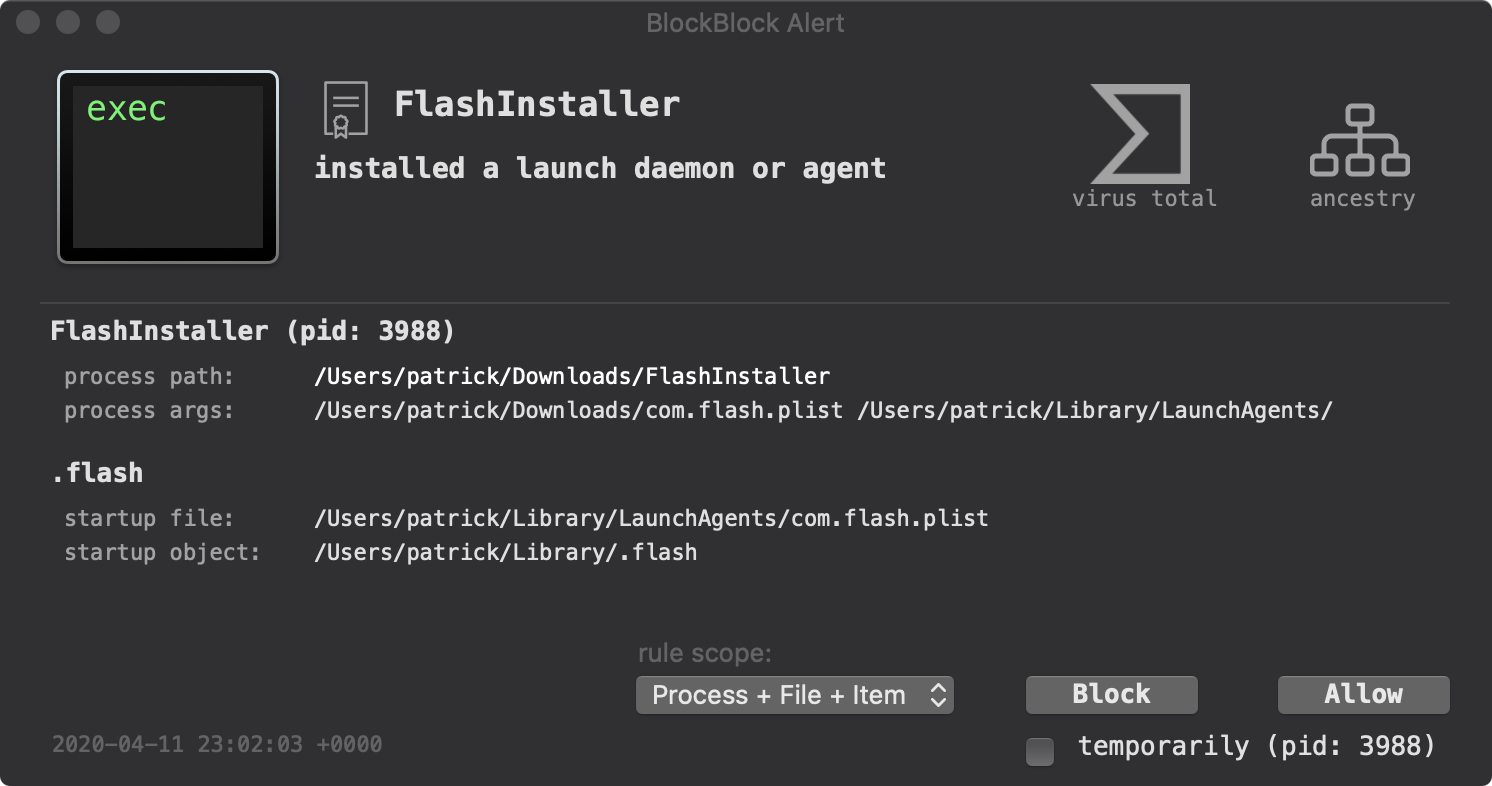
Monitors common persistence locations
Password & Security
MakLock
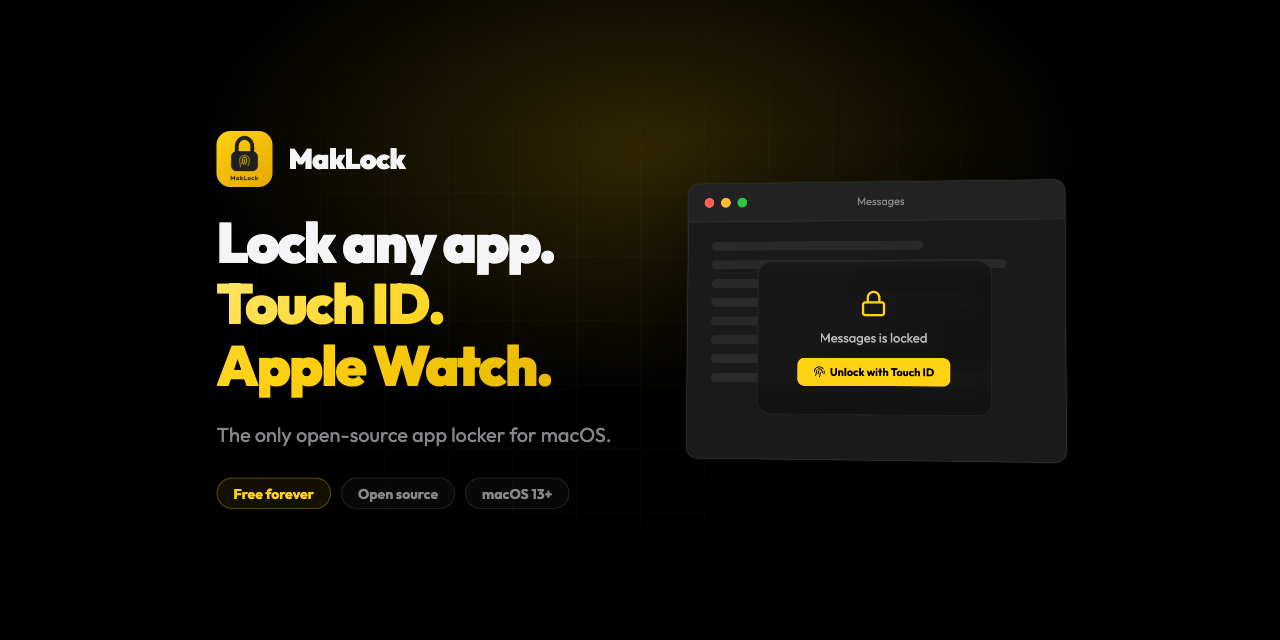
Lock any macOS app with Touch ID, Apple Watch proximity, or password. Full-screen blur overlay on all monitors.
Password & Security
swiftGuard
Tool for protecting USB ports from unauthorized access.
Password & Security
ClearanceKit
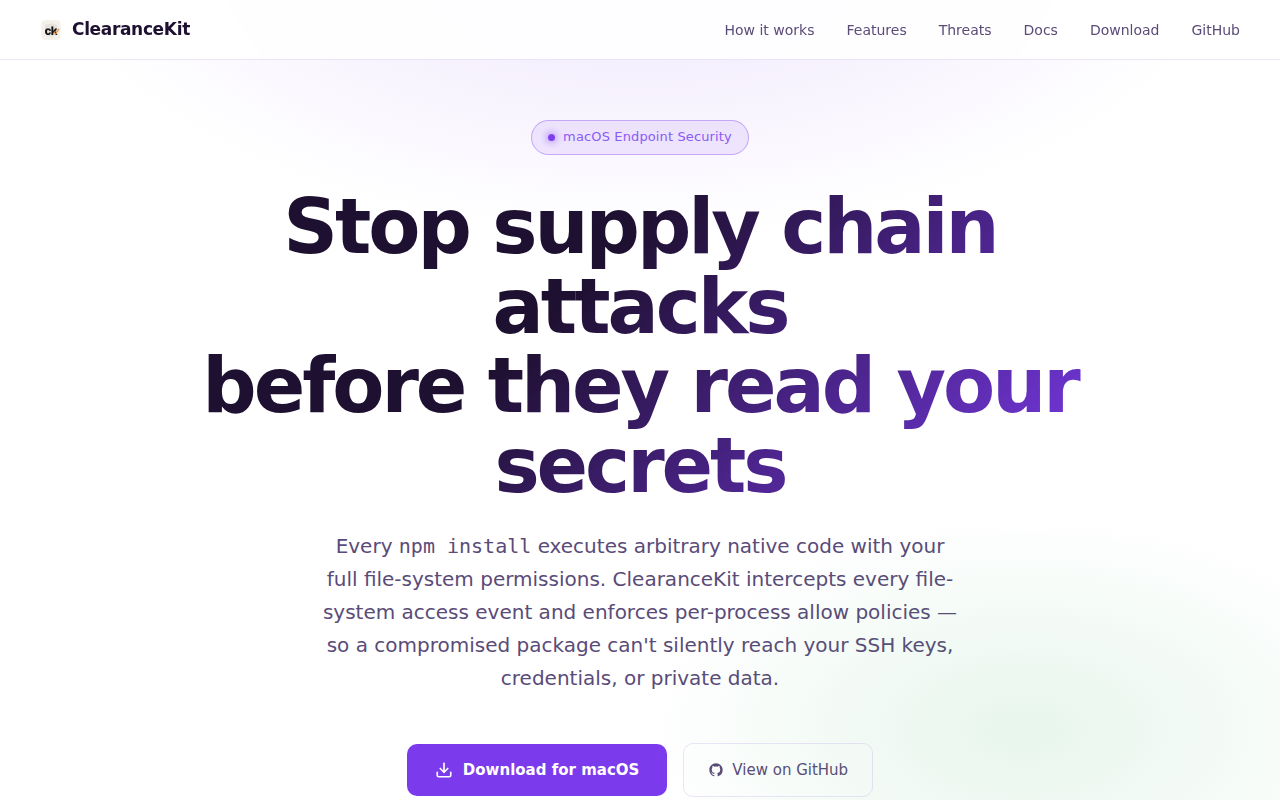
Policy-based file access control tool for protected paths.
Password & Security
Shield
App to protect against process injection
Password & Security
Lockpaw
Menu bar screen guard for macOS — lock and unlock your screen with a hotkey.