
BlurScreen App
Instantly blur sensitive on-screen content for recording or screen sharing.
BlurScreen lets users obscure any portion of their display instantly while recording video or sharing their screen, eliminating the need for post‑production editing. By activating a keyboard shortcut, a rectangle can be drawn over the desired area, which is then blurred in real time; a second shortcut clears all blurs. The tool works with any meeting or screen‑sharing application on macOS and Windows without requiring additional plugins or integrations.
The application is aimed at professionals who regularly create screencasts, conduct live video calls, or produce instructional content that may contain confidential information such as emails, browser URLs, or on‑screen text. It is designed for quick, on‑the‑fly masking, allowing users to hide sensitive data in seconds rather than spending minutes editing after the fact.
BlurScreen operates locally, covering only the selected screen regions and does not capture or transmit screen data. It offers customizable shortcut keys to fit individual workflows and is presented as a stable, ready‑to‑use solution for protecting private information during live or recorded screen sessions.
Reviews
Loading reviews…
Similar apps
Remote Access & VPN
Safe Screen Share 2.0
Share your screen. Not your secrets.
Screenshot & Screen Recording
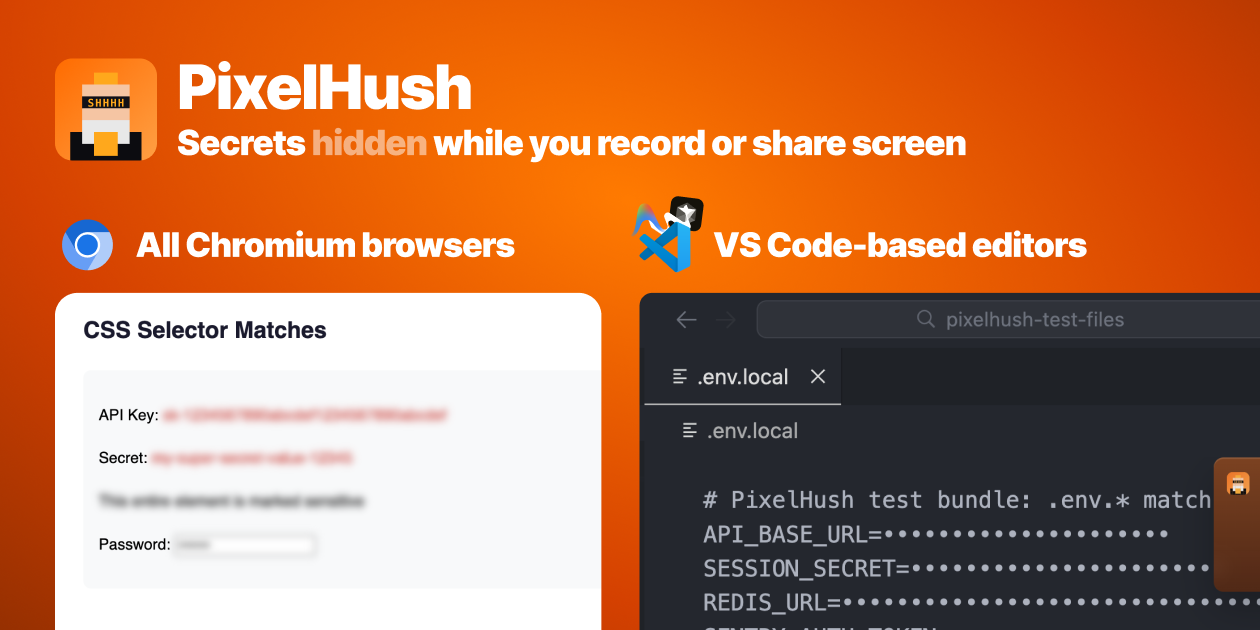
PixelHush
PixelHush automatically hides tokens, API keys and passwords in your code editor the moment screen recording or sharing starts.
Display & Accessibility
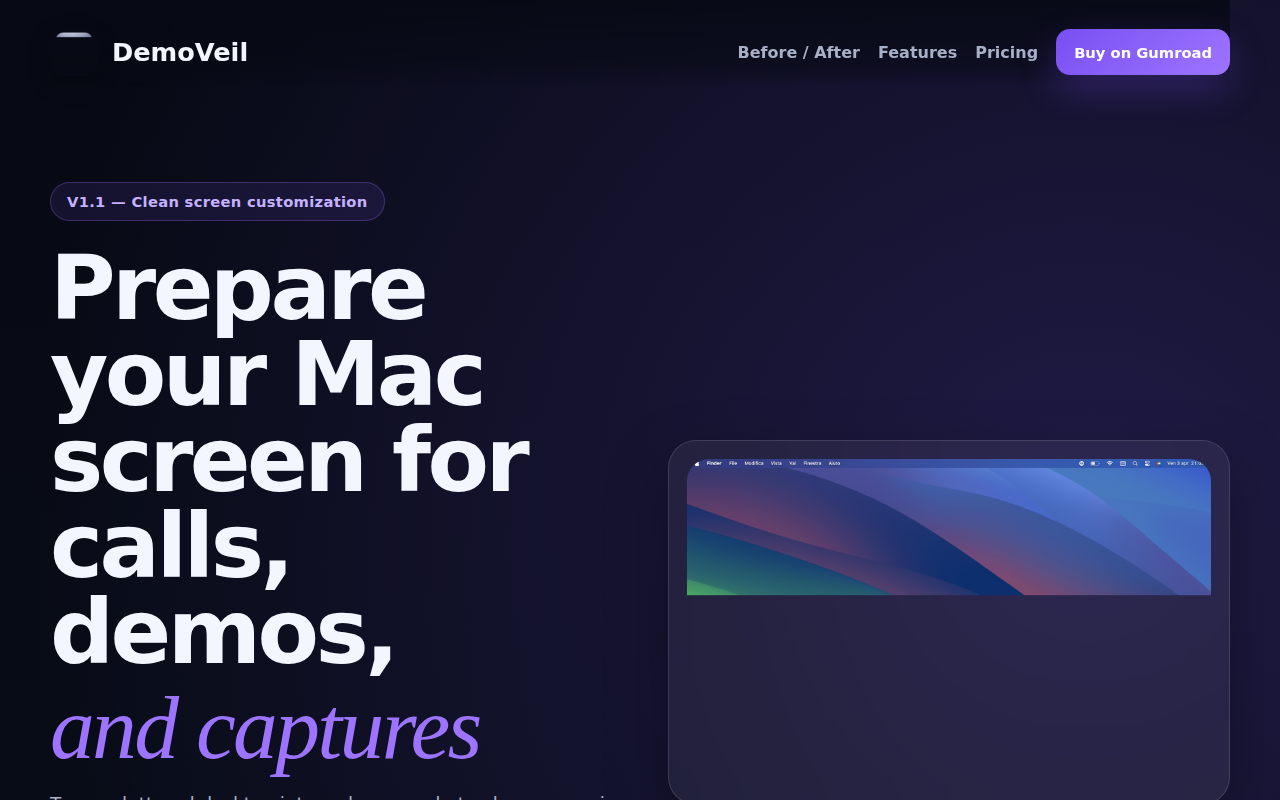
DemoVeil
Prepare your Mac screen for calls, demos, and captures
Display & Accessibility
Blurred
Utility to dim background/inactive content in the screen
Display & Accessibility
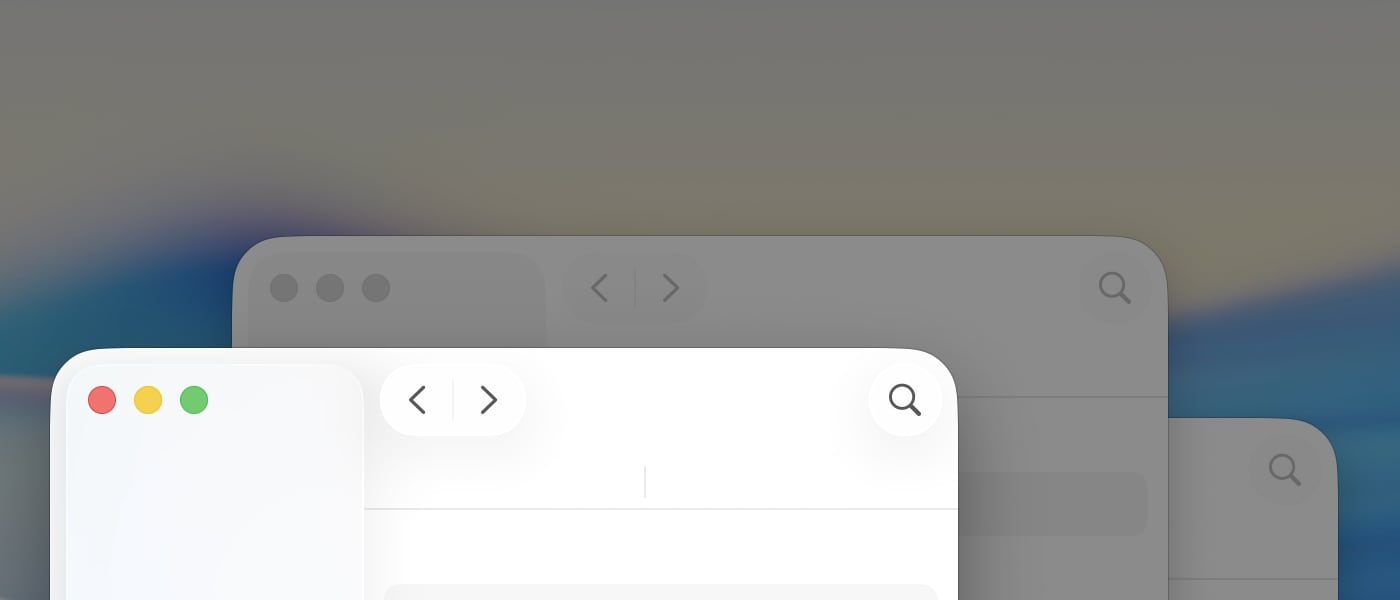
HazeOver
App that dims your background app windows so you can focus more on your main task!
Display & Accessibility
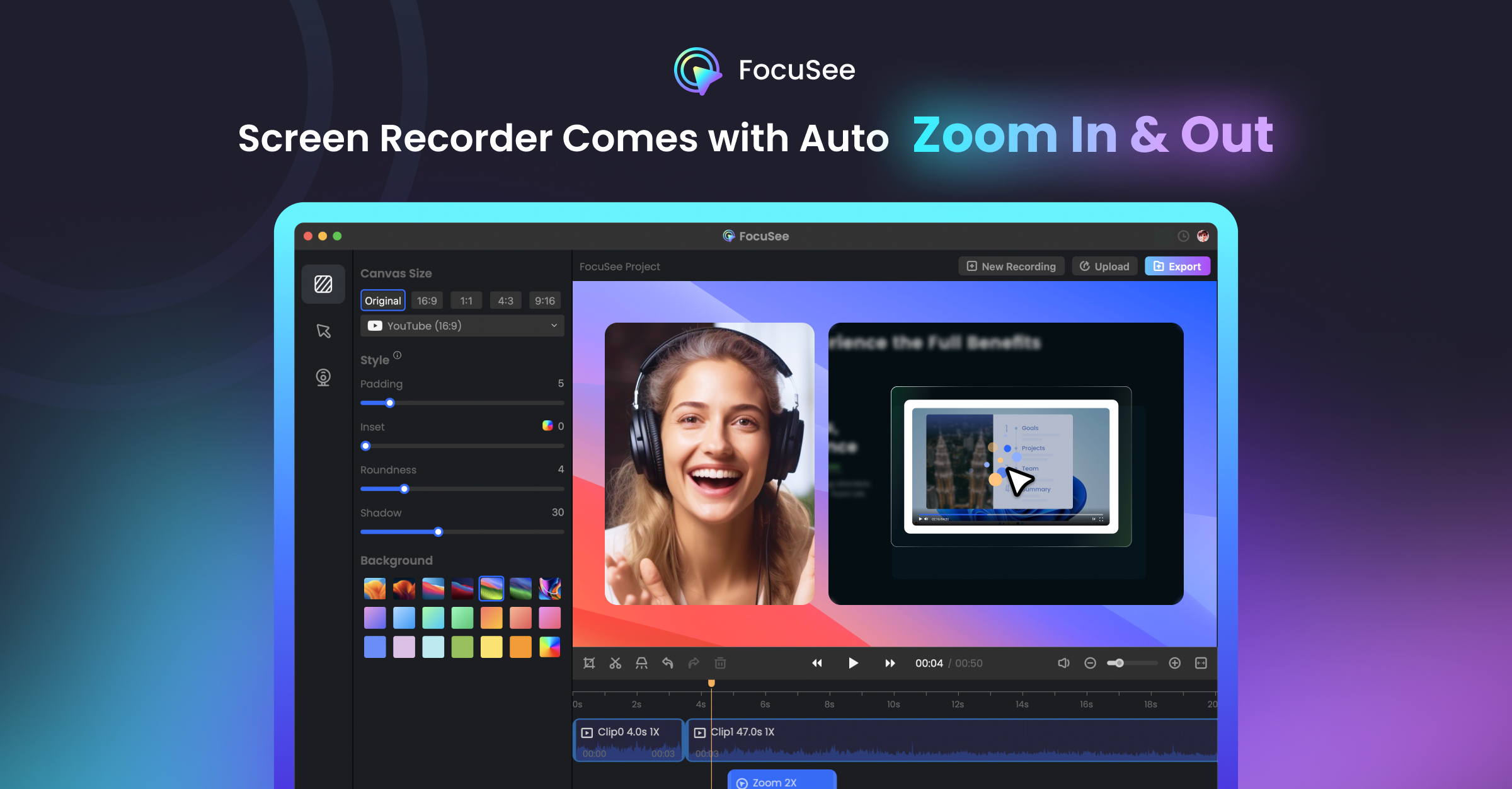
FocuSee 2.0
Record screen to get polished demos & tutorials