
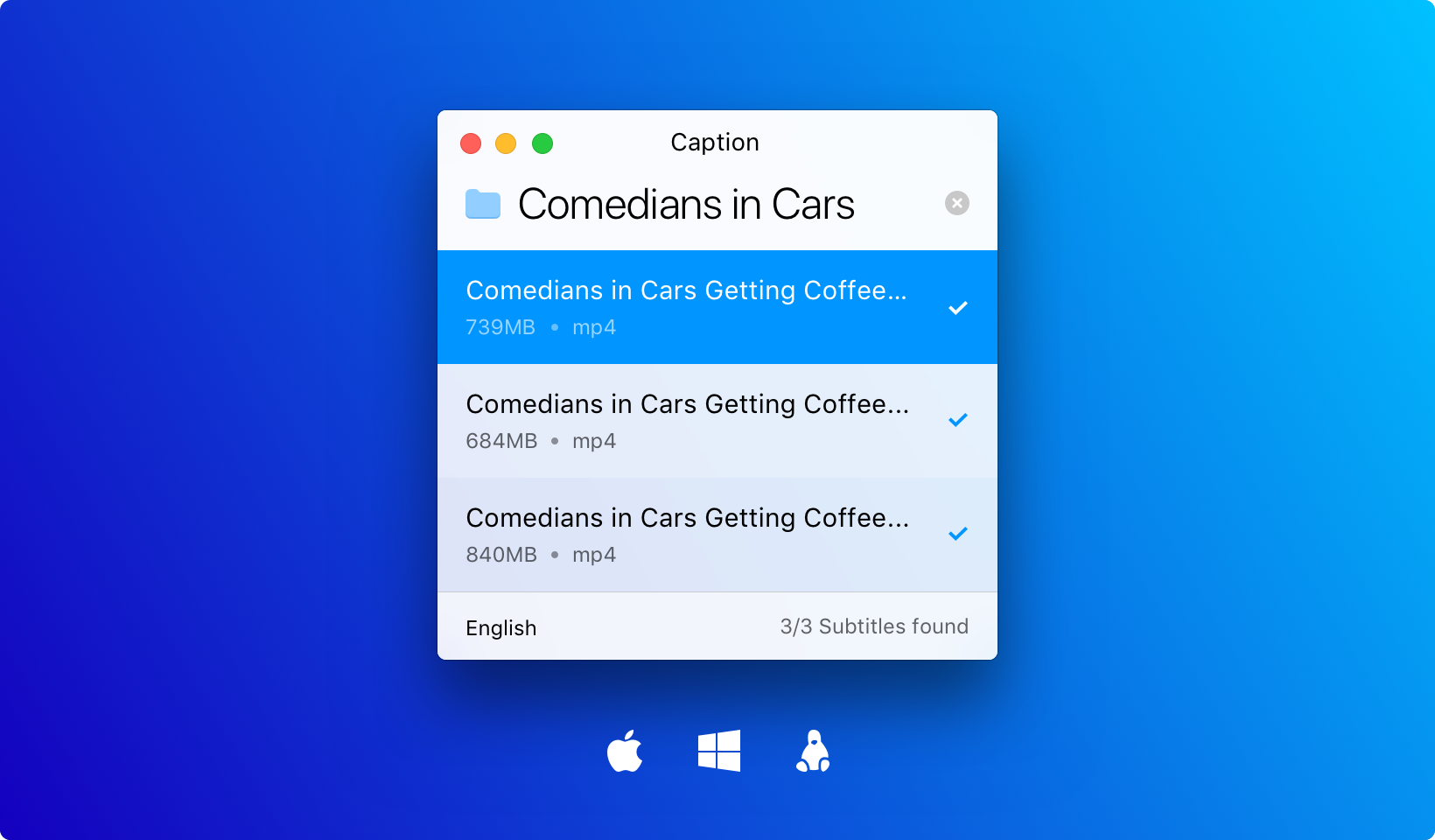
Caption
Finds and sets up subtitles automatically
Caption automates the process of locating and installing subtitles for video files. Users can drag and drop a video onto the application, which then searches for matching subtitle tracks, downloads them, and renames the files so that playback can begin immediately without manual configuration. The tool is designed with a minimal interface that focuses on getting subtitles ready quickly.
The software runs on macOS as a core platform and is built with web technologies, making it open‑source and adaptable across environments. Its workflow is intended for anyone who watches video content and wants to avoid the repetitive steps of searching for, synchronising, and naming subtitle files. By handling these tasks automatically, Caption lets users start watching with the appropriate subtitles already in place.
Reviews
Loading reviews…
Similar apps
Display & Accessibility
Captin
Tool to show caps lock status

Photo & Video Management
MagicCap
Image/GIF capture suite
File Management & Transfer
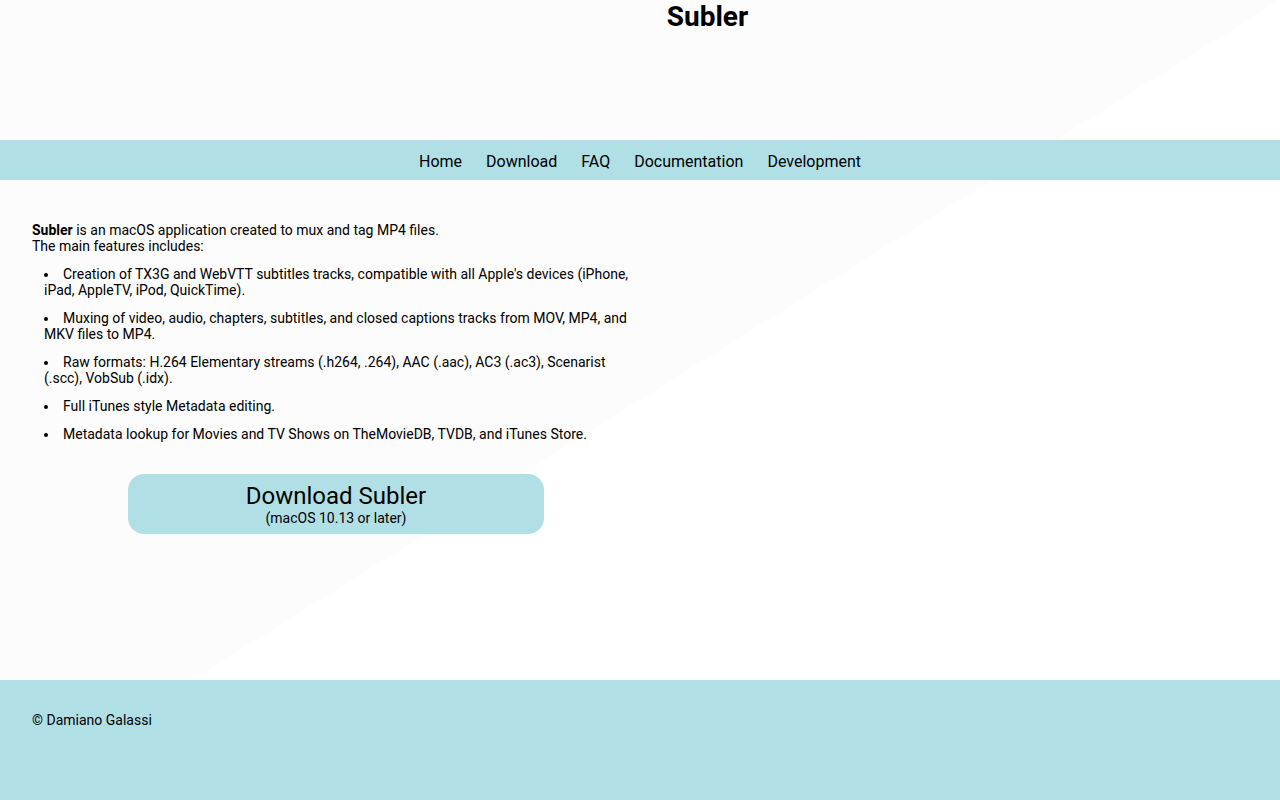
Subler
Mux and tag mp4 files
Clipboard, Input & Automation
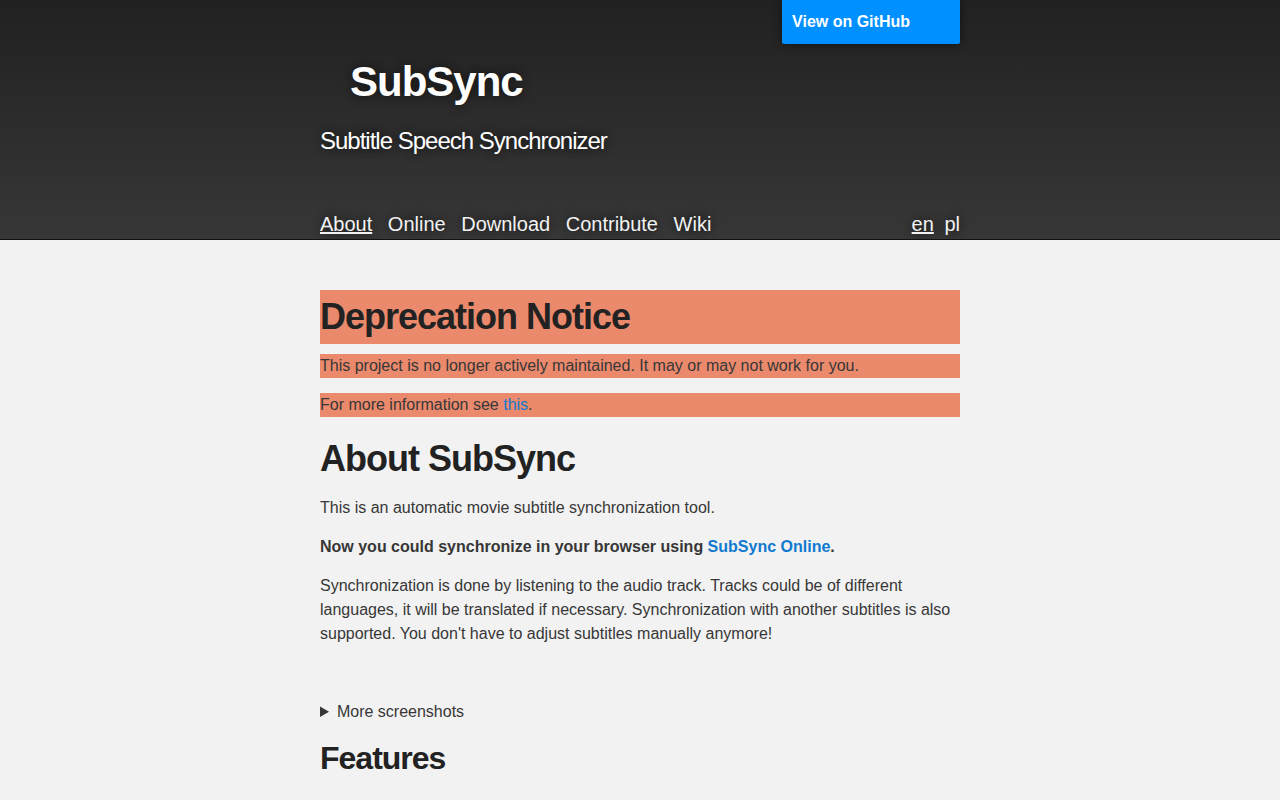
subsync
Subtitle speech synchroniser
Network & Connectivity
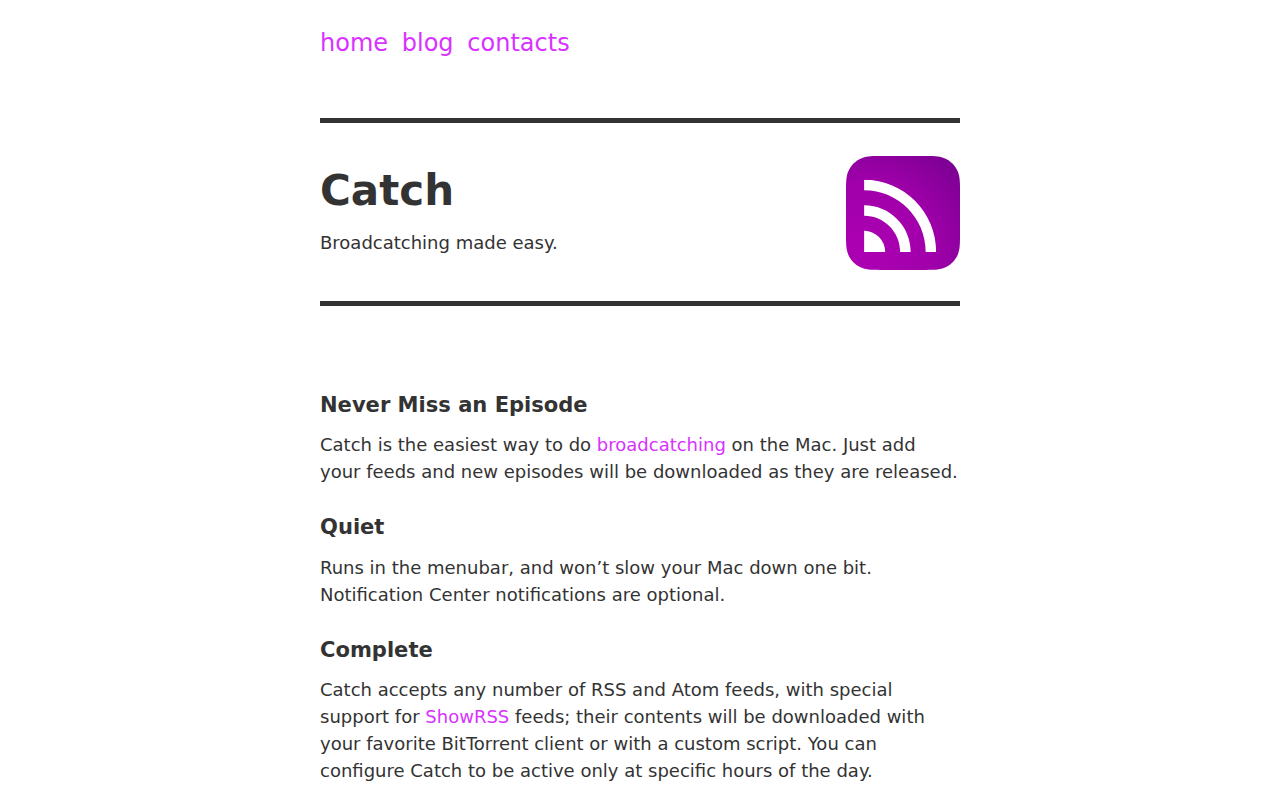
Catch
Broadcatching made easy
Task & Project Management
QLAddict
Quick Look plugin for subtitle (.srt) files