

Charmstone
App launcher and switcher
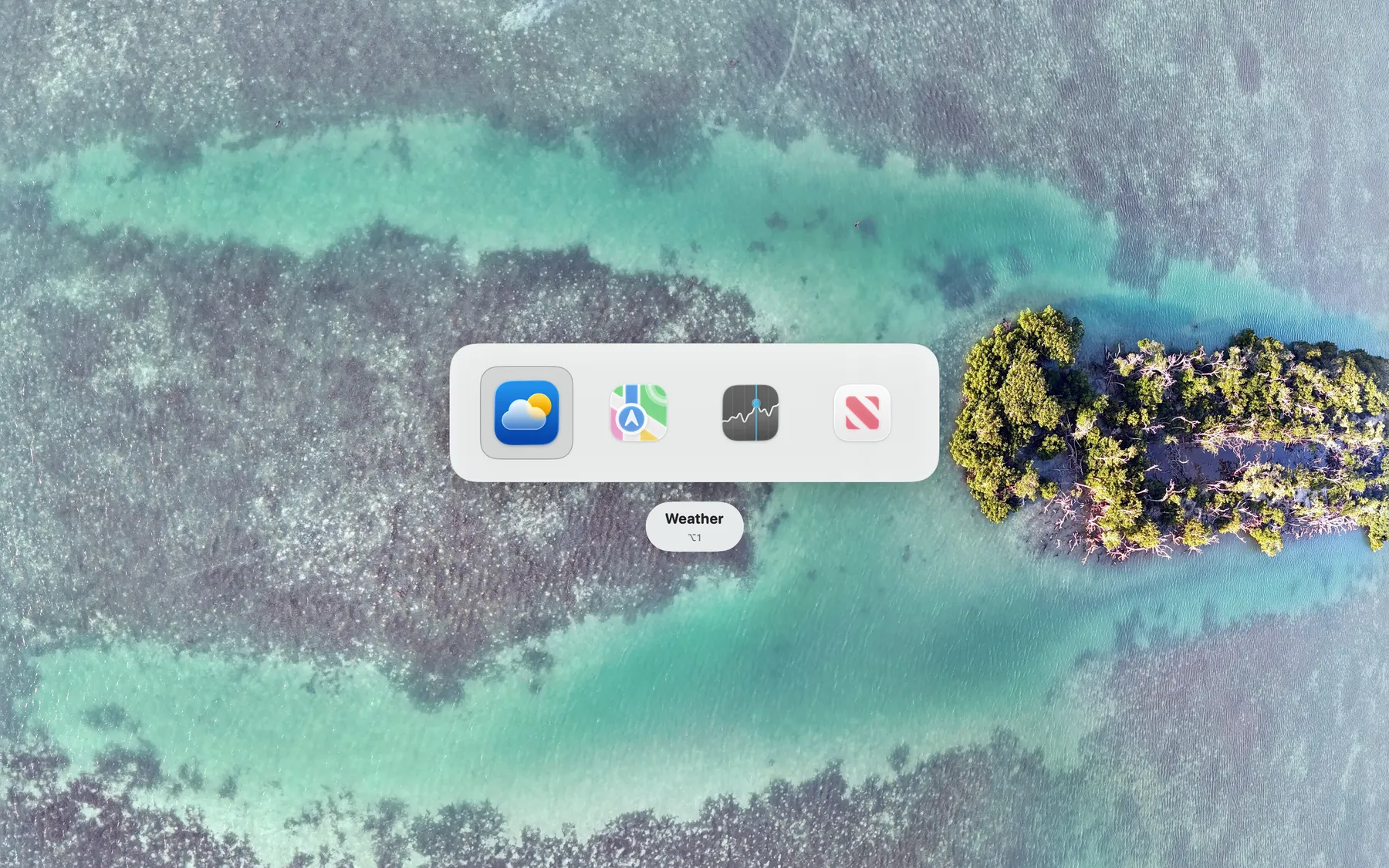
Charmstone provides a fast way to launch and switch between applications on macOS using a single modifier‑key combination. By invoking the launcher, users can select an app from a compact list that appears near the cursor, allowing them to bring the desired program into focus without navigating to the Dock or using the standard Command‑Tab switcher. The interface is designed to be minimal, relying on spatial memory so that the target app can be reached with a single keystroke.
The utility is aimed at macOS users who want a quicker, keyboard‑centric method for changing tasks, especially those who find the traditional dock or Command‑Tab workflow cumbersome. It is a standalone application that runs on any recent macOS version and does not require additional configuration beyond installing the provided binary.
Charmstone is distributed through the Mac App Store and is marked as stable, indicating that it has reached a mature state for everyday use. The developer, Ryan Hanson, emphasizes a low learning curve and a focus on speed, positioning the tool as a lightweight alternative to more complex launchers.
Reviews
Loading reviews…
Similar apps

Clipboard, Input & Automation
Hyperkey
Turn Caps Lock or another modifier into a Hyper key. ![Freeware][Freeware Icon]

Clipboard, Input & Automation
Homerow
Keyboard shortcuts for every button on your screen
Clipboard, Input & Automation
ShortcutCycle
Switch between context-based app groups with a single hotkey.

Window & Desktop Management
Assignee
Simple, instant app switcher.

Clipboard, Input & Automation
KeyClu
Find shortcuts for any installed application

Clipboard, Input & Automation
Snap
Launch an app in a snap. Ridiculously easy shortcut management. ![Freeware][Freeware Icon]