

Colir
Gradients that don't look like defaults
Colir lets users create custom gradients using separate X and Y curves that define how colors flow across a canvas, rather than relying on standard linear or radial presets. Colors can be chosen from built‑in palettes or defined manually, and the tool offers a range of visual filters such as noise, feather, glitter, distortion and pattern overlays, each with selectable blend modes. Real‑time GPU‑accelerated rendering in WebGL supports editing at high resolutions without waiting for a render pass.
The interface is designed for quick iteration: after picking colors, users adjust the two curves, apply filters, and then export the result as PNG or WebP at up to four‑times the base resolution. The 12 blend modes include common Photoshop and Figma options like Multiply, Screen, Overlay and Difference, allowing layered effects that are not achievable with basic gradient tools.
Colir targets designers and artists who need non‑default, high‑quality gradients for brand identity, print, video, web design, or digital art, and it emphasizes a low learning curve and seamless integration into existing workflows.
Reviews
Loading reviews…
Similar apps
Fonts, Colors & Assets
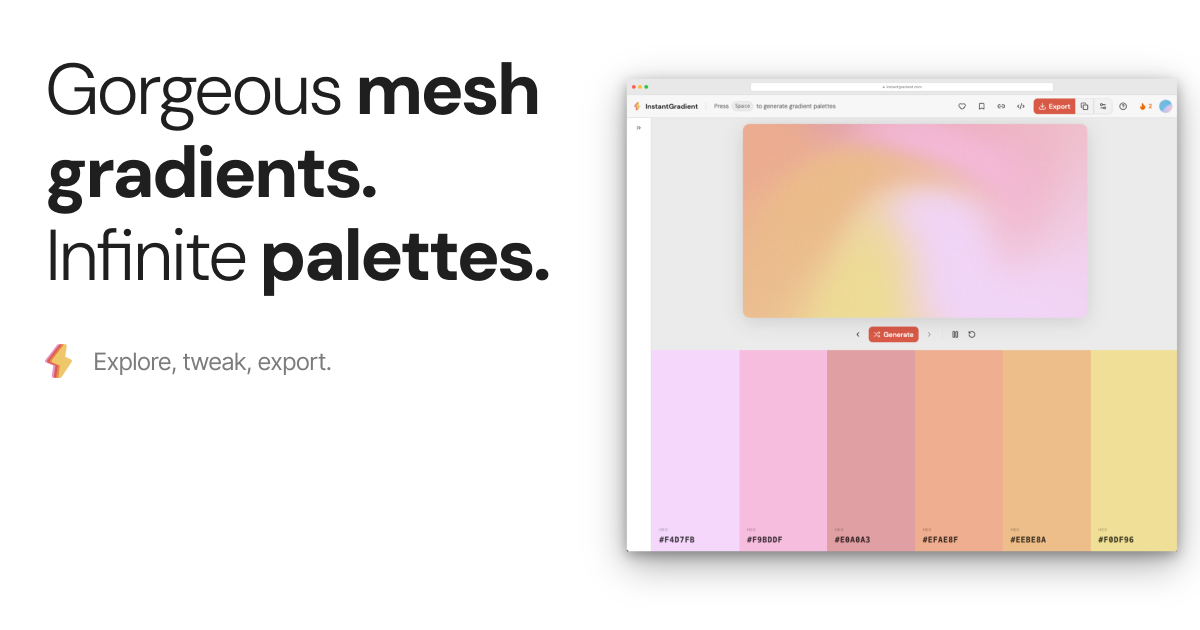
InstantGradient
Gorgeous mesh gradients. Infinite palettes.
Fonts, Colors & Assets
PickColors
Instant color picker & palette generator for designers
Fonts, Colors & Assets
GradientGen
Beautiful, animated mesh gradients with 2 to 6 colors
Fonts, Colors & Assets
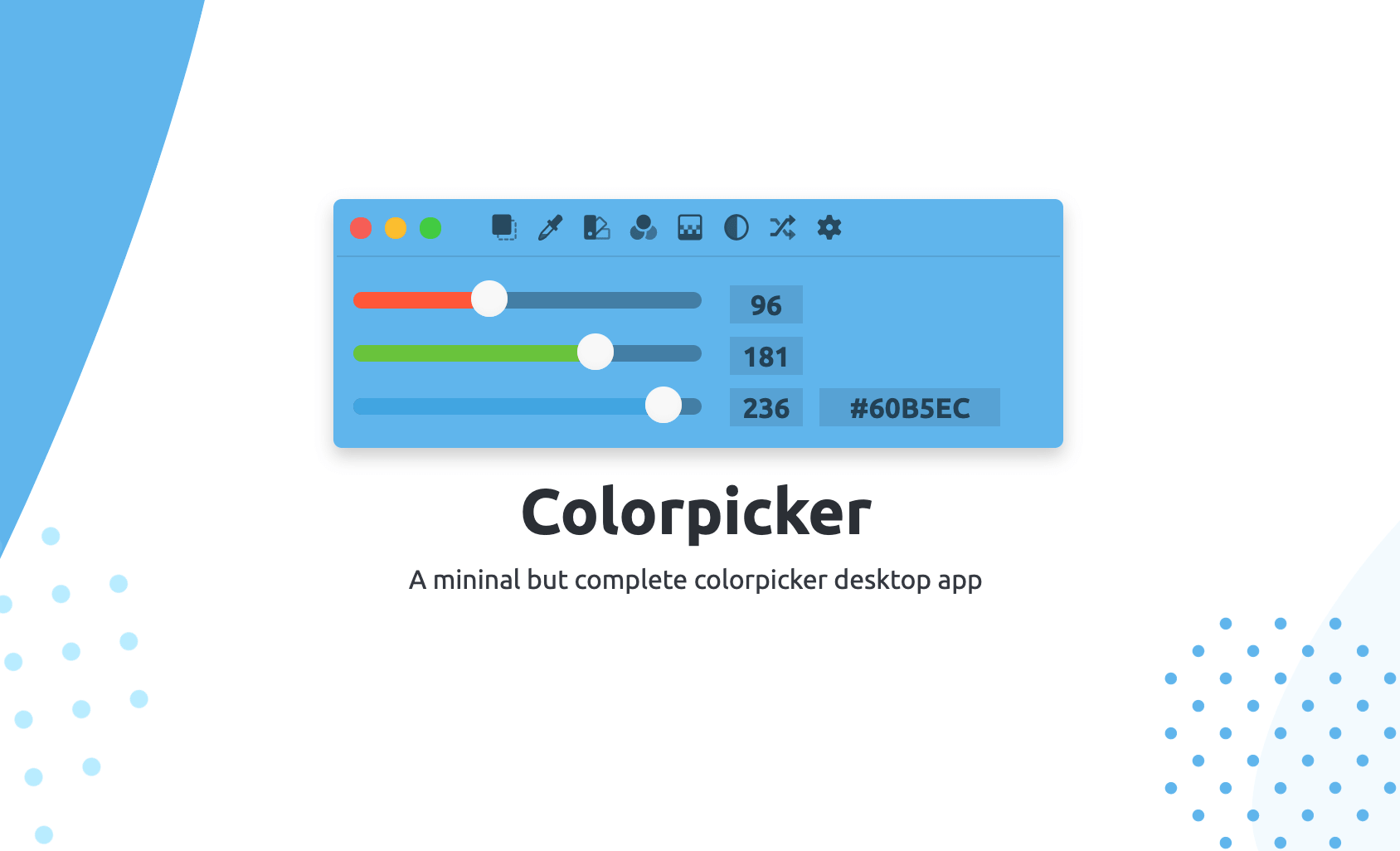
Colorpicker
Colorpicker is a complete open-source colors manipulation tool with picking!
Fonts, Colors & Assets
Color Studio
Coherent colour scheme creator

Fonts, Colors & Assets
Kulay
Curated Color Library and Color Tools