
Continuity Activation Tool
Enable continuity features on compatible hardware
The Continuity Activation Tool modifies macOS system extensions to enable Apple’s Continuity features—such as Handoff, Instant Hotspot, and the newer AirDrop—on Macs that meet the hardware requirements for OS X 10.10 and 10.11. It performs a compatibility check, backs up the relevant kexts before and after patching, and applies the necessary changes for the current configuration. A diagnostic mode can generate a report of system parameters that affect Continuity, and an uninstall option restores the original extensions or reinstalls them from the recovery disk, re‑enabling signature protection when safe.
The utility is aimed at users of older Macs, particularly those from 2008 onward, who wish to add Continuity support without official Apple hardware. It also supports Bluetooth 4.0 USB dongles, expanding the range of compatible machines. The tool can be run from the graphical interface or via command‑line scripts with options for activation, forced activation, diagnostics, and removal.
Because the tool disables Apple’s driver verification, it lowers system security and may cause instability if used incorrectly. Users are advised to consult the project's wiki for known limitations, follow Apple’s troubleshooting steps, and operate the latest version at their own risk.
Reviews
Loading reviews…
Similar apps
System Monitoring & Maintenance
Hackintool
Hackintosh patching tool
Network & Connectivity
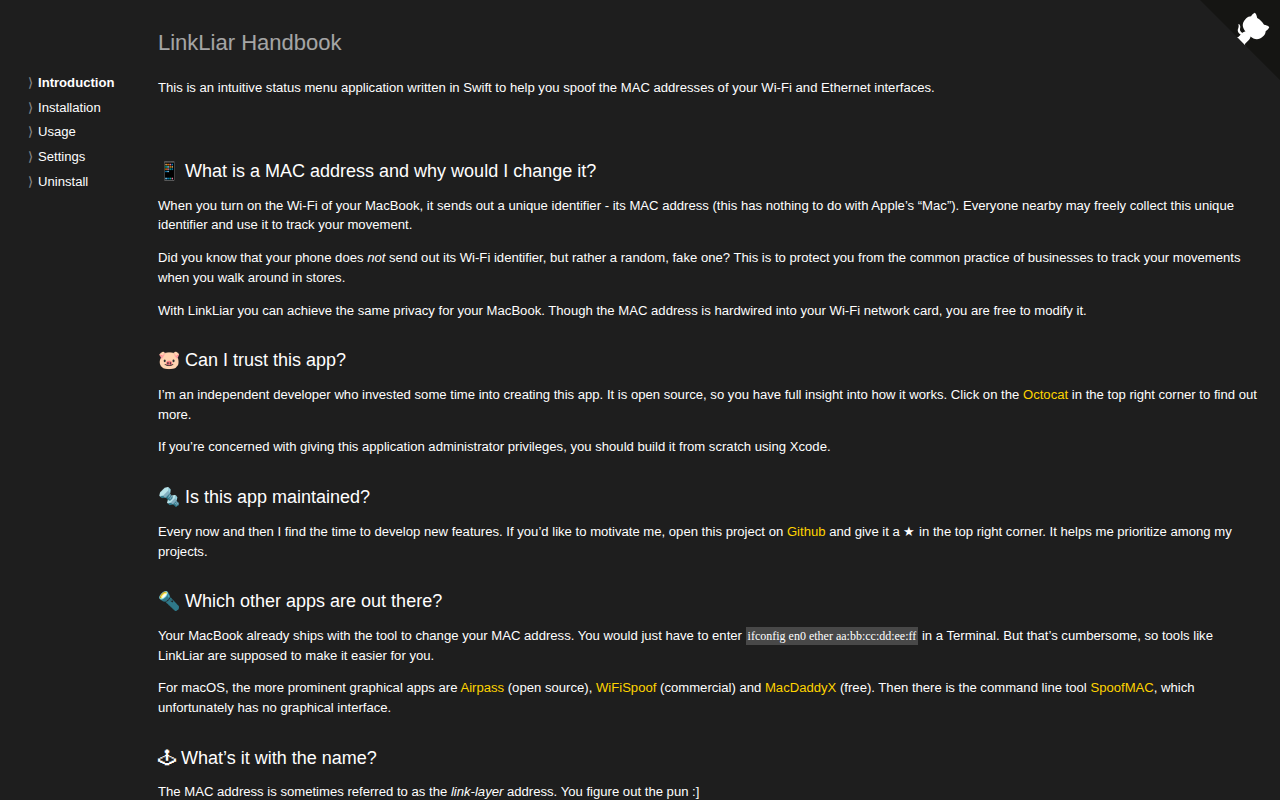
LinkLiar
Link-Layer MAC spoofing GUI for macOS
System Monitoring & Maintenance
UEFITool
UEFI firmware image viewer

System Monitoring & Maintenance
OpenCore Legacy Patcher
Boot loader to inject/patch current features for unsupported Macs
System Monitoring & Maintenance
Retroactive
Run Apple apps on incompatible OS versions
System Monitoring & Maintenance
Betaflight-Configurator
Configuration tool for the Betaflight firmware