
Dayflow
Screen activity timeline with AI support.
Dayflow runs silently on macOS, capturing lightweight screen activity and converting it into a chronological timeline of work. By processing screen chunks with a selectable AI provider, it creates context‑aware activity cards that reflect what the user was actually doing rather than merely which application was open. The resulting journal can be exported as Markdown, allowing users to keep a searchable record of their day.
The tool includes a daily stand‑up view that extracts highlights, tasks, and blockers from the previous day, as well as a weekly review that visualises focus patterns, app usage, and distraction sessions. A built‑in chat interface lets users ask natural‑language questions about their timeline, receiving answers grounded in the recorded activity.
Dayflow is open source and local‑first, storing recordings and database files on the Mac by default and offering automatic cleanup to limit storage. Users can choose between local models or cloud services such as Gemini, ChatGPT, or Claude, balancing privacy, cost, and summary quality.
Reviews
Loading reviews…
Similar apps
Time Tracking & Focus
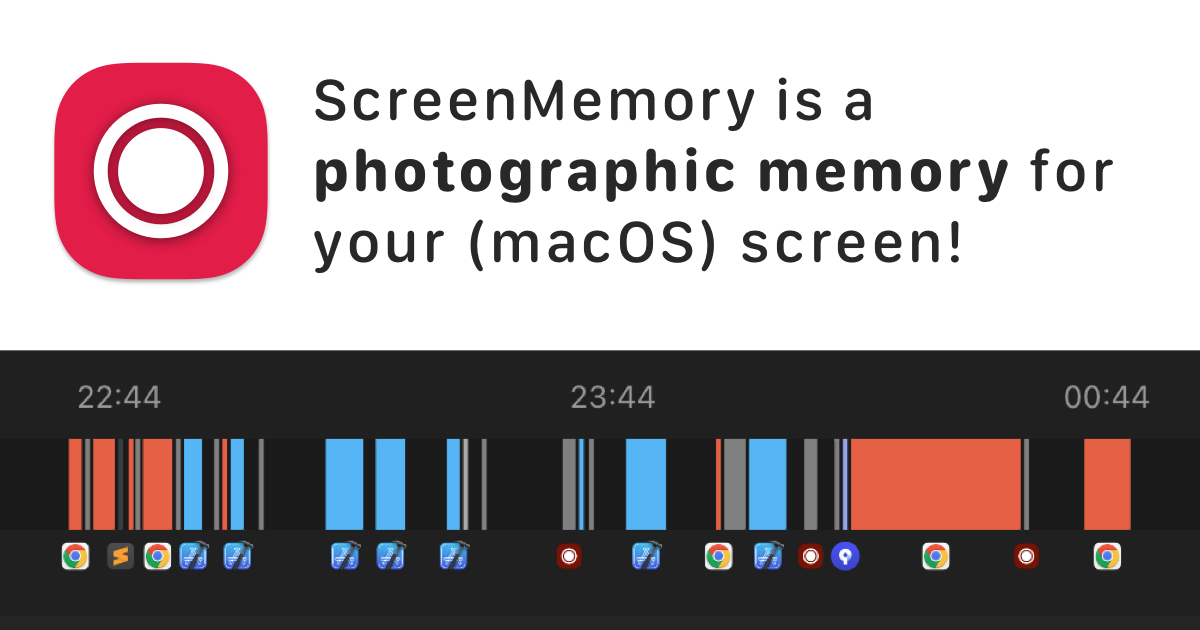
ScreenMemory
Record your screen and go back in time to see what you worked on
Time Tracking & Focus
ActivityWatch
Automatically track how you spend time on your devices.
File Management & Transfer
Screenpipe
Local screen and microphone recorder with AI search.
Time Tracking & Focus
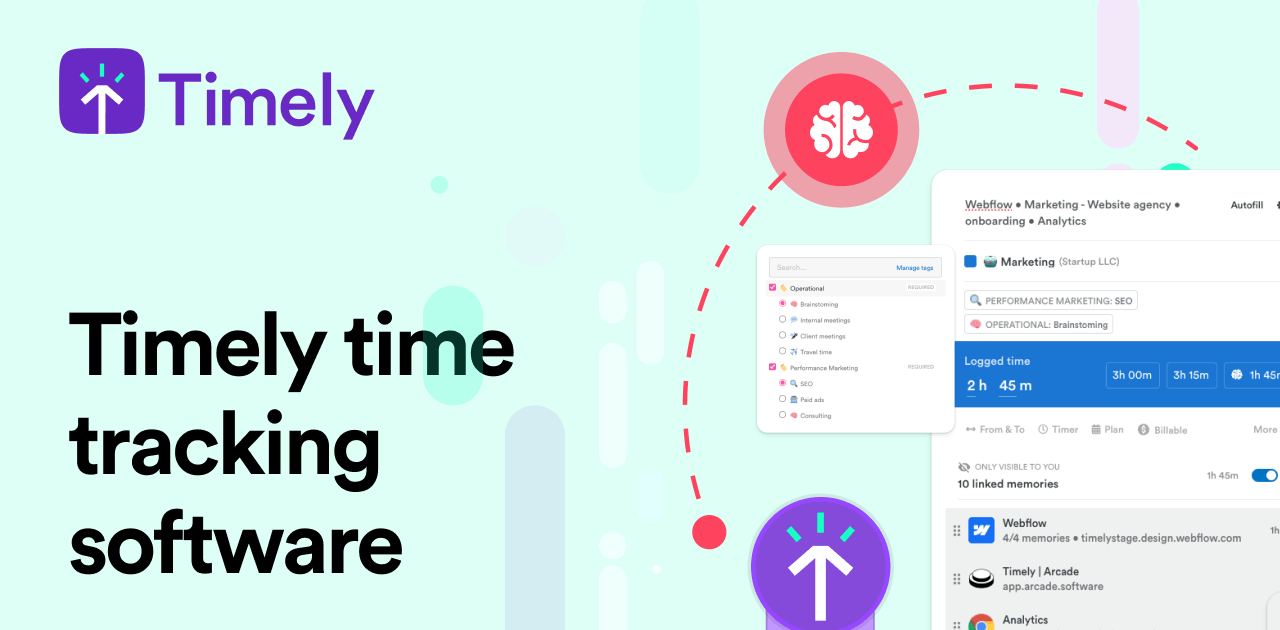
Memory Tracker by Timely
Time tracking software
Clipboard, Input & Automation
ClipFlow
Free clipboard history manager with terminal-style navigation.
File Management & Transfer
rem
An open source approach to locally record and enable searching everything you view on your Mac.