
Default Folder X
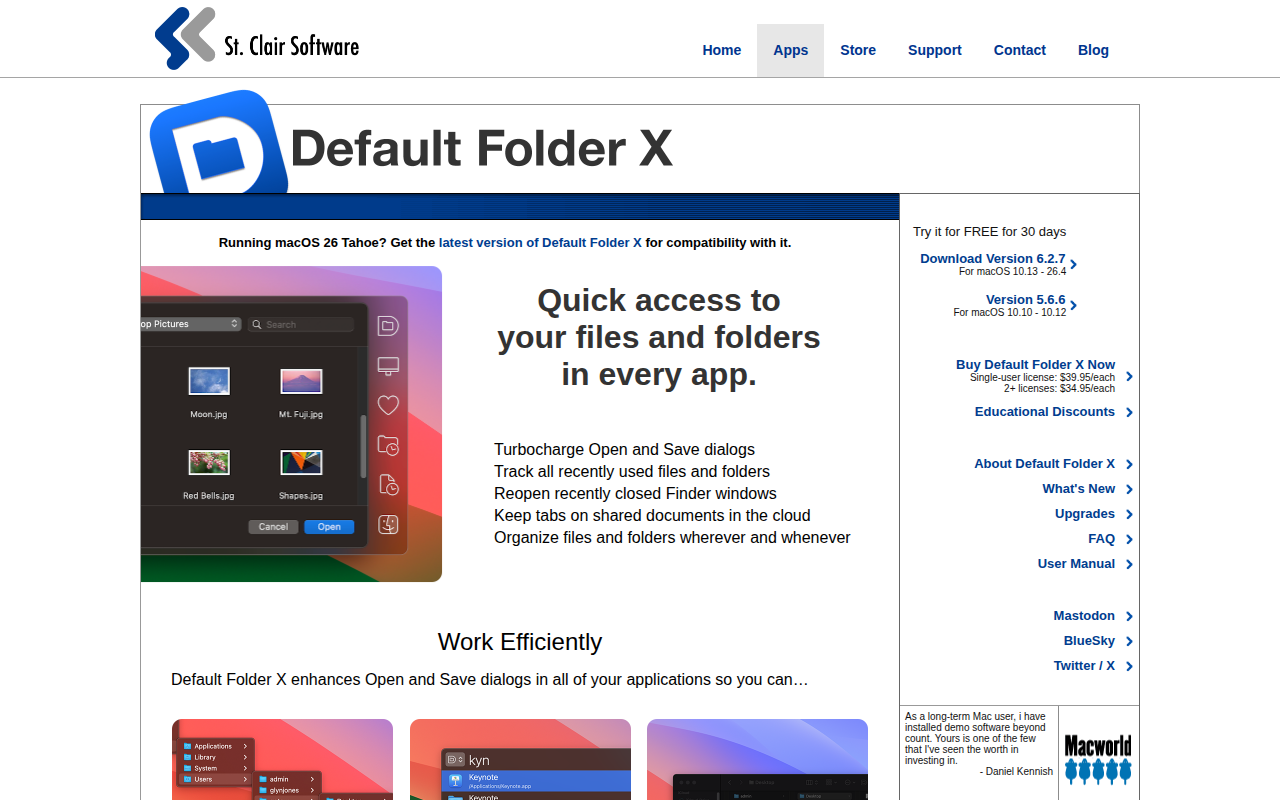
Quick access to your files and folders in every app.
The utility enhances Open and Save dialogs across macOS applications by adding hierarchical, mouse‑over menus, instant typing search, and a larger filename field, allowing users to navigate to any folder or recent item with minimal clicks. It also integrates with the Finder, providing a customizable toolbar and menu bar icon that expose recent, favorite, and open folders, plus drag‑to‑drawer and drag‑to‑menu shortcuts for quick access.
Keyboard shortcuts trigger a Quick Search window (Command + Shift + Space) where a few typed characters locate files, folders, or applications, and shortcuts are fully configurable. The tool remembers recently used locations, can pre‑select the last opened file, and can set default save folders per application, reducing repetitive navigation.
Additional Finder functions such as info, duplicate, rename, and delete are available directly from Open/Save dialogs, and users can drag items to the menu bar icon to move them via the menu, streamlining file management without leaving the dialog.
Reviews
Loading reviews…
Similar apps
File Management & Transfer
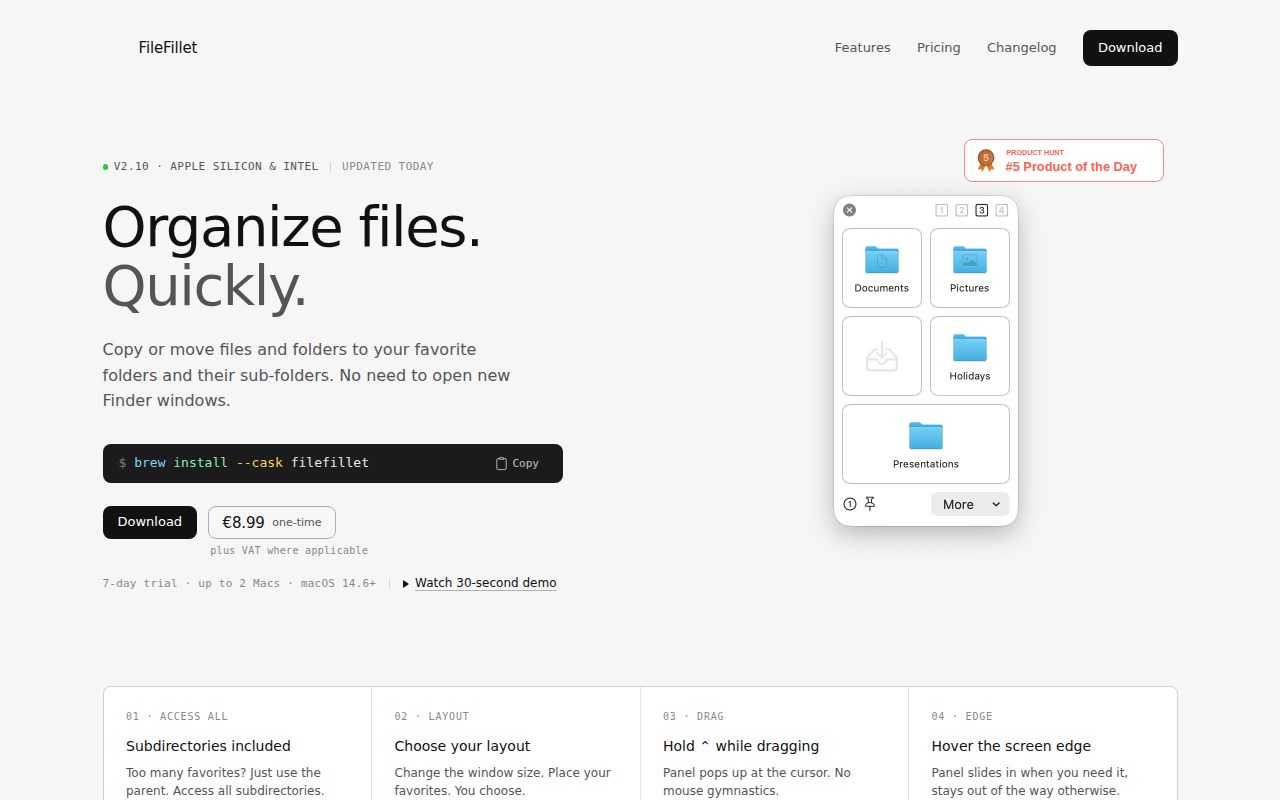
FileFillet
Efficient file organizer

File Management & Transfer
FileMinutes
Find files and take actions, all in one.

File Management & Transfer
ShareFile
Client for the Progress ShareFile storage service
File Management & Transfer
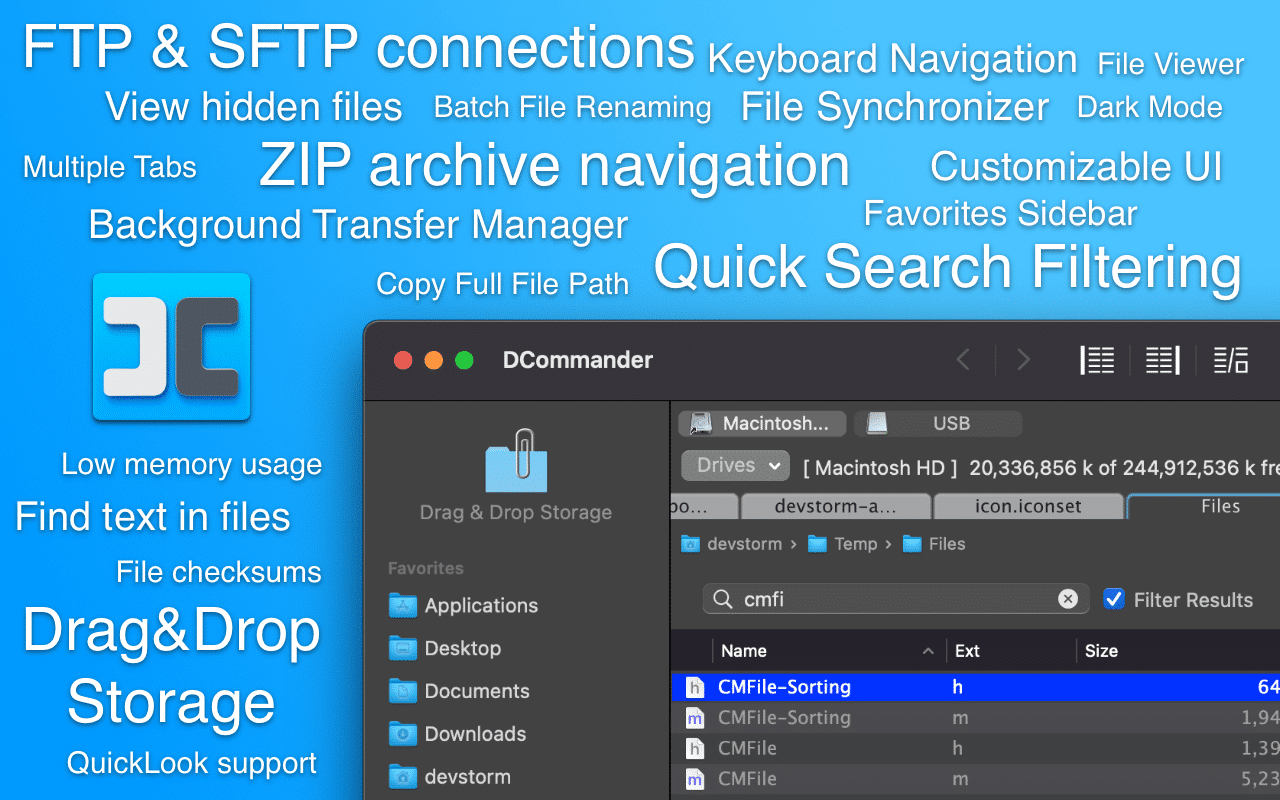
DCommander
Two-pane file manager
File Management & Transfer
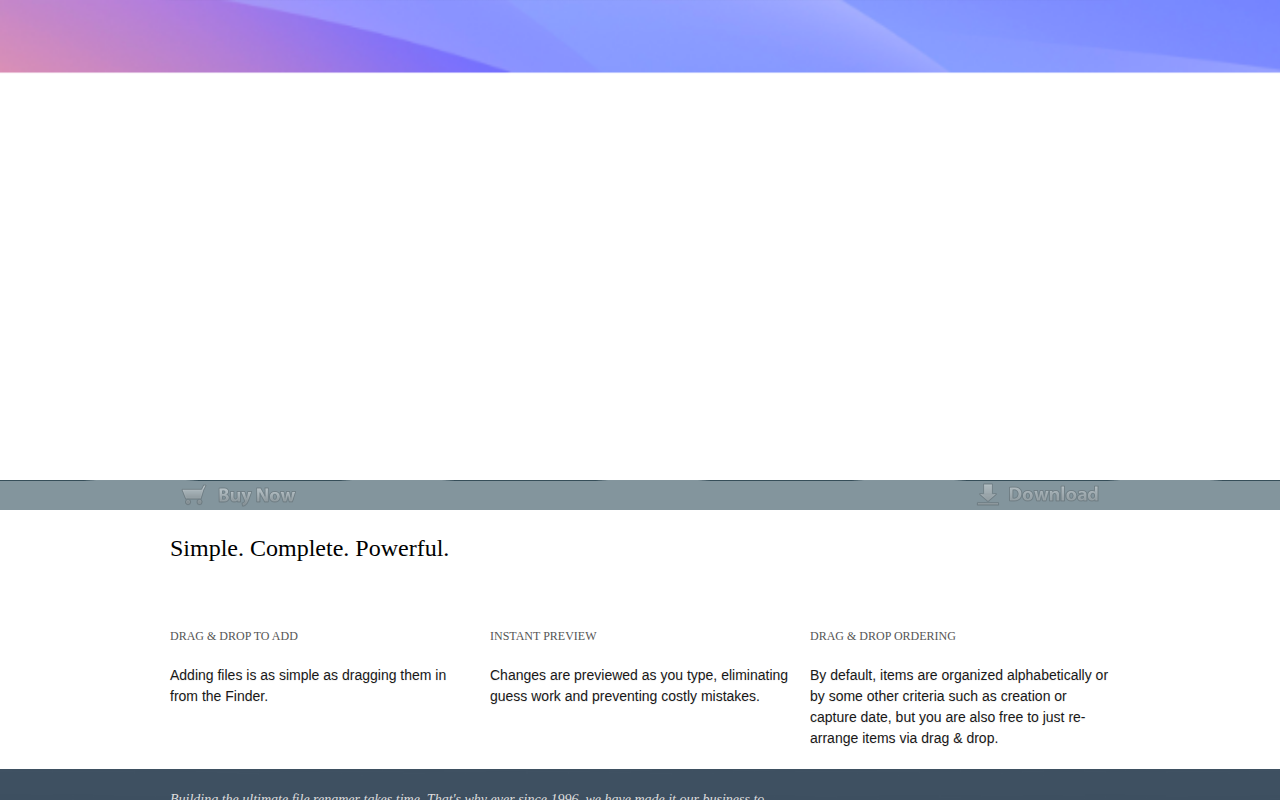
BetterRename
The most powerful and complete Mac file renaming application on the market.
File Management & Transfer
Dropover
Temporary shelf for collecting and moving dragged files, text, and links.