
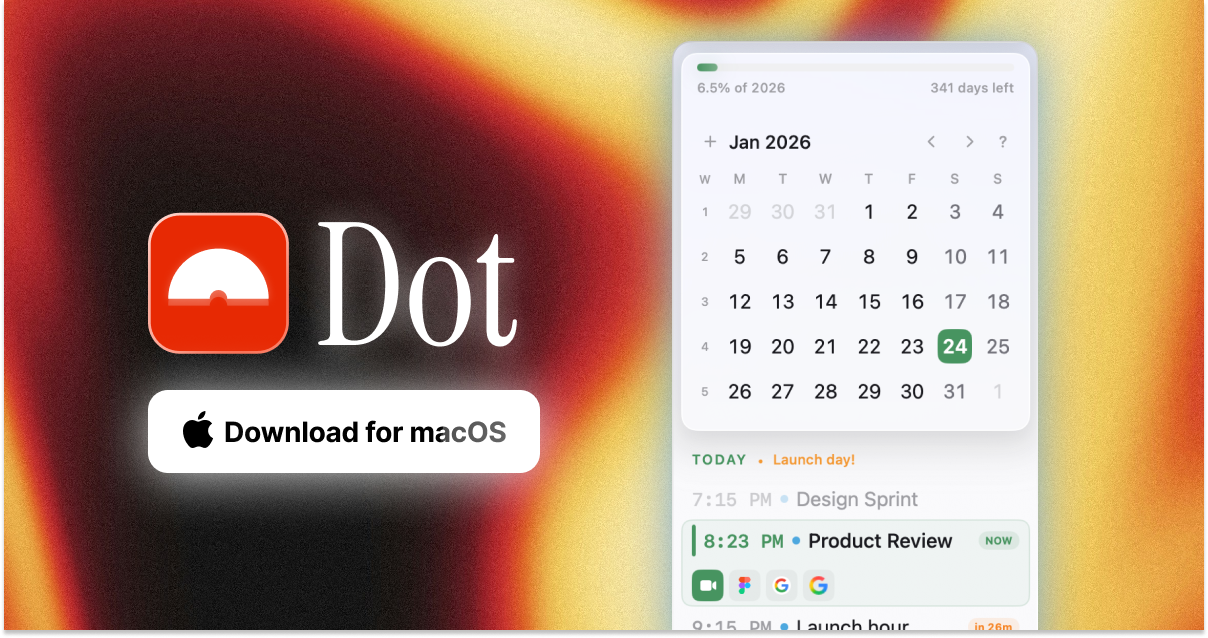
Dot
Menu bar calendar with meeting reminders
A native macOS menu‑bar application that displays a compact view of your calendar directly from the menu bar. It shows upcoming events, allows you to navigate days, and provides quick access to meeting links for Zoom, Google Meet, Microsoft Teams, and Webex. Users can create, edit, and search events using a command‑bar shortcut, entering details in natural language such as “Lunch tomorrow 12pm” or “Team sync every Monday 10am for 1 hour”.
The tool targets founders, makers, and anyone who needs rapid access to schedule information without leaving their current workflow. It offers one‑click meeting join, customizable menu‑bar tokens (date, countdown, clock, etc.), and optional floating or fullscreen views. A world‑clock feature shows multiple time zones, and a camera‑preview utility lets users check video settings before joining calls.
All functionality is built into a single macOS app, available via a free download or Homebrew cask, and supports standard calendar sync. The interface emphasizes minimal navigation and inline editing, keeping calendar management within the menu bar.
Reviews
Loading reviews…
Similar apps
Calendar & Scheduling
Calendr
Menu bar calendar
Window & Desktop Management
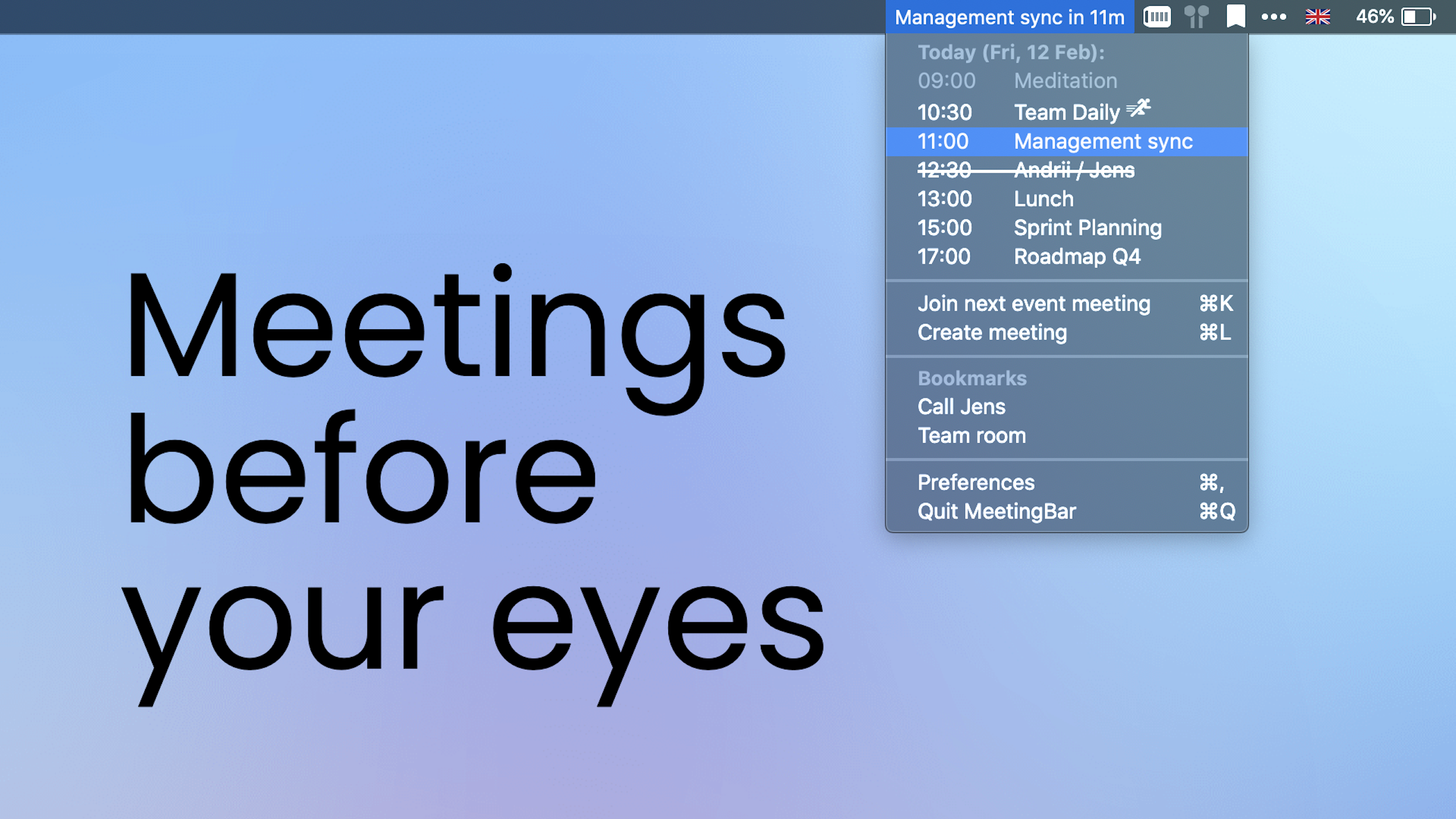
MeetingBar
Shows the next meeting in the menu bar

Calendar & Scheduling
Vimcal
Calendar
Calendar & Scheduling
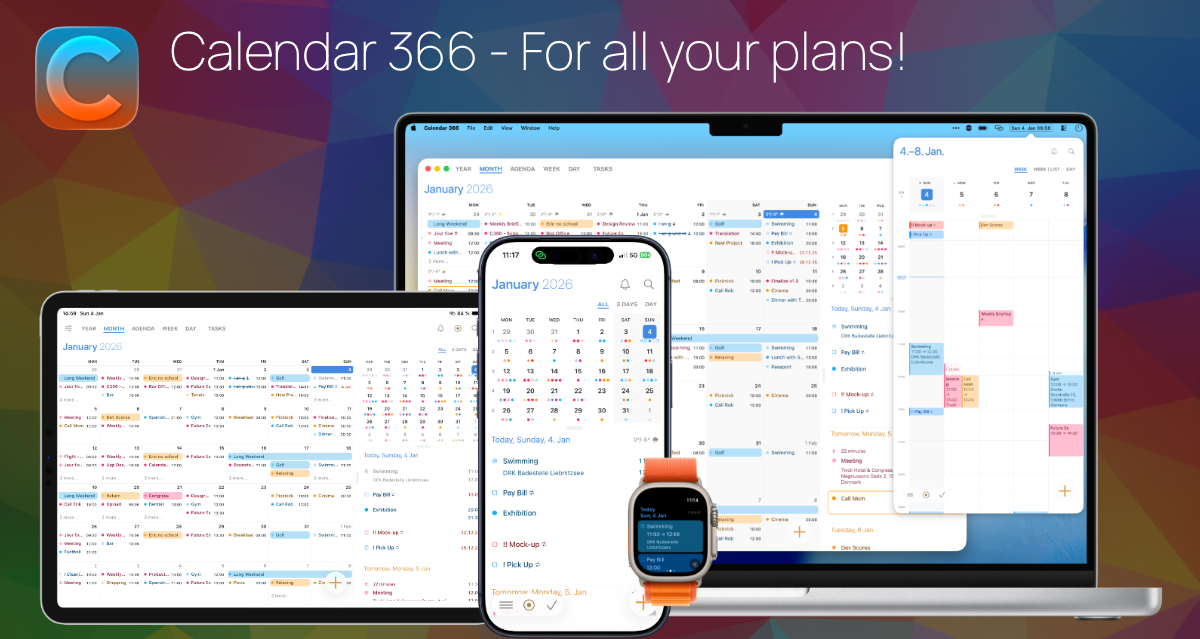
Calendar 366 II
Menu bar calendar for events and reminders
Window & Desktop Management
Itsycal
Tiny calendar for your Mac's menu bar.
Window & Desktop Management
Clocker
Menu bar timezone tracker and compact calendar