

Dynobase
GUI Client for DynamoDB
Dynobase provides a graphical interface for working with Amazon DynamoDB, allowing users to explore tables, edit items, and construct queries without leaving the application. It supports switching between AWS profiles and regions, handling short‑ and long‑lived credentials, MFA, and AWS SSO identities, and can be used on macOS, Windows, and Linux.
The client includes a visual query builder that detects whether a request should be a Scan or Query, supports SQL‑style queries, and can export the resulting statements as code snippets in JavaScript/TypeScript, Rust, Go, and Python. An integrated terminal lets users apply JavaScript transformations to data, while bookmarks and history record frequently used operations.
Additional features cover bulk import and export of CSV or JSON data with type conversion, an AI‑assisted code generator for common DynamoDB patterns, and a WYSIWYG operation builder for updates, deletions, and transactions. The tool is positioned as a professional‑grade IDE for developers who need faster, more convenient DynamoDB workflows.
Reviews
Loading reviews…
Similar apps

Databases & Data Tools
Amazon DynamoDB Local
Development tool for DynamoDB

Databases & Data Tools
TablePlus
Native GUI tool for relational databases
Databases & Data Tools
Outerbase Studio Desktop
Database GUI
Databases & Data Tools
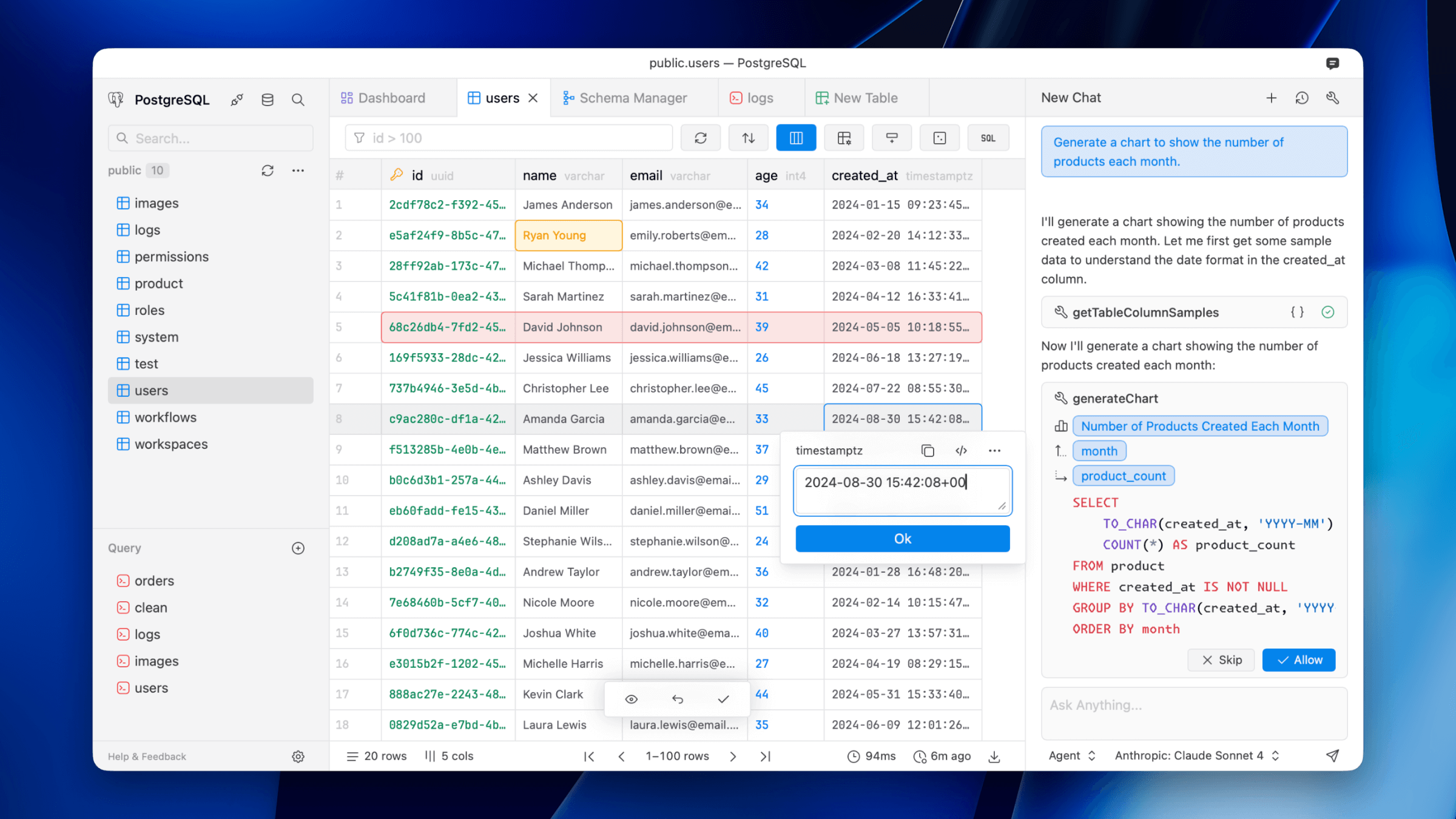
Dataflare
Simple database client supporting Postgres, MySQL, DuckDB, libSQL, Cloudflare D1, and more.
Databases & Data Tools
DB Pro
Database client for querying and managing SQL databases.
Databases & Data Tools
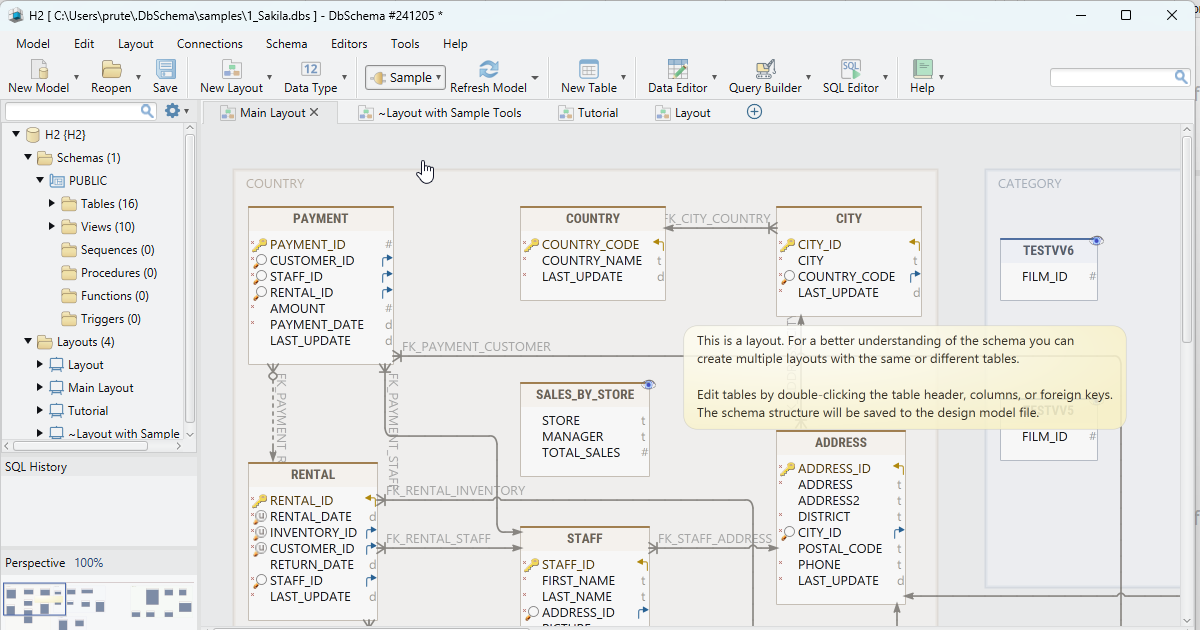
DbSchema
Design, document and deploy databases