
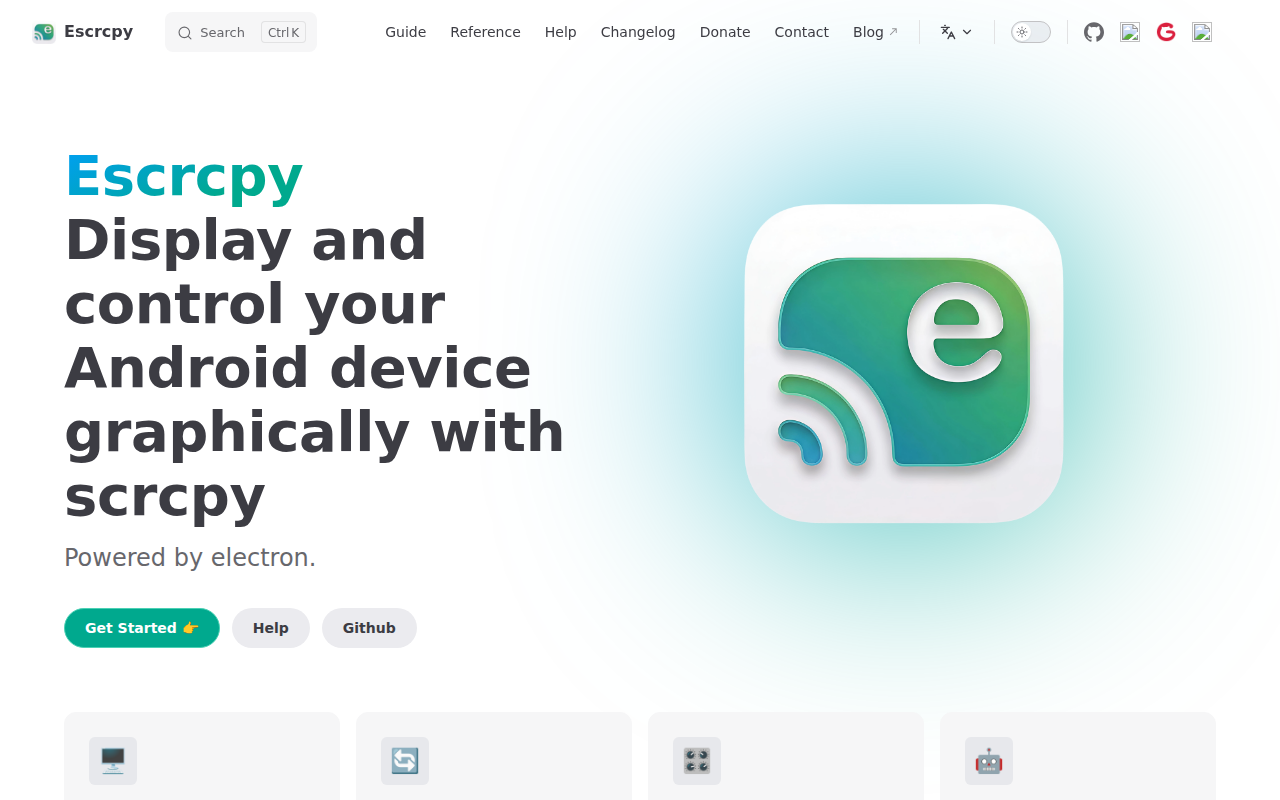
escrcpy
📱 Graphical Scrcpy to display and control Android devices, powered by Electron.
Escrcpy provides a graphical interface for the scrcpy tool, allowing users to view and interact with Android devices from a desktop computer. Built with Electron, it presents an embedded mirror window that automatically adapts to the device’s resolution and orientation, and includes a draggable control bar with shortcuts for actions such as rotation, screenshots, app launching, file transfer, terminal access, and AI‑assisted commands.
The application supports managing multiple devices at once, offering a single window where inputs can be broadcast, screenshots captured in batch, and APKs installed simultaneously. It also enables wireless ADB connections with Gnirehtet reverse tethering, and includes automation features that can run parallel workflows across several devices.
Designed for developers and power users, escrcpy bundles the high‑performance scrcpy core for low‑latency mirroring while adding extensions like natural‑language control via AutoGLM. Installation is available through released packages for various platforms, with Homebrew support on macOS, and documentation covers setup, shortcuts, device operations, preferences, and reverse tethering.
Reviews
Loading reviews…
Similar apps
Remote Access & VPN
Vysor
Mirror and control your phone
File Management & Transfer
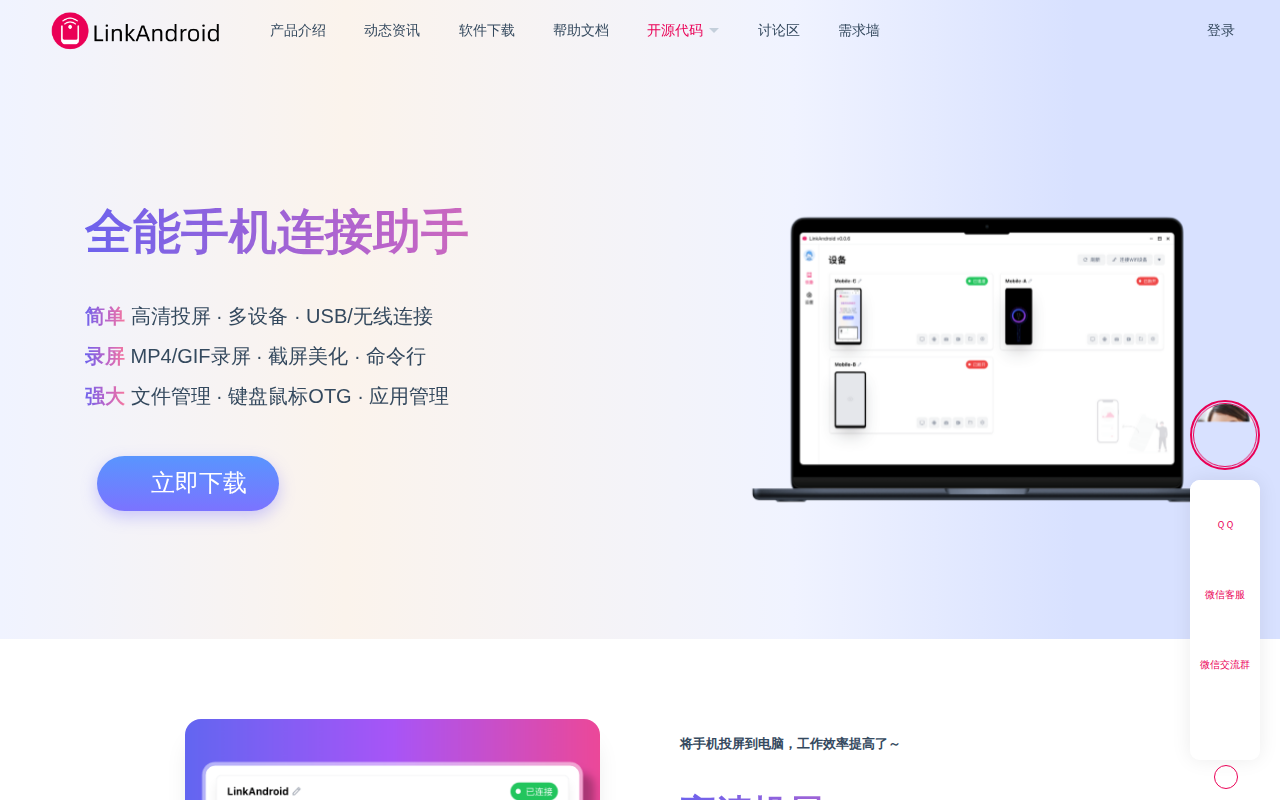
LinkAndroid
Open source android assistant
Email Clients
ElectronMail
An Electron-based unofficial desktop client for ProtonMail.
DevOps & Infrastructure
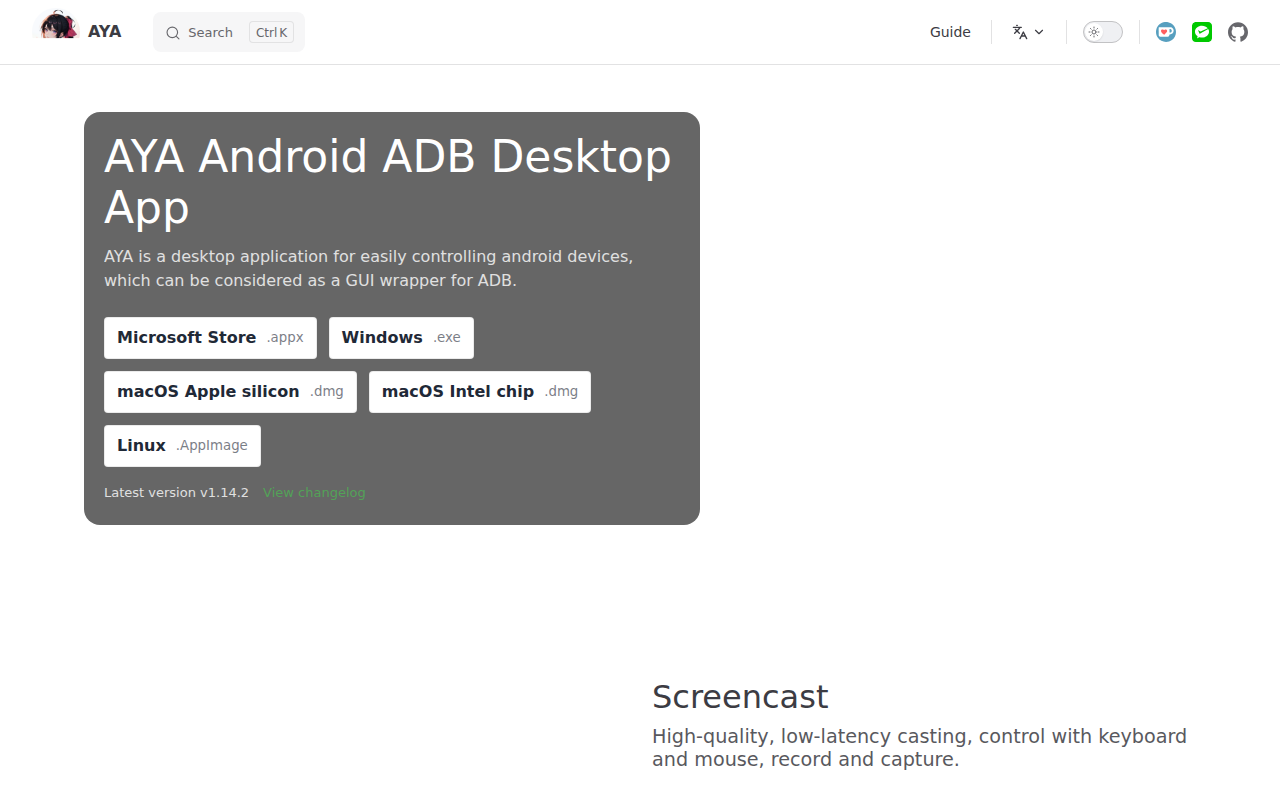
AYA
Android ADB desktop app
Remote Access & VPN
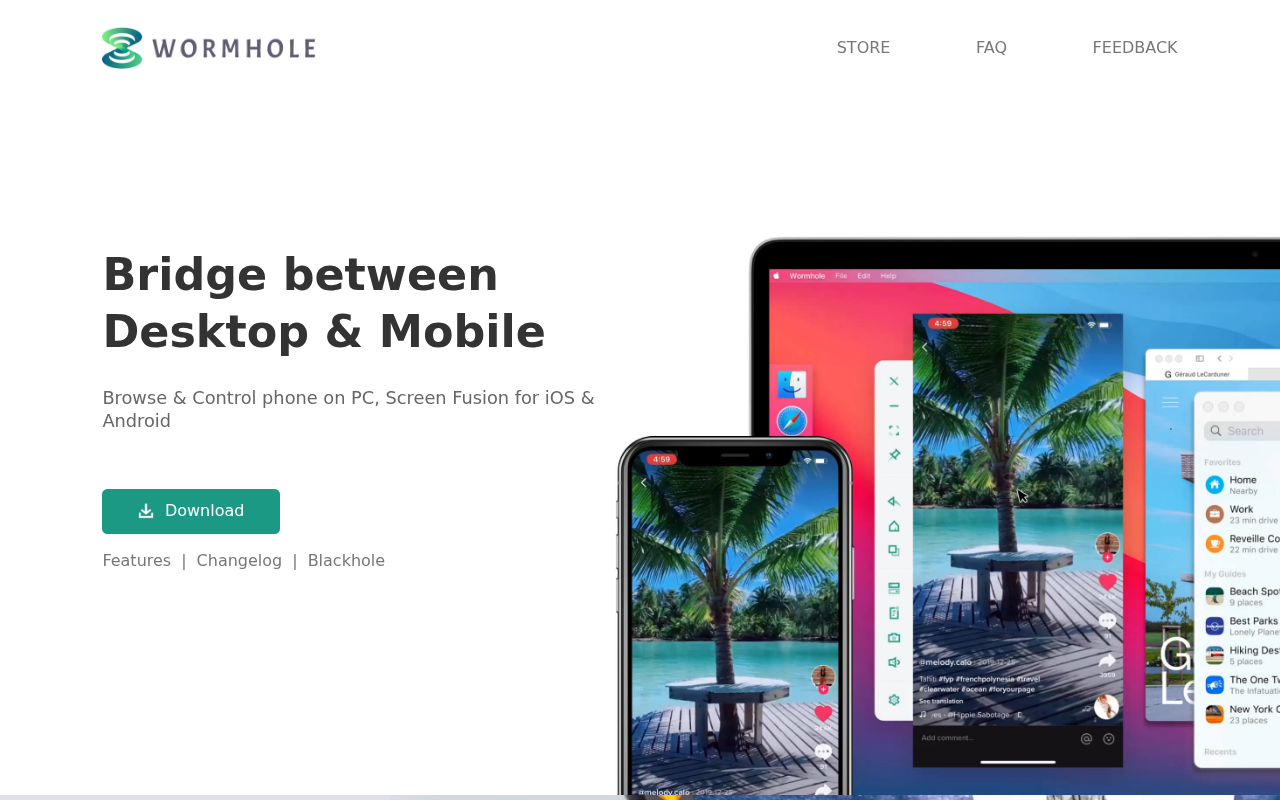
Wormhole
Browse & Control phone on PC, Screen Fusion for iOS & Android

Remote Access & VPN
AirDroid
Mobile device management suite