

Fresh
Keep your recently modified files at hand and up-to-date
Fresh monitors files that have been recently created, downloaded, or edited and presents them in a compact window that stays on the screen of the active application. The top “Fresh Files” pane lists these items automatically, while the lower “Cooler” pane works as a temporary shelf where users can drag files for quick access; the Cooler automatically removes items that are not used, keeping the view uncluttered without affecting the original files.
The interface supports basic file management actions: clicking opens a file, pressing Delete removes it from the list, and Command‑Delete or dragging to the dock sends it to the trash. Users can search within Fresh using Spotlight or by navigating any folder, and they can assign tags and star ratings to files for easier organization.
Designed for macOS, Fresh runs as a hidden background utility that appears only when needed, reducing window clutter. It updates to stay compatible with new macOS releases and offers keyboard shortcuts for efficient workflow.
Reviews
Loading reviews…
Similar apps
File Management & Transfer
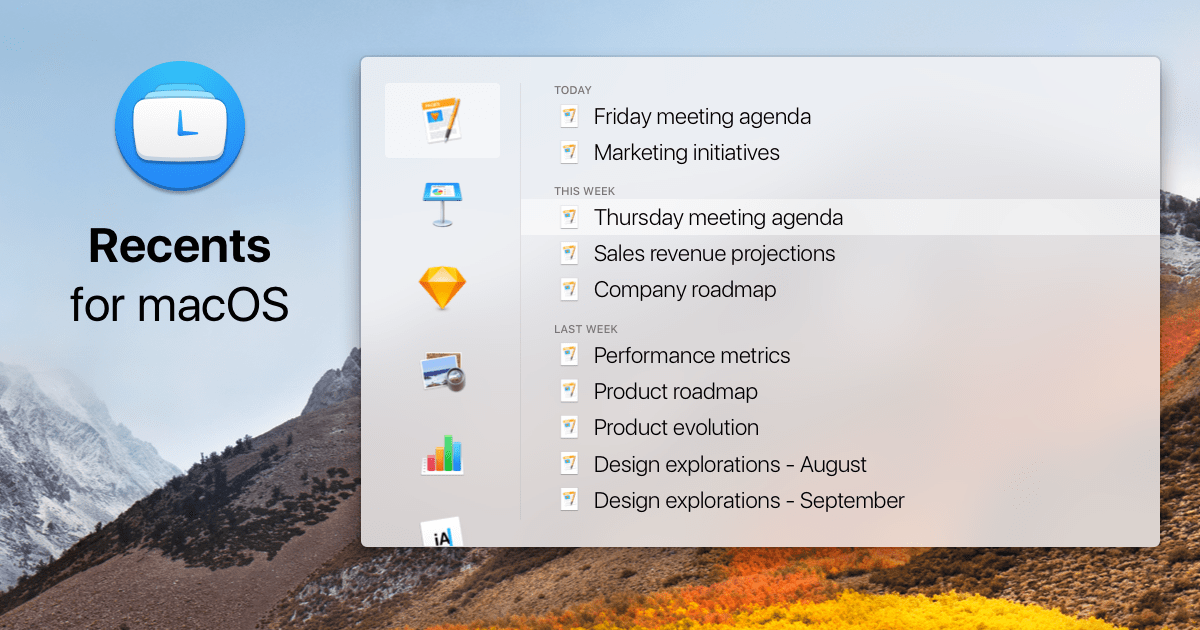
Recents
File launcher

File Management & Transfer
Yep
Document manager
File Management & Transfer
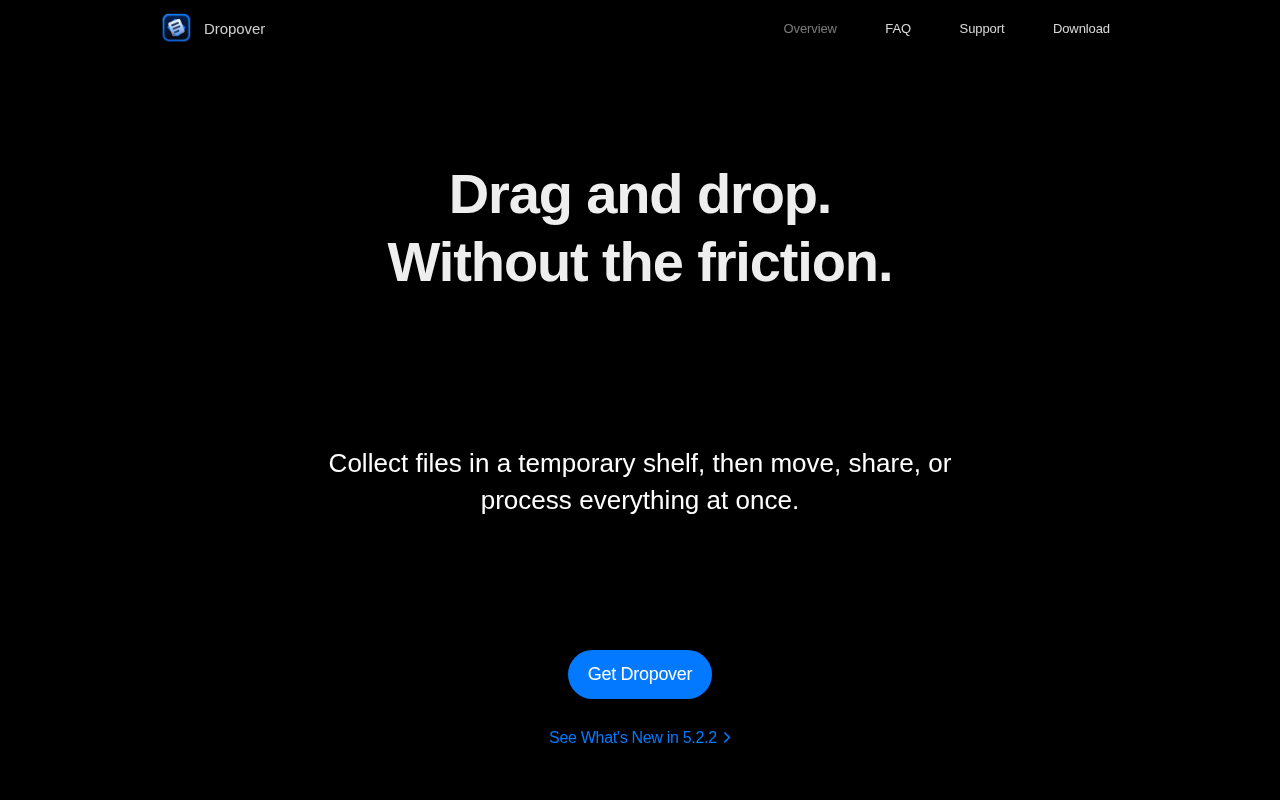
Dropover
Temporary shelf for collecting and moving dragged files, text, and links.
File Management & Transfer
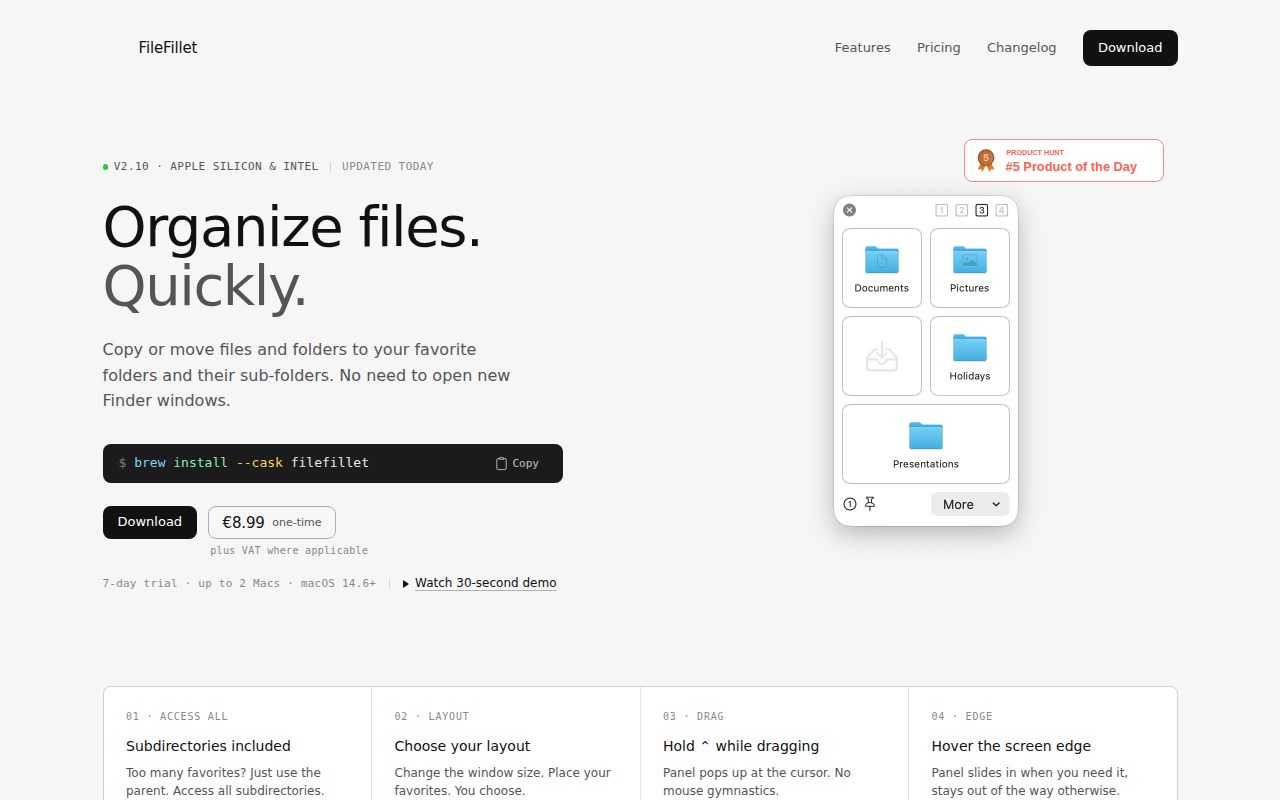
FileFillet
Efficient file organizer

File Management & Transfer
Hook for Mac
Link related files, emails, and notes for quick navigation.
File Management & Transfer
Dropshelf
A drag and drop helper app for macOS. ![Freeware][Freeware Icon]