
google-font-installer
Download and install Google Web Fonts on your local machine.
The tool provides a Node.js module and command‑line interface for working with the Google Web Fonts catalog. It lets users search the font list with permissive matching, download selected families or specific variants to a chosen directory, and install them into the local system font store ( /.fonts on Linux, ~/Library/Fonts on macOS, and a Windows script for native installation). A separate command can copy the CSS URL for a font, facilitating web integration.
Developers and designers who need local copies of Google fonts for offline use, custom builds, or system‑wide availability can invoke the CLI directly after installing the package globally, or they can require the module in a project and call its APIs programmatically. The CLI supports options for destination folders and comma‑separated variant lists, and it handles ambiguous family names by presenting alternatives.
Installation works across Linux, macOS, and Windows, using the appropriate user font directories or a Windows script that performs the required registry updates. The package is marked stable and is available as a core CLI‑enabled component.
Reviews
Loading reviews…
Similar apps
File Management & Transfer
Fontplop
Open Source Webfont Converter
Version Control & Git
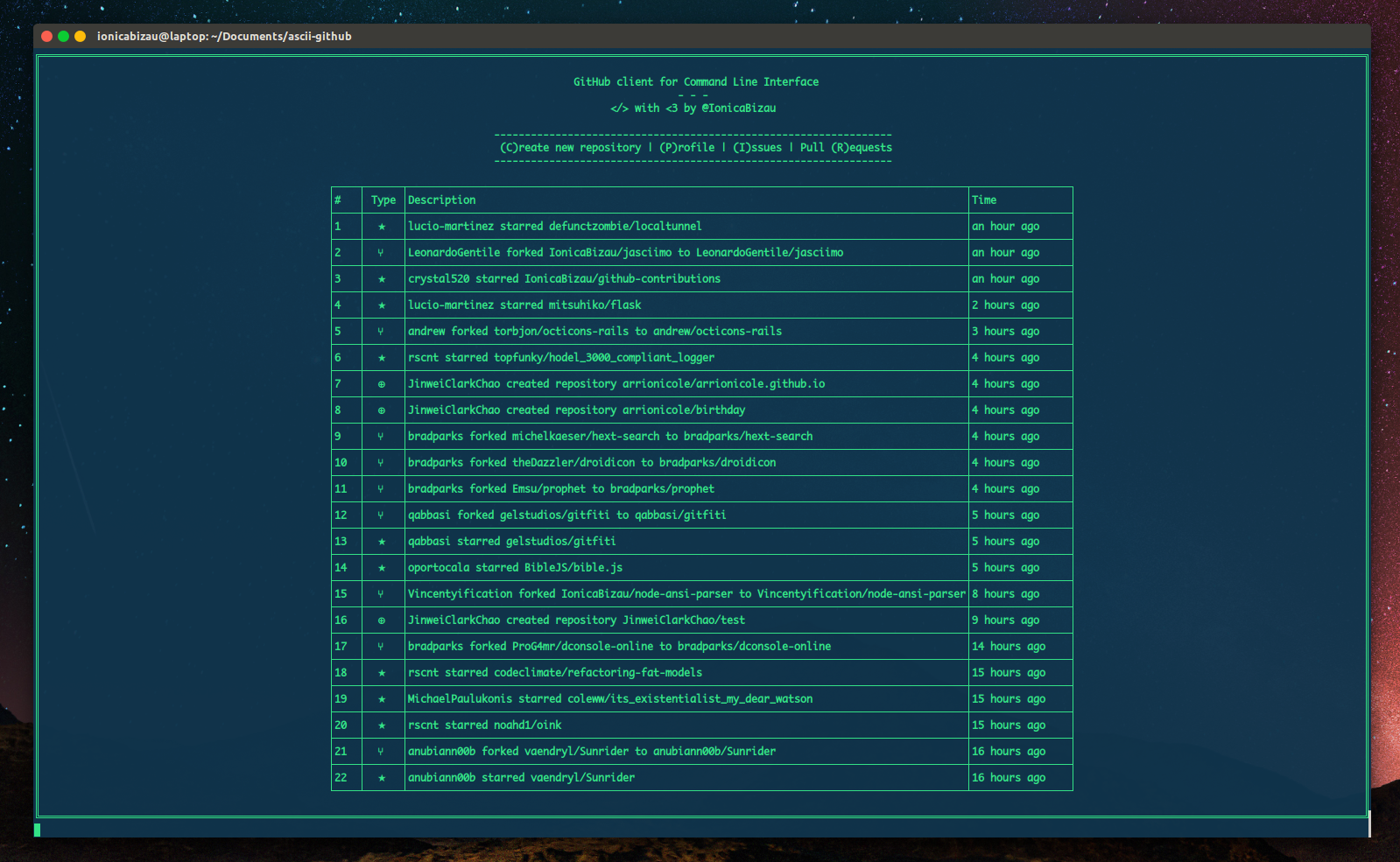
CLI GitHub
Fancy GitHub client.
File Management & Transfer
gdrive-downloader
Download files/folders from Google Drive.

Version Control & Git
gitmoji-cli
Use emoji in commit messages.
Version Control & Git
git-stats
A local GitHub-like contributions calendar.

Music Players & Streaming
Instant-Music-Downloader
Instant music downloader.