
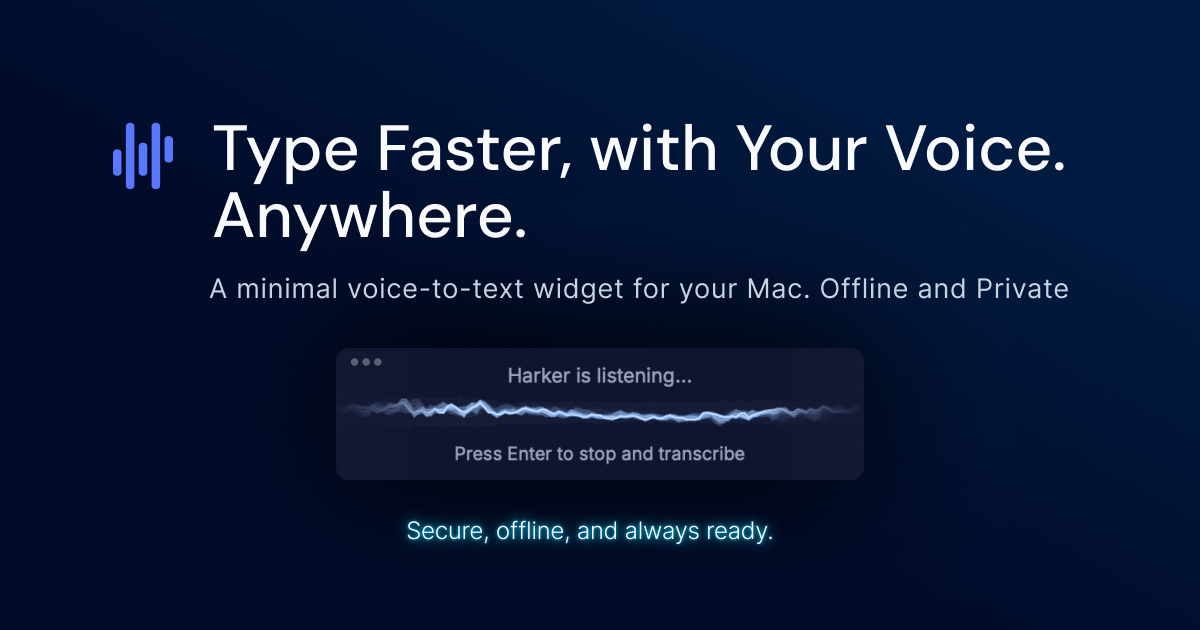
Harker 2.0
Private speech-to-text on your Mac
The app runs on macOS and converts spoken words into text in any active application. By pressing a global keyboard shortcut (⌘ + Shift + Space), users can start dictation instantly, speak naturally, and see the transcribed text appear in the current text field without needing to copy or paste. The core functionality works offline, keeping all speech data private and secure.
It targets people who spend time typing—such as writers, developers, and anyone using email, documents, or chat tools—by allowing them to capture ideas at the speed of speech rather than the slower pace of typing. The free version offers unlimited transcription with full privacy, while an optional premium tier adds AI‑driven writing styles, formatting, and translation features.
The software is positioned as an experimental, privacy‑focused alternative to cloud‑based voice‑to‑text services, emphasizing seamless integration into existing workflows through a single shortcut and offline processing.
Reviews
Loading reviews…
Similar apps
Clipboard, Input & Automation
HyperWhisper
AI-powered speech-to-text transcription
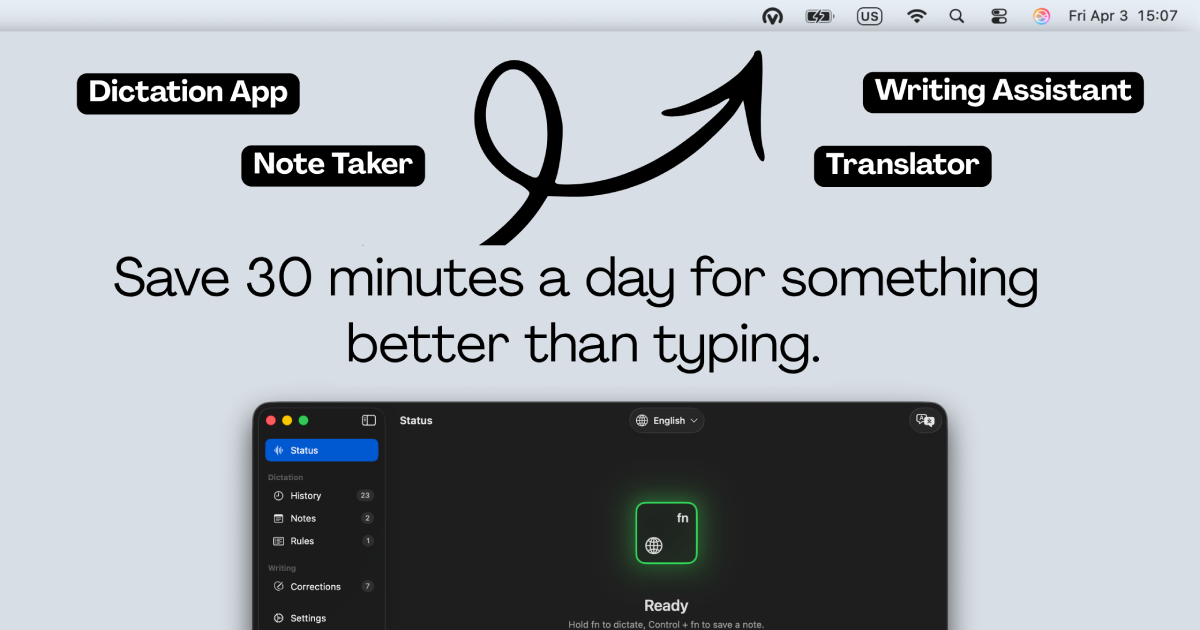
Clipboard, Input & Automation
Voicr for Mac
Dictate and get improved or translated text
Clipboard, Input & Automation
FluidVoice
Offline voice-to-text dictation app with AI enhancement

Clipboard, Input & Automation
AriaType v0.1
Open-source AI voice input
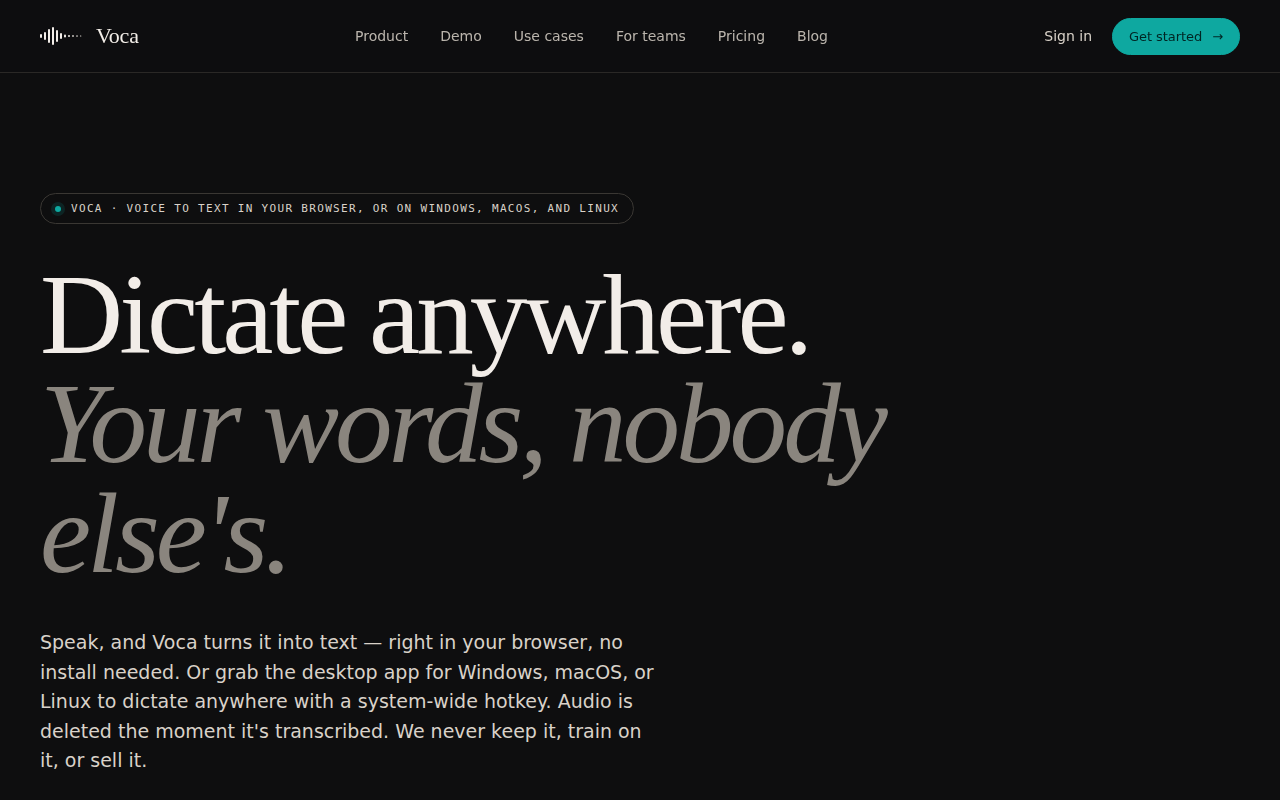
Clipboard, Input & Automation
Voca - AI Dictation
Privacy-First AI Dictation App
Clipboard, Input & Automation
Typeless
AI voice dictation that turns speech into polished text