
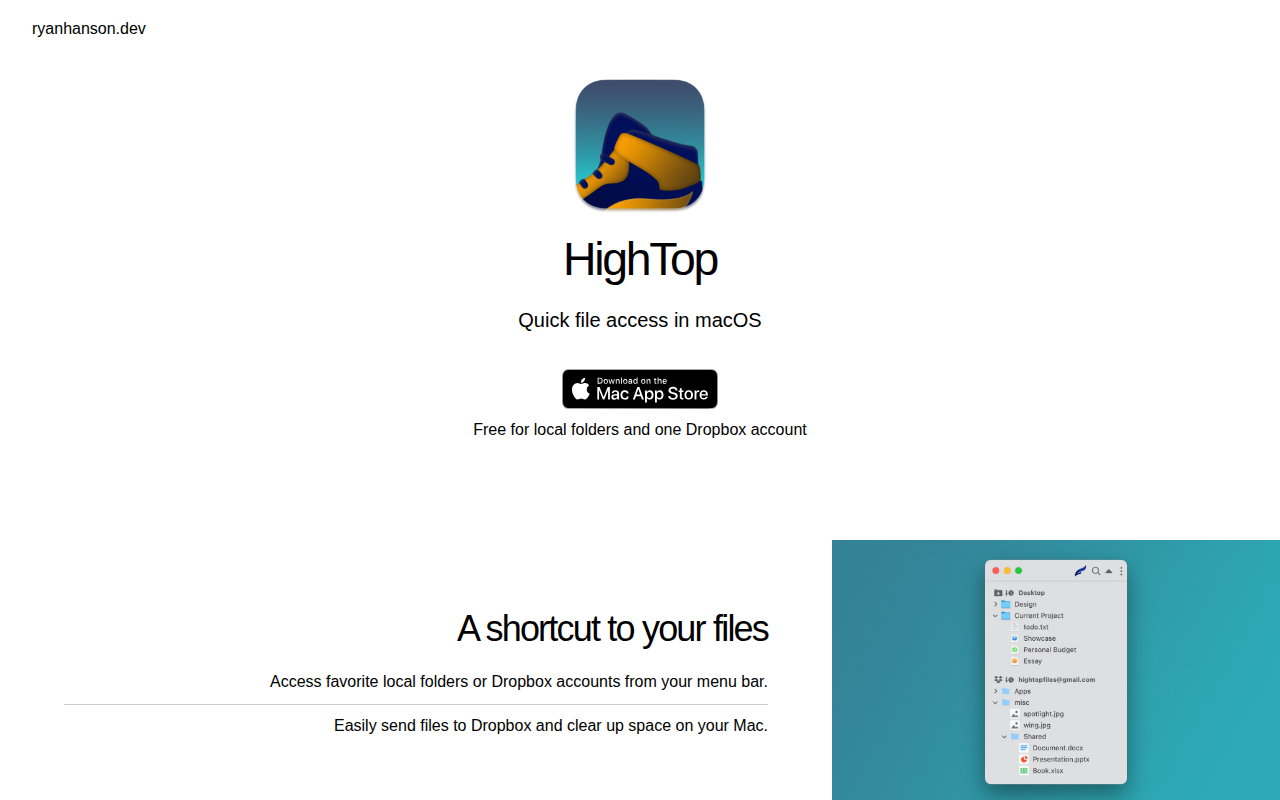
HighTop
File access via the menu bar
HighTop adds a menu‑bar entry to macOS that lets users open frequently used local folders and a linked Dropbox account with a single click. The utility presents a list of favorite directories, enabling quick navigation without opening Finder windows. It also includes a shortcut to send files to Dropbox directly from the menu bar, and a function to remove local copies after upload, helping to free space on the Mac.
The tool is targeted at macOS users who want streamlined access to personal or work files and who keep a Dropbox sync set up. By keeping the interface in the menu bar, it reduces the steps required to locate and manage files, especially for those who switch between local storage and cloud sync.
HighTop is a stable, core macOS utility that operates locally and supports one Dropbox account, offering a lightweight way to organize and declutter files without additional third‑party services.
Reviews
Loading reviews…
Similar apps

File Management & Transfer
MountMate
Menubar app to easily manage external drives
File Management & Transfer
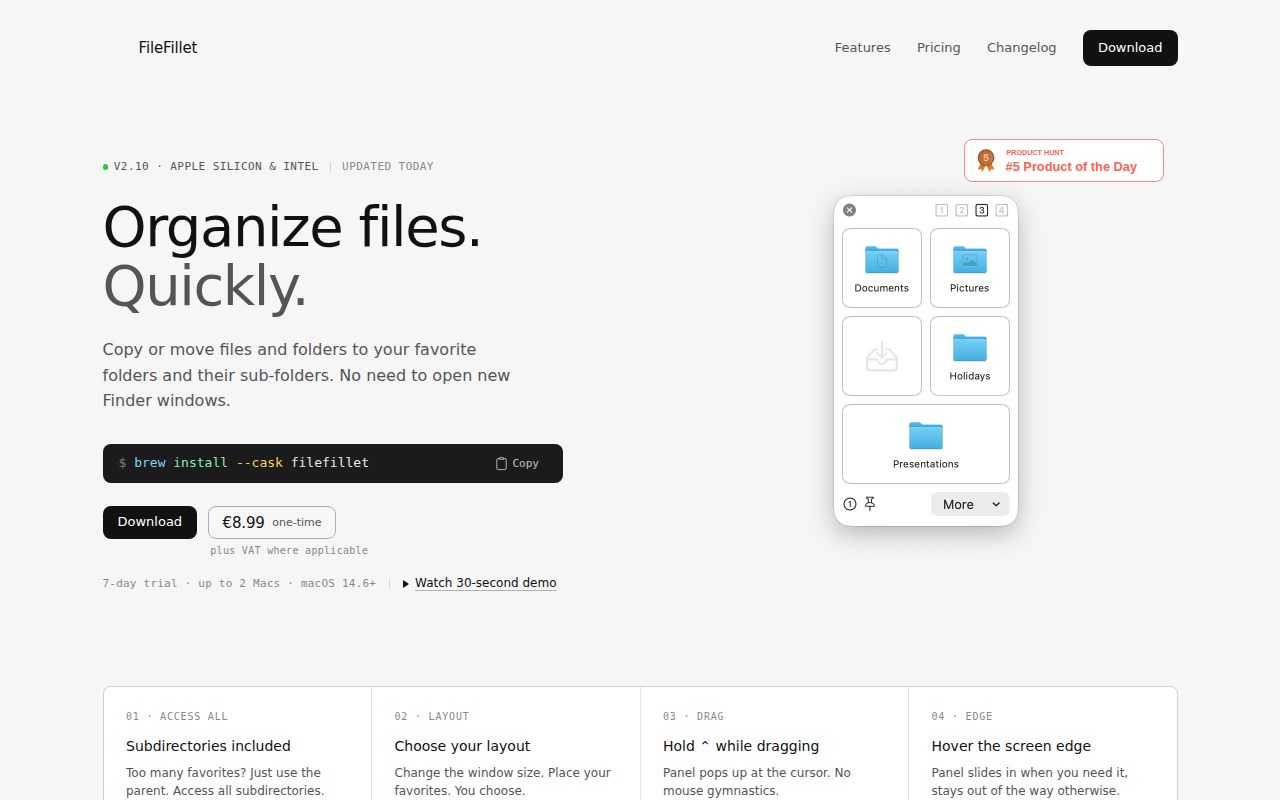
FileFillet
Efficient file organizer

File Management & Transfer
Cloudup
Instantly and securely share anything
File Management & Transfer
Maestral
Open-source Dropbox client
File Management & Transfer
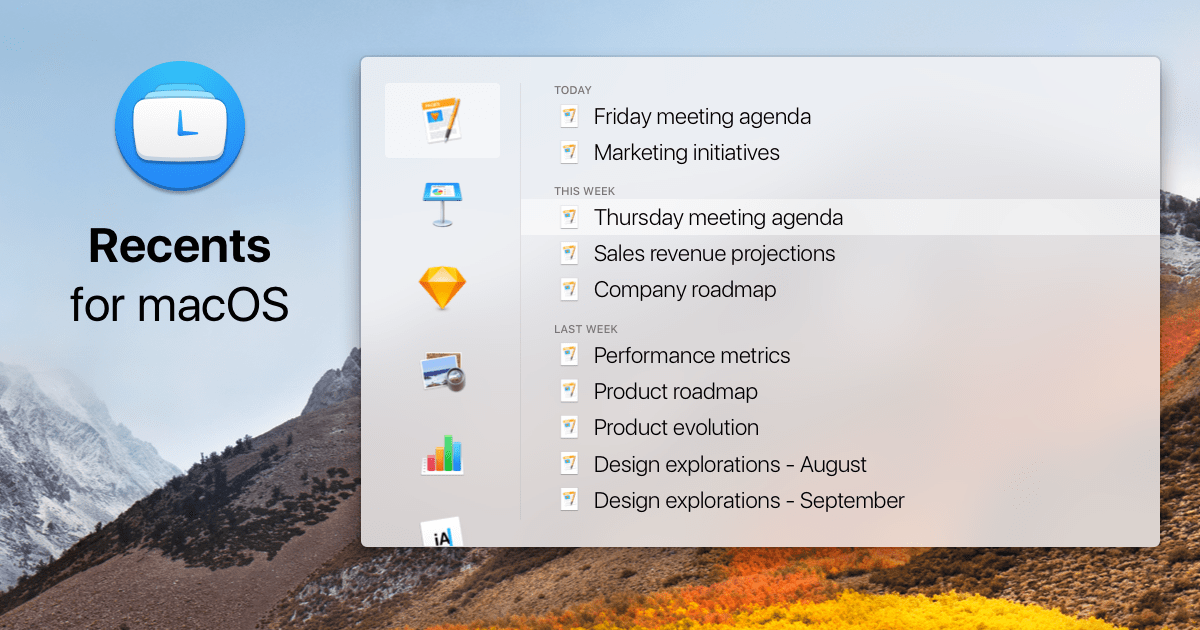
Recents
File launcher

File Management & Transfer
LANDrop
Drop any files to any devices on your LAN