

Image Harvest - Download All Images
Download any image from any webpage - even the hidden ones
The extension scans the current page and extracts every image element, including visible photos, hidden background images, responsive srcset sources, and assets embedded in iframes. Users can filter results by size, file format, aspect ratio, or keywords, and then download the selected set as a single ZIP archive. The tool operates in either a persistent side panel or a compact popup, and it works without requiring an account or additional configuration.
It is aimed at designers gathering visual references, content creators assembling media for blogs or social posts, and developers who need to inspect or retrieve image assets from web pages. The free version supports up to twenty images per download, while a paid tier removes that limit and adds features such as format conversion, multi‑tab extraction, duplicate detection, and reverse‑image search across multiple engines.
Key capabilities include smart image extraction that captures hidden and responsive assets, batch ZIP creation for rapid download, and built‑in sorting and grouping options. The extension runs in Chrome and is available through the Chrome Web Store.
Reviews
Loading reviews…
Similar apps

Task & Project Management
Tales of an Image
Capture inspiration from any website. Organize into collections. Reveal your visual style and aesthetic persona.
File Management & Transfer
ArchiveWeb.page
Archive webpages manually to WARC or WACZ files as you browse the web

Time Tracking & Focus
Manifest Chrome Extension
Rotating Vision Board With Every New Chrome Tab
File Management & Transfer
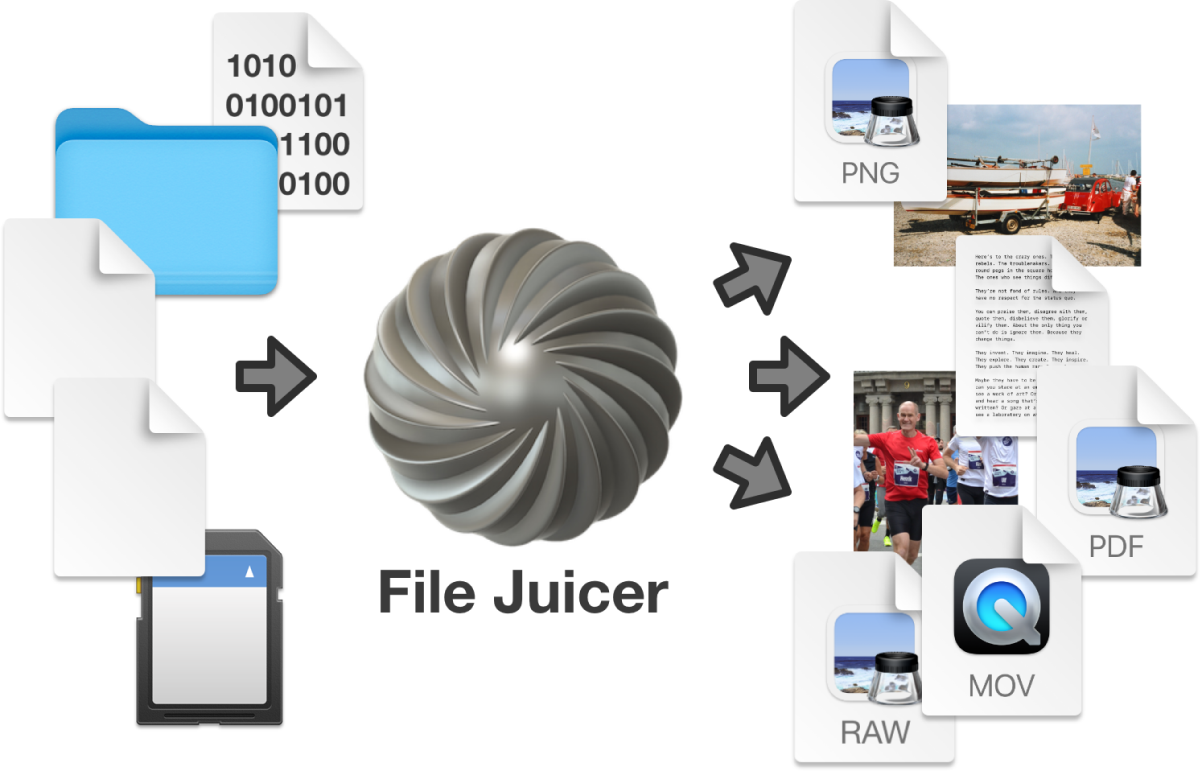
File Juicer
Extract images from PDF, PowerPoint, Word, Excel and other Files

Task & Project Management
VistAI
Save & search AI responses from ChatGPT, Claude & Gemini

Task & Project Management
Screenshot Brain
Turn your screenshots into searchable AI knowledge