

kindaVim
Use Vim in input fields and non input fields
kindaVim brings Vim‑style navigation and editing to any macOS input field, as well as to dropdowns, lists, menus and other UI elements. By leveraging the macOS Accessibility API, it can act like a screen reader to intercept and reinterpret key presses, allowing familiar Vim motions, counts and commands to work inside native apps such as Xcode, iA Writer, Safari, Notes and many others. When an application lacks proper Accessibility support, a fallback mode remaps keys directly to emulate Vim behavior.
The tool lets users enter Normal Mode with Esc (or a customizable shortcut such as jk or Control‑[) and provides visual feedback through an optional overlay that shows the current Vim move or mode. Preferences allow adjustment of the overlay’s position, size, or complete hiding for a minimalist experience. A “Wizard” panel reports whether a given app is fully supported and offers a quick request button for missing integrations.
Designed for macOS, kindaVim is a stable, productivity‑focused utility that extends Vim’s modal editing paradigm beyond plain text editors to the broader desktop environment, enabling consistent keyboard‑driven interaction across a wide range of applications.
Reviews
Loading reviews…
Similar apps
Code Editors & IDEs
Vimr
Refined Vim Experience for OS X.
Code Editors & IDEs
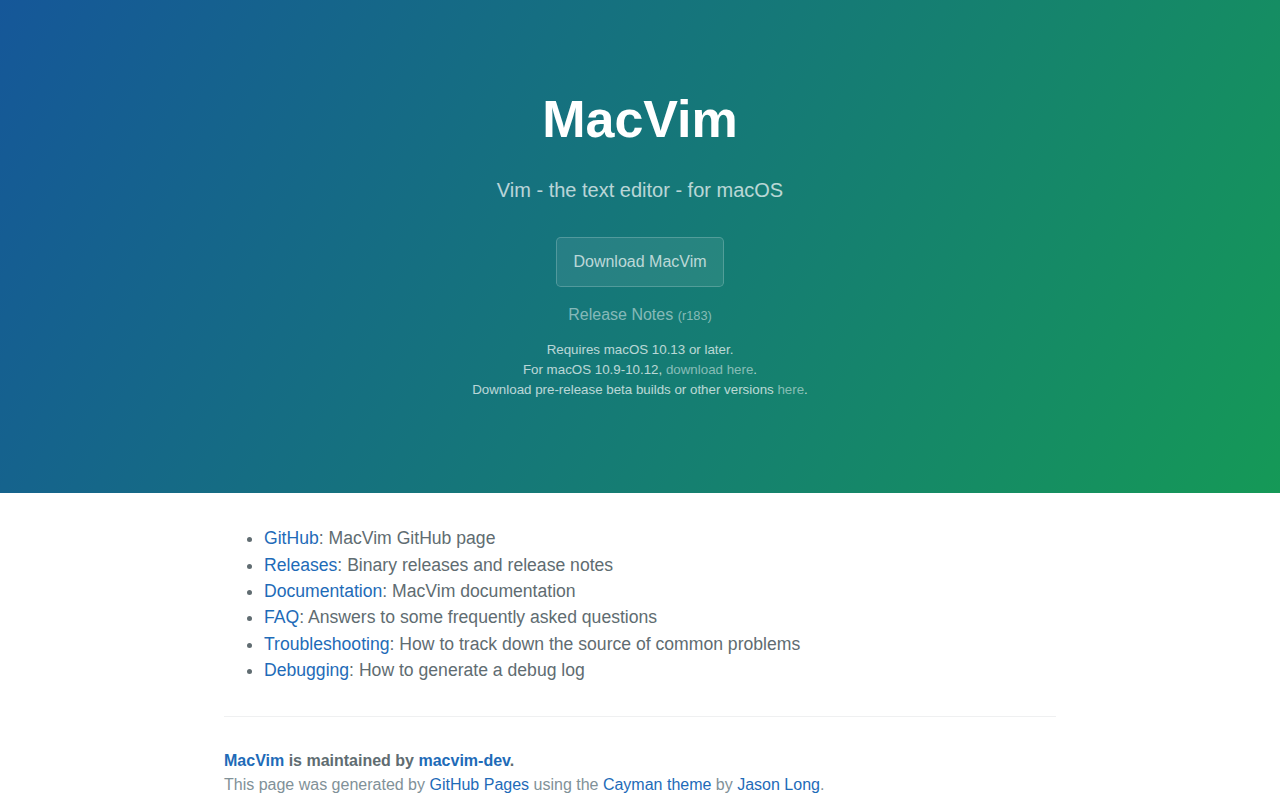
MacVim
the text editor Vim - for macOS.

Calendar & Scheduling
Vimcal
Calendar

Clipboard, Input & Automation
Homerow
Keyboard shortcuts for every button on your screen

Code Editors & IDEs
VimR
GUI for the Neovim text editor
Code Editors & IDEs
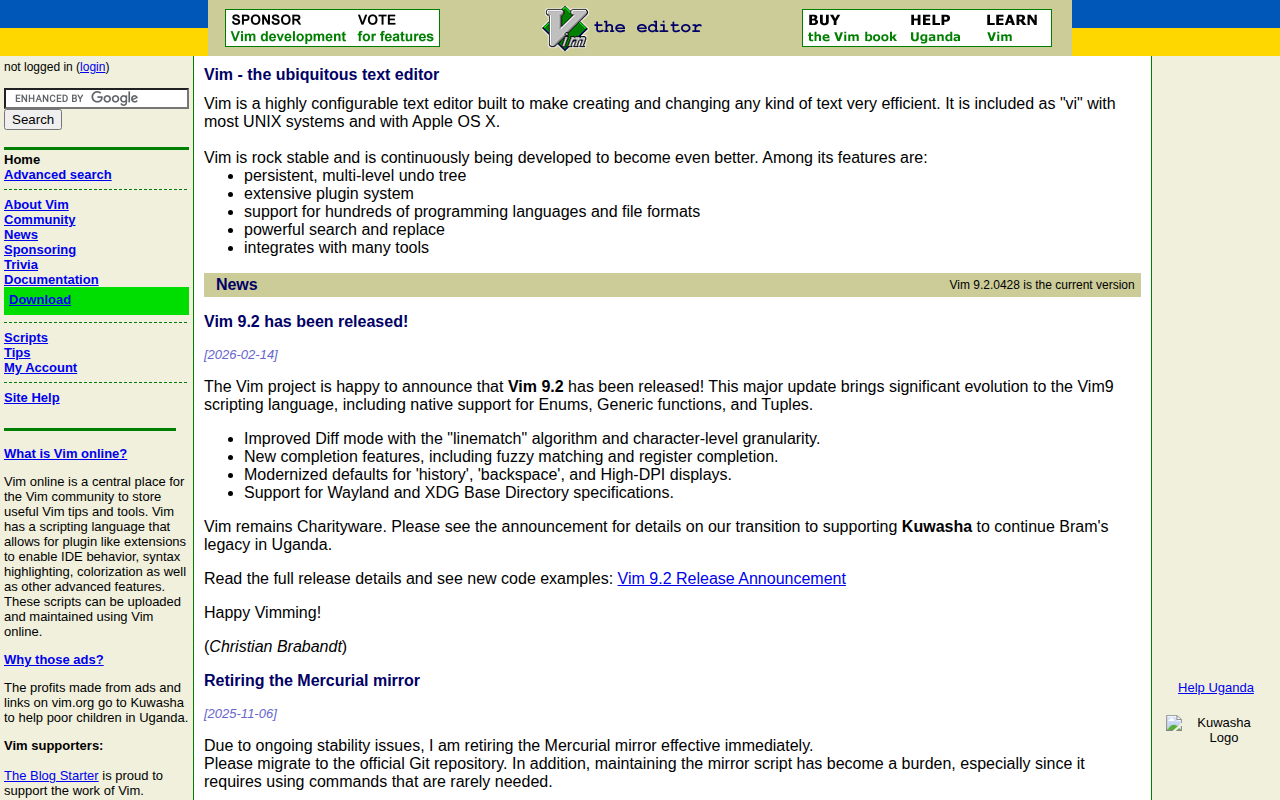
vim
Vim - the ubiquitous text editor.