
ll
`ls` with git status.
The tool extends the standard directory‑listing command by annotating each entry with its Git status, allowing users to see at a glance which files are staged, modified, untracked or ignored. It parses the repository’s index and working tree, then prefixes or colors the usual `ls` output to reflect those states, preserving the familiar formatting and options of the underlying command‑line utility.
It is aimed at developers and system administrators who work frequently in Git‑tracked directories and prefer a single, fast view of both filesystem contents and version‑control information. By running as a drop‑in replacement for `ls`, it requires no additional workflow changes and can be used in scripts or interactive shells alike.
The program is distributed as a stable, core CLI utility, available for installation on platforms that support the standard Unix‑like command line. It does not depend on external graphical components and integrates directly with the Git metadata of the current repository.
Reviews
Loading reviews…
Similar apps

File Management & Transfer
lla
Improved `ls` with plugins.
Version Control & Git
git-standup
Recall what you did on the last working day.
File Management & Transfer
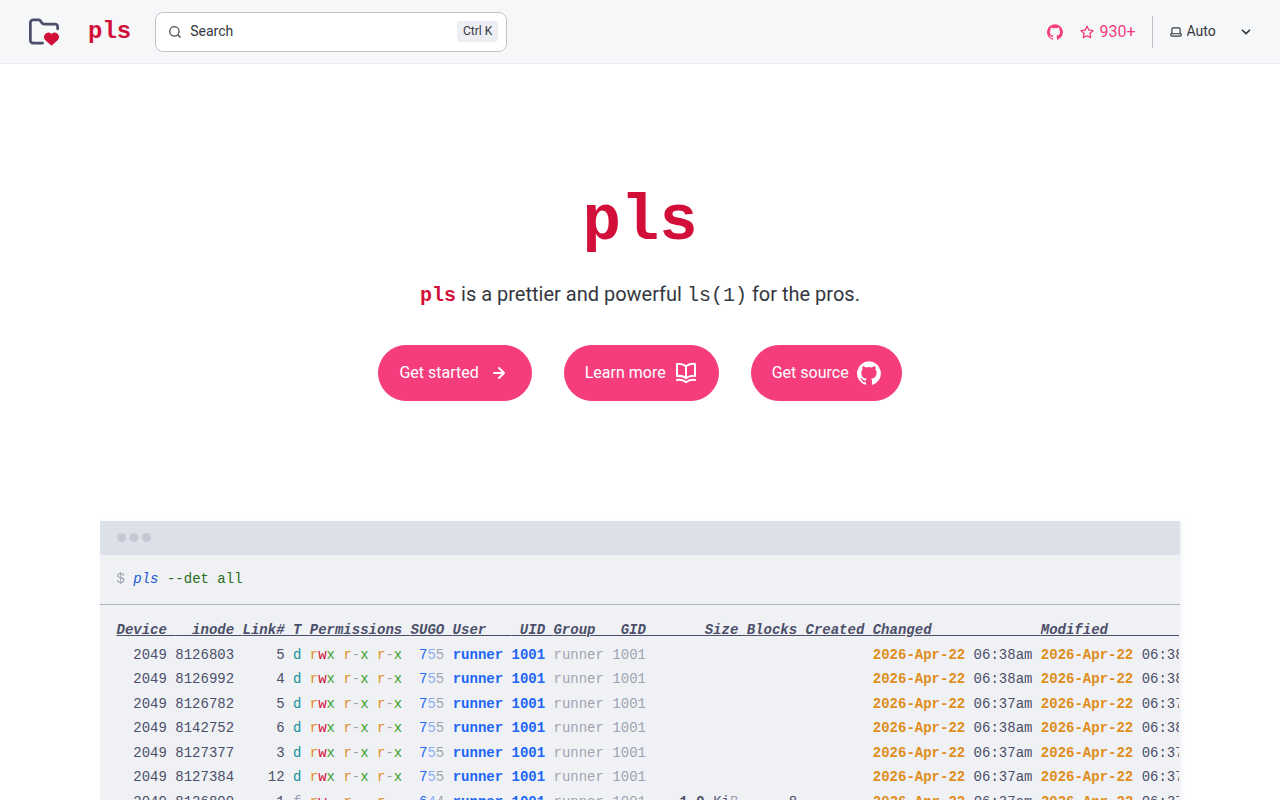
pls
`ls` for the pros.
File Management & Transfer
lsd
`ls` with many extra features.
Version Control & Git
gita
Manage multiple git repos side by side.
File Management & Transfer
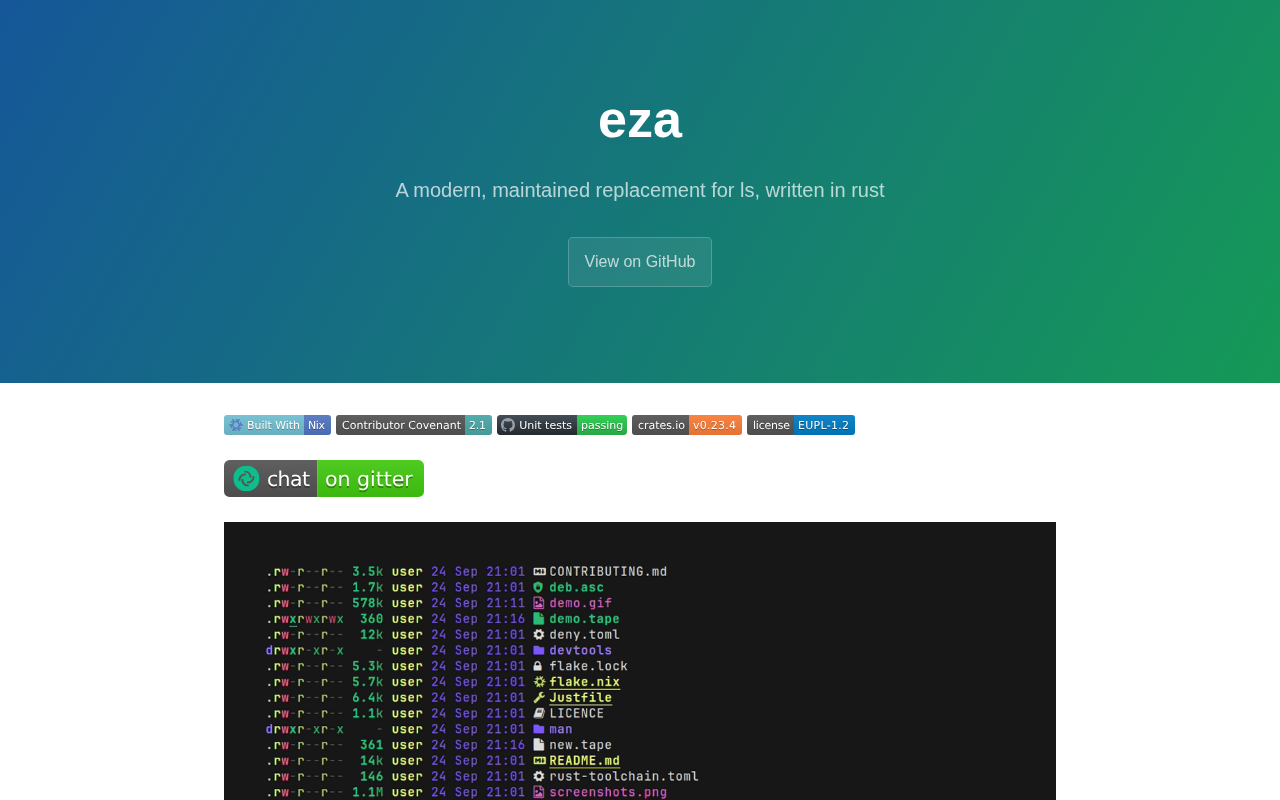
eza
Improved version of `ls`.