

LM Studio
Discover, download, and run local LLMs
LM Studio provides a desktop environment for discovering, downloading, and running large language models (LLMs) directly on a user’s hardware. It supports a range of open‑source models such as gpt‑oss, Llama, Gemma, Qwen, and DeepSeek, allowing inference to be performed locally and privately without reliance on external services. The application includes a graphical interface for managing model installation and execution, as well as a headless core called llmster that can be deployed on servers, cloud instances, or CI pipelines via command‑line scripts.
The platform offers SDKs for JavaScript and Python, enabling developers to integrate locally hosted LLMs into custom applications through an OpenAI‑compatible API. It also includes LM Link, a feature that connects remote instances of LM Studio so that models loaded on another machine can be accessed as if they were local. This facilitates flexible workflows across multiple devices while keeping model data on‑premises.
LM Studio is positioned for users who need private, on‑device AI capabilities for personal or professional tasks, supporting macOS, Linux, and Windows environments. It is free for home and work use and includes documentation for both GUI and headless deployments.
Reviews
Loading reviews…
Similar apps

AI Coding Agents
GPT4All
Run LLMs locally
AI Coding Agents
Msty
Run LLMs locally
Window & Desktop Management
LlamaBarn
Menu bar app for running local LLMs
AI Coding Agents
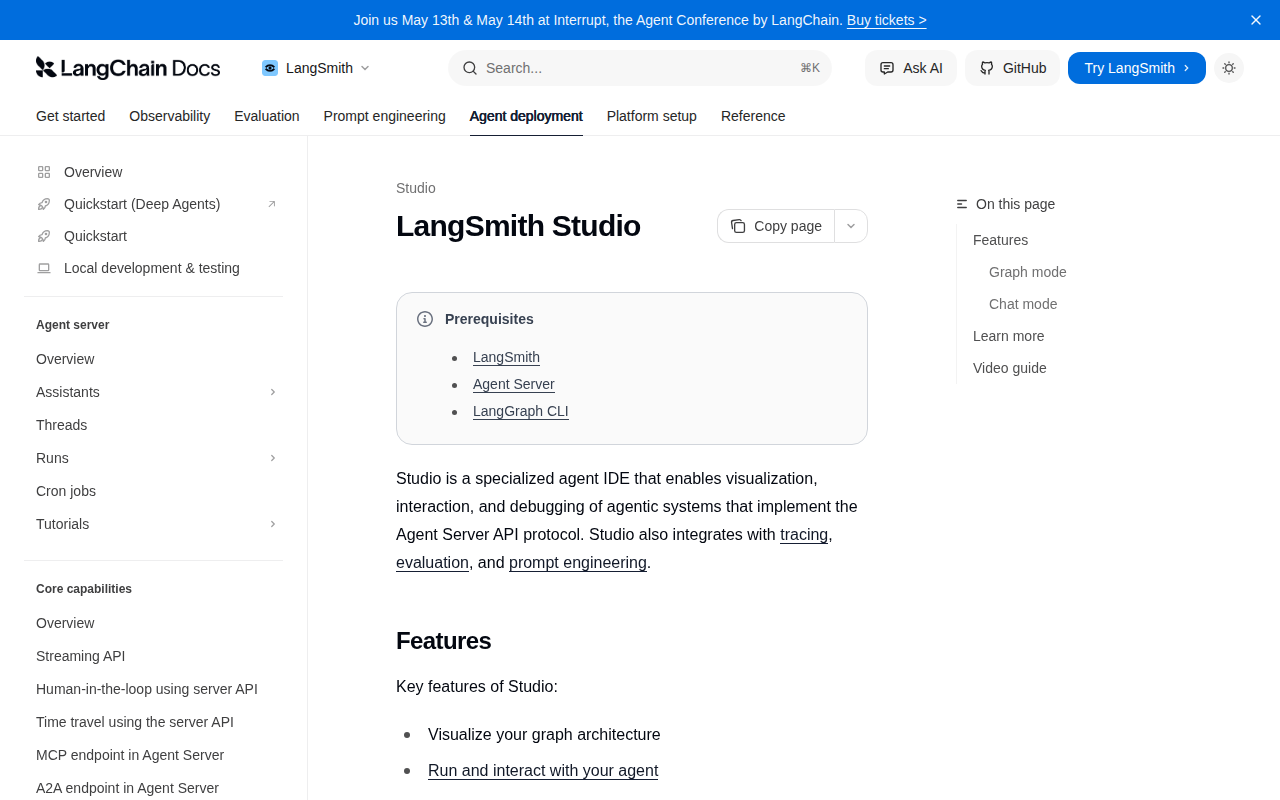
LangGraph Studio
Desktop app for prototyping and debugging LangGraph applications locally
AI Coding Agents
Sanctum
Run LLMs locally
AI Agents & Automation
Msty Studio
AI platform with local and online models