
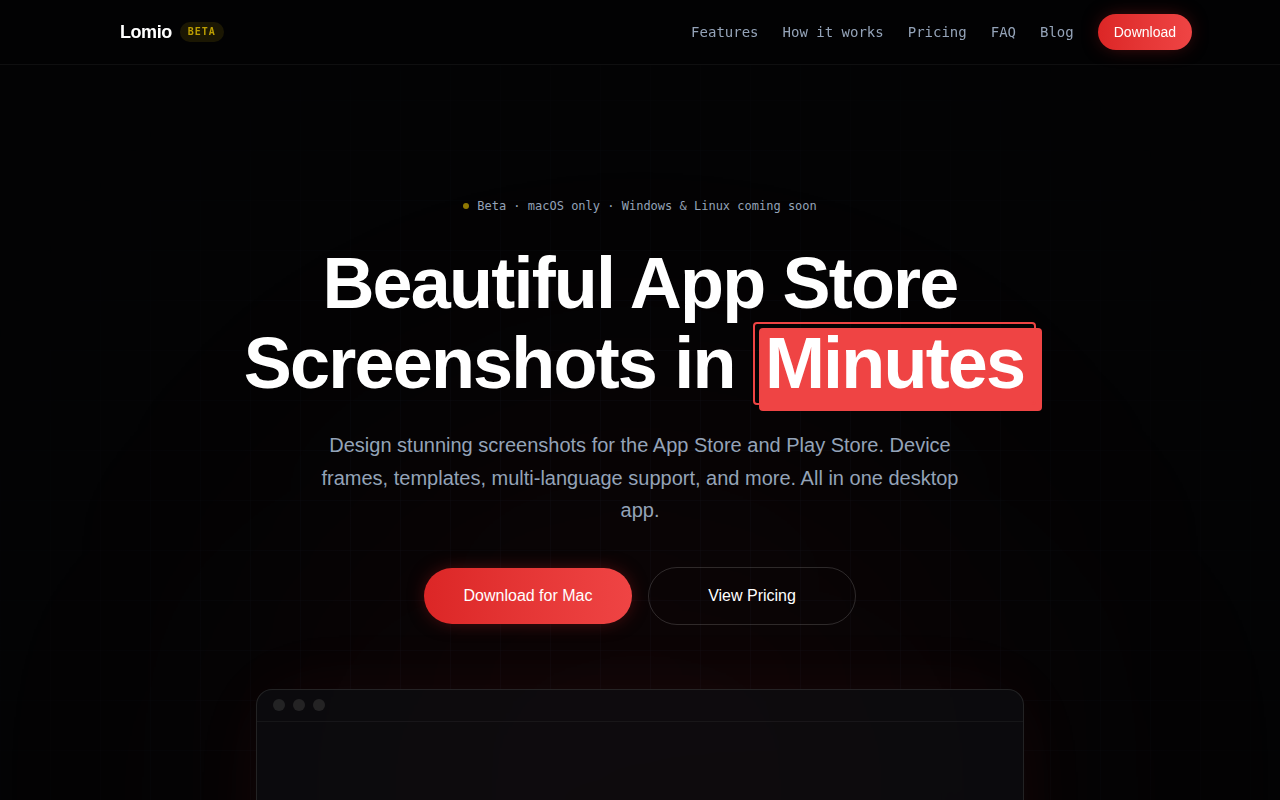
Lomio
The maintainable way to make App Store screenshots.
Lomio is a desktop application for creating App Store and Play Store screenshots. It provides a single canvas where multiple screenshots can be arranged side‑by‑side, allowing headlines, shapes, and illustrations to span across the whole set. Users drop their raw screenshots onto the canvas, then add device frames, templates, and graphic elements such as icons and illustrations. The tool includes a pop‑out feature that lets designers zoom into specific regions, move elements freely, and adjust borders, shadows, or rotation without rebuilding the layout.
The app supports localization by storing translations for each text element and enabling a one‑click switch between more than twenty languages. When a language is changed, the entire canvas updates automatically, and the final export produces a complete set of screenshots for every selected language, eliminating the need to duplicate frames or copy‑paste text.
Lomio bundles a library of official Apple device bezels, professionally designed templates, thousands of icons and illustrations, and an integration with Pexels for stock photos. It is currently available for macOS, with Windows and Linux versions planned, and is positioned as a maintainable, all‑in‑one solution for developers and marketers who need to generate and localized store screenshots quickly.
Reviews
Loading reviews…
Similar apps
Design & UI Prototyping
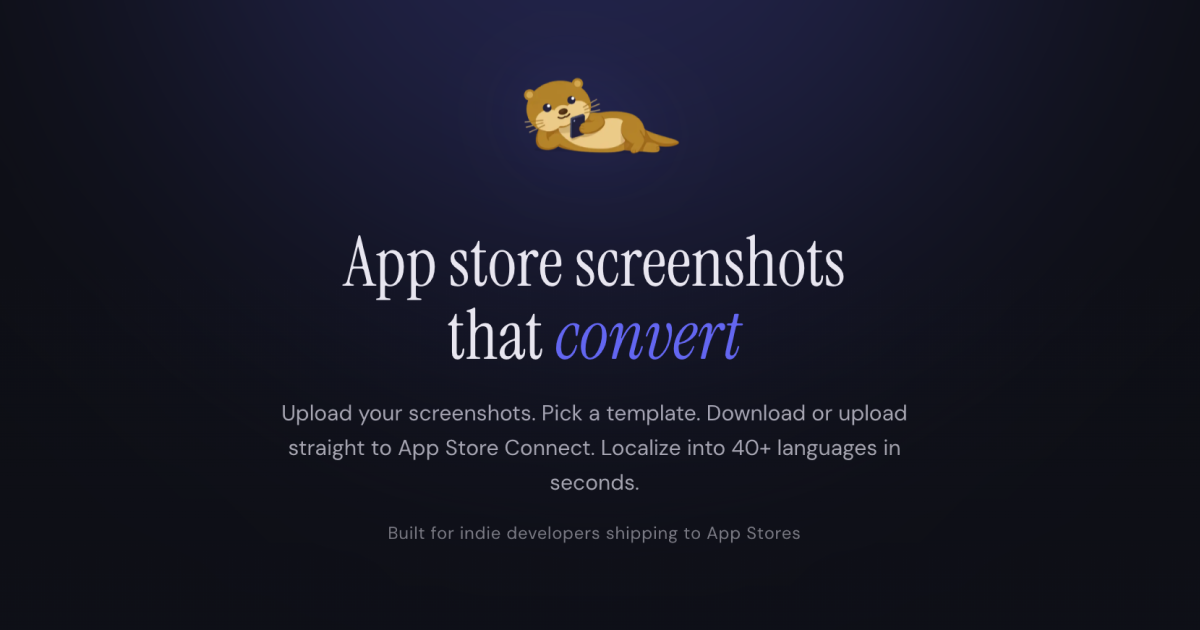
Screenshot Otter
Design, localize, and publish App Store screenshots fast
Design & UI Prototyping
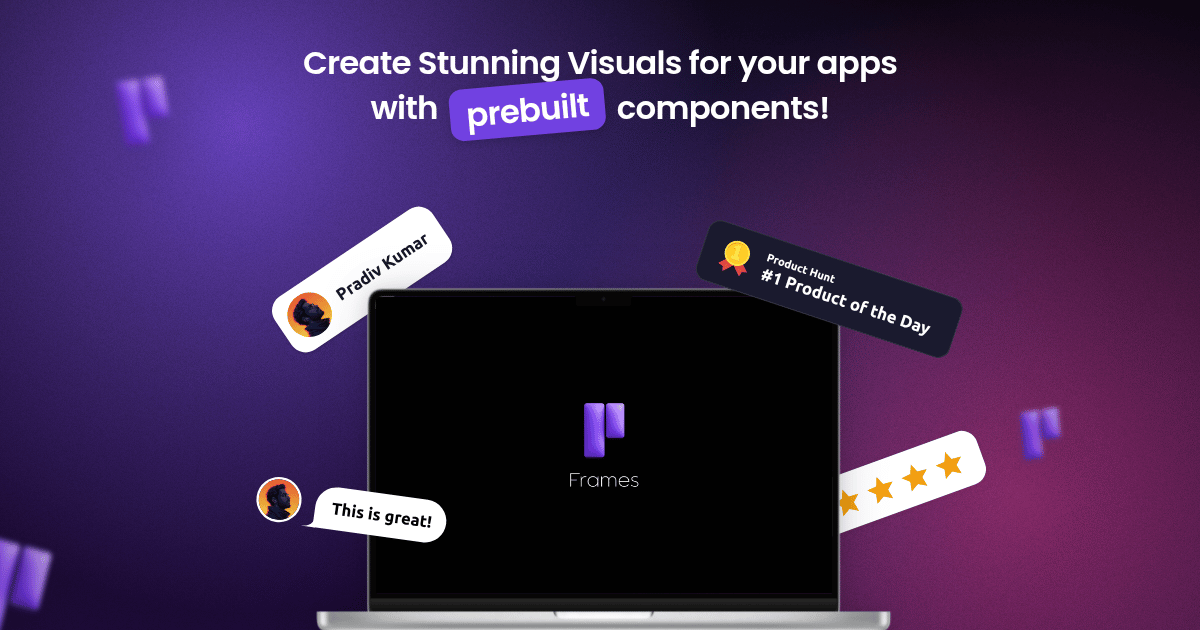
Frames
Create stunning posters for your apps easily!

Design & UI Prototyping
Pixelle
Create App Store screenshots, app icons, and marketing graphics with AI. No design skills needed. Free to start, built for indie developers.
Freelancer & Gig Tools
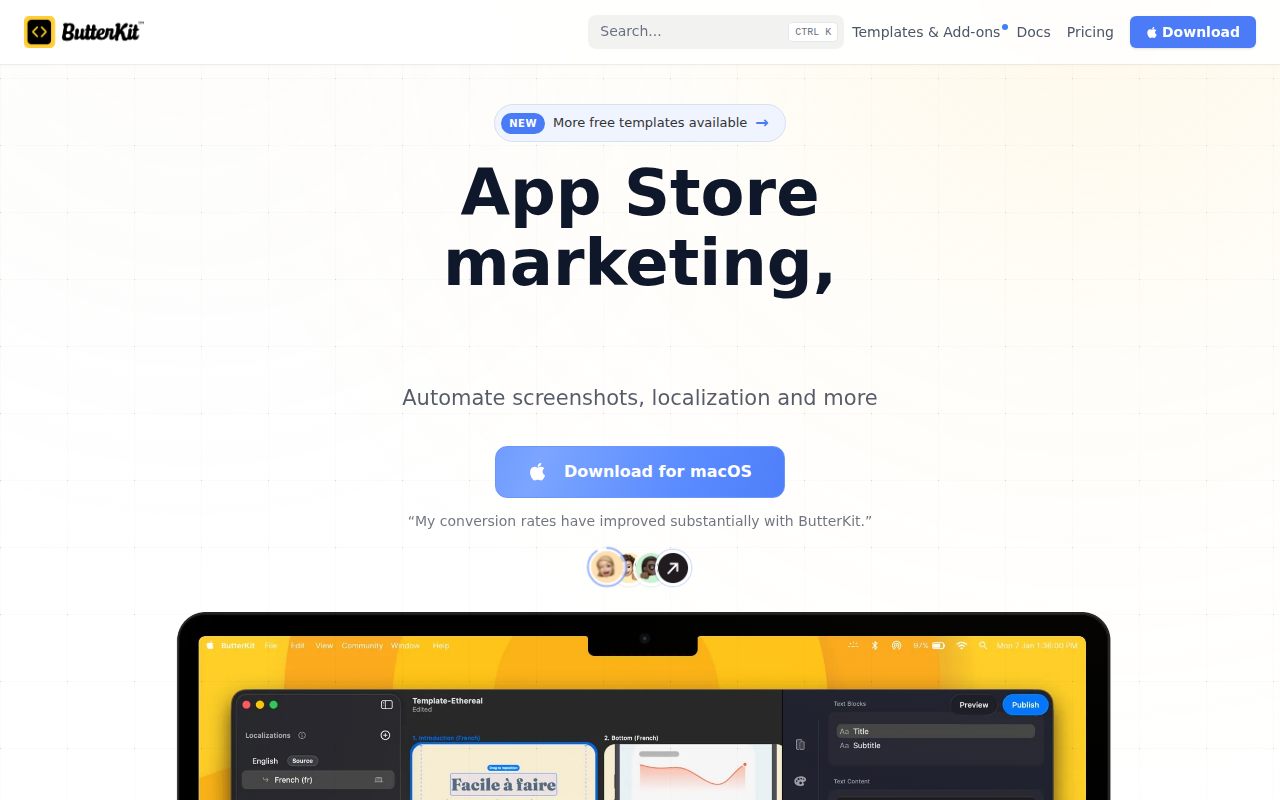
ButterKit
App Store screenshots editor
Design & UI Prototyping
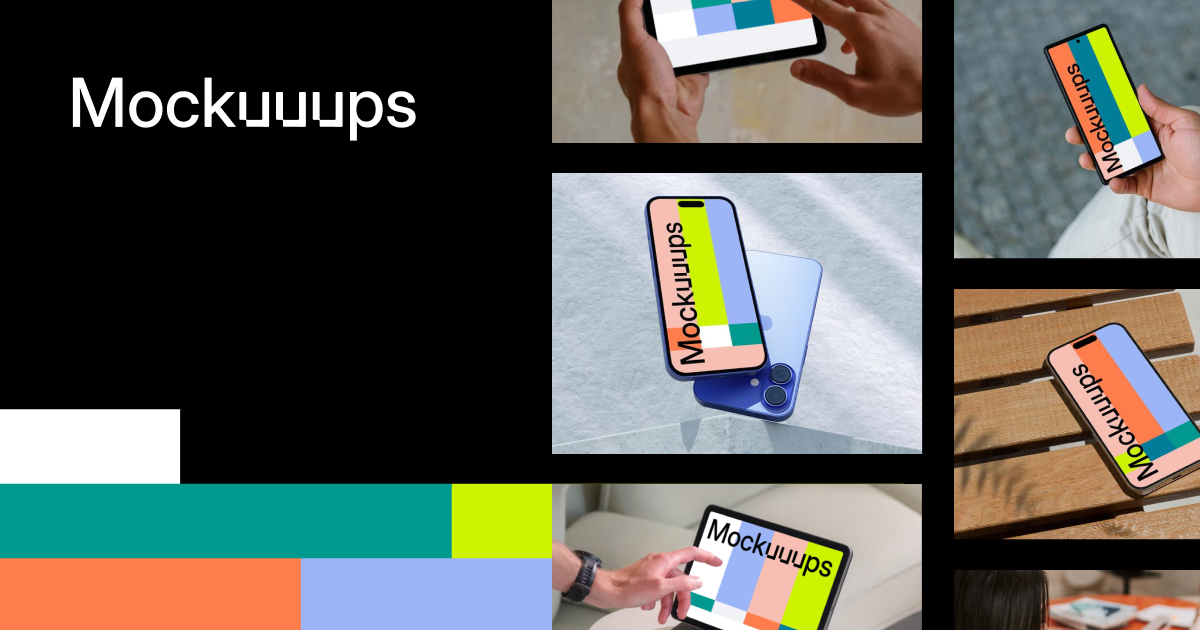
Mockuuups Studio
Allows designers and marketers to drag and drop visuals into scenes
Design & UI Prototyping
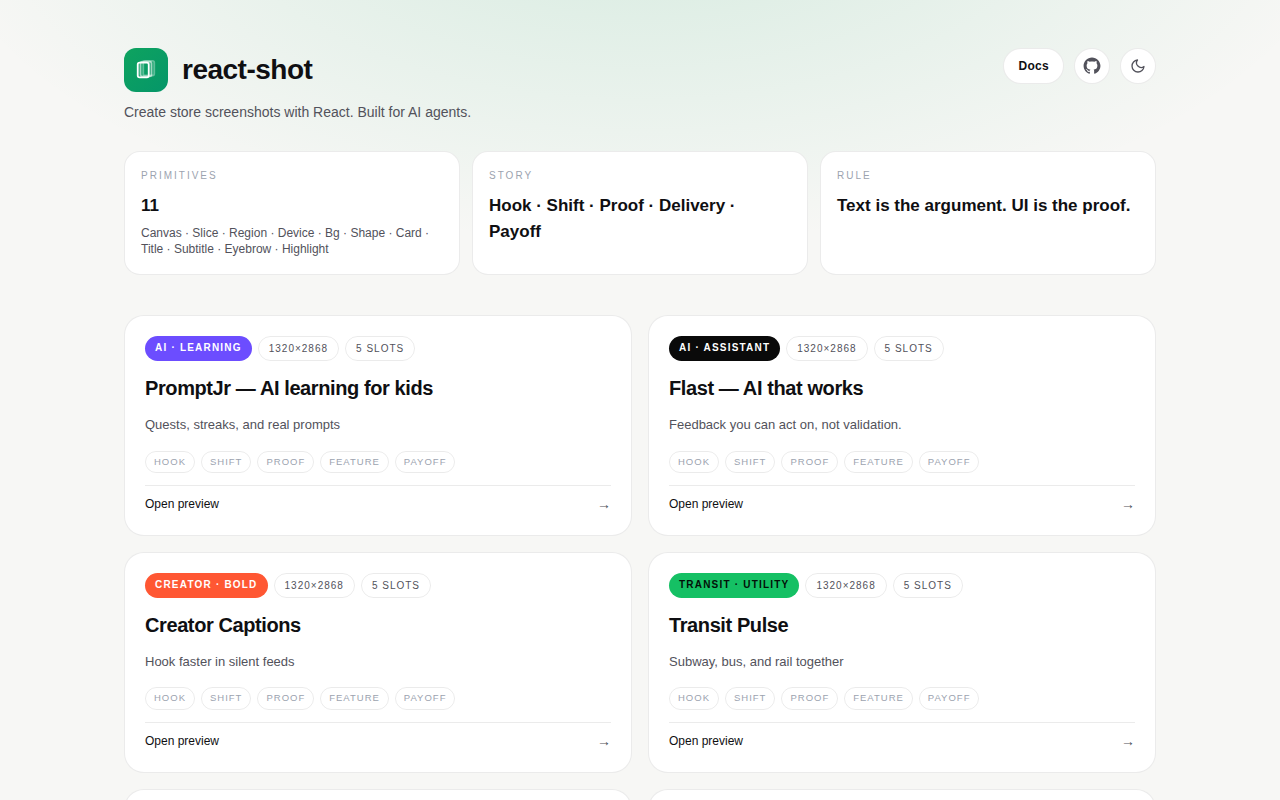
React Shot
Code your App Store screenshots. Ship in minutes.