

Lounge
macOS Tahoe menu bar manager with notch-aware icon control
Lounge is a macOS menu‑bar manager that lets users organize, hide, and reveal icons to the system menu bar. It provides a drag‑and‑drop interface for moving icons between sections, a keyboard shortcut (Cmd + Shift + L) to toggle hidden items, and a notch‑aware panel that displays hidden and shown icons when the cursor is near the MacBook notch. All settings, including launch‑at‑login, icon style, divider characters, and animation speed, are configured from a single preferences window.
The tool is aimed at macOS users who find their menu bar cluttered with many application icons, especially on devices with a display notch that can obscure important items. By grouping icons into clear sections and offering quick‑access shortcuts, Lounge helps reduce visual noise and speeds up icon discovery.
In addition to basic organization, Lounge includes a Pro mode that runs a local HTTP listener, allowing external AI agents or CLI tools to send notifications to the menu bar. First‑party guides are available for several AI services, enabling users to integrate task‑completion alerts directly into the bar. The software requires macOS 26.0 or later and is distributed under an annual subscription model.
Reviews
Loading reviews…
Similar apps
Window & Desktop Management
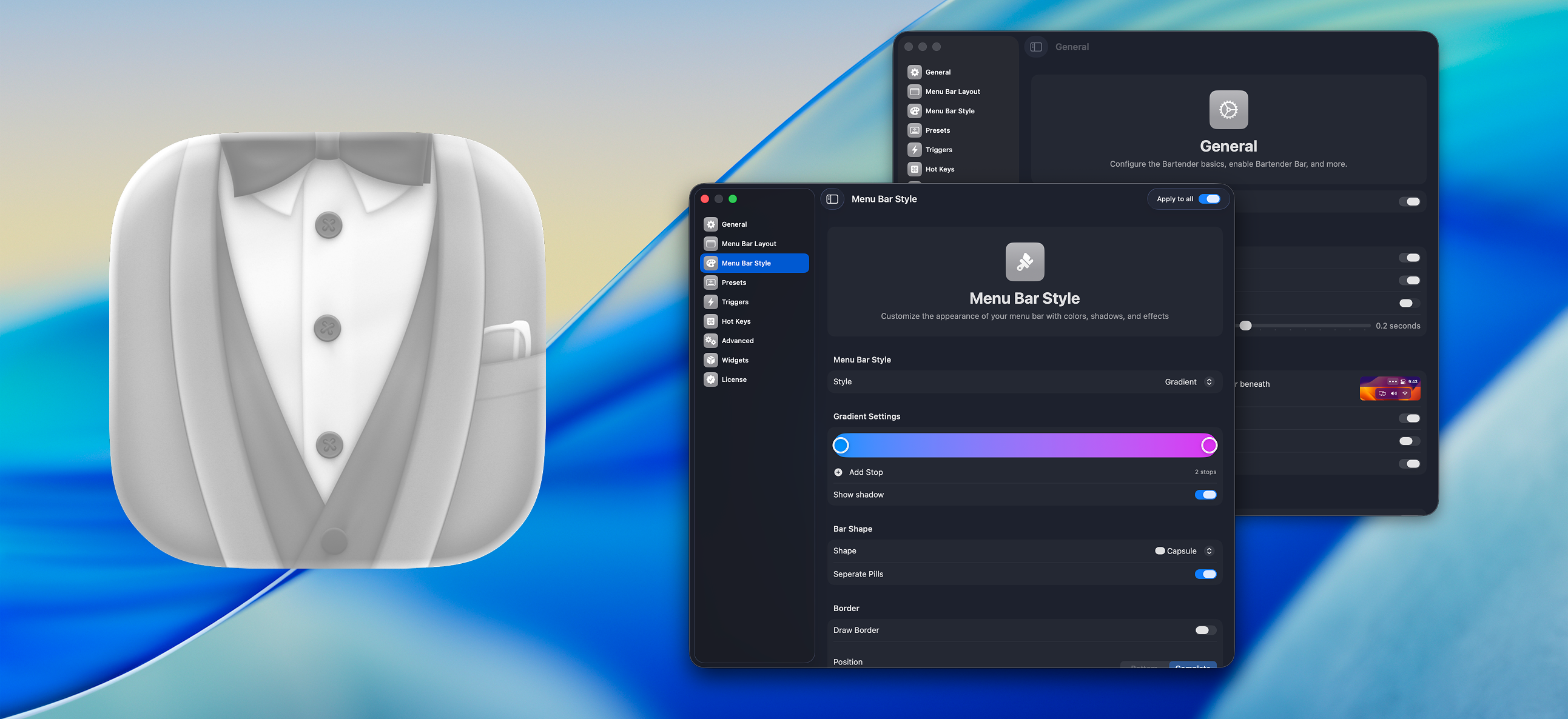
Bartender
Organize or hide menu bar icons on your Mac.
Design & UI Prototyping
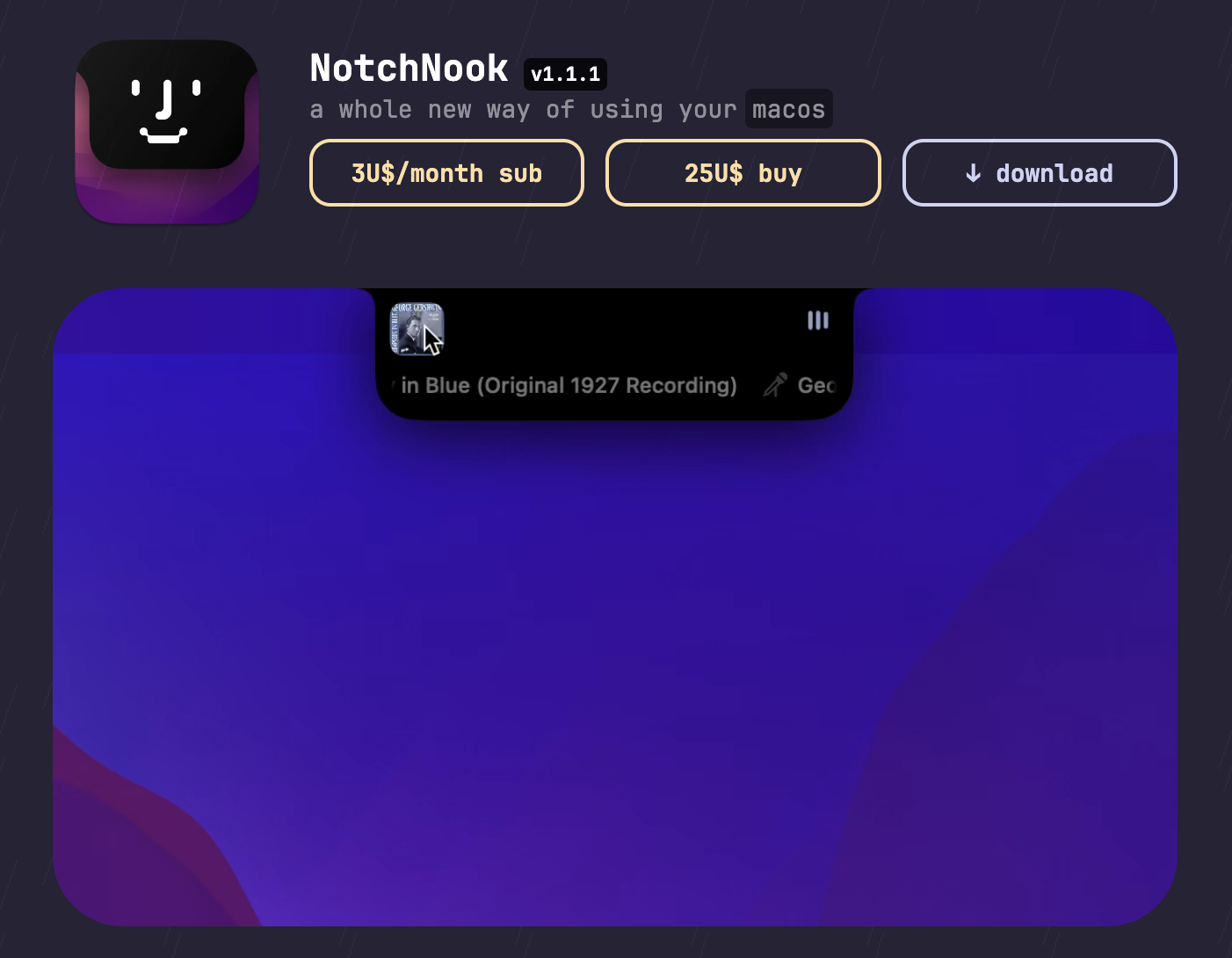
NotchNook
Customizes your Mac's menu bar to seamlessly integrate with the notch design.
Window & Desktop Management
SaneBar
Privacy-first menu bar manager with hidden zones and automation rules.
Window & Desktop Management
Ice
Menu bar manager for hiding icons and organizing layouts.
Window & Desktop Management
Loungy
Application launcher
Window & Desktop Management
Thaw
A powerful menu bar management tool for hiding and showing menu bar items.