
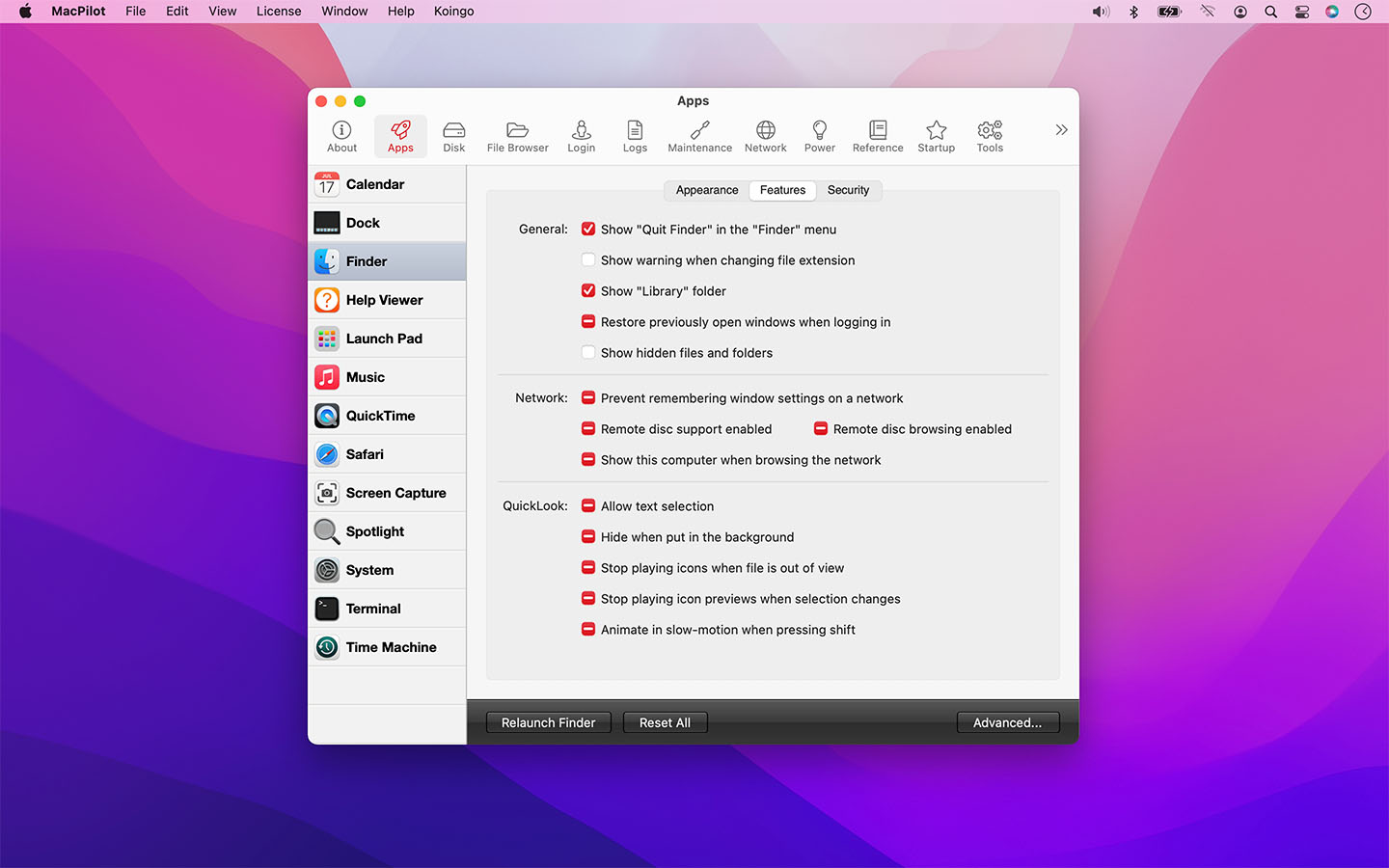
MacPilot
Graphical user interface for the command terminal
The application provides a graphical interface that exposes a large collection of macOS settings and hidden options typically reachable only through the command line. Users can toggle features such as displaying hidden Finder files, changing the screenshot format, adjusting network preferences, and disabling system components like the startup chime or Notification Center, all without writing terminal commands.
It includes on‑screen help that appears when hovering over controls, a system profile view that reports detailed hardware and software information, and tools for viewing fonts, network ports, and Unix command manuals. A “save point” feature lets administrators capture a configuration and apply it to multiple machines, while a reset function restores individual settings or entire tabs to their default states.
The software targets macOS users who want fine‑grained control over their system without using the terminal, including individual users, educators, and small‑to‑medium organizations that need consistent configurations across several computers.
Reviews
Loading reviews…
Similar apps
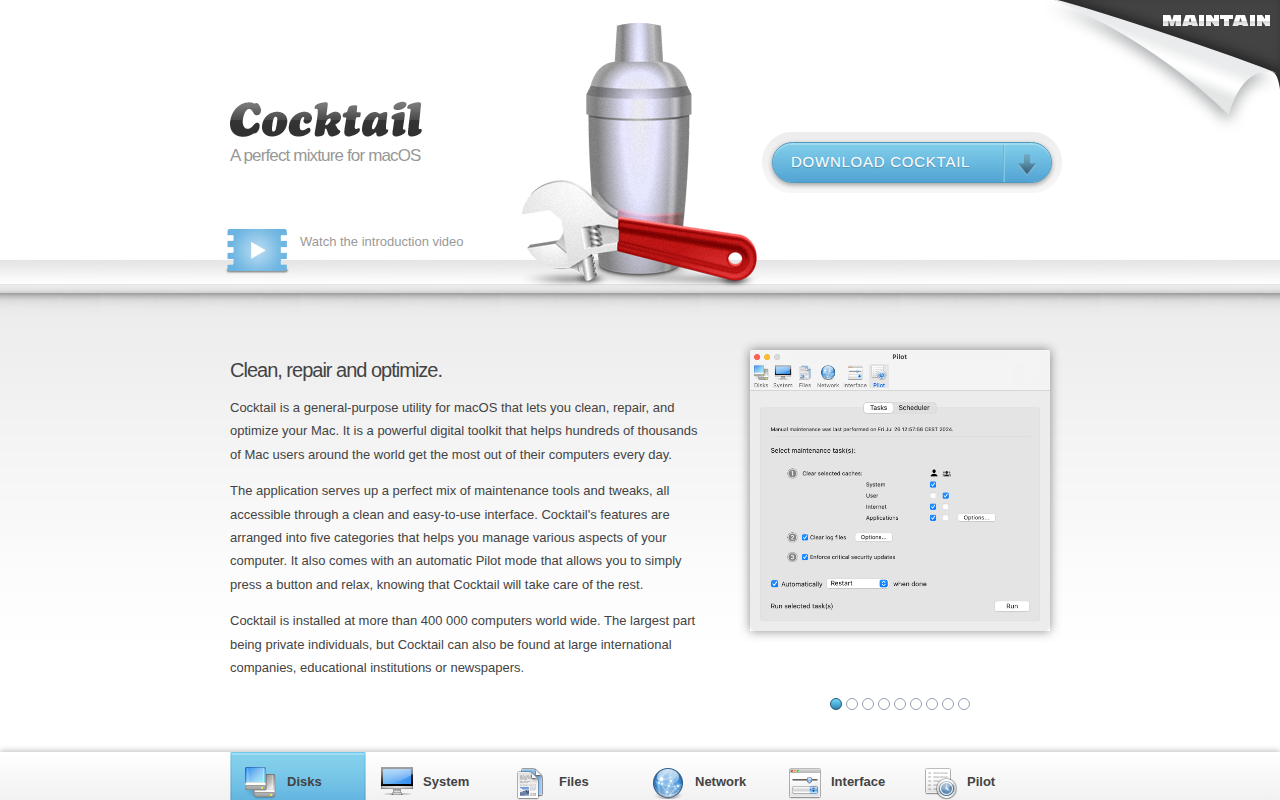
System Monitoring & Maintenance
Cocktail
Cleans, repairs and optimises computer systems

System Monitoring & Maintenance
MacKeeper
Antivirus and system optimization tool for macOS.
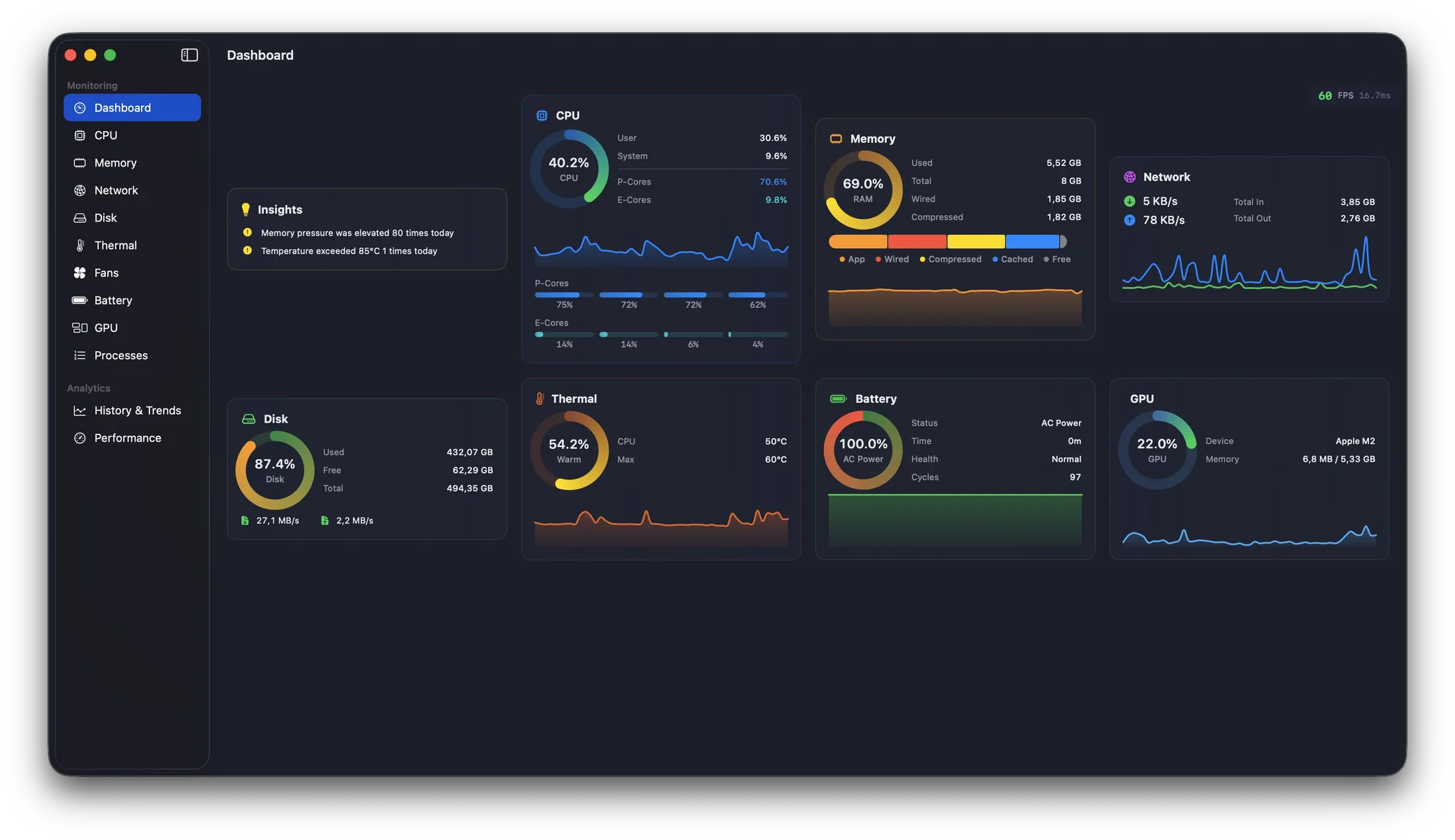
System Monitoring & Maintenance
MacPulse
System monitoring dashboard with historical analytics
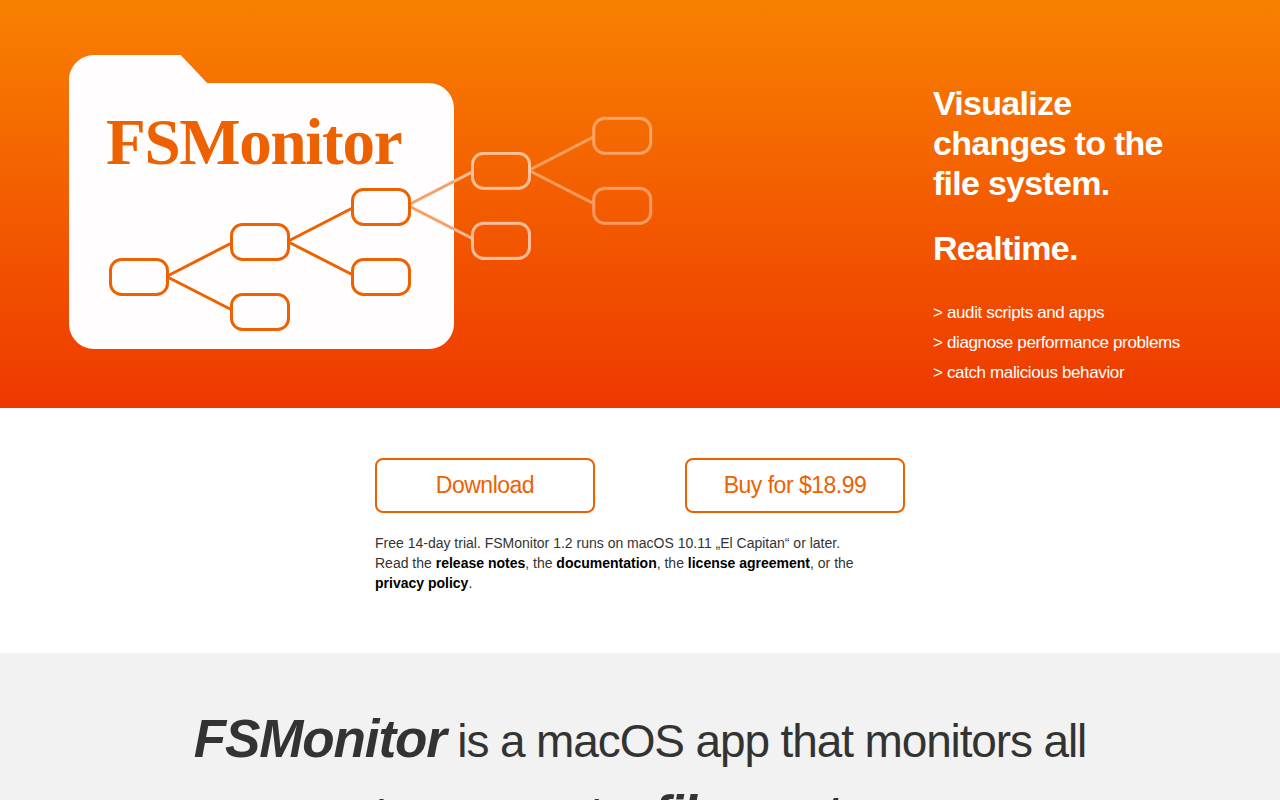
Terminals & CLI
FSMonitor
Visualize filesystem changes in realtime
System Monitoring & Maintenance
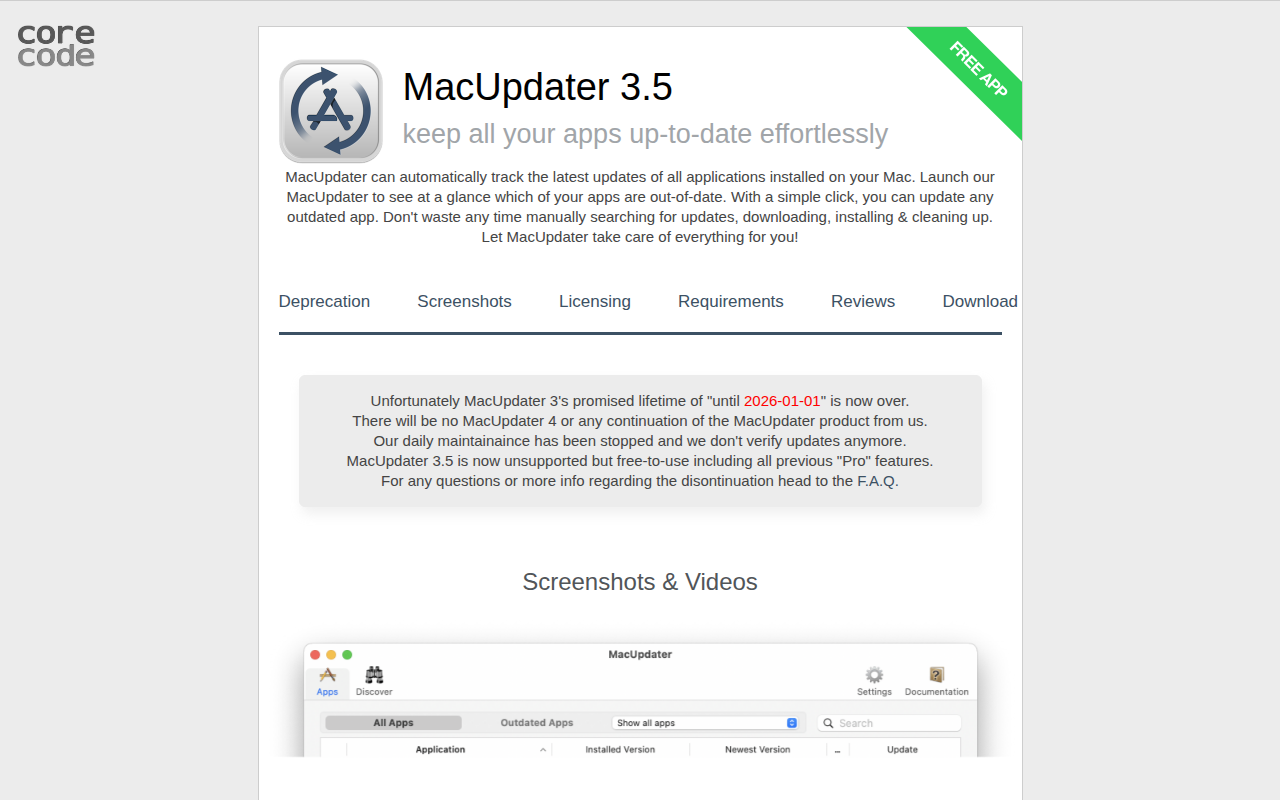
MacUpdater
Track and update to the latest versions of installed software
File Management & Transfer
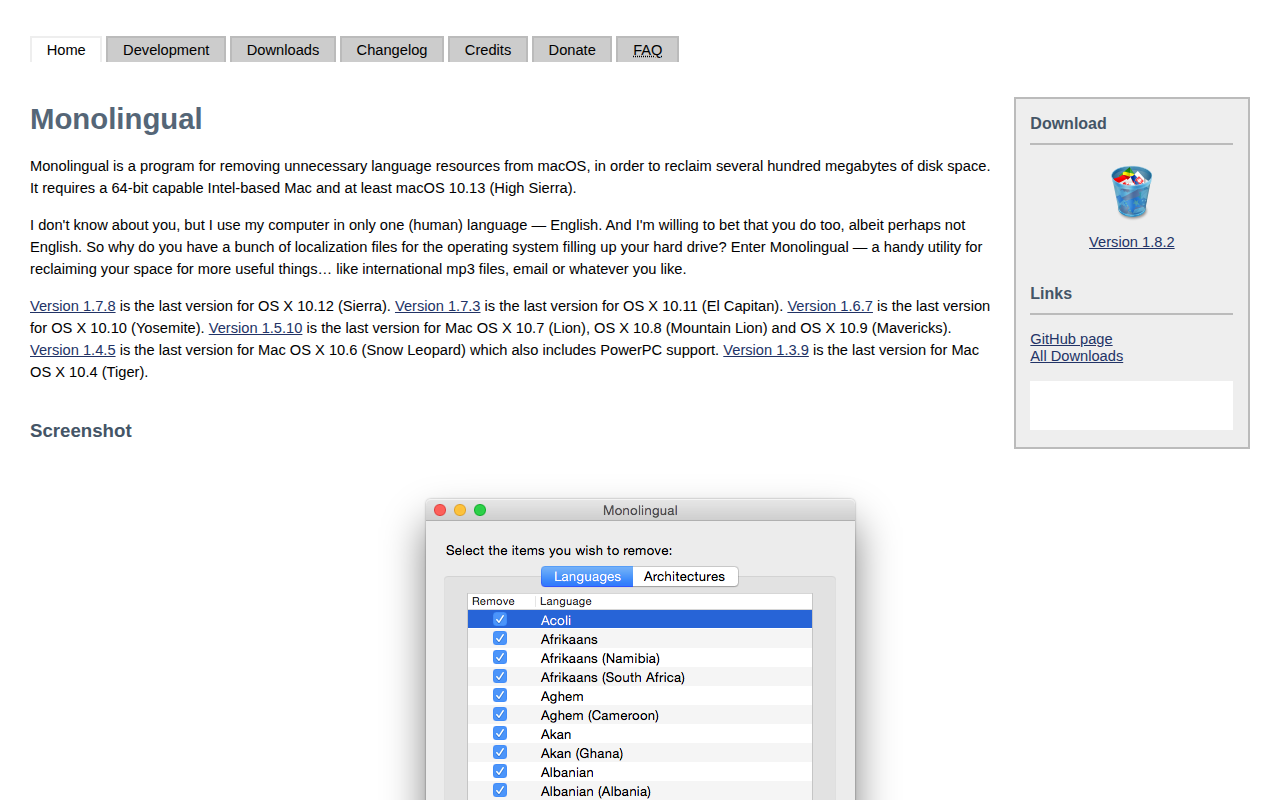
Monolingual
Utility to remove unnecessary language resources from the system