
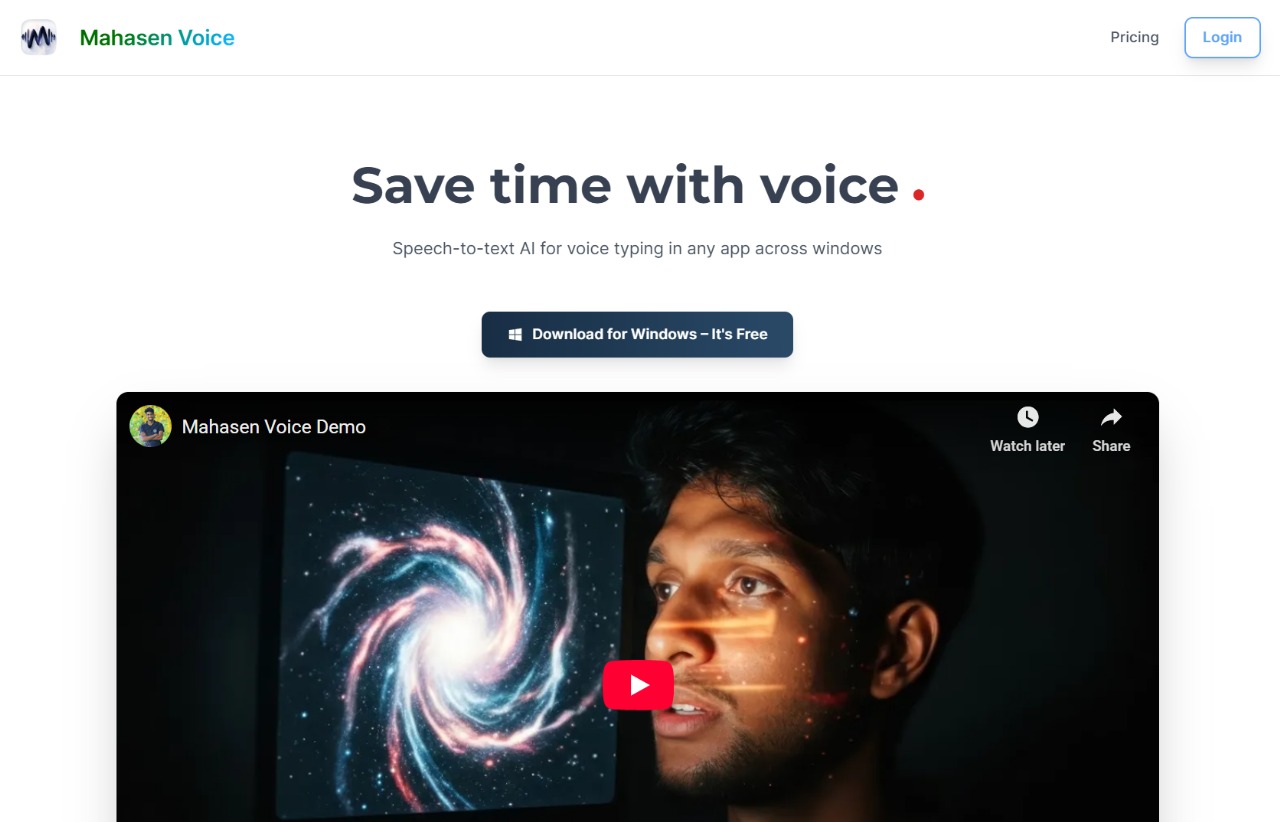
Mahasen
Voice Type while you build. Ship posts that sound like you
Mahasen captures voice‑typed input across any Windows application—such as code editors, chat tools, or email—by holding a shortcut key and speaking. It records the spoken history, extracts moments like shipped features, solved problems, or customer interactions, and then assembles these fragments into coherent story leads. Users select a lead and Mahasen generates multiple drafts for LinkedIn, X, or longer blog posts, which can be reviewed and copied with a couple of clicks.
The tool is aimed at founders, indie hackers, and small teams who want to share progress updates without manual writing. By using the actual voice record of their workday, Mahasen provides context‑aware content that avoids generic “AI slop” and reflects the user’s authentic brand voice. It also offers edit‑mode shortcuts and personalization options in beta.
Mahasen runs as a Windows‑only application, requires no separate sign‑up, and is offered for free. It promises a speed increase of roughly five times over typing, positioning itself as a combined voice‑dictation layer and marketing assistant for real‑time storytelling.
Reviews
Loading reviews…
Similar apps
Clipboard, Input & Automation
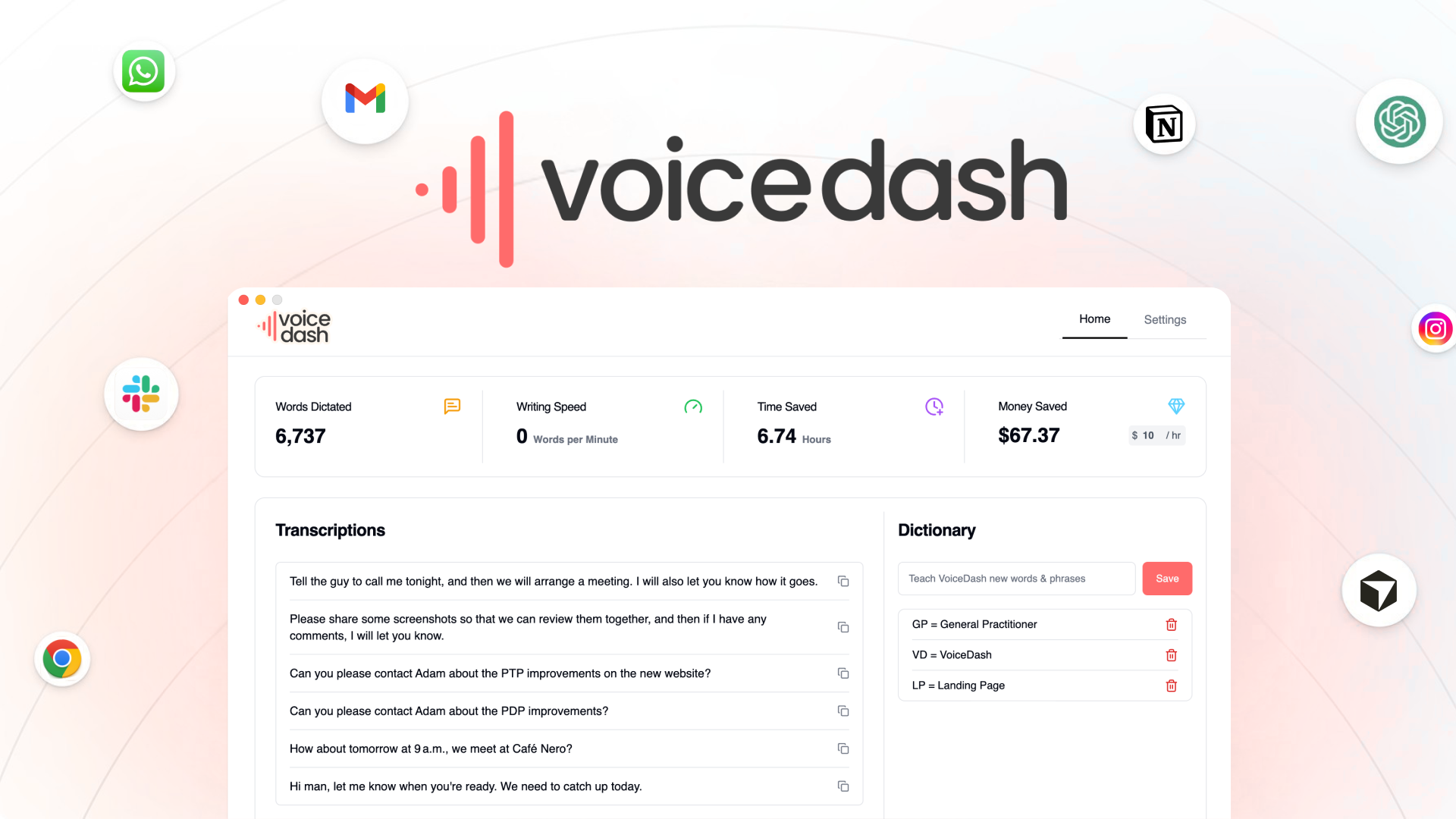
VoiceDash
Turn your speech into structured text instantly with VoiceDash. Boost productivity, reduce typing, and create faster with AI voice typing.
AI Agents & Automation
DictaFlow
Push-to-talk AI dictation with instant voice correction
AI Agents & Automation
Dictura
Hold a key, speak, release- translated text at your cursor
AI Writing
Monologue
AI voice dictation that adapts to your writing style
Clipboard, Input & Automation
Typeless
AI voice dictation that turns speech into polished text

Clipboard, Input & Automation
AriaType v0.1
Open-source AI voice input