
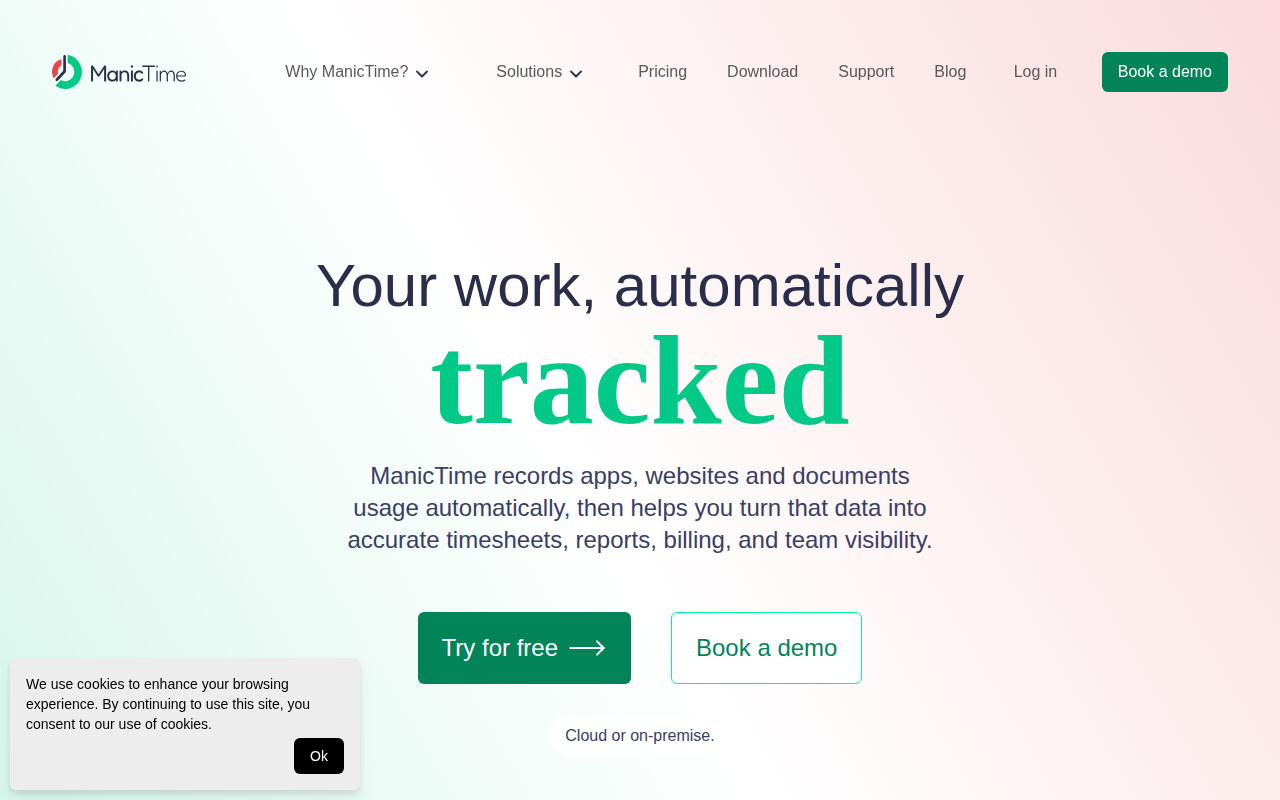
ManicTime
Time tracker that automatically collects computer usage data
The software runs continuously in the background, recording which applications, websites, documents, and periods of idle or away time occur on a computer. It builds a timeline of activity that can be reviewed and annotated, allowing users to assign recorded intervals to specific projects, clients, or tasks through manual selection or automated tagging rules. From this data it can generate timesheets, invoices, productivity summaries, attendance reports, and other management‑oriented outputs, with optional screenshots anchored to the timeline for visual verification.
It is aimed at individuals and teams who need detailed, automatically captured work logs without manual entry, including developers, remote teams, freelancers, accountants, designers, and IT managers. The system supports both cloud‑based and on‑premise deployments, giving users control over where their data is stored and how it is accessed. Integration points include an AI‑ready interface (MCP) for natural‑language queries about tracked work.
Key distinguishing aspects are the fully automatic capture of usage context, the ability to auto‑tag and assign time to projects, and the inclusion of proof‑of‑work screenshots and idle‑time classification, all combined into a single source of truth for reporting and billing.
Reviews
Loading reviews…
Similar apps
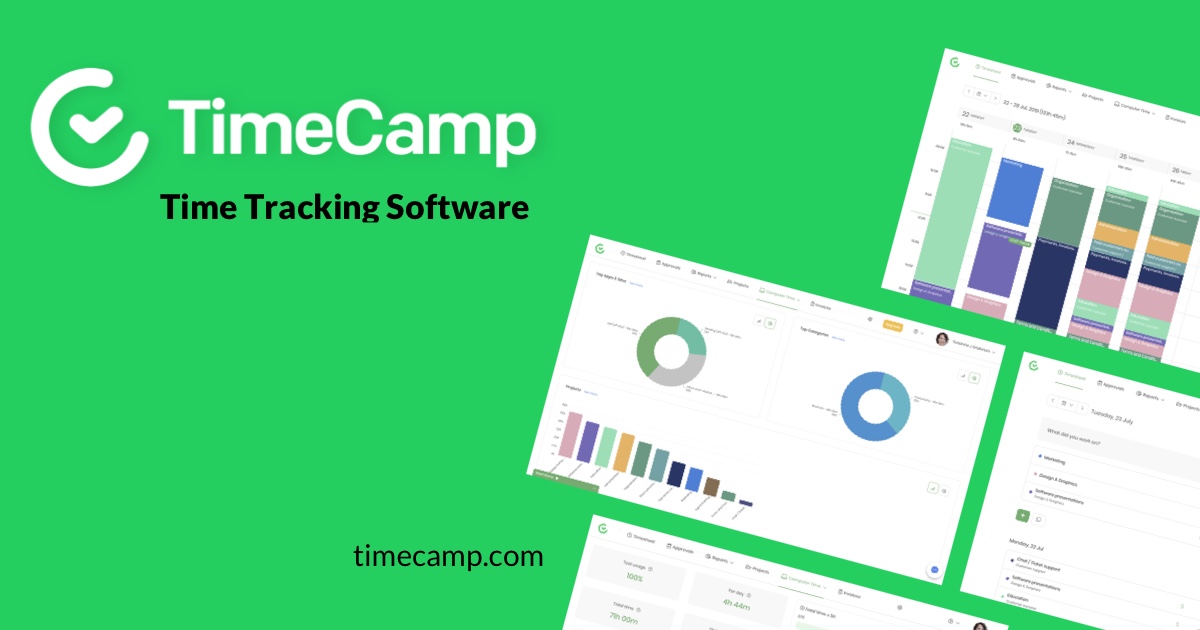
Time Tracking & Focus
TimeCamp
Client application for TimeCamp software - track time and change tasks
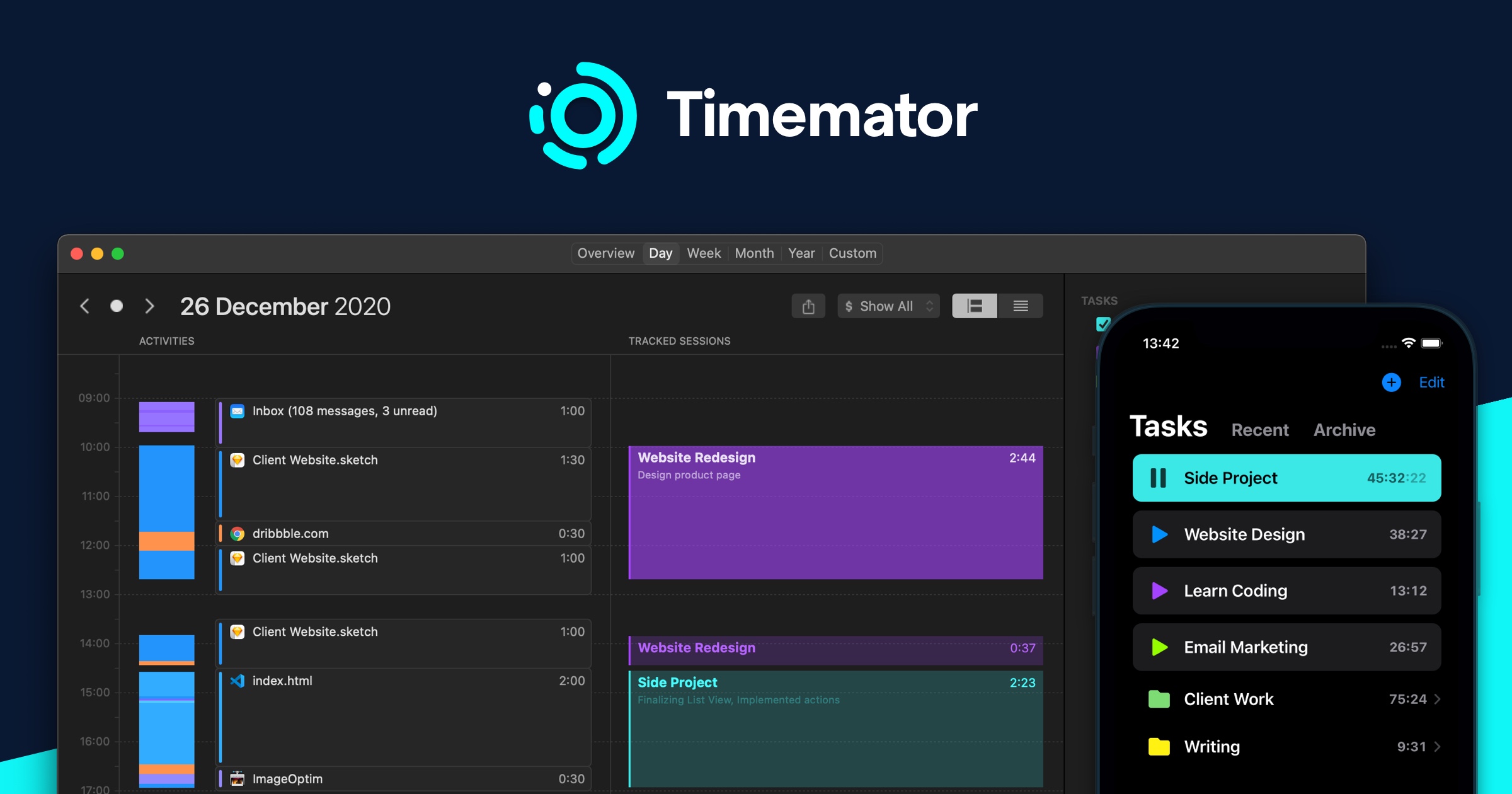
Time Tracking & Focus
Timemator
Automatic time-tracking application
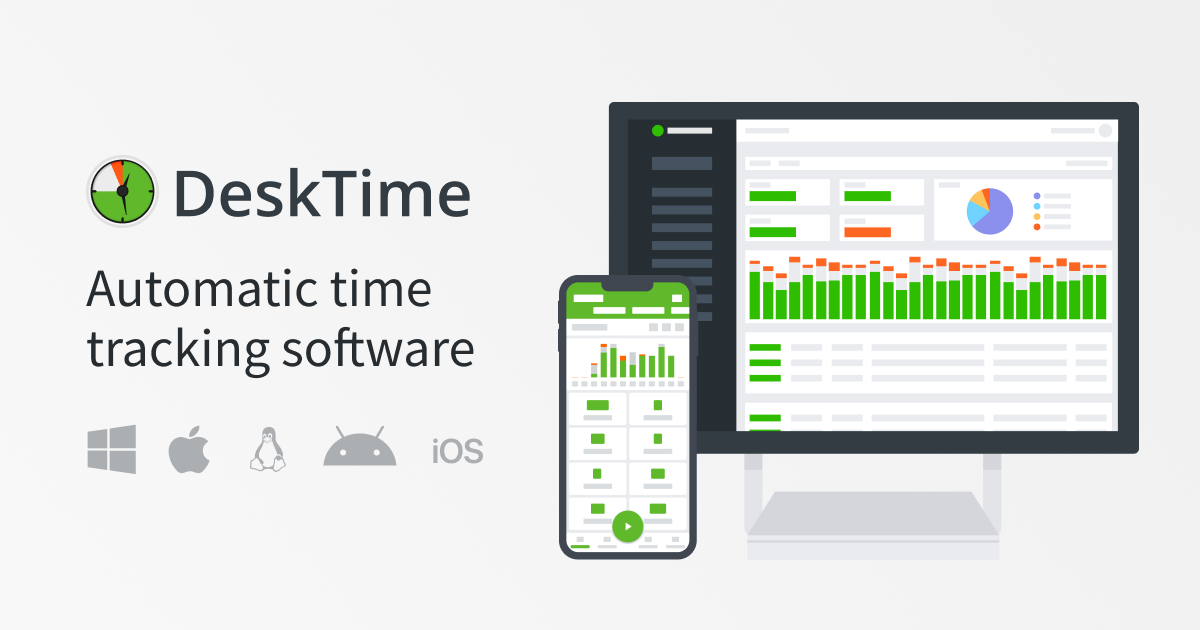
Time Tracking & Focus
DeskTime
Time tracker with additional workforce management features
Time Tracking & Focus
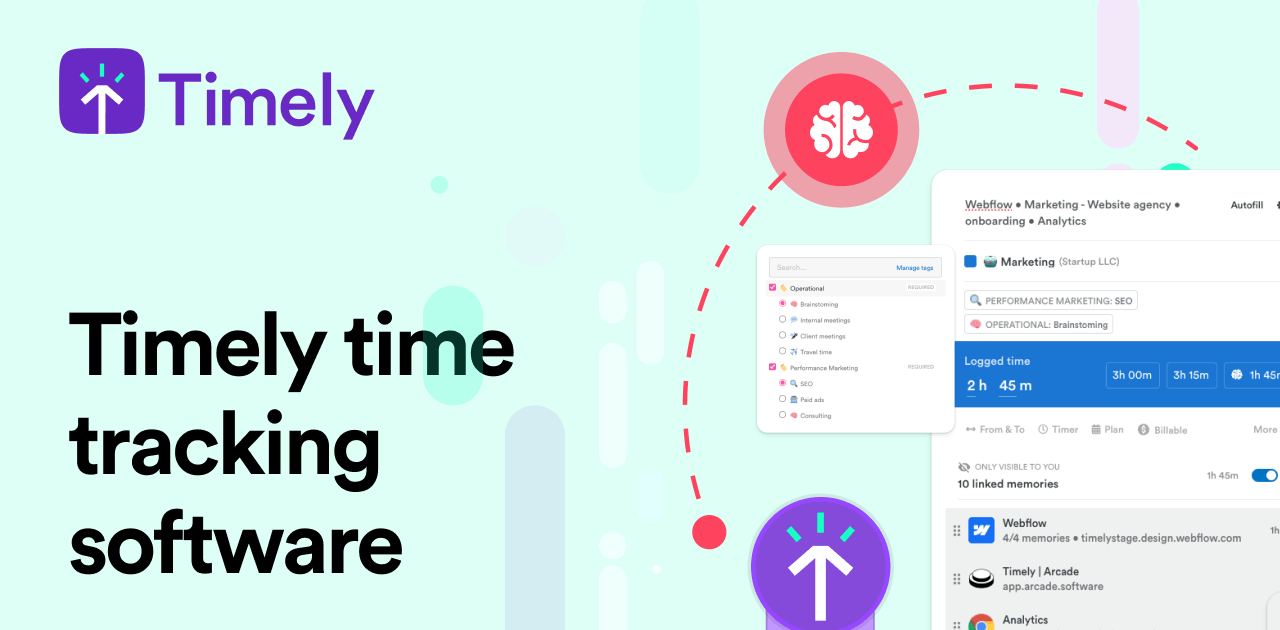
Memory Tracker by Timely
Time tracking software

System Monitoring & Maintenance
RescueTime
Track time usage and get productivity reports.
Time Tracking & Focus
ActivityWatch
Automatically track how you spend time on your devices.