
Master PDF Editor
PDF editor
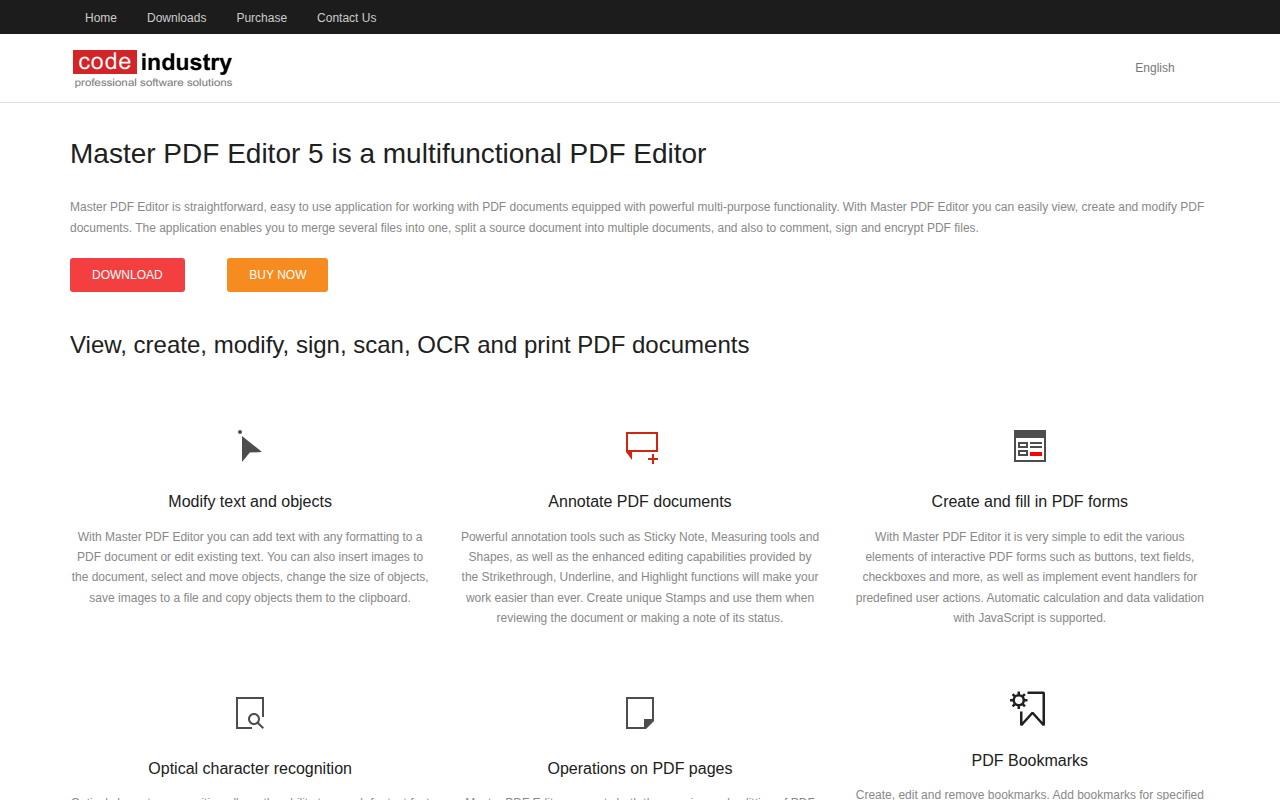
Master PDF Editor provides a full set of tools for working with PDF files, allowing users to view, create, modify, and print documents. It supports adding and editing text with formatting, inserting and moving images, and handling page operations such as merging, splitting, rotating, and resizing. Users can also annotate PDFs with notes, highlights, shapes, and custom stamps, as well as manage bookmarks for easier navigation.
The application includes functionality for interactive forms, enabling editing of fields, buttons, and checkboxes, and supports JavaScript‑based calculations and validation. It can perform optical character recognition on scanned or image‑based PDFs, making the text searchable and editable. Digital signatures can be created, checked, and applied using certificates to verify document authenticity.
Designed for macOS (core platform) and also available on Windows and Linux, Master PDF Editor targets individuals and professionals who need a straightforward, all‑in‑one solution for everyday PDF editing, annotation, form handling, and document preparation.
Reviews
Loading reviews…
Similar apps

Wikis & Collaborative Docs
Adobe Acrobat Pro DC
View, create, manipulate, print and manage files in Portable Document Format

Wikis & Collaborative Docs
Nitro PDF Pro
PDF editing software
Documents, Forms & Contracts
Foxit PDF Editor
PDF Editor

File Management & Transfer
PDF Expert
Read, annotate and edit PDFs, change text and images.
Wikis & Collaborative Docs
ABBYY FineReader PDF
Scan, OCR, and convert documents to searchable PDFs and other formats
Wikis & Collaborative Docs
UPDF
Free PDF editor for reading, annotating, and editing PDFs. ![Freeware][Freeware Icon]