

Moom
Window management tool for moving, resizing, and saving layouts.
Moom provides a set of window‑management actions that let macOS users move, resize, and arrange windows with mouse clicks or keyboard shortcuts. A pop‑up palette appears when hovering over a window’s traffic‑button, offering up to 61 configurable actions, including custom folders, grids, and saved layouts. Users can define layouts for a specific set of applications or for the most recently used windows, then restore those arrangements with a single command, making it easy to re‑establish a preferred workspace after connecting to external displays.
The tool also includes a snap feature that lets users drag a window into predefined zones on the screen, triggering actions such as moving, zooming, or applying a saved layout. Snap regions are customizable, and multiple actions can be attached to a single zone, enabling rapid window placement without manual resizing.
Moom is aimed at macOS users who need faster, repeatable window organization, especially those who work with multiple monitors or frequently switch between sets of applications. Its stable release offers a free trial, a one‑time purchase option, and ongoing updates.
Reviews
Loading reviews…
Similar apps
Window & Desktop Management
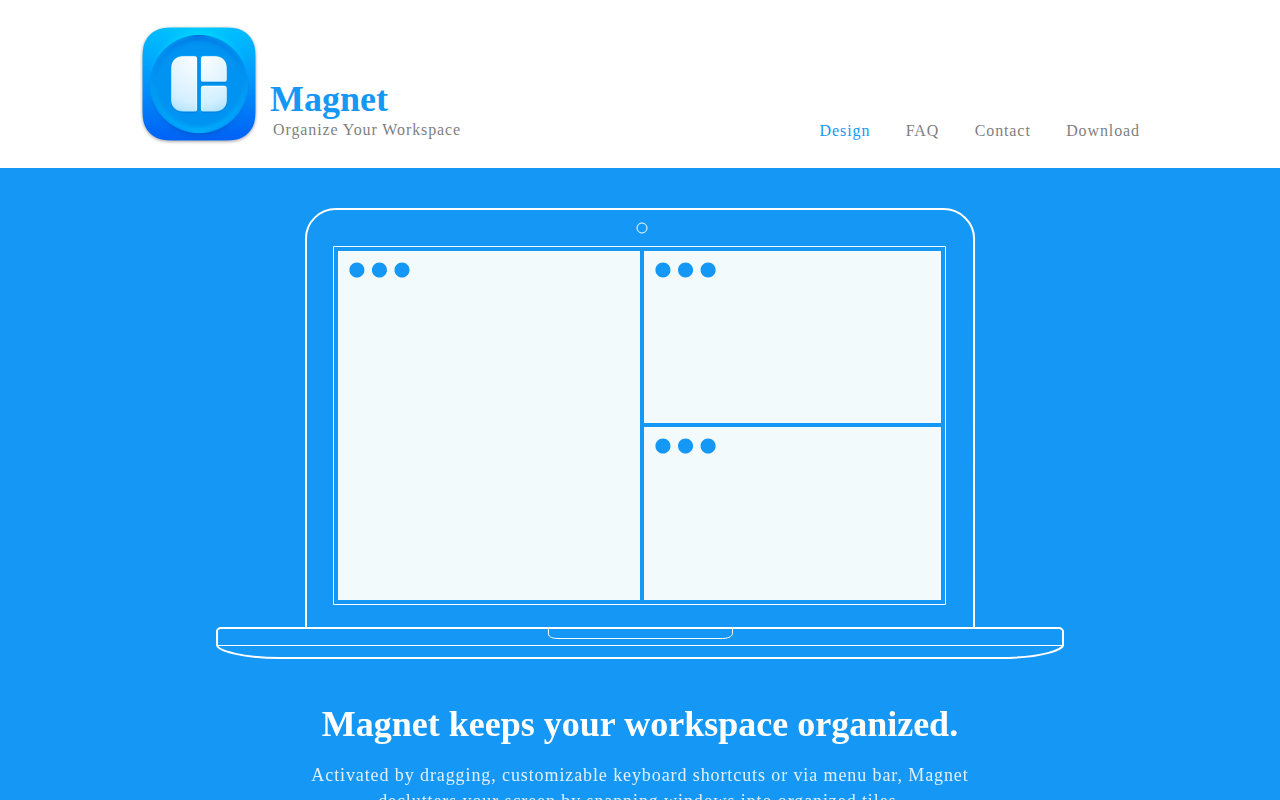
Magnet
Window manager that keeps your workspace organized.

Window & Desktop Management
Lasso
Intuitive and easy to use grid-based window manager.
Window & Desktop Management
Loop
Window management made elegant. [Freeware][Freeware Icon]

Window & Desktop Management
Mosaic
Resize and reposition apps

Window & Desktop Management
SizeUp
Powerful, keyboard-centric window management.
Window & Desktop Management
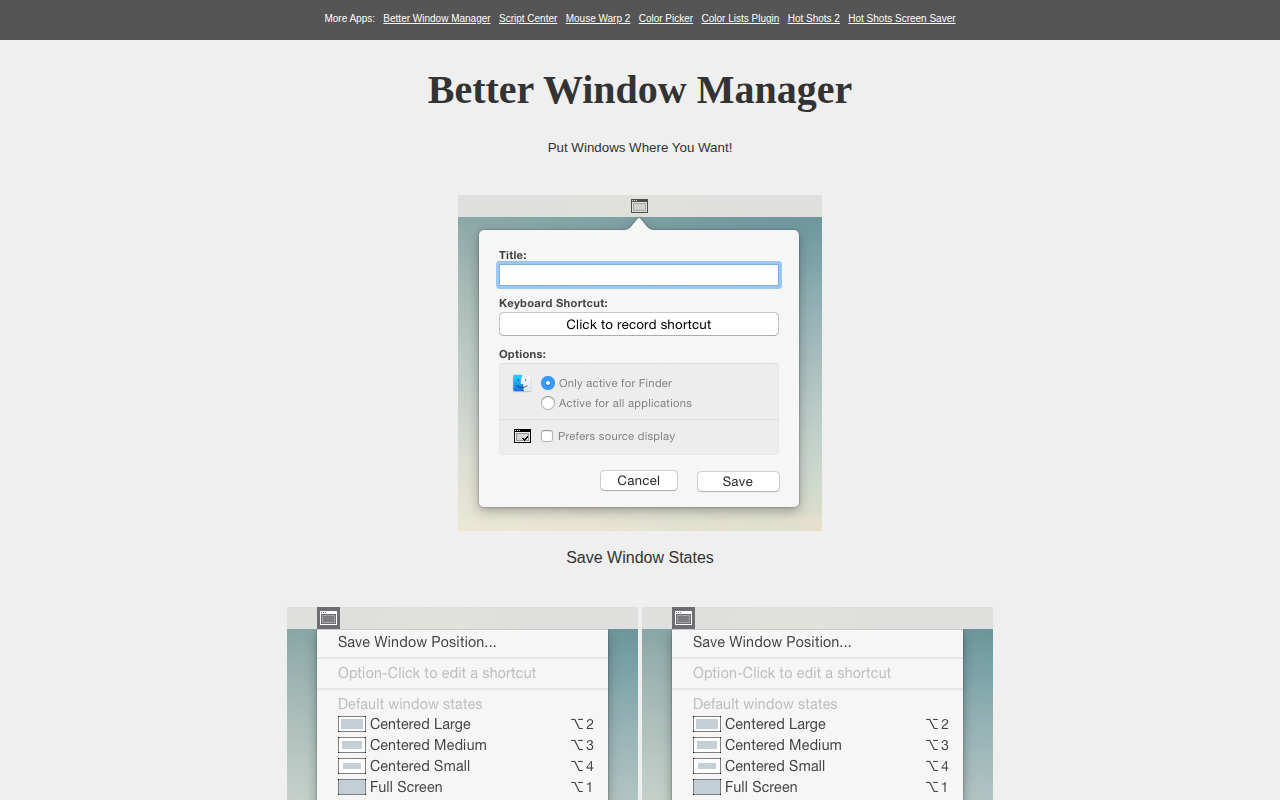
Better Window Manager
Tools to save/restore window states