
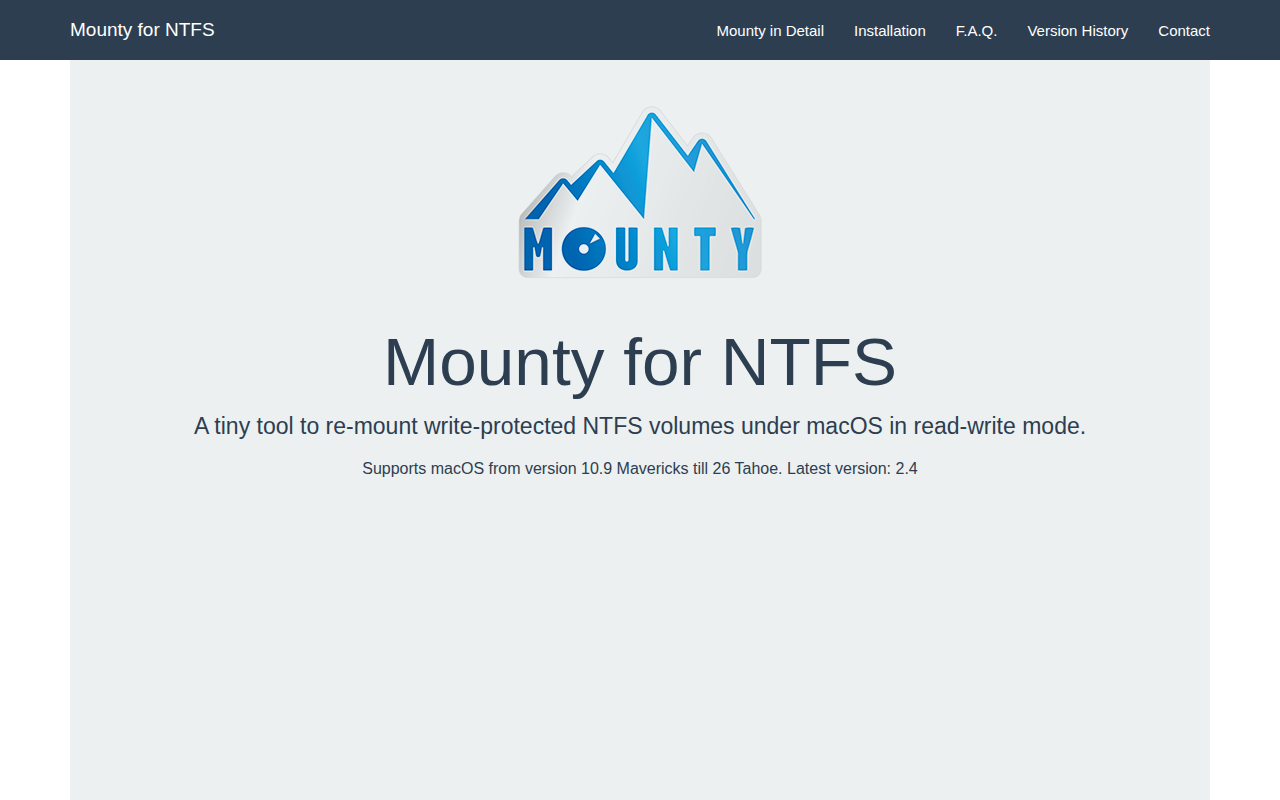
Mounty
Tiny tool to re-mount write-protected NTFS volumes under Mac OS X 10.9+ in read-write mode. ![Freeware][Freeware Icon]
Mounty is a small macOS utility that enables write access to NTFS‑formatted volumes which macOS normally mounts as read‑only. When an NTFS drive is connected, the menu‑bar icon notifies the user and, with a single click, re‑mounts the volume in read‑write mode. The interface shows the current state through colour changes, and a Finder window can be opened directly from the icon to manage the mounted files.
The tool works on macOS versions from 10.9 Mavericks through the latest releases, including Ventura and later. For macOS 10.9 and earlier it uses the hidden Apple kernel function that allowed NTFS write support; on newer systems it relies on the open‑source NTFS‑3G driver together with macFUSE, which provides the necessary kernel support after Apple removed the built‑in capability.
Mounty is distributed as free software and can be installed via a direct download or through Homebrew. It offers a lightweight, menu‑driven experience without additional configuration beyond the required driver installation, making it suitable for users who need occasional write access to NTFS drives on macOS.
Reviews
Loading reviews…
Similar apps
File Management & Transfer
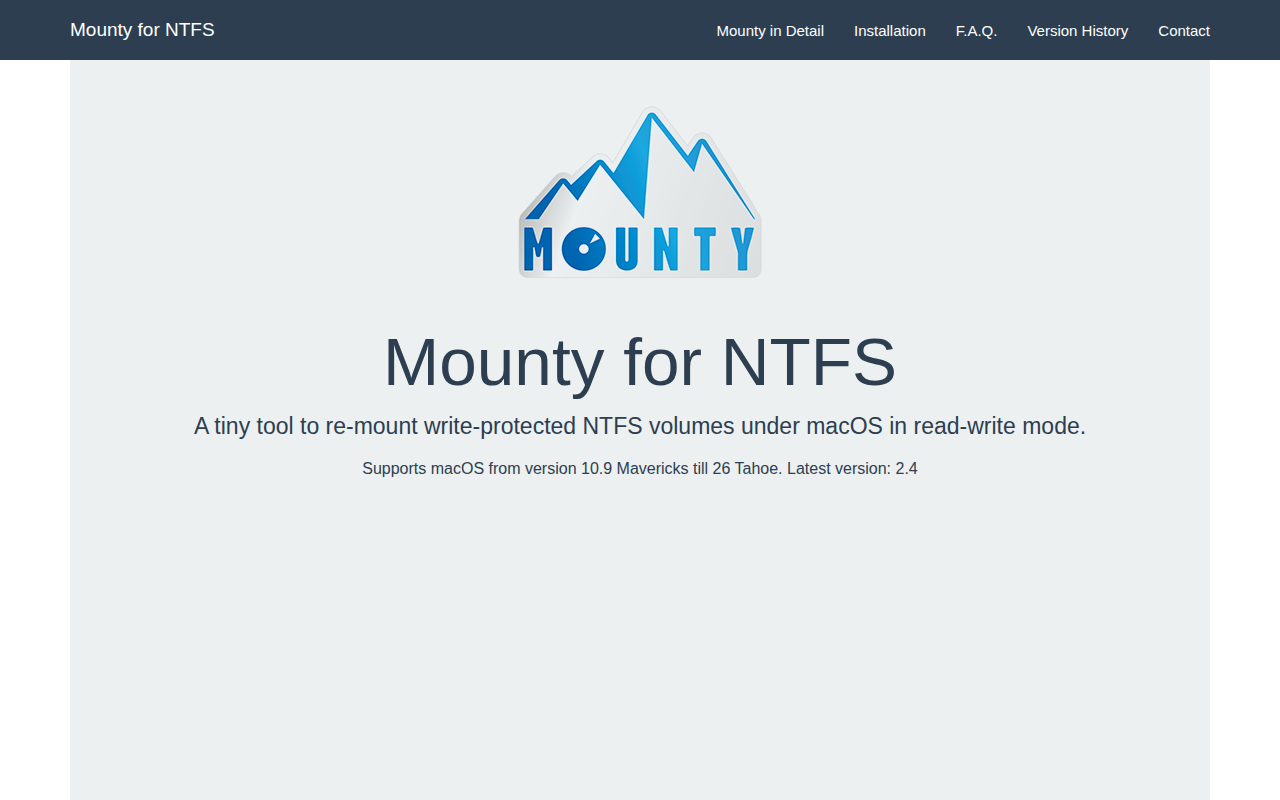
Mounty for NTFS
Re-mounts write-protected NTFS volumes

File Management & Transfer
MountMate
Menubar app to easily manage external drives

File Management & Transfer
Paragon NTFS
Read/write access to NTFS in macOS Sierra.
Terminals & CLI
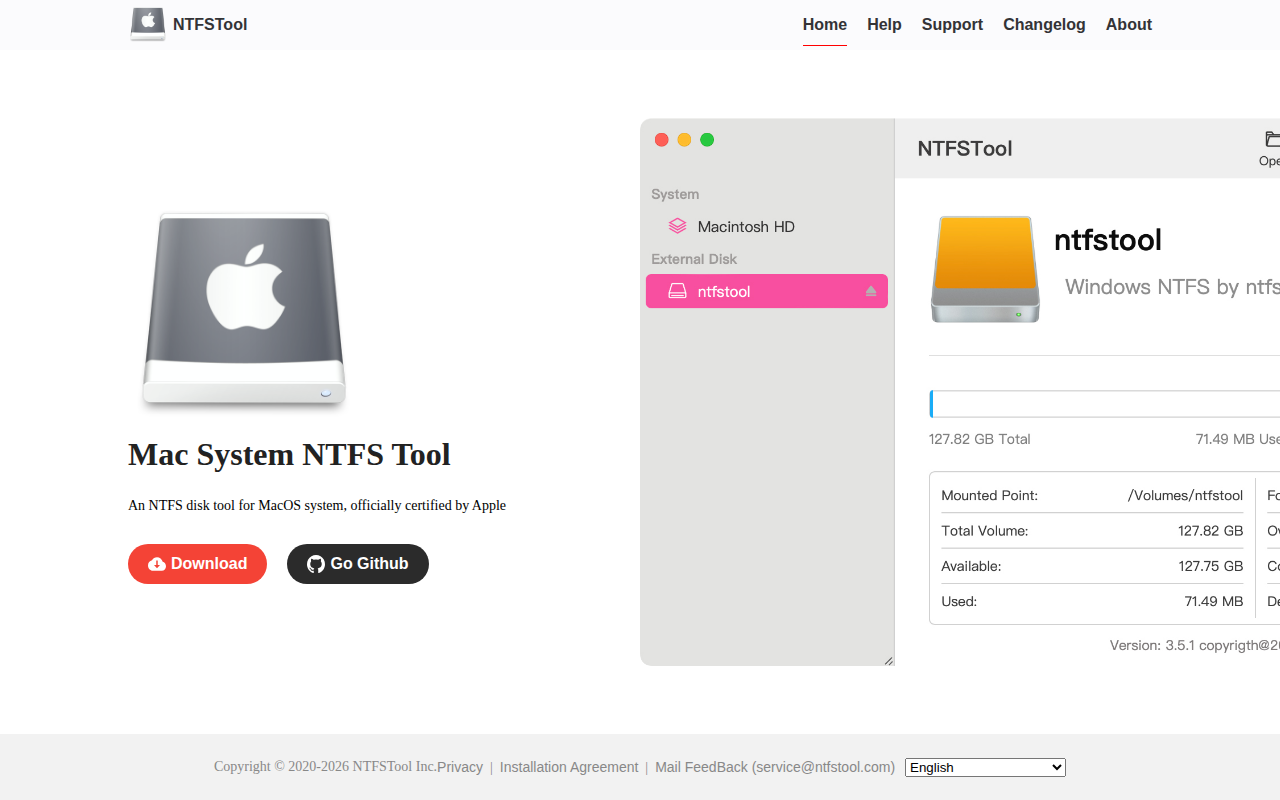
NTFSTool
Utility that provides NTFS read and write support
File Management & Transfer
Tuxera NTFS
File system and storage management software
File Management & Transfer
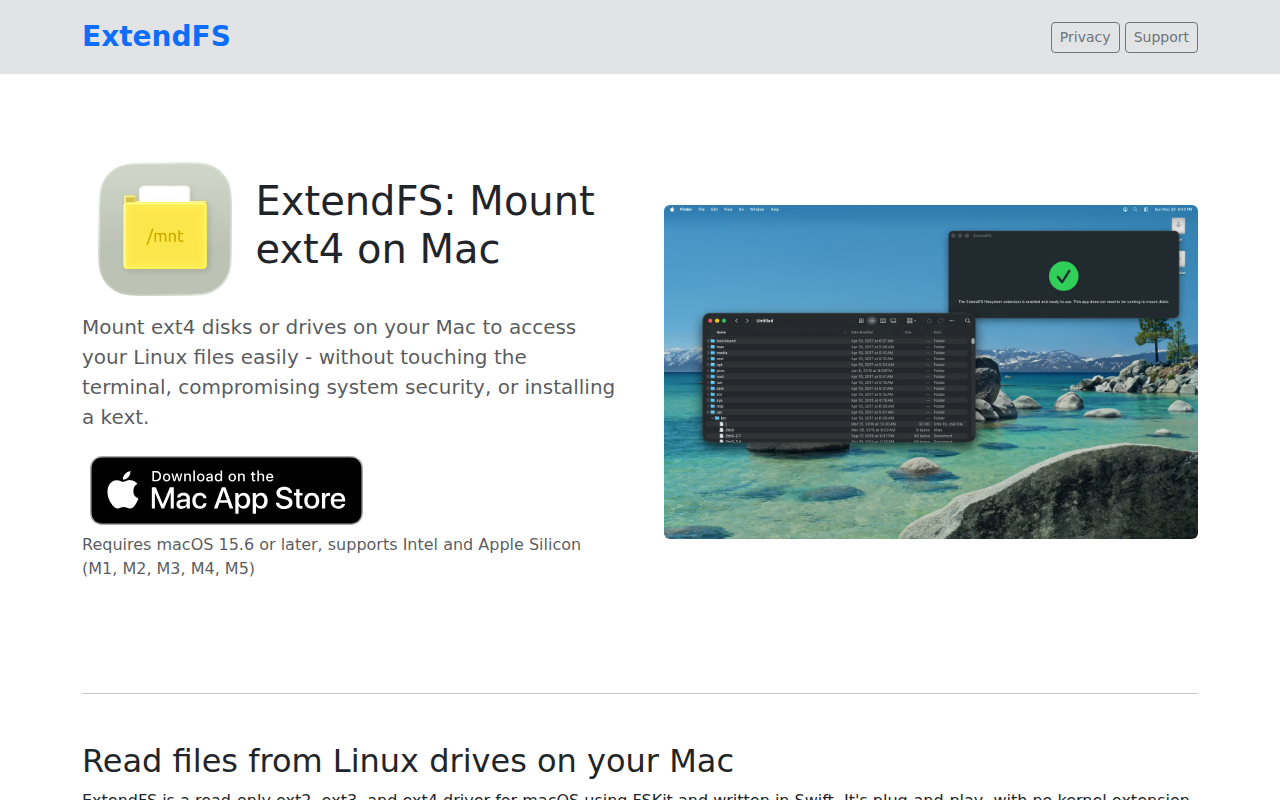
ExtendFS
Read-only access to Linux ext2/3/4 in macOS Sequoia and later without a kernel extension.