
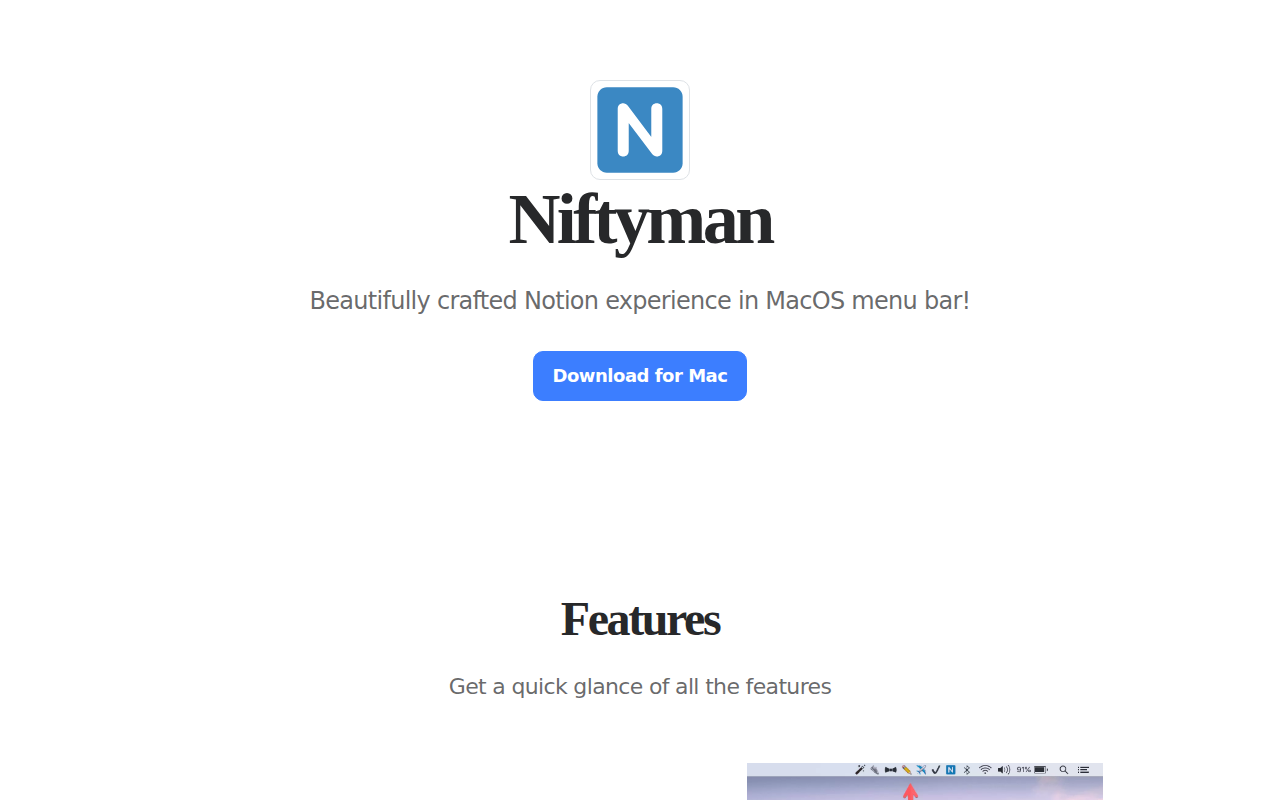
Niftyman
Access the Notion tool from the menu bar
Niftyman integrates Notion directly into the macOS menu bar, allowing users to keep one or more Notion pages readily accessible without switching windows. Each instance can be assigned a custom emoji icon, and users can configure individual keyboard shortcuts to open specific pages, streamlining navigation and reducing context‑switching.
The app offers quick‑toggle controls for features such as “Always on Top,” pinning windows to the menu bar, locking window resizing, and rendering the mobile version of a page. These toggles are reachable from the menu bar or preferences, enabling rapid adjustments to window behavior and appearance.
All customizations—including window size, icons, and shortcut assignments—are saved automatically, and the utility provides tools to clear the local cache or reset settings if pages fail to load. Niftyman is a stable, macOS‑only utility aimed at users who want a more efficient, always‑available Notion workflow.
Reviews
Loading reviews…
Similar apps
Task & Project Management
Nifty
Client for the Nifty project management platform
Task & Project Management
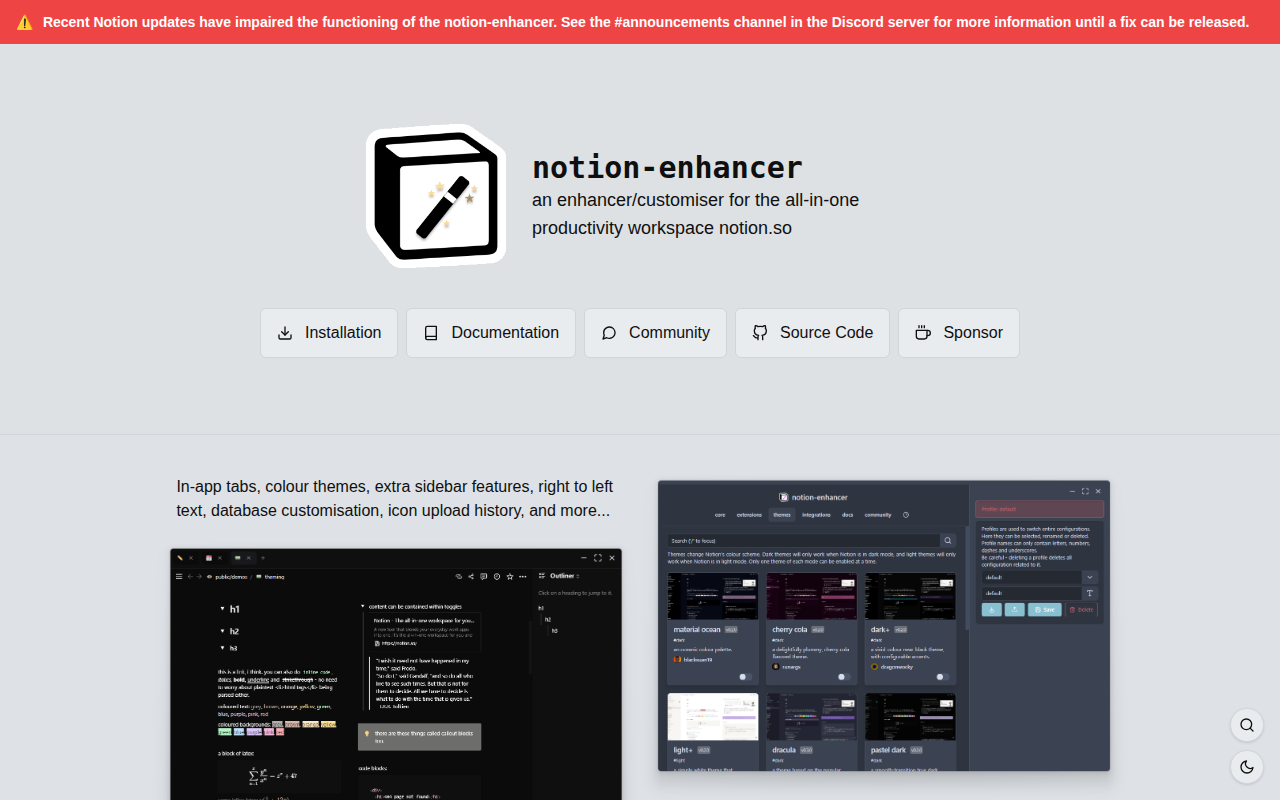
Notion Enhanced
Enhancer/customiser for the all-in-one productivity workspace notion.so

Window & Desktop Management
Badgeify
Add apps to the menu bar
Window & Desktop Management
Reminders MenuBar
Simple macOS menu bar app to view and interact with reminders.
Window & Desktop Management
Toolly
Toolly - 170 Tools. One Click. Your Menubar.

Window & Desktop Management
Dynamic Notch 2.0
Turn your Mac notch into a native 6-in-1 command center