
Notcha
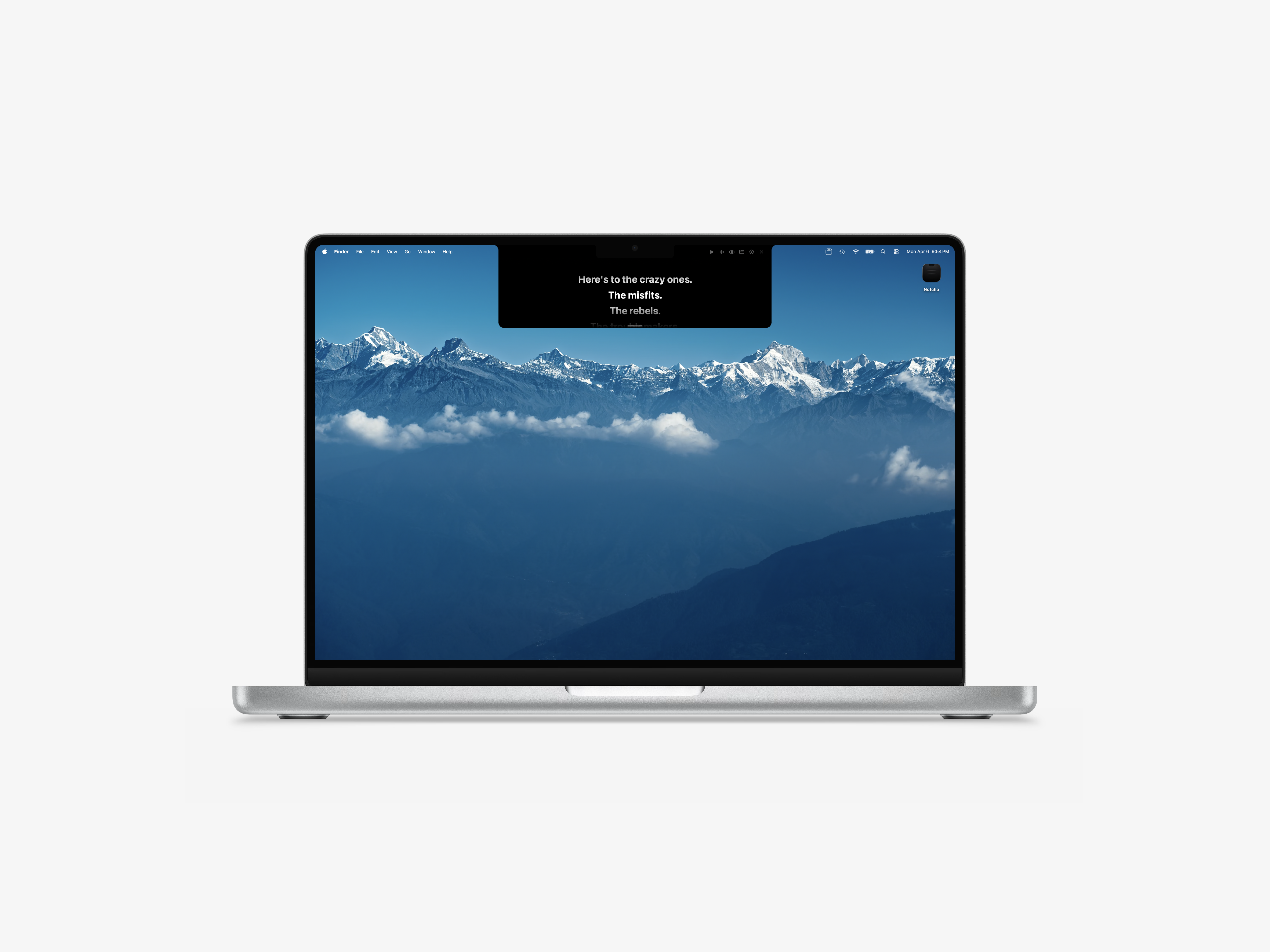
Presenter notes, right in your MacBook’s notch
Notcha is a macOS menu‑bar utility that turns the display notch of a MacBook into a discreet teleprompter. It renders a script directly behind the notch, allowing presenters to read cue cards while keeping the content out of the main screen view. The app supports markdown and plain‑text files, rendering them with typographic styling, and includes an image viewer that can be navigated with arrow keys.
Key features include auto‑scroll with adjustable speed, real‑time voice tracking that advances the text based on microphone input, and a screen‑share hiding mode that omits the notch panel from recordings. Keyboard shortcuts provide hands‑free control, and the software automatically detects the presence and dimensions of the notch to position the panel correctly. A built‑in AI mode can generate a full presentation script on demand, ready for scrolling.
The tool is aimed at users who give presentations, join video calls, or create recorded content on notch‑equipped MacBooks, offering a lightweight way to keep notes visible without cluttering the main display. It is distributed as a free macOS download and is currently in an experimental maturity stage.
Reviews
Loading reviews…
Similar apps
Task & Project Management
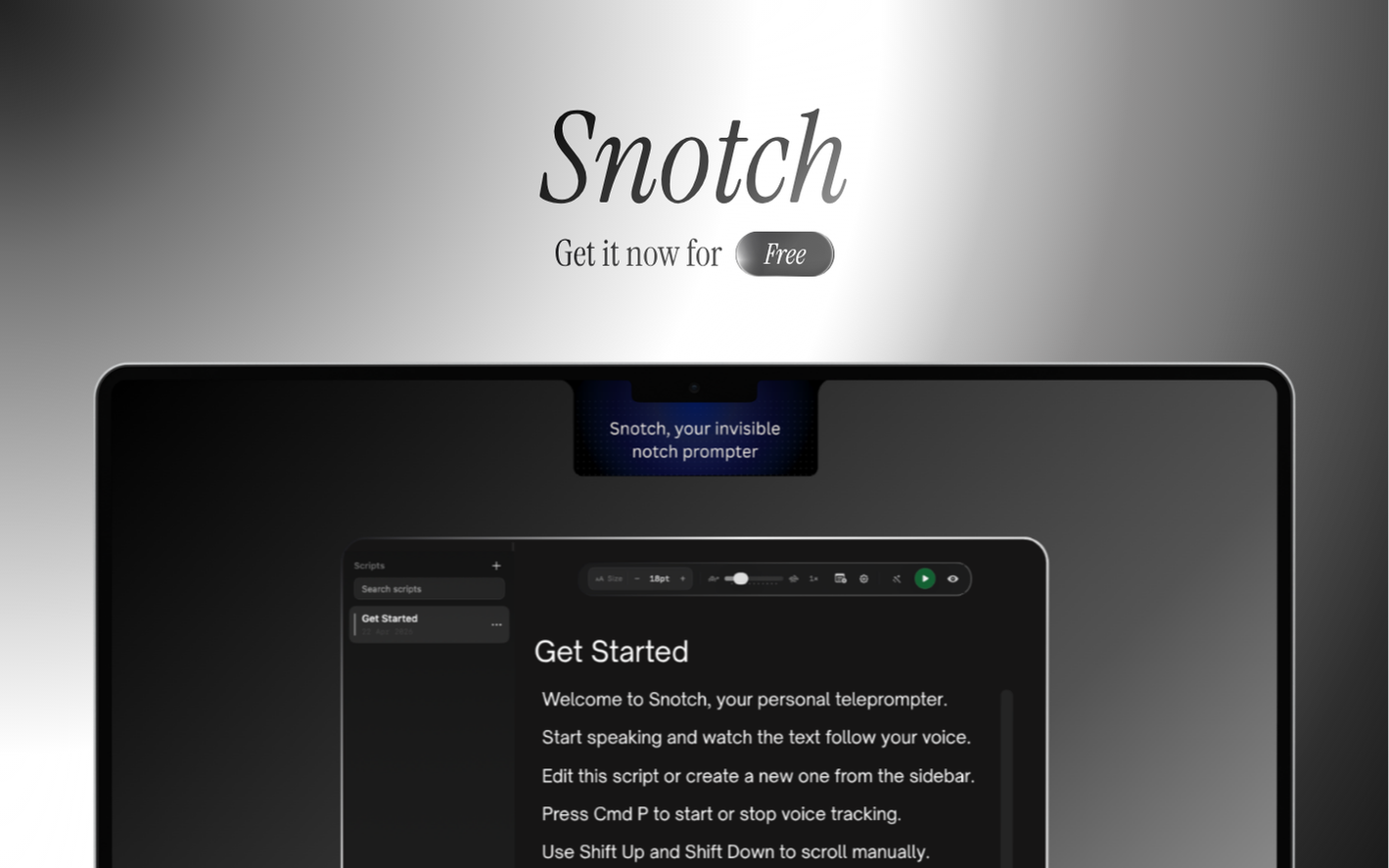
Snotch
Say it exactly how you meant it.
Task & Project Management
Notchi
Notch companion for Claude Code
Design & UI Prototyping
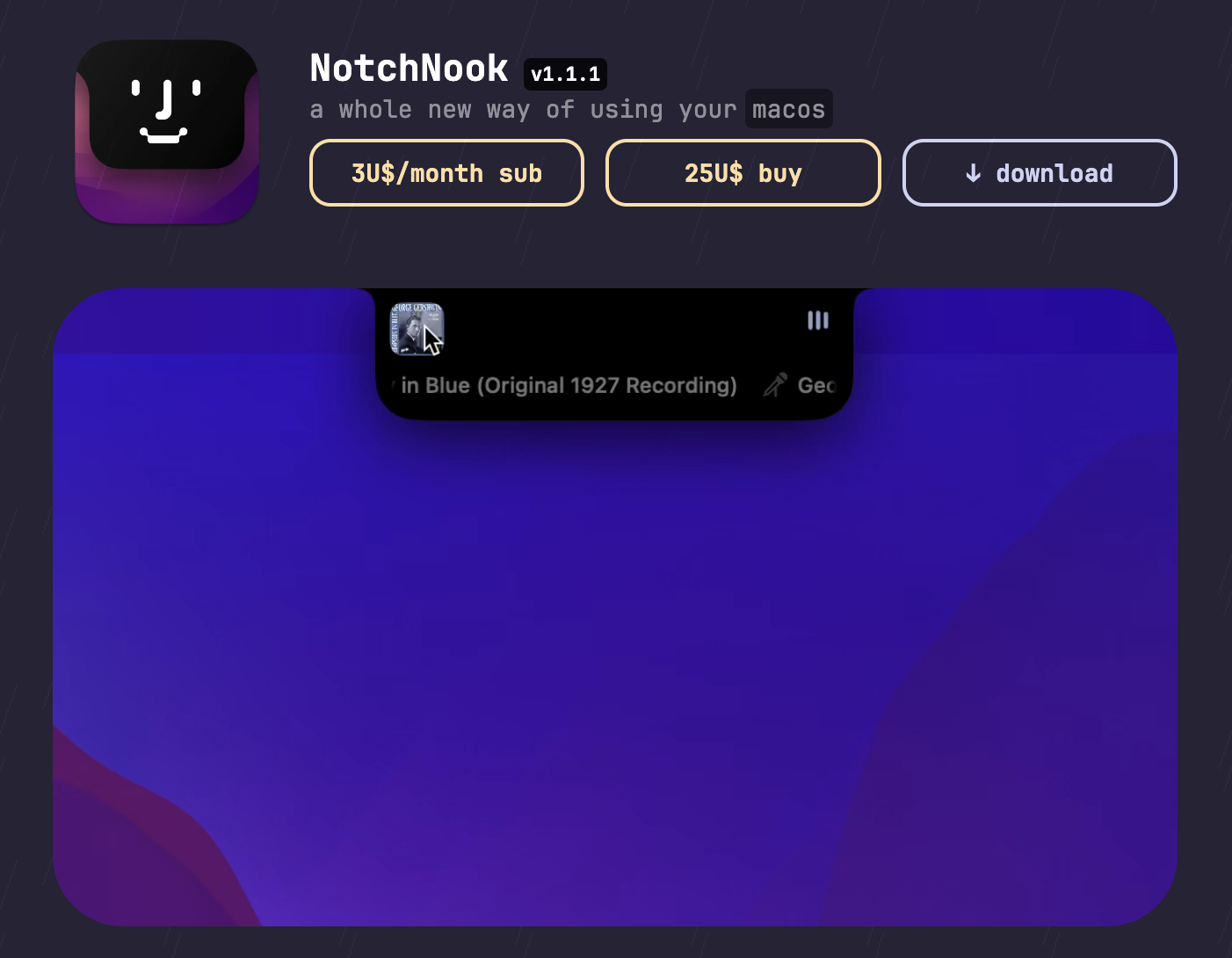
NotchNook
Customizes your Mac's menu bar to seamlessly integrate with the notch design.
Bookmarks & Read Later
NotchSpace
Turn your MacBook notch into a useful productivity hub
Note-Taking & PKM
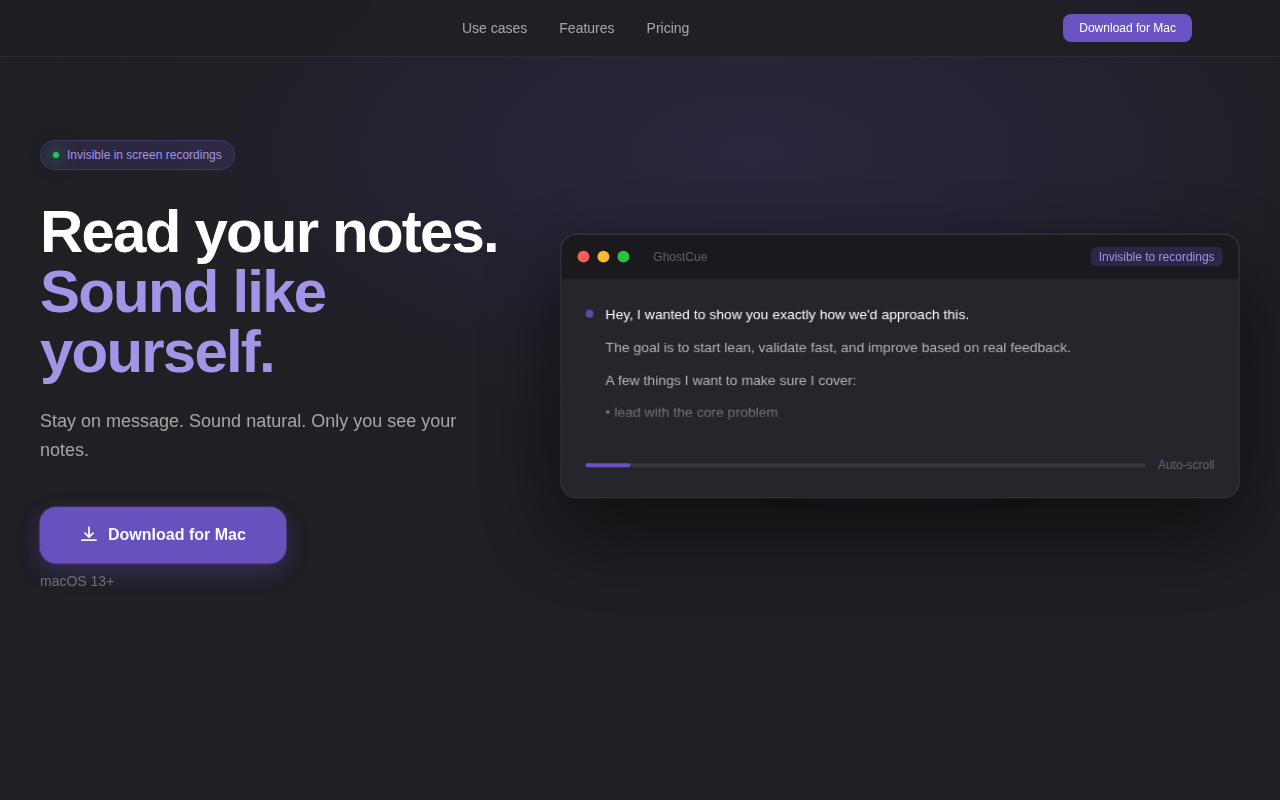
GhostCue - Invisible Notes App for Mac
Floating notes only you see. Invisible to every recording.

Window & Desktop Management
Dynamic Notch 2.0
Turn your Mac notch into a native 6-in-1 command center