
outset
Process packages and scripts during boot, login, or on demand
Outset is a macOS utility that automatically runs scripts and installer packages at specific points in the system lifecycle—during boot, user login, login‑window, privileged login, or on demand. It is invoked by launchd with various command‑line options that designate the execution context, and it can also be used manually to process scripts in predefined “login‑every” or “login‑once” directories. The tool includes features for managing ignored users, overriding specific scripts, and computing SHA‑256 checksums for configuration files.
The application is packaged as an app bundle located at /usr/local/outset/Outset.app, with a bundle identifier that integrates it into macOS 13 Login Items under a unified title and icon. It supports macOS 10.15 and later, and while earlier versions allowed installation of .mobileconfig files and packages, recent macOS releases have reduced the relevance of those capabilities, with future releases possibly dropping them. A legacy “Classic Outset” version remains available but is no longer maintained.
Outset is written in Swift, derived from the original project by Joseph Chilcote, and is maintained by the MacAdmins Open Source community. It is distributed under the Apache License 2.0, allowing use and modification with minimal restrictions.
Reviews
Loading reviews…
Similar apps
Window & Desktop Management
desktoppr
Command-line tool to set the desktop picture
System Monitoring & Maintenance
Low Profile
Utility to help inspect Apple Configuration Profile payloads
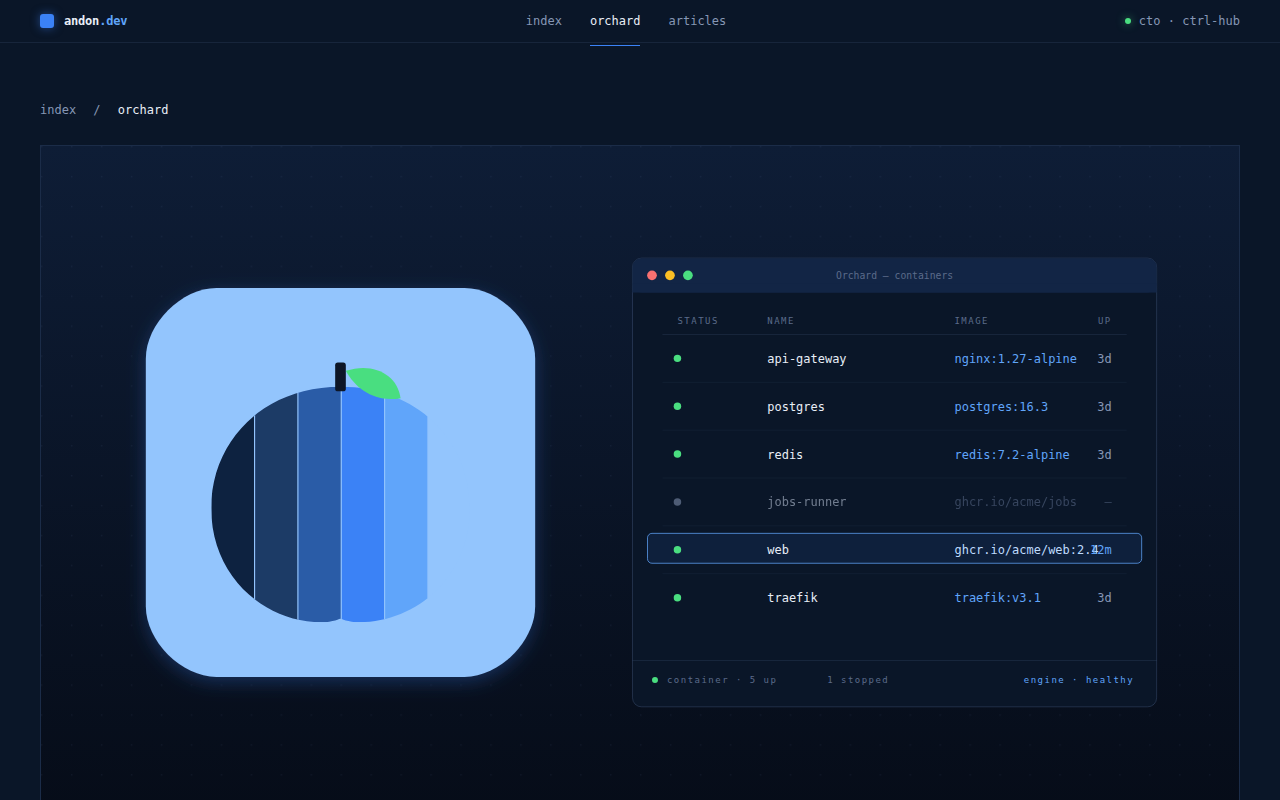
DevOps & Infrastructure
Orchard
Native GUI for Apple Containers
Task & Project Management
ProfileCreator
Create standard or customised configuration profiles
System Monitoring & Maintenance
Mac Monitor
Analysis tool for security research and malware triage

System Monitoring & Maintenance
AutoPkgr
Install and configure AutoPkg