

Perforce Helix Command-Line Client (P4)
Use it to gain instant access to operations and complete control over the system
The command‑line client provides direct access to Perforce Helix Core version‑control operations from a terminal. Users can issue the full range of Perforce commands, specifying flags and options to check out files, submit changelists, compare revisions, and manage streams. Because it runs locally on macOS, it integrates with existing shell workflows and scripts, giving administrators and advanced developers granular control over the repository.
It is part of the broader suite of free Perforce tools and APIs, which also includes graphical clients, integration plug‑ins, and services for code review and asset management. The CLI complements these tools by offering the most flexible interface for command construction, allowing automation and custom tooling around version‑control tasks.
The client is classified as stable and targeted at users who need precise, scriptable interaction with Helix Core, especially in environments where command‑line efficiency and fine‑grained command options are essential.
Reviews
Loading reviews…
Similar apps

Task & Project Management
PlasicSCM - a Cloud Edition
Install PlasticSCM locally and join a Cloud Edition subscription
Password & Security
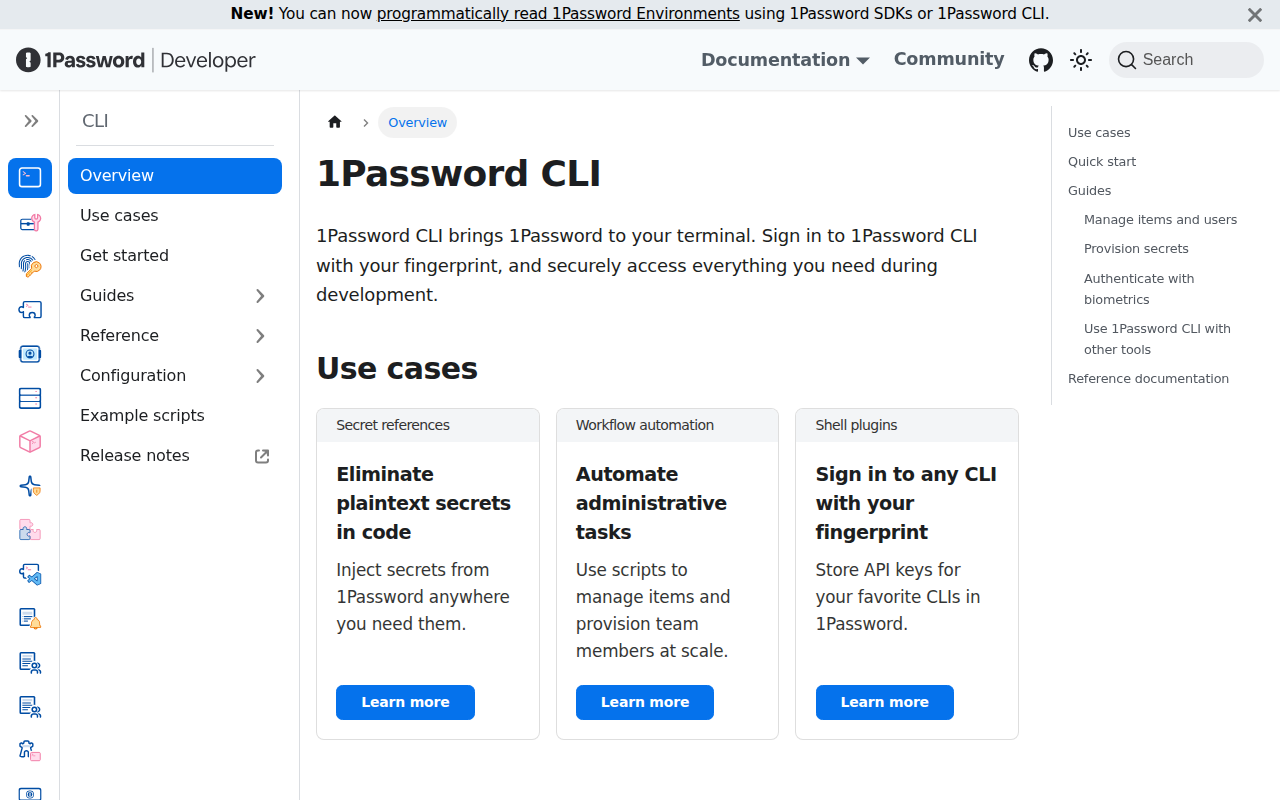
1Password CLI
Command-line interface for 1Password
Version Control & Git
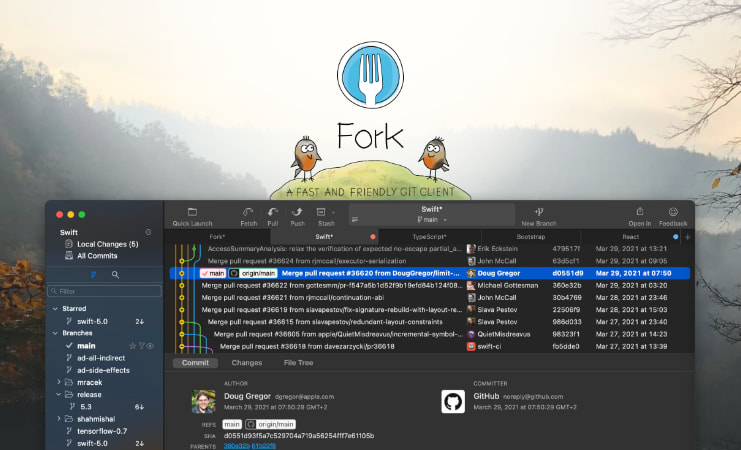
Fork
GIT client
Version Control & Git
Fork
Fast and friendly Git client for Mac.

Clipboard, Input & Automation
Pext
Python-based extendable tool
Version Control & Git
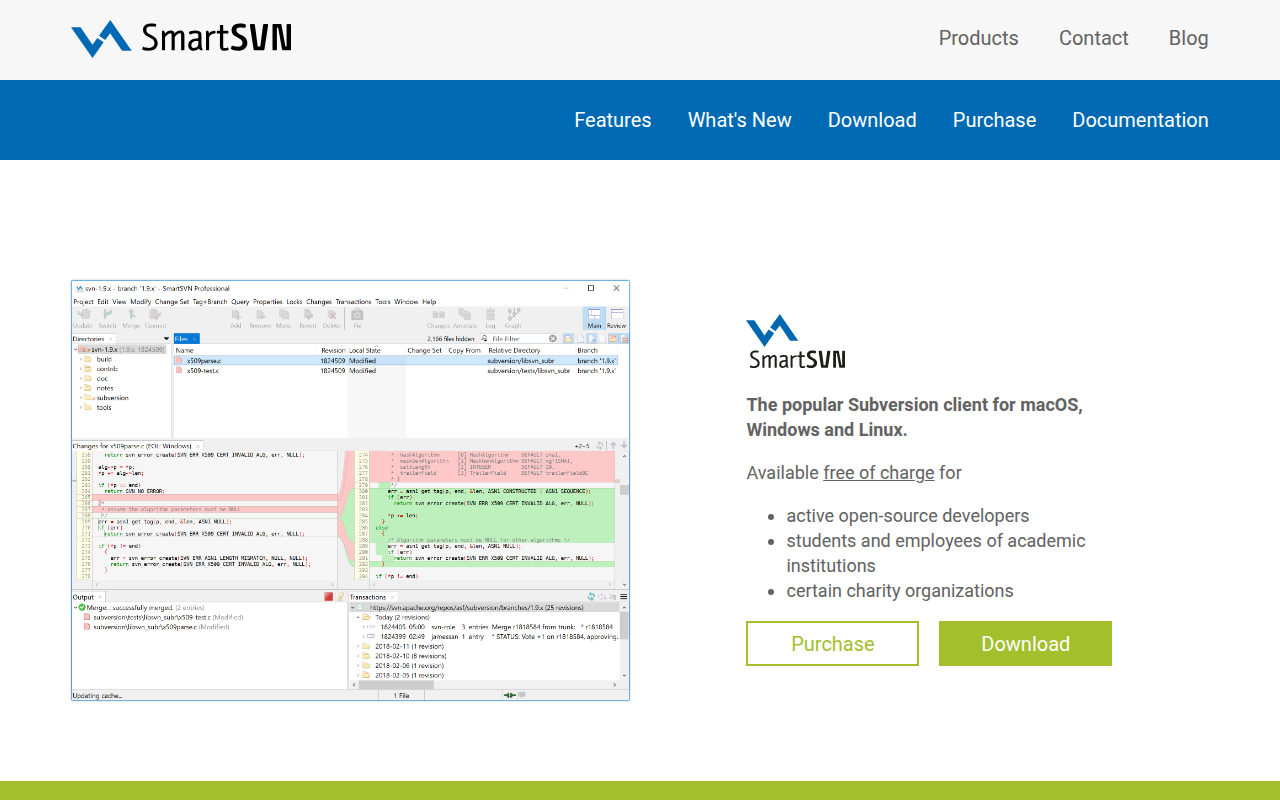
SmartSVN
Subversion client