
Photoshop for Gaussian Splats
Photoshop but it’s for Gaussian splats and 3D worlds
The tool provides a browser‑based interface for editing, color‑grading, slicing, and exporting 3D Gaussian splats and entire 3D worlds. Users can import files in PLY, SPZ, or GLB formats, apply hue, saturation, brightness, contrast, and gamma adjustments, and use brush‑based region selection to target specific color changes. The “Slice & Dice” feature lets users create box or lasso selections, split splats to reduce file size, and export results as ZIP, PLY, or animated packages, all without requiring prior 3D experience.
It is aimed at creators who need a lightweight, web‑accessible workflow for manipulating Gaussian‑based 3D assets, such as artists, designers, or developers working on visualizations or interactive scenes. The platform supports custom brand palettes, poster overlays, and a set of animation presets for elements like fire, water, and wind, enabling quick visual direction of scenes.
Distinctive aspects include the focus on Gaussian splats rather than traditional meshes, the ability to edit directly in the browser, and built‑in tools for color grading, region masking, and animated export. The service offers tiered pricing and a lifetime option, with unlimited edits and exports within each plan.
Reviews
Loading reviews…
Similar apps

3D, CAD & Modeling
Spark 2.0
A streaming engine for huge 3D Gaussian worlds
3D, CAD & Modeling
Spline
Design and collaborate in 3D
3D, CAD & Modeling
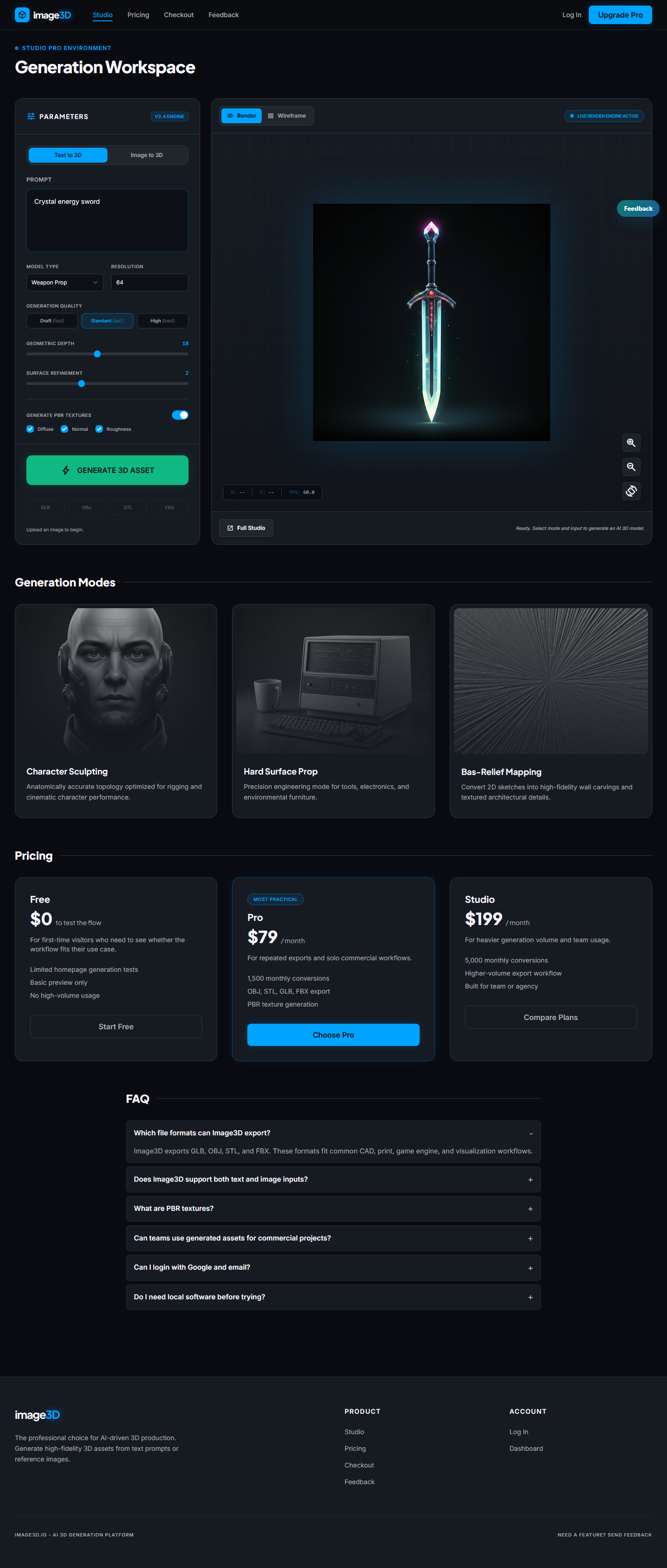
Image3D
Turn any image into a 3D model in seconds with AI

AI Photo Editing
Pixel-Perfect
AI photo editor for headshots, avatars and transformations
3D, CAD & Modeling
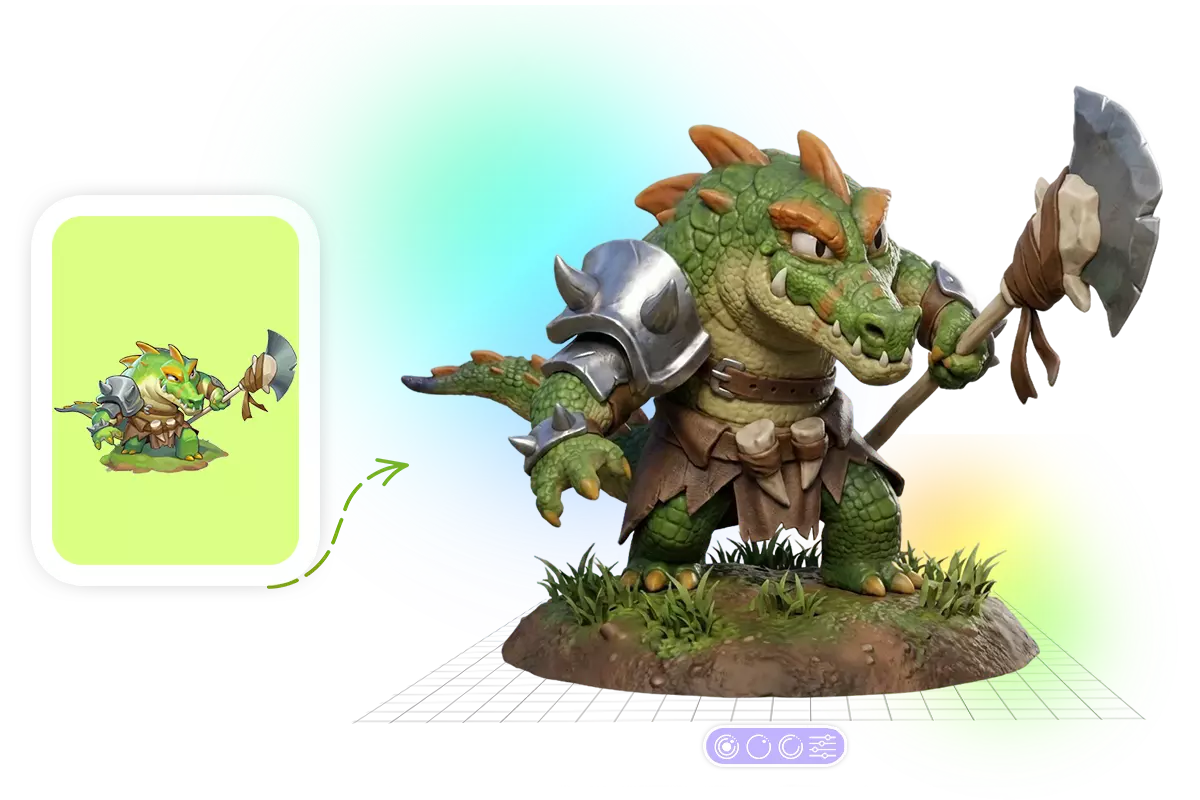
Image to 3D AI
Convert Text & Images to High-Quality 3D Models in Seconds.
3D, CAD & Modeling
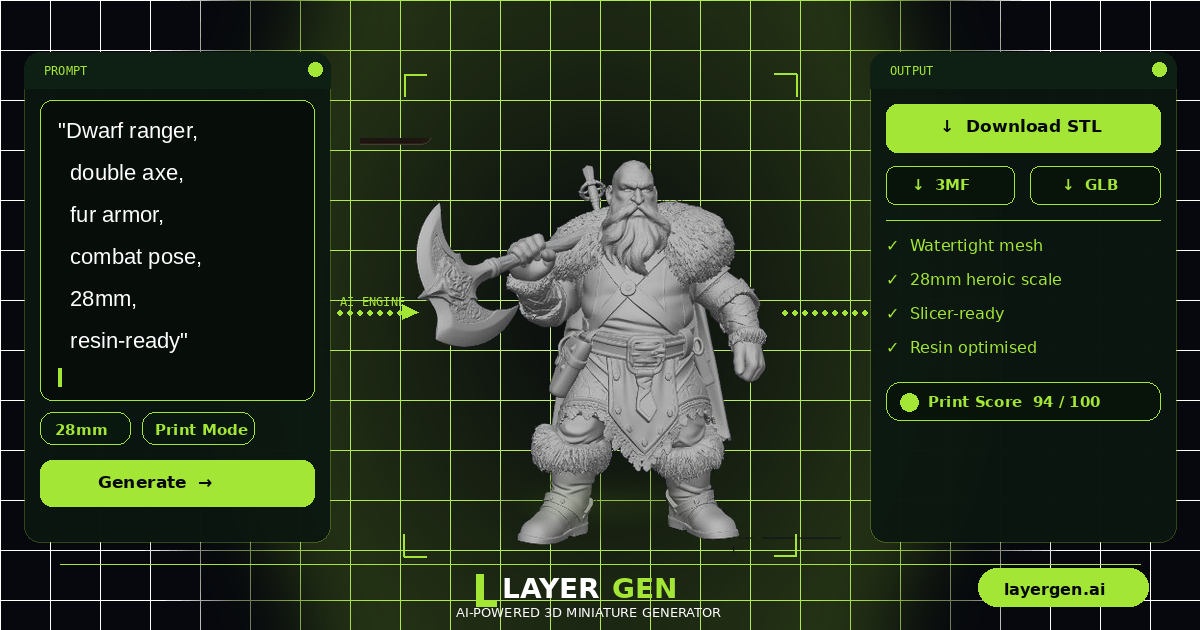
LayerGen AI
Generate print-ready D&D miniatures from text or image