
PortKiller
Tool for inspecting ports, managing forwards and tunnels, and stopping bound processes.
The application discovers all listening TCP ports on the host and presents them in a searchable list, allowing users to filter by port number or process name and to mark frequently used entries as favorites. It offers one‑click termination of the owning process, with options for graceful shutdown or forced kill, and can auto‑refresh the view at a configurable interval. Ports can be grouped by category such as web server, database, development, or system, and watched ports trigger desktop notifications.
For developers working with Kubernetes, the tool can start and manage `kubectl port‑forward` sessions, automatically reconnecting if a connection drops and providing logs and status indicators for each session. It also integrates with Cloudflare Tunnels, showing active tunnel connections and their status.
The software runs natively on macOS (with menu‑bar integration) and Windows (system‑tray icon), and is distributed as an open‑source MIT‑licensed project. Installation is available via Homebrew on macOS or by downloading a zip/dmg from the project’s GitHub releases page.
Reviews
Loading reviews…
Similar apps

DevOps & Infrastructure
find-my-ports
Manager for open development ports and remote Vercel deployments

DevOps & Infrastructure
Kubeterm
Kubernetes graphical management tool
Terminals & CLI
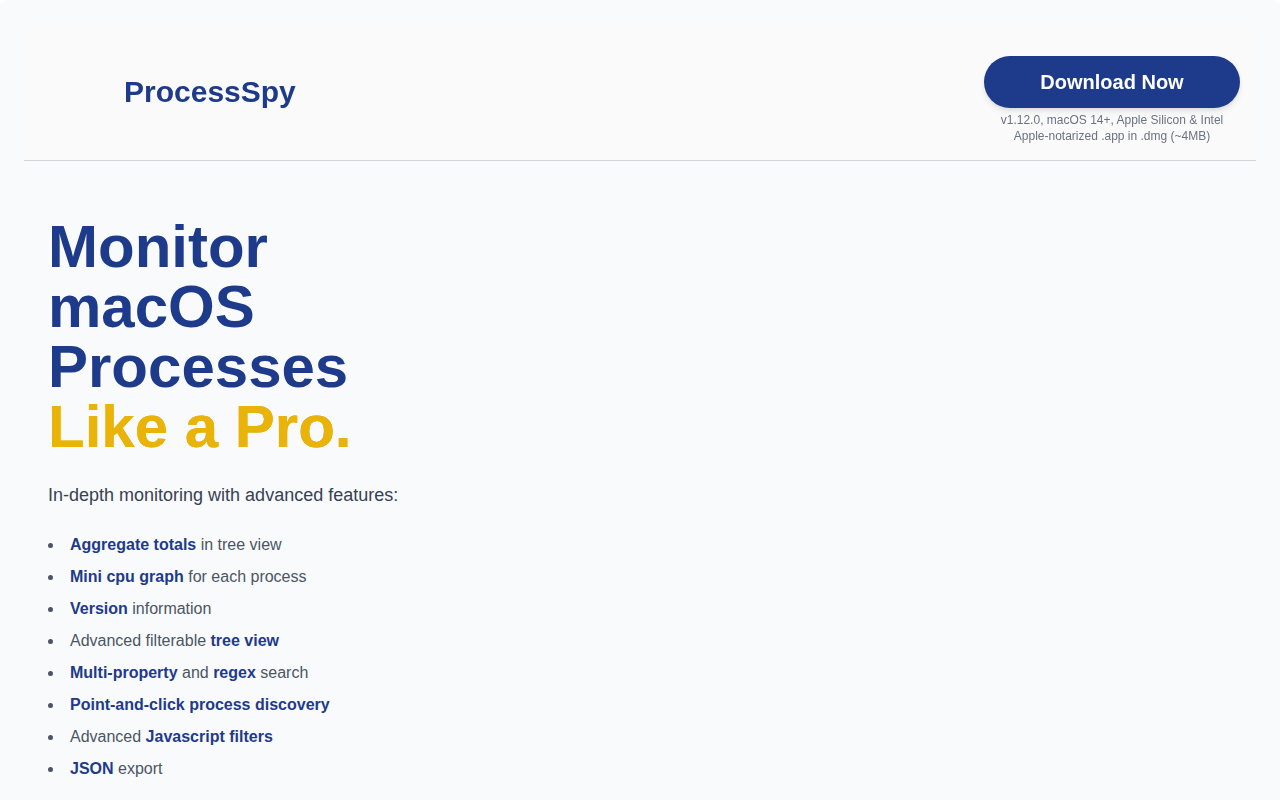
ProcessSpy
A clean and powerful process monitor.
Game Engines & Dev Tools
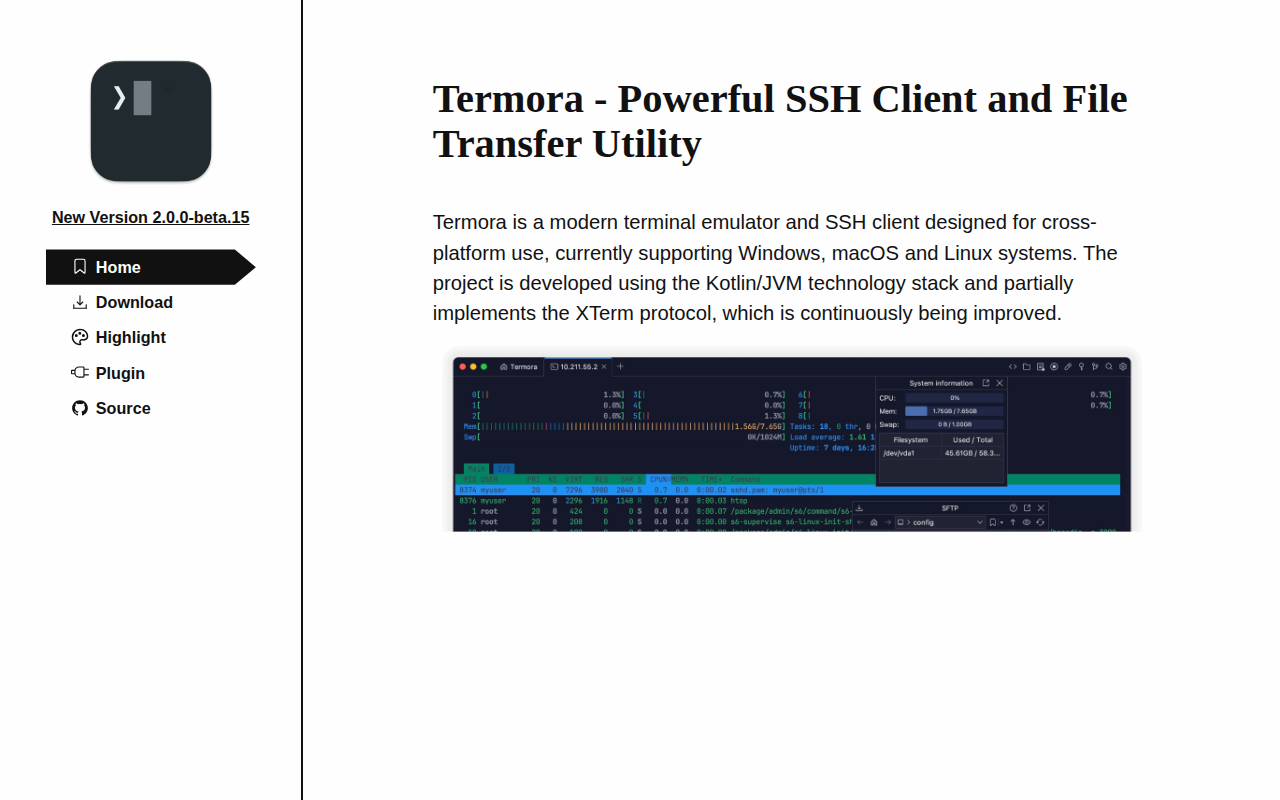
Termora
Terminal emulator and SSH client
Terminals & CLI
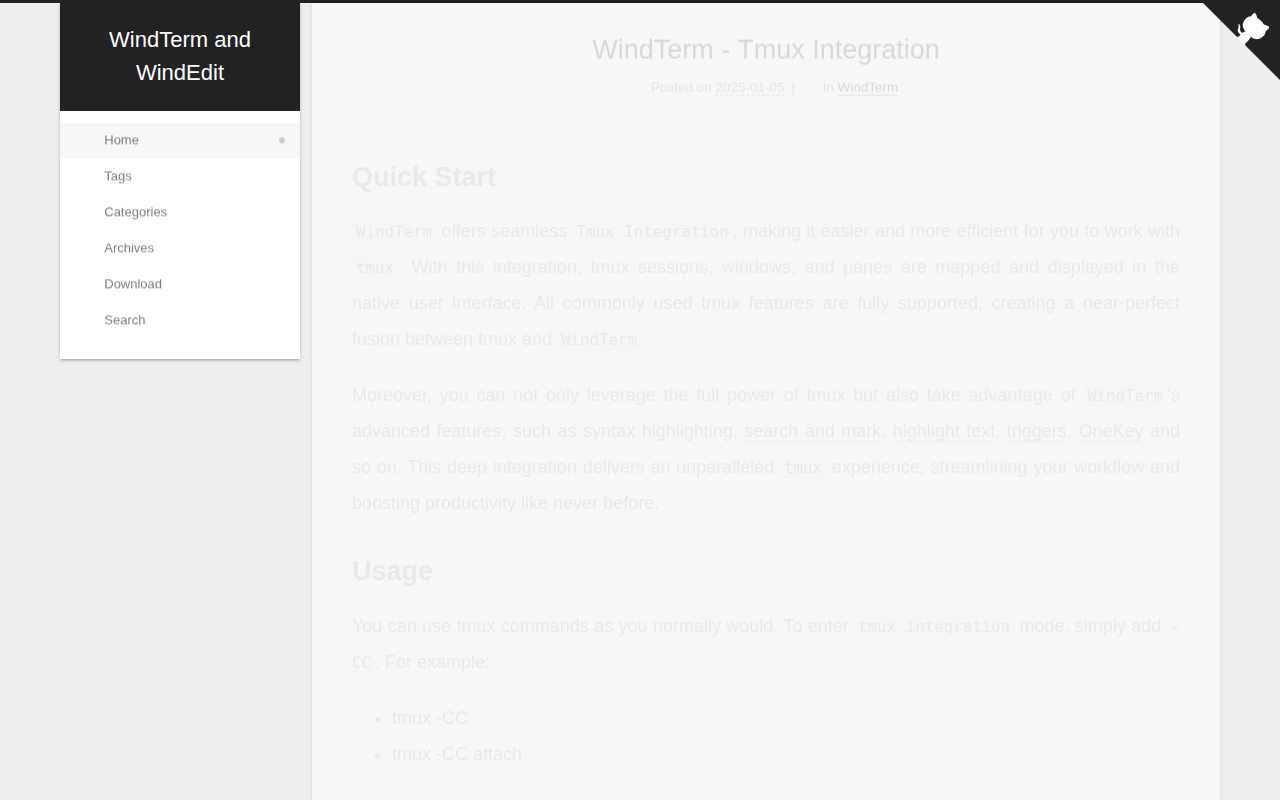
WindTerm
SSH/SFTP/Shell/Telnet/Serial terminal
Terminals & CLI
fkill-cli
Simple cross-platform process killer.