

Postgres.app
The easiest way to get started with PostgreSQL on the Mac.
Postgres.app bundles a complete PostgreSQL server as a native macOS application, providing all binaries, libraries, and the PostGIS extension out of the box. After dragging the app to the Applications folder and clicking “Initialize,” a local server runs on the default host localhost, port 5432, using the current macOS user as the database name and login, with no password required. The app supplies command‑line tools such as psql and header files, while also offering a menu‑bar interface for easy start‑stop control and automatic minor‑release updates.
The package is aimed at developers who need a ready‑to‑use PostgreSQL instance on a Mac without managing installations via Homebrew, MacPorts, or other installers. It supports integration with popular frameworks and ORMs—including Django, Flask, Rails, Sinatra, and SQLAlchemy—by exposing the standard connection URL and client tools.
Distinctive aspects include the graphical macOS UI, automatic update handling, and the inclusion of PostGIS for geographic data, all distributed as a free, open‑source application that can be extended with external graphical clients such as pgAdmin 4 or the companion Postico app.
Reviews
Loading reviews…
Similar apps
Databases & Data Tools
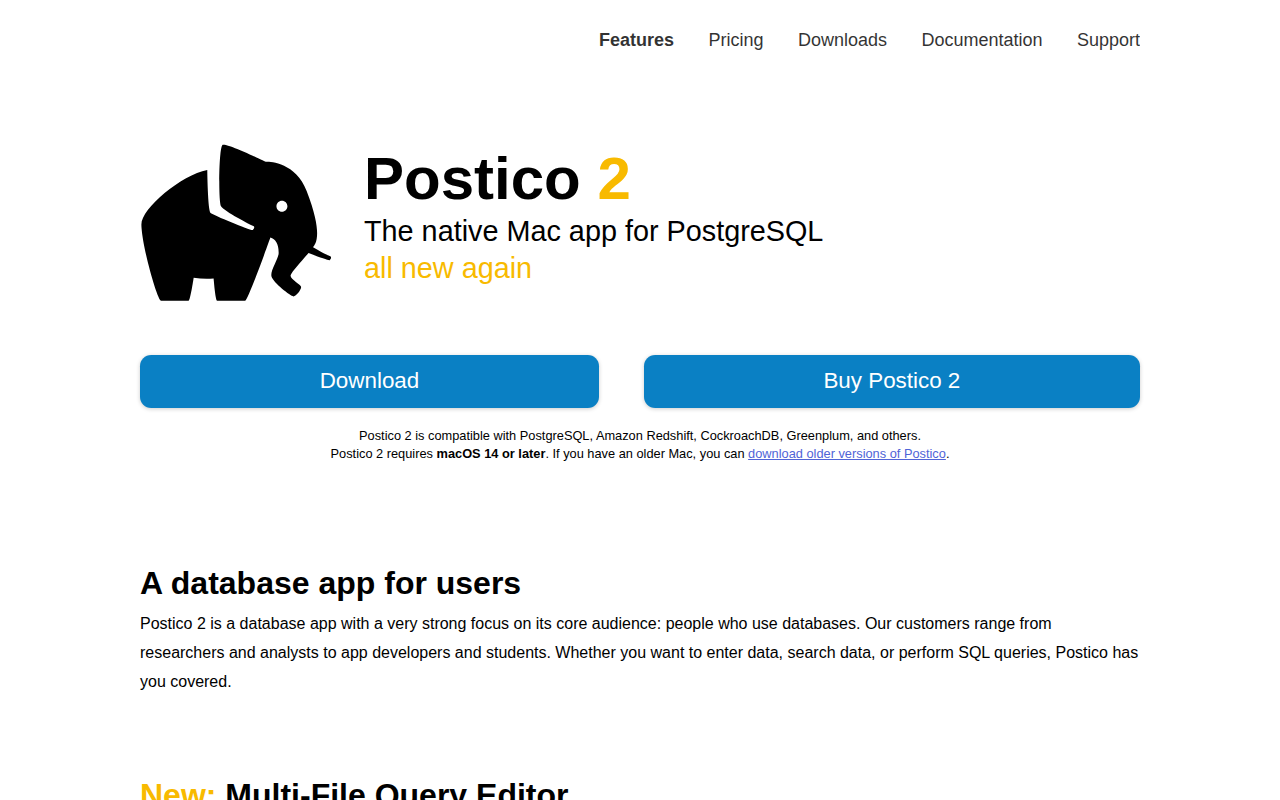
Postico
Modern PostgreSQL client for Mac.
Databases & Data Tools
PostgresPrefs
Preference Pane for controlling PostgreSQL database servers
Databases & Data Tools
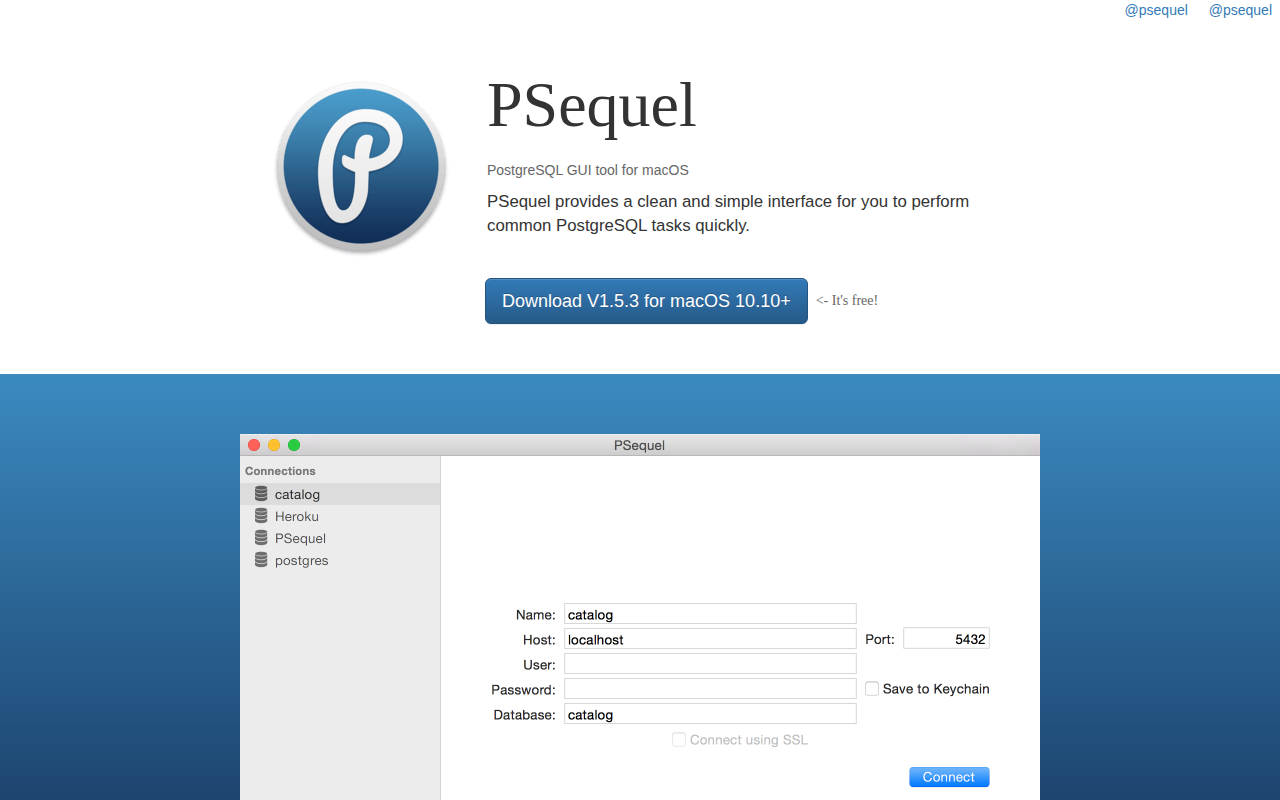
PSequel
PostgreSQL GUI tool for Mac OS X. ![Freeware][Freeware Icon]
Databases & Data Tools
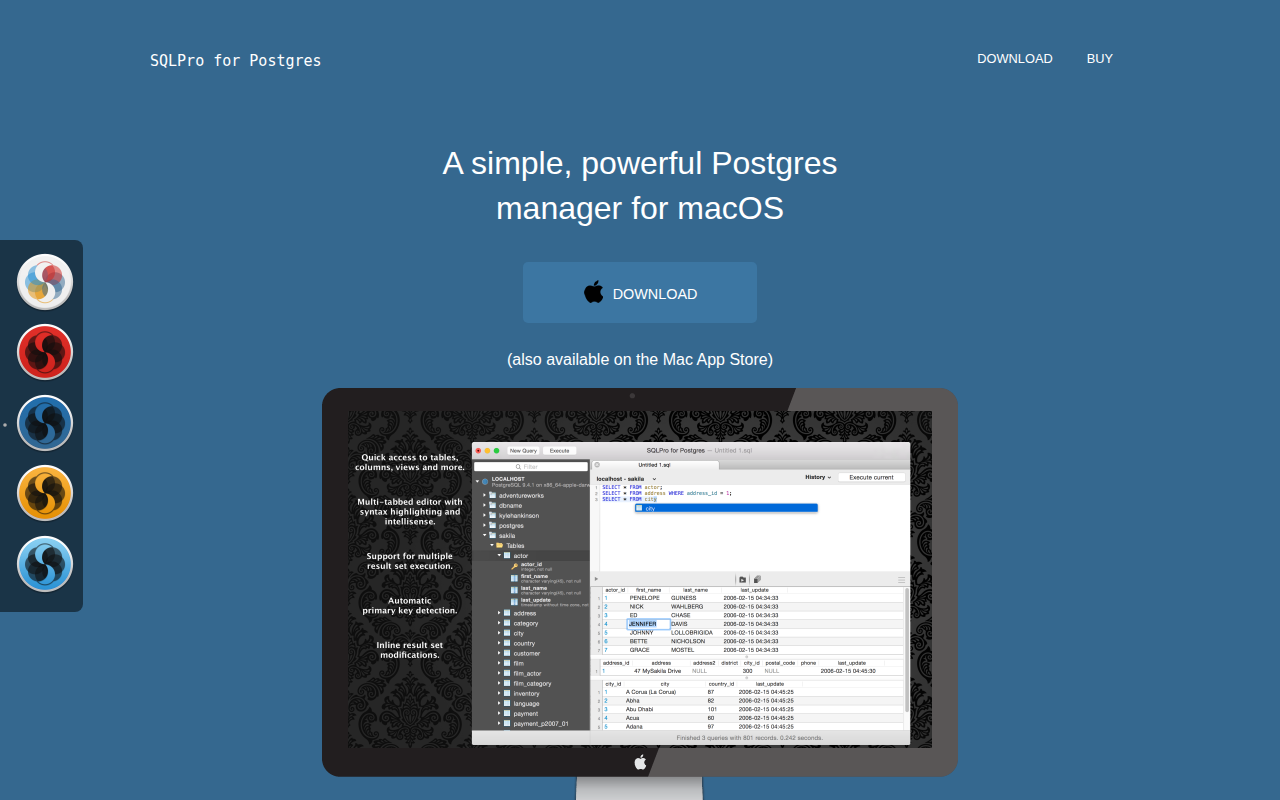
SQLPro for Postgres
Lightweight PostgreSQL database client
Databases & Data Tools
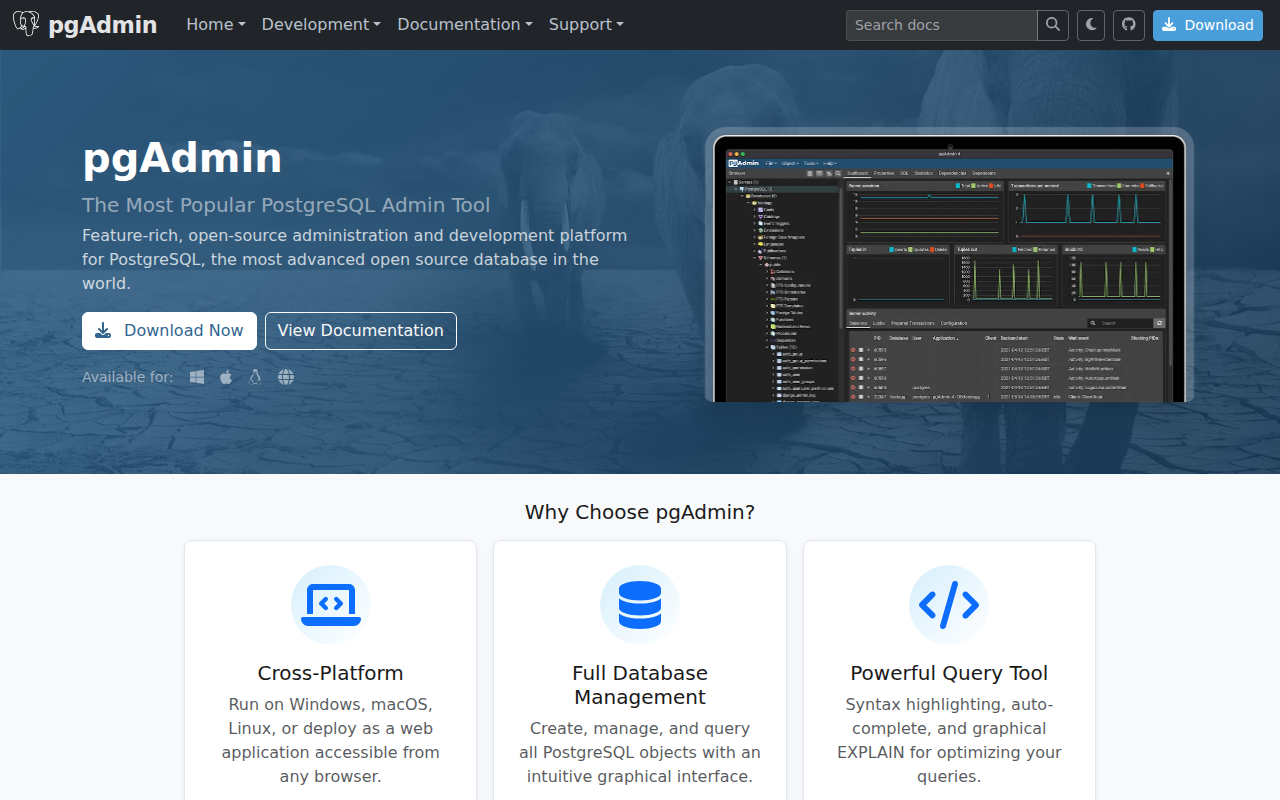
pgAdmin4
Administration and development platform for PostgreSQL
Databases & Data Tools
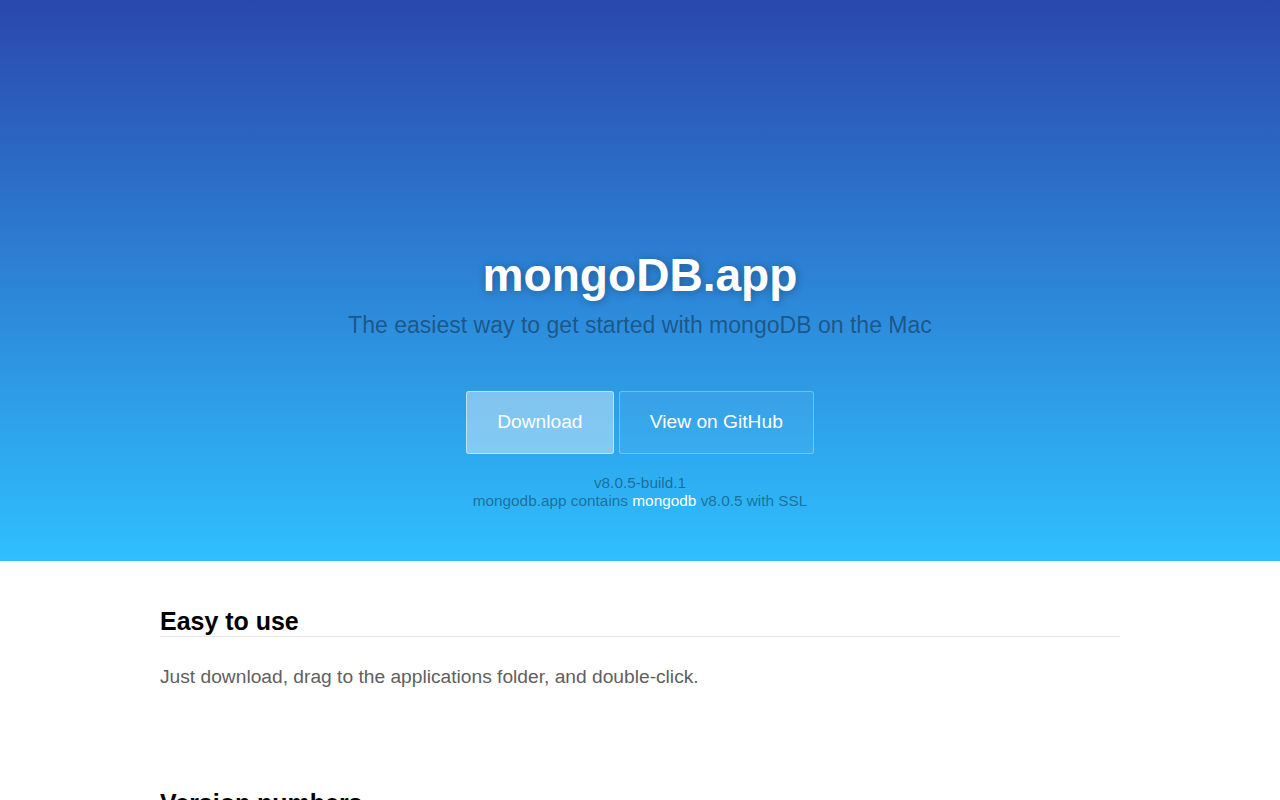
mongoDB.app
The easiest way to get started with mongoDB on the Mac.