
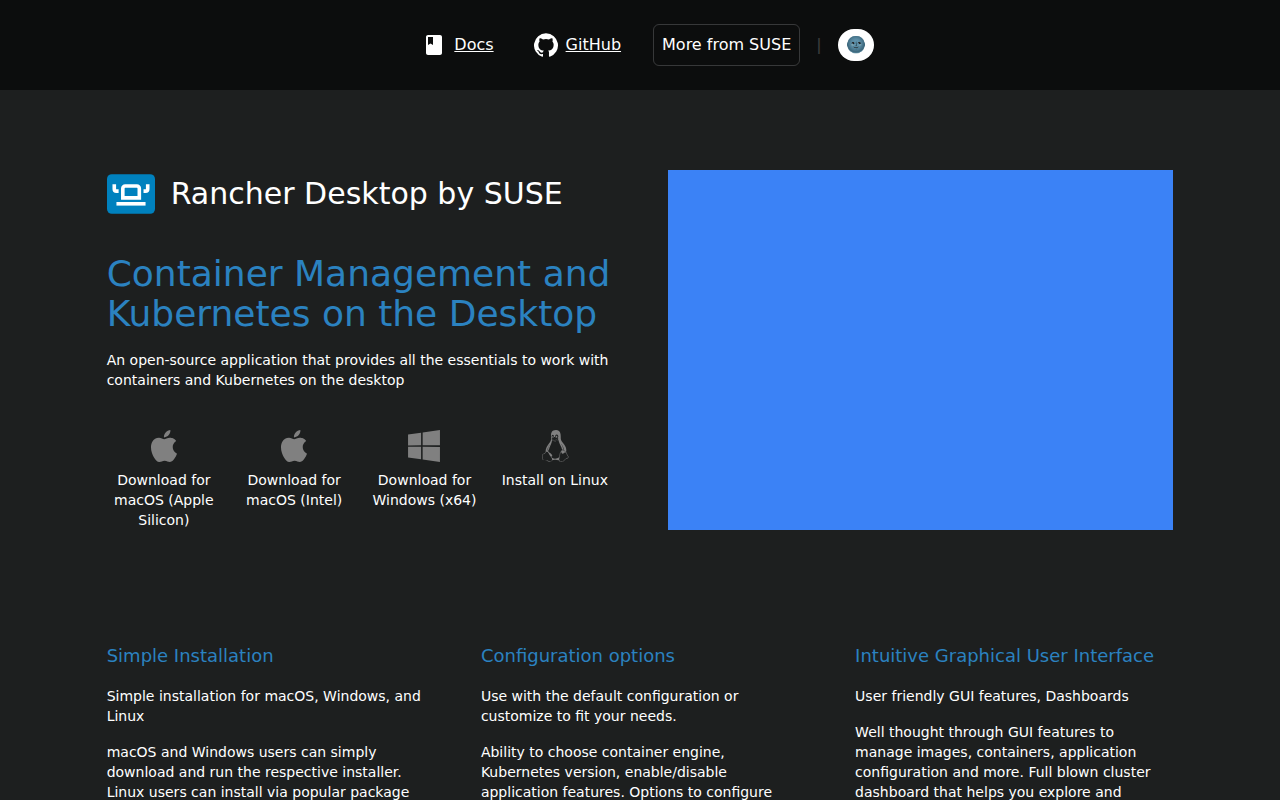
Rancher Desktop
Container management and Kubernetes on the desktop.
Rancher Desktop is an open‑source desktop application that bundles a container engine, a Kubernetes cluster, and a set of command‑line utilities for local development. It runs on macOS, Windows, and Linux, offering a graphical interface for managing images, containers, and Kubernetes resources, while also exposing familiar CLI tools such as Docker, nerdctl, kubectl, and Helm. Users can select the container engine and Kubernetes version, adjust networking and resource settings, and enable or disable features through a preferences dialog.
The tool is aimed at developers who need a straightforward way to build, run, and test container‑based workloads on their workstation. Its GUI provides dashboards for container and cluster management, and it supports port forwarding and simple application configuration without leaving the desktop environment. Integrated utilities are kept up to date, reducing the need to install and maintain separate tools.
Rancher Desktop also supports seamless Kubernetes upgrades, allowing users to apply newer cluster versions and observe any impact on their workloads before moving to production. The installer offers optional auto‑upgrade, and the application can be reset to default settings with a single click, simplifying environment management for local development and testing.
Reviews
Loading reviews…
Similar apps
DevOps & Infrastructure
Docker Desktop
Desktop app for building, running, and managing Docker containers on Windows and macOS.
DevOps & Infrastructure
Podman Desktop
Open-source graphical tool for managing containers and Kubernetes.
DevOps & Infrastructure
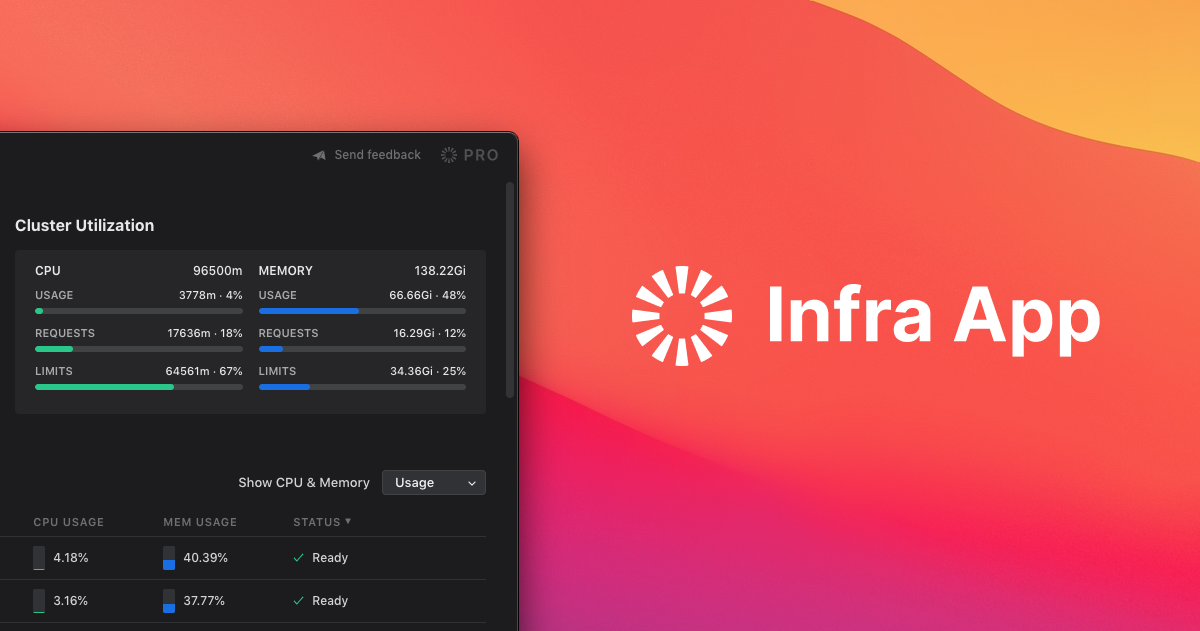
infra
Kubernetes desktop client
DevOps & Infrastructure
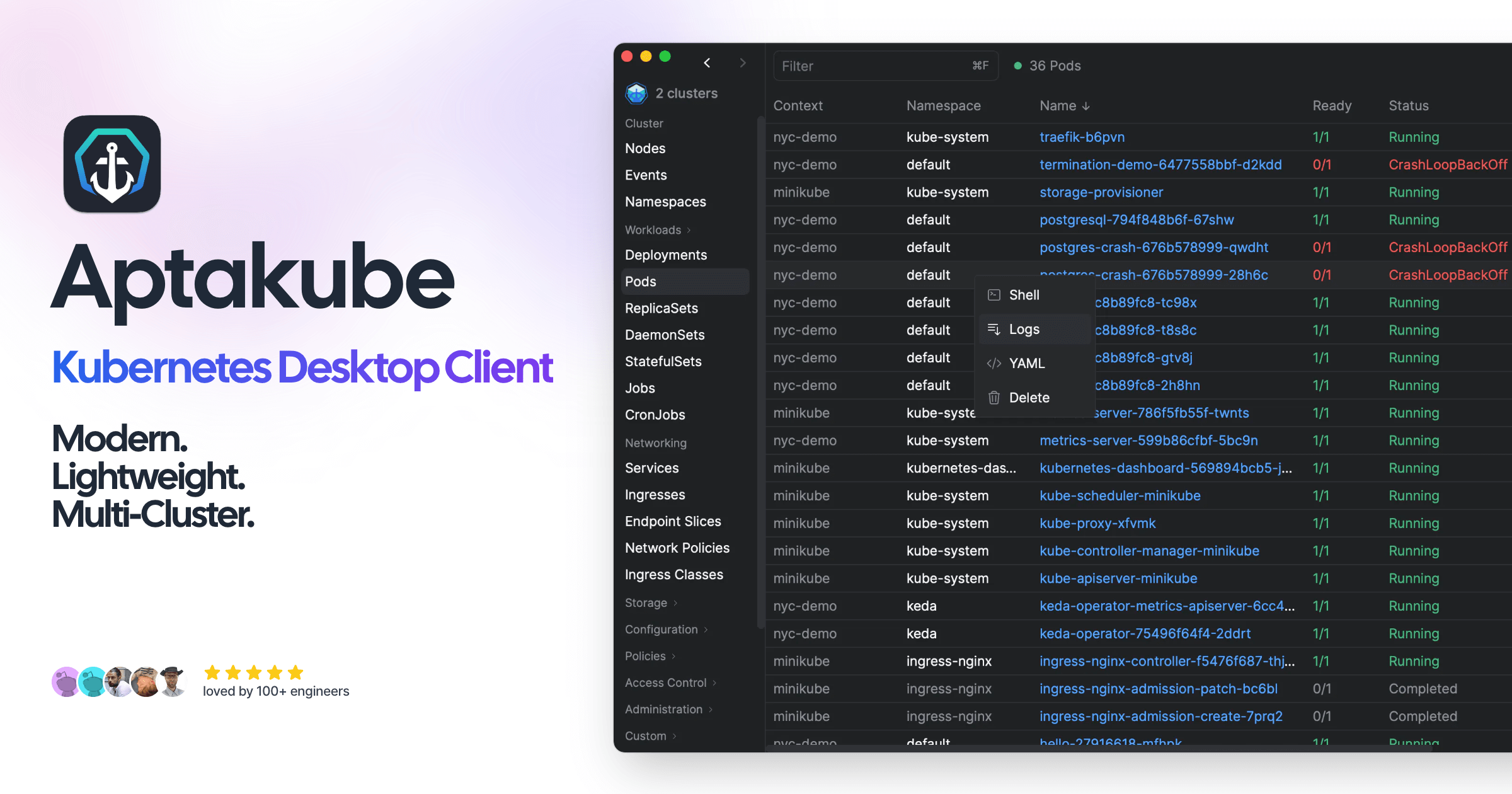
Aptakube
Kubernetes desktop client

DevOps & Infrastructure
OrbStack
Fast, light, and simple way to run Docker containers and Linux machines on macOS. ![Freeware][Freeware Icon]
DevOps & Infrastructure
Kubernetic
Kubernetes desktop client