

Raspberry Pi Imager
Imaging utility to install operating systems to a microSD card
Raspberry Pi Imager is a utility that writes operating‑system images onto microSD cards, preparing them for use with Raspberry Pi devices. It provides a simple workflow where users select an OS from a built‑in list, choose the target microSD card, and initiate the flashing process, which handles partitioning and file copying automatically.
The tool is targeted at anyone needing to set up a Raspberry Pi, from beginners installing the official Raspberry Pi OS to more advanced users deploying alternative distributions. By bundling a curated selection of supported operating systems, it reduces the steps required compared with manually downloading and extracting image files.
Implemented for macOS, the application is released as a stable, core component of the Raspberry Pi ecosystem, offering a straightforward, graphical method for creating bootable microSD cards without requiring command‑line tools.
Reviews
Loading reviews…
Similar apps

System Monitoring & Maintenance
iLok License Manager
Software for iLok devices
System Monitoring & Maintenance
Logitech Options+
Software for Logitech devices
System Monitoring & Maintenance
Tableau Desktop
Data visualization software
File Management & Transfer
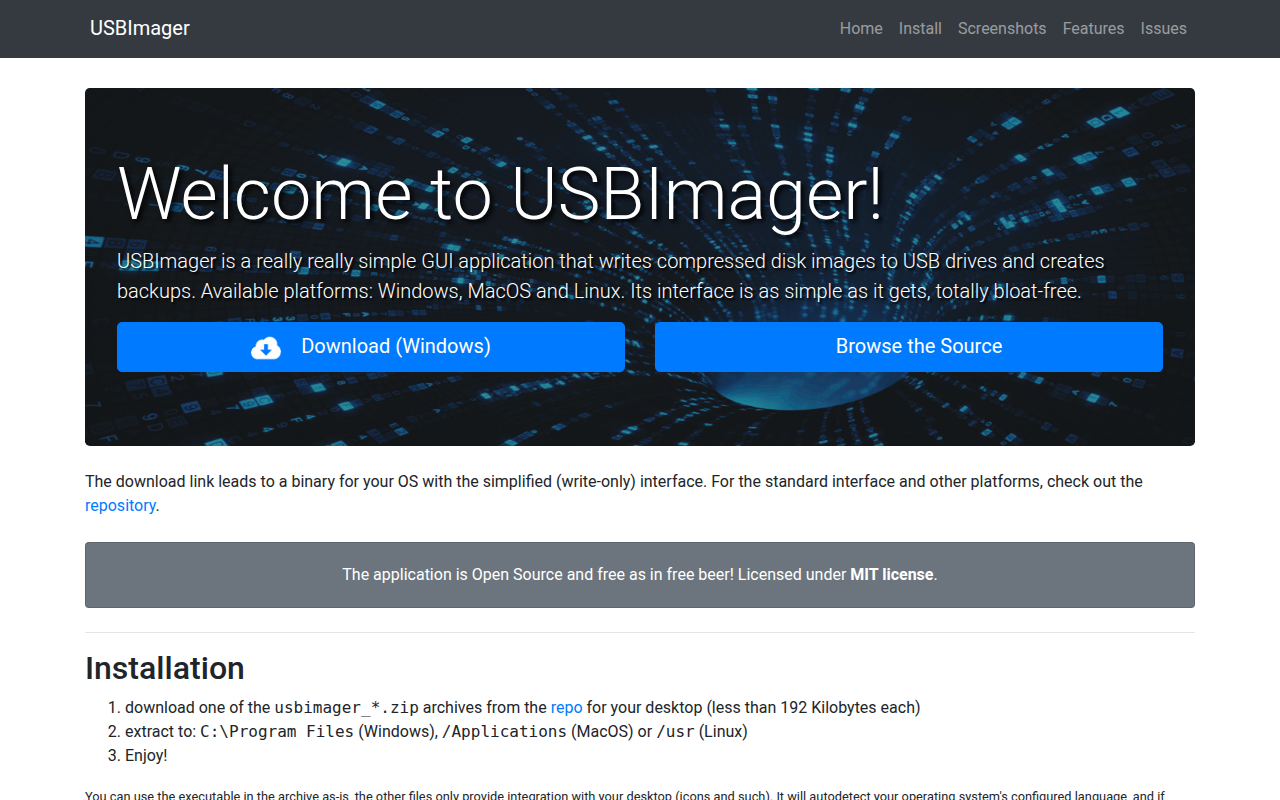
USBImager
Very minimal GUI app that can write/read to disk images and USB drives
System Monitoring & Maintenance
JetDrive Toolbox
Helper for Transcend SSDs and expansion cards

System Monitoring & Maintenance
Logitech G HUB
Support for Logitech G gear