
rcmd
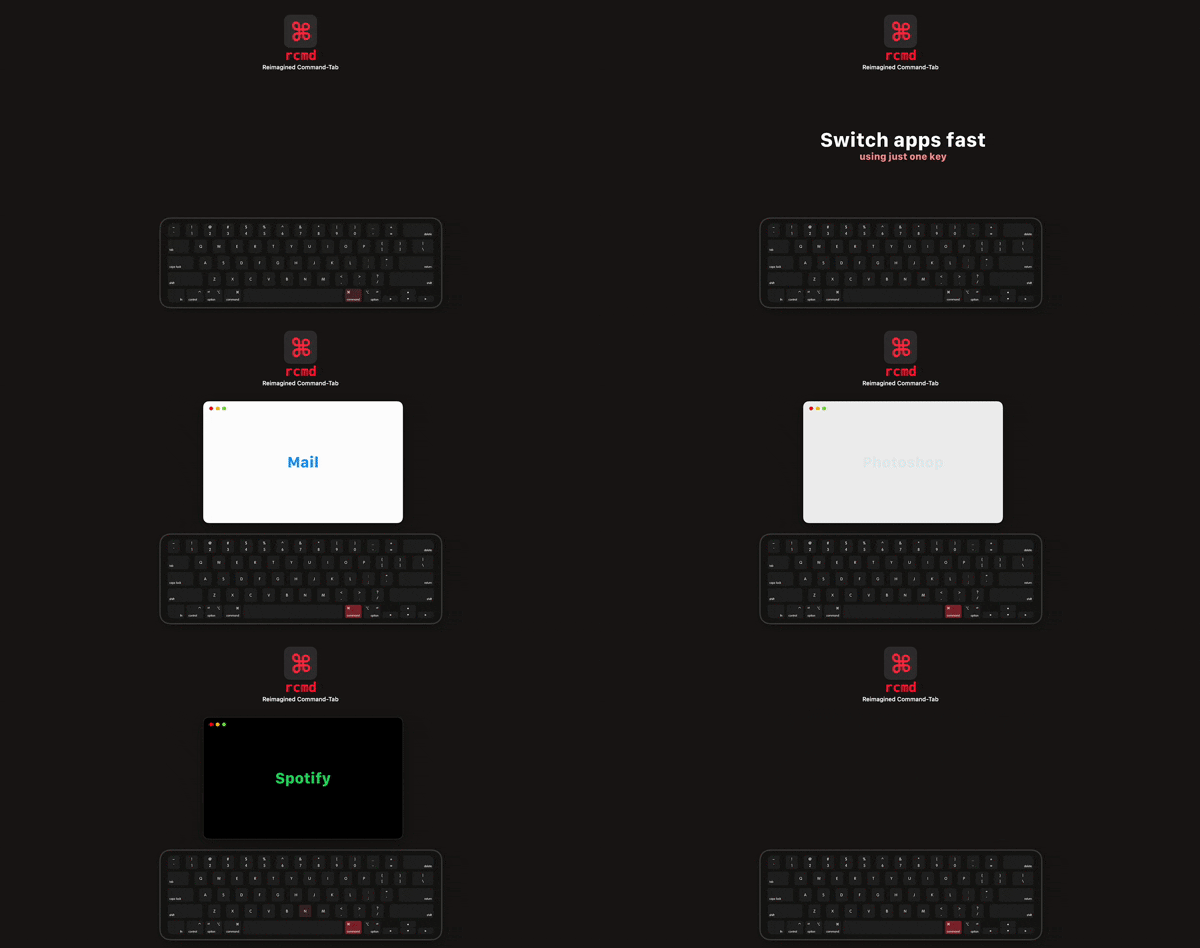
Use the <kbd>⌘ Right Command</kbd> key to switch applications based on their name.
rcmd lets users switch to an application by holding the right‑hand Command key and pressing the first letter of the app’s name. If the target app is not already running, the same key combination can launch it. When the app is already focused, the shortcut can hide the app or cycle among other apps that share the same initial letter, based on per‑app settings.
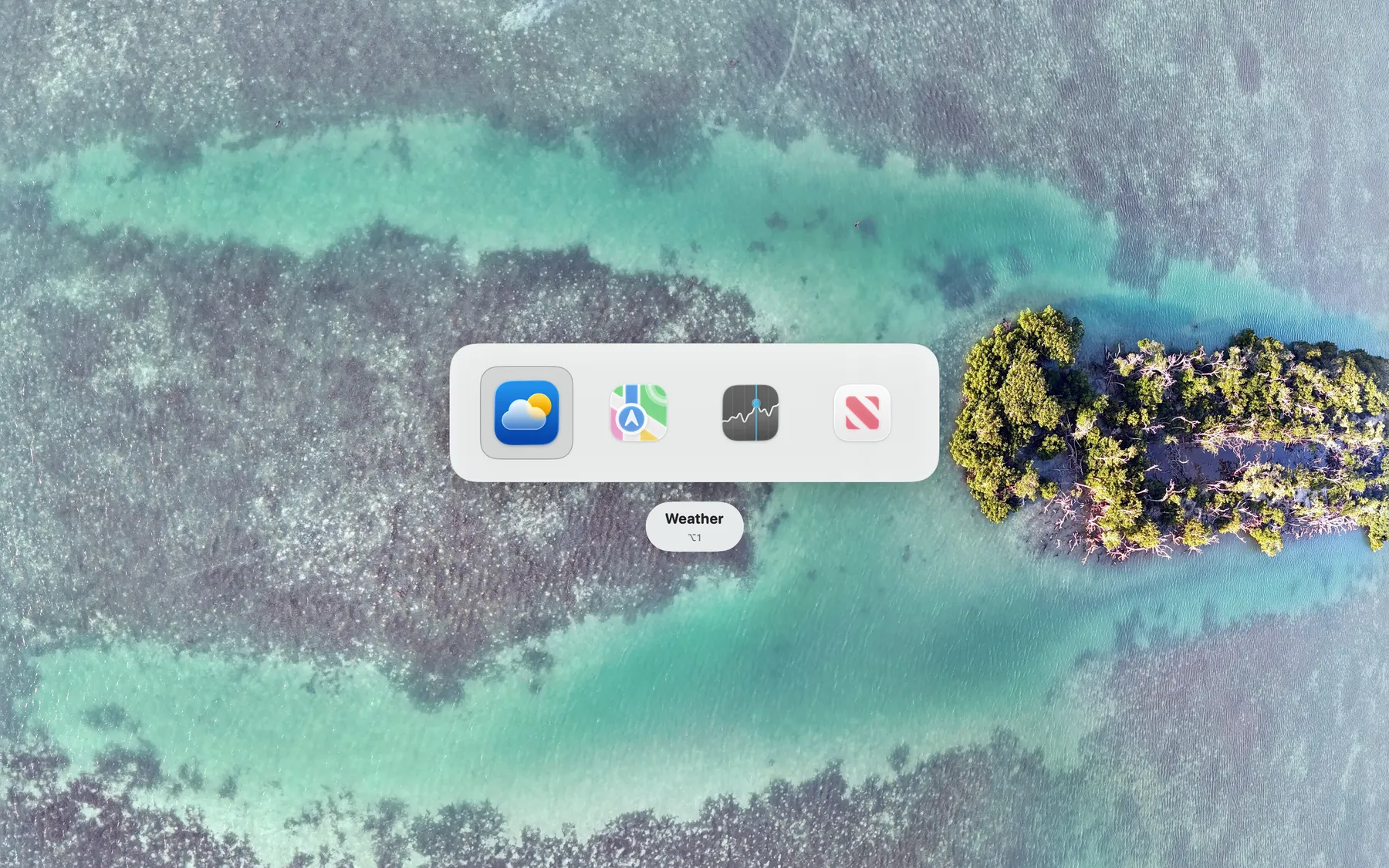
The utility provides an optional visual switcher that appears while the right Command key is held. Three themes—Clean, Compact, and Comfortable—control transparency, padding and vibrancy, and the switcher can be displayed instantly or after a short delay. A separate configuration using Hammerspoon enables experimental window‑level switching, and the tool integrates with macOS Ventura’s Stage Manager for keyboard navigation of stages.
rcmd is aimed at macOS users who want a faster, keyboard‑centric alternative to the standard Command‑Tab app switcher, especially those who prefer to keep the right Command key free for custom shortcuts. It is distributed through the Mac App Store and is considered stable.
Reviews
Loading reviews…
Similar apps

Window & Desktop Management
CmdTap
Adds other functions to Task Switcher
Window & Desktop Management
Command-Tab Plus
Keyboard-centric application and window switcher

Window & Desktop Management
Manico
App launcher and switcher
Clipboard, Input & Automation
ShortcutCycle
Switch between context-based app groups with a single hotkey.

Window & Desktop Management
Assignee
Simple, instant app switcher.

Window & Desktop Management
emmetapp
Tiling and stacking window manager and window resizing tool