
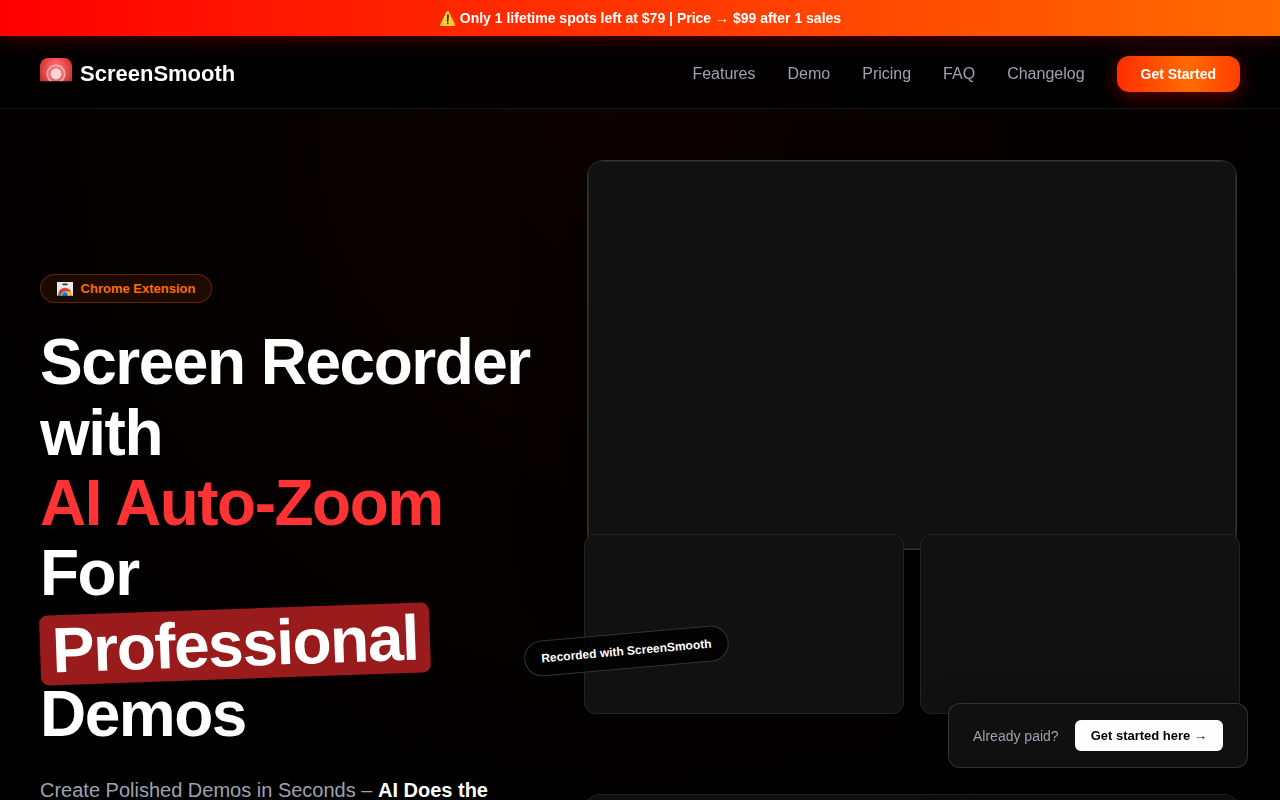
ScreenSmooth
Beautiful Screen Recordings in minutes
ScreenSmooth records a computer screen and applies AI‑driven post‑processing to produce polished demo videos quickly. The tool automatically adds zoom effects to highlight key actions, smooths cursor movement, and exports the result in a single step, supporting any aspect‑ratio format. It is positioned for creators who need to showcase software features, product walkthroughs, onboarding guides, bug reports, or social‑media snippets without manual editing.
The target audience includes SaaS founders, product marketers, educators, and support teams who want to generate professional‑looking screen recordings with minimal effort. Users can capture a session, let the AI identify important clicks and transitions, and receive an instant video that emphasizes those moments. The service is offered as a Chrome extension with a lifetime access model.
What distinguishes ScreenSmooth is its built‑in AI auto‑zoom and cursor‑smoothing that replace traditional manual editing workflows. The system claims to transform shaky recordings into fluid presentations and provides a quick export pipeline, aiming to reduce the time required to create high‑quality demos.
Reviews
Loading reviews…
Similar apps
Screenshot & Screen Recording
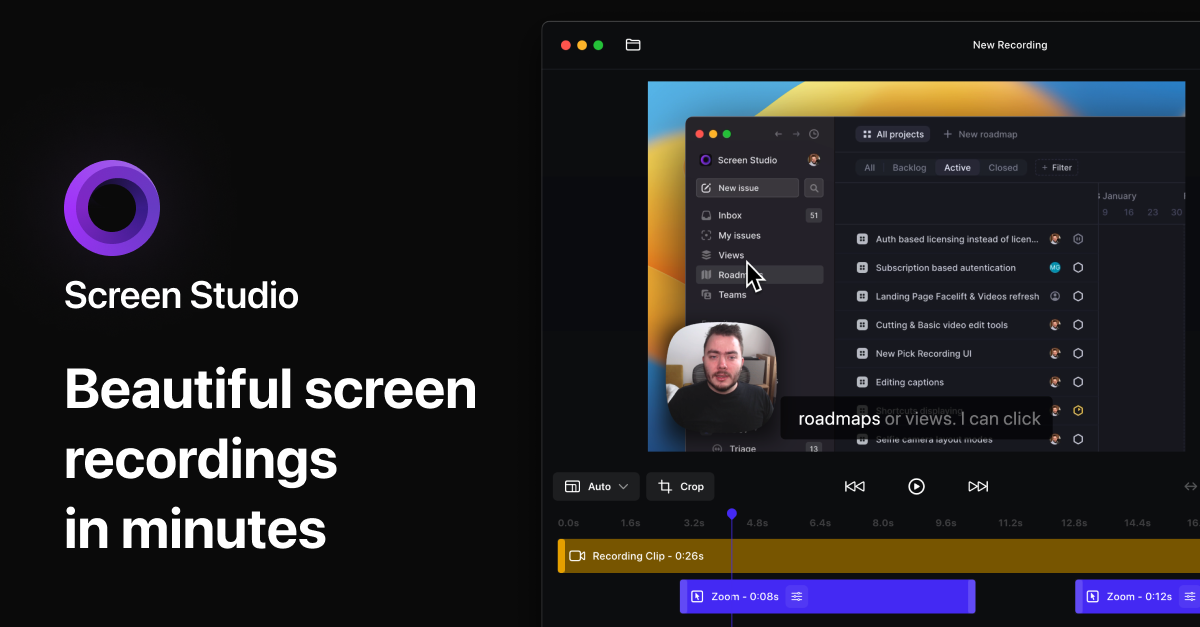
Screen Studio
Screen recorder for polished videos with automatic motion effects.
Screenshot & Screen Recording
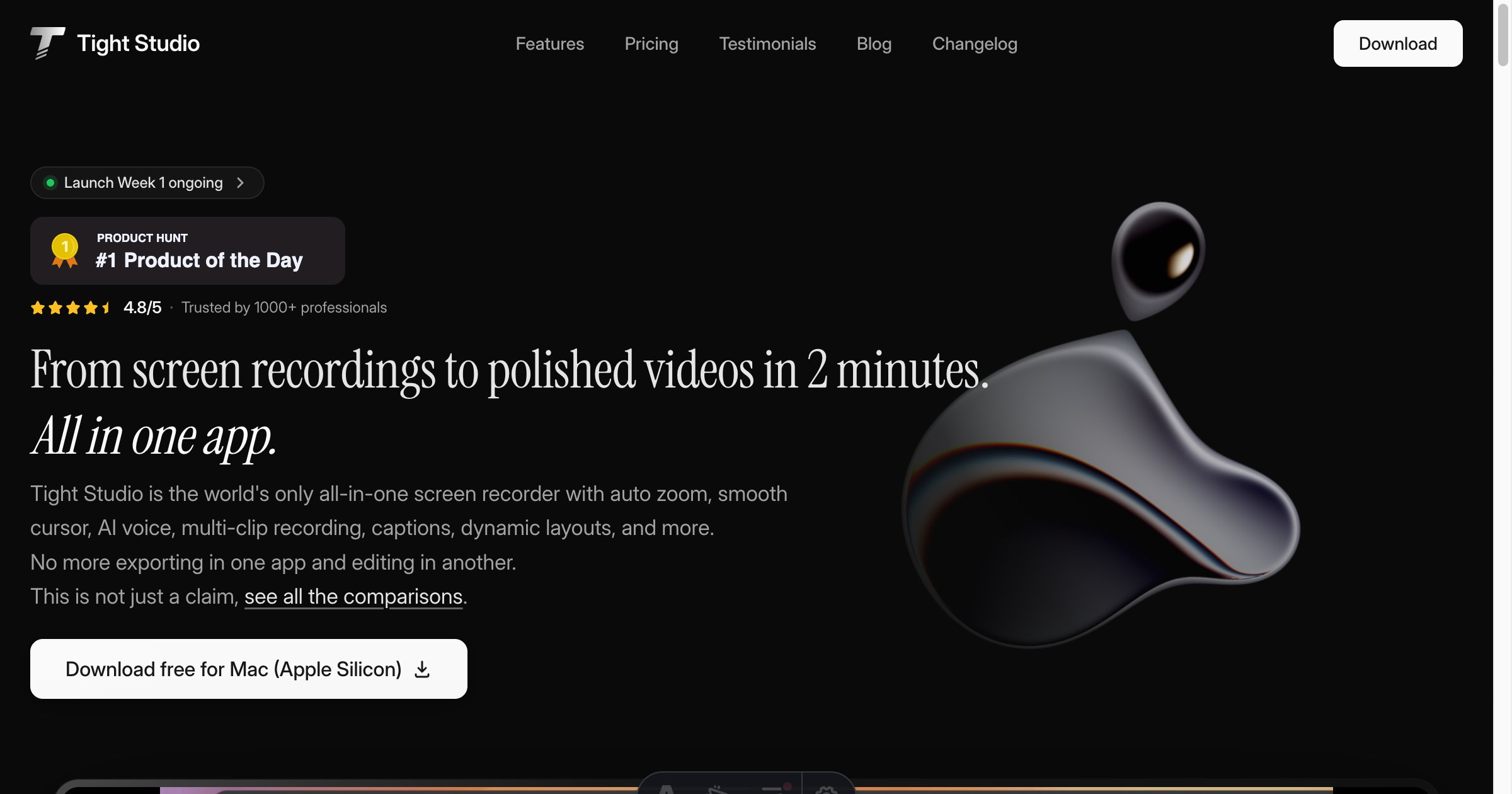
Tight Studio
Screen recorder with smart zoom, captions, and AI voiceovers.
Screenshot & Screen Recording
Screen Studio
Screen recorder and editor
Screenshot & Screen Recording
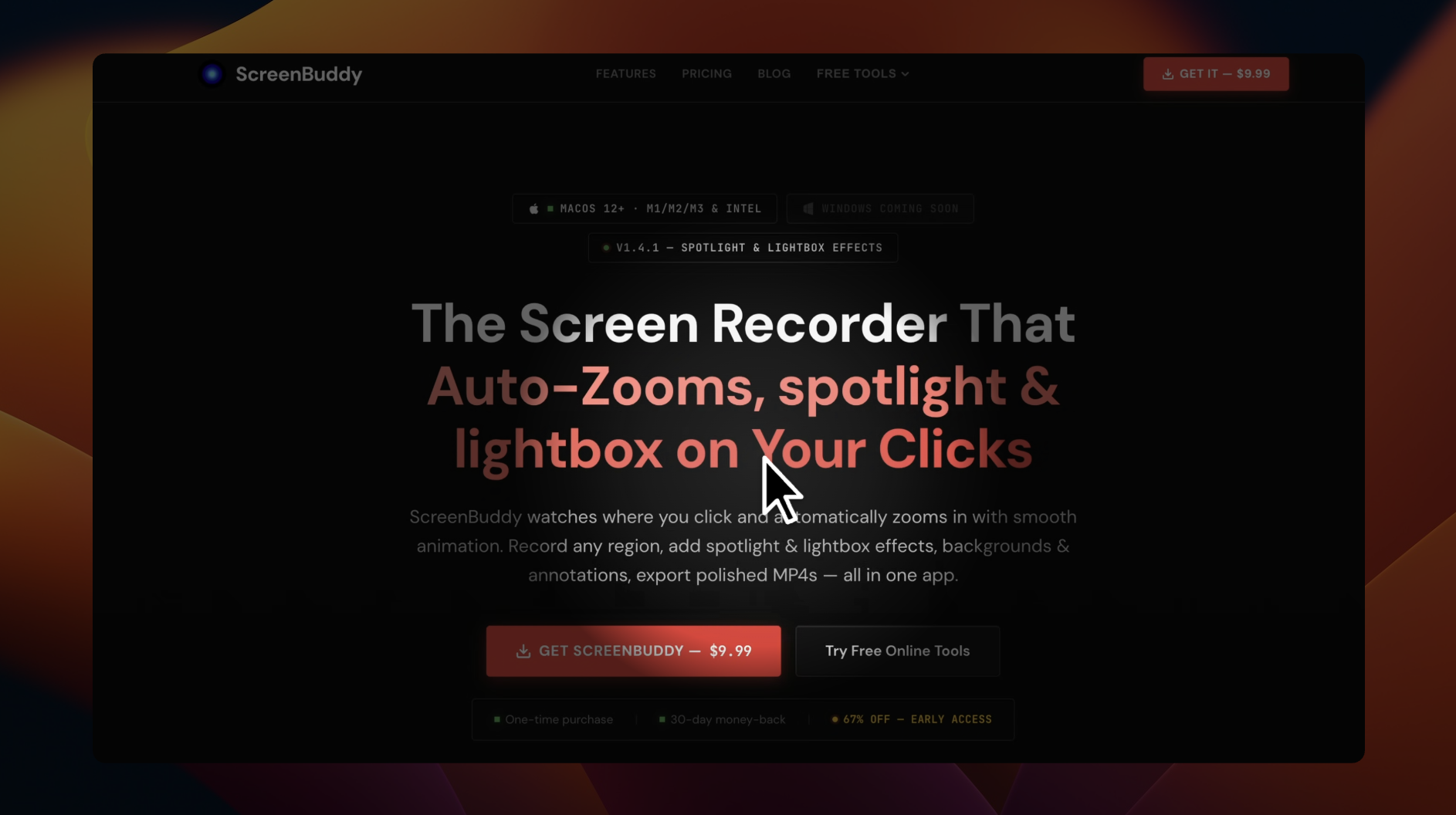
ScreenBuddy
Screen recording with auto-zoom, spotlight, and lightbox
Screenshot & Screen Recording
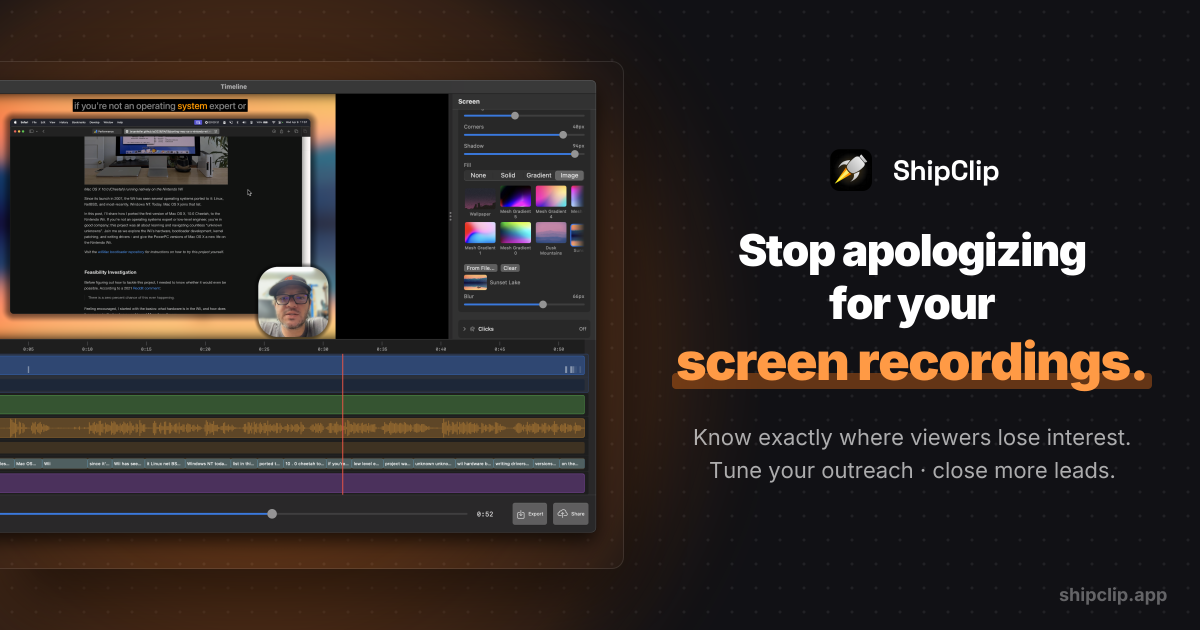
ShipClip
Native macOS screen recorder. Record polished demos with zoom-to-click, multi-track audio, and camera PiP; share a link and see exactly who…
Screenshot & Screen Recording
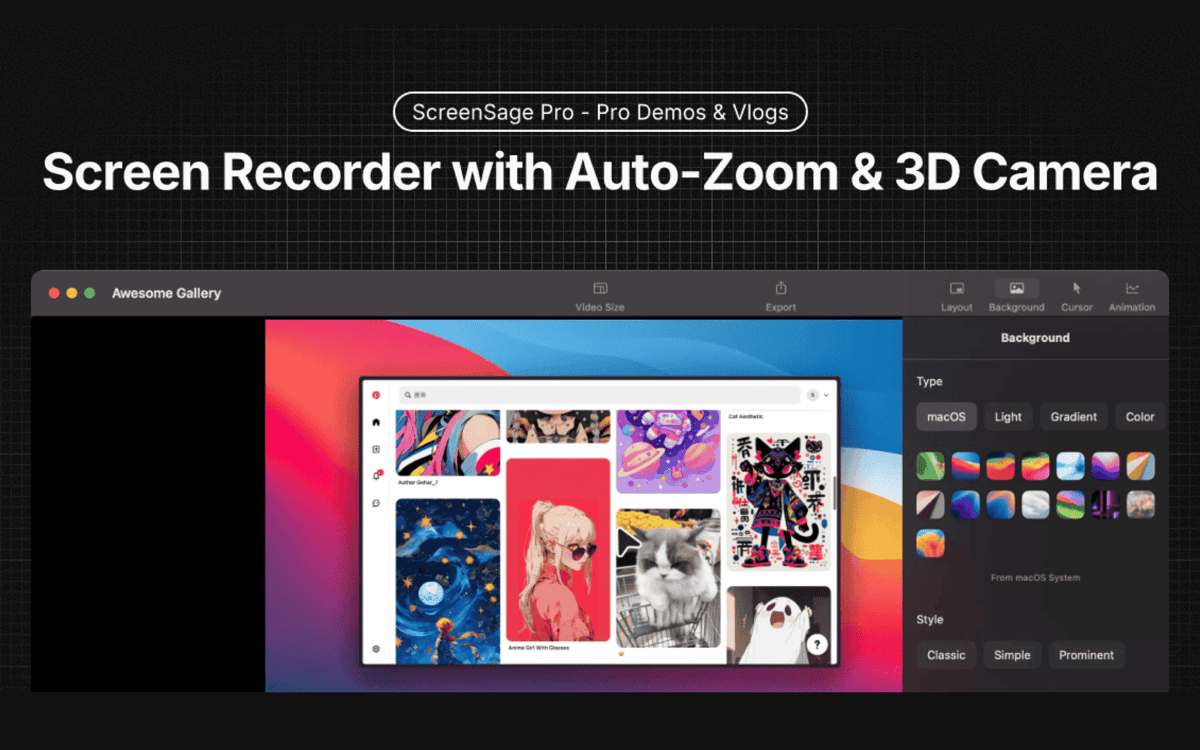
ScreenSage Pro
A screen recording tool for creating polished videos in minutes.