
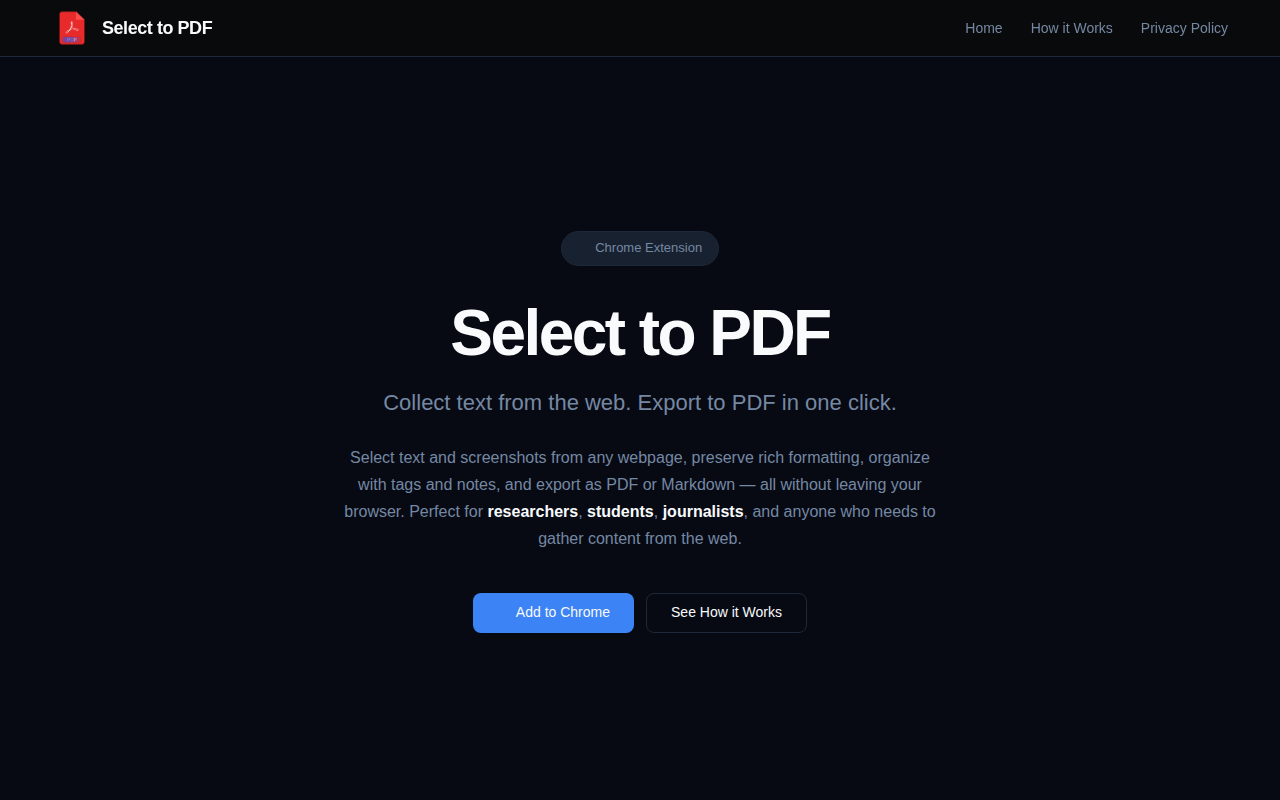
Select to PDF
Collect web snippets and export to PDF, all local
The extension lets users capture text, screenshots, and other page elements directly from a Chrome tab via a right‑click menu, storing each snippet with its source URL and timestamp. Captured content retains formatting such as bold, italics, lists, links, code blocks, and can be annotated with tags and notes. Users can later search the collection with full‑text search and export the gathered material in PDF—complete with a cover page and table of contents—or Markdown format, all without leaving the browser.
Designed for anyone who needs to gather and organise web information, the tool is aimed at researchers, students, journalists, and similar users. All data remains on the local device; nothing is transmitted to external servers, ensuring privacy. The extension also offers a screenshot mode for visual elements and supports one‑click PDF generation of the entire collection.
Reviews
Loading reviews…
Similar apps
Documents, Forms & Contracts
Chat Exporter for Google AI Studio
Export AI Studio chats to beautiful PDF, Markdown & JSON

Note-Taking & PKM
Query - Knowledge Base
Knowledge Base
Bookmarks & Read Later
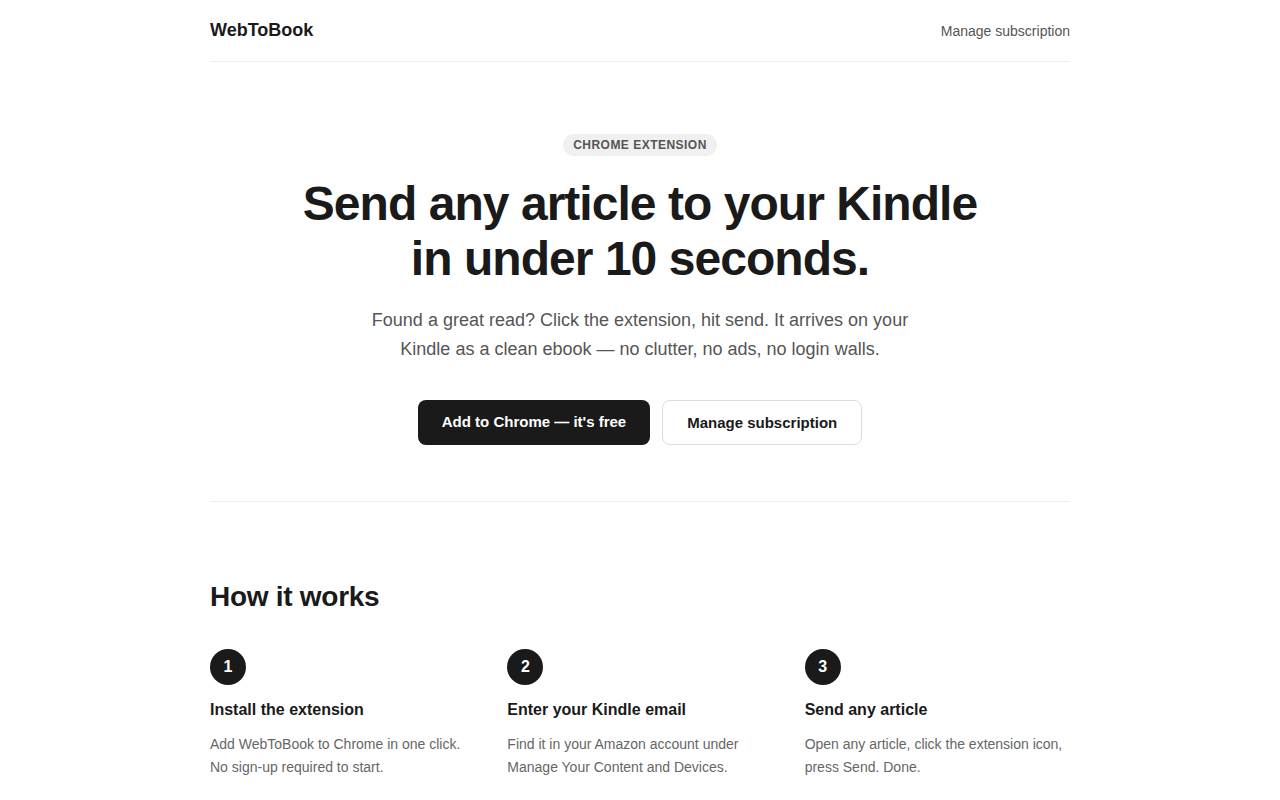
WebToBook - Send any article to Kindle
Your reading list, on your Kindle in 10 seconds.
Documents, Forms & Contracts
EditoraPDF
Privacy-first PDF editing, conversion, document tools online
File Management & Transfer
CrabPDF
Edit PDFs privately.. no uploads, no server, no tracking.
Documents, Forms & Contracts
Prince
Convert HTML to PDF