
Sproutcube Shortcat
App that enables mouse-free UI interaction
It indexes the macOS user interface and presents a command‑palette that can be invoked from the keyboard. Through fuzzy search it exposes buttons, text fields, menu items, window titles and even emojis, allowing actions such as click, right‑click, double‑click, or modifier‑click without moving a hand away from the keyboard. The tool works across native macOS applications, browsers like Safari, Chrome and Firefox, and many Electron‑based programs, relying on the system’s accessibility APIs.
Typical users are developers, writers, or anyone who spends long periods at the keyboard and wants to reduce the need to switch to a mouse or trackpad. By typing the label of a UI element—e.g., “OK” for a dialog button or “poop” for an emoji—the user can trigger the corresponding action directly. The fuzzy matching also supports synonyms, so related terms can locate the same command.
What distinguishes it is the unified, system‑wide palette that aggregates UI elements from disparate apps into a single searchable interface, combined with support for right‑click, double‑click, modifier clicks and emoji insertion. This design aims to keep the user in a continuous workflow while lowering cognitive overhead when locating and activating commands.
Reviews
Loading reviews…
Similar apps
Clipboard, Input & Automation
Keytty
App to keep your hands on the keyboard. Move, click, scroll, drag and more with a few strokes.
Clipboard, Input & Automation
Scoot
Keyboard-driven cursor actuator

Clipboard, Input & Automation
Homerow
Keyboard shortcuts for every button on your screen
Clipboard, Input & Automation
Paletro
Command palette in any application
Clipboard, Input & Automation
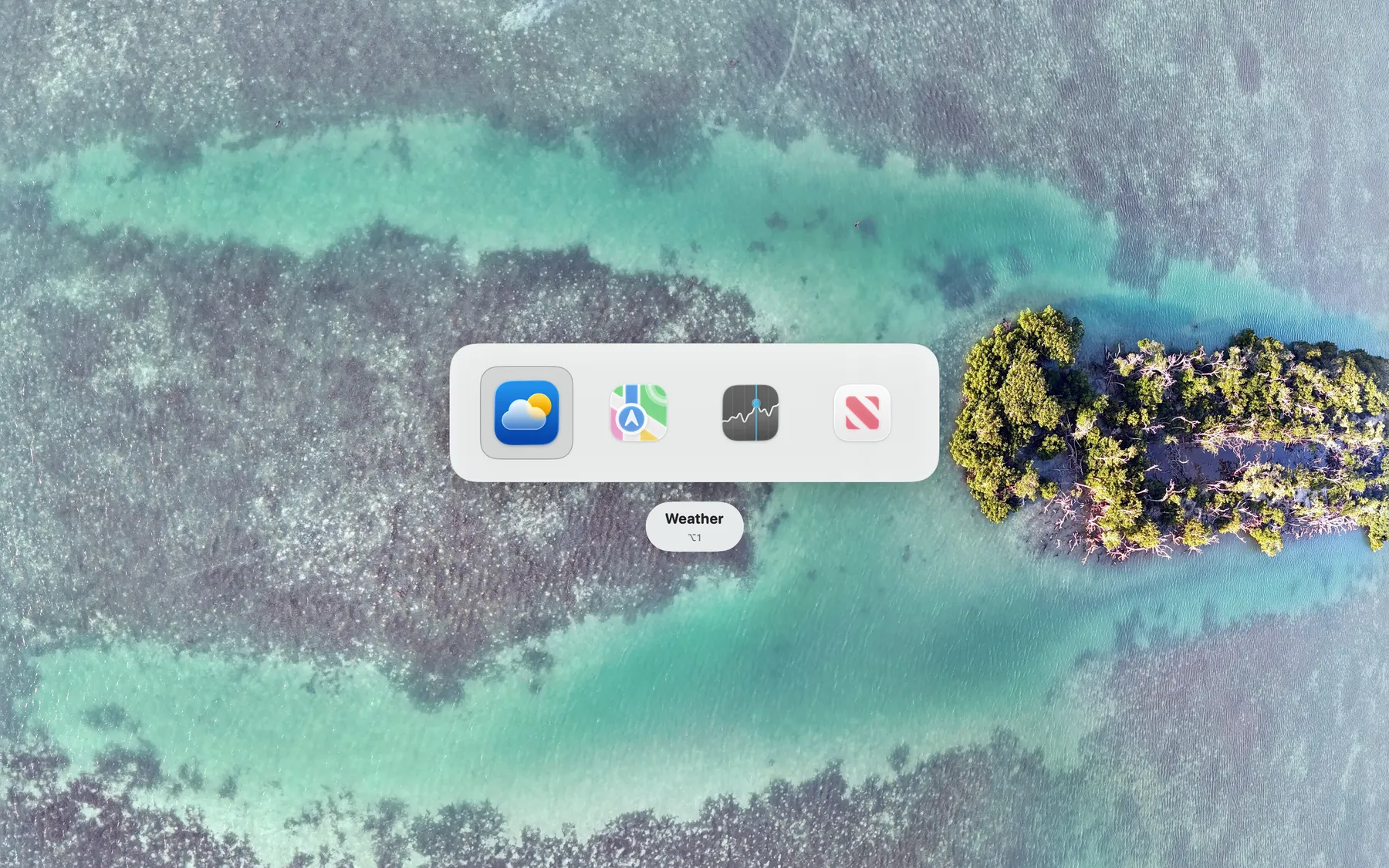
ShortcutCycle
Switch between context-based app groups with a single hotkey.

Clipboard, Input & Automation
KeyClu
Find shortcuts for any installed application