
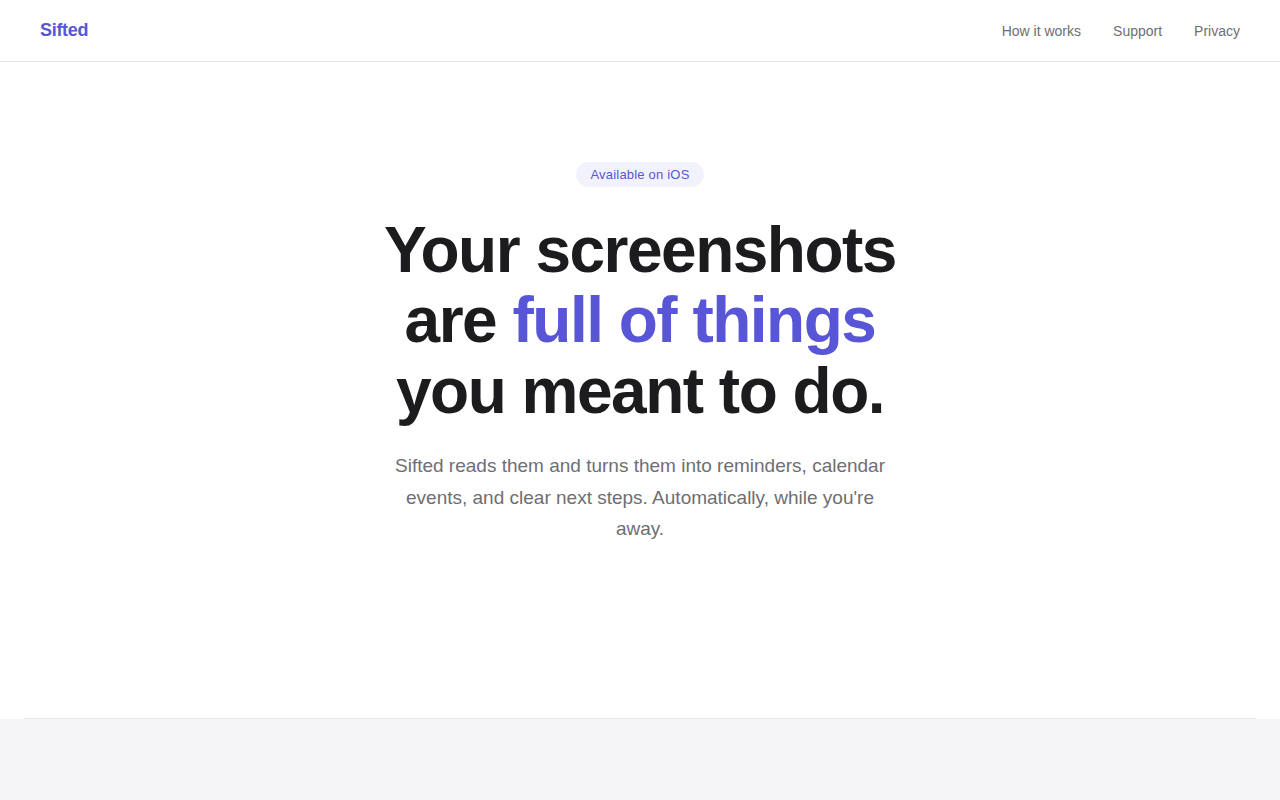
Sifted - Screenshots, handled.
Take a screenshot. We'll take it from there.
Sifted watches the screenshots you capture on iOS and, in the background, extracts actionable information such as dates, deadlines, and items of interest. It then creates corresponding Apple Reminders or calendar events, grouping related screenshots into a daily brief that you can review with a single tap. The app operates without requiring tags, folders, or manual sorting, and all processing stays on the device, so screenshots are never uploaded or shared.
The workflow consists of three steps: you continue taking screenshots as usual, Sifted parses each image and determines the appropriate next step, and once a day you receive a concise summary of pending actions. This approach is intended for users who accumulate visual reminders—event flyers, sale notices, product ideas, or school announcements—and want those cues to become concrete tasks without maintaining a separate system.
Sifted is offered as a free tier with limited weekly scans, and a paid Pro tier that removes limits, adds sharing to other apps, and provides unlimited daily briefs. It is positioned as an experimental, on‑device solution for turning screenshots into reminders and calendar entries.
Reviews
Loading reviews…
Similar apps
Task & Project Management
Screenshot Brain
Turn your screenshots into searchable AI knowledge
Screenshot & Screen Recording
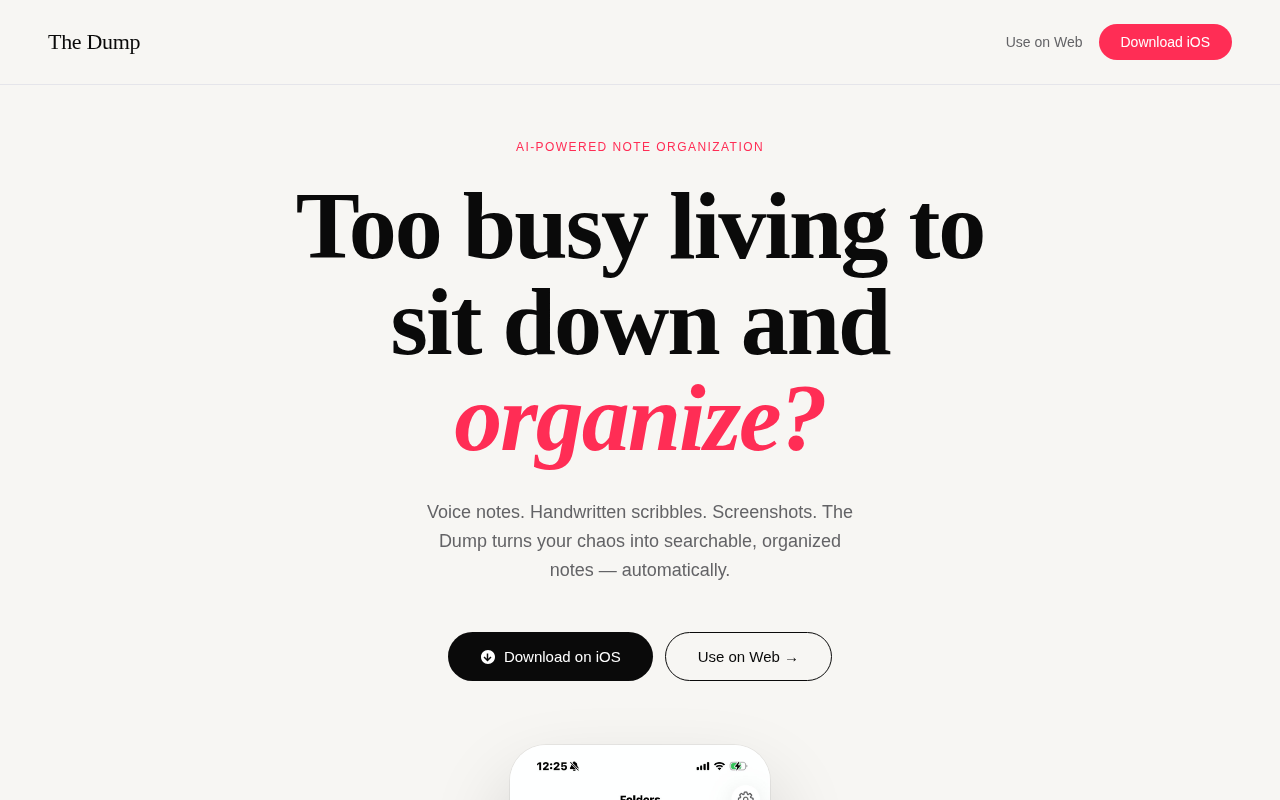
The Dump
The Dump turns your voice notes, screenshots, and handwritten scribbles into searchable, organized notes — automatically with AI.
Task & Project Management
BoardSnap
The AI whiteboard app for the iPhone in your pocket.
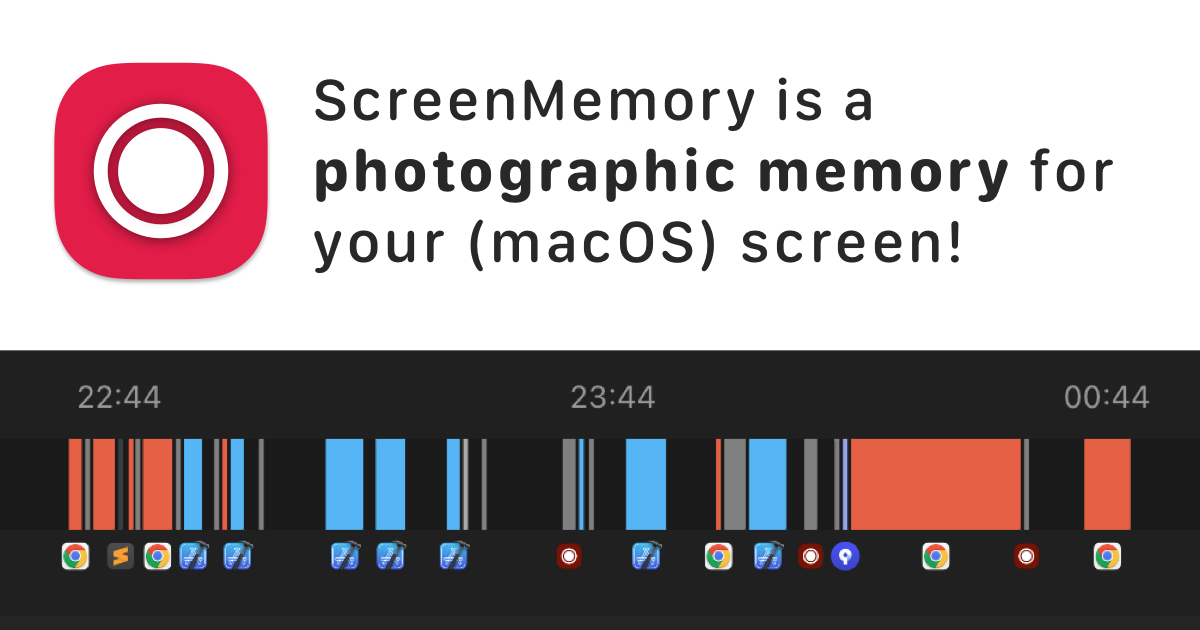
Time Tracking & Focus
ScreenMemory
Record your screen and go back in time to see what you worked on
Design & UI Prototyping
Screenshot Otter
Design, localize, and publish App Store screenshots fast
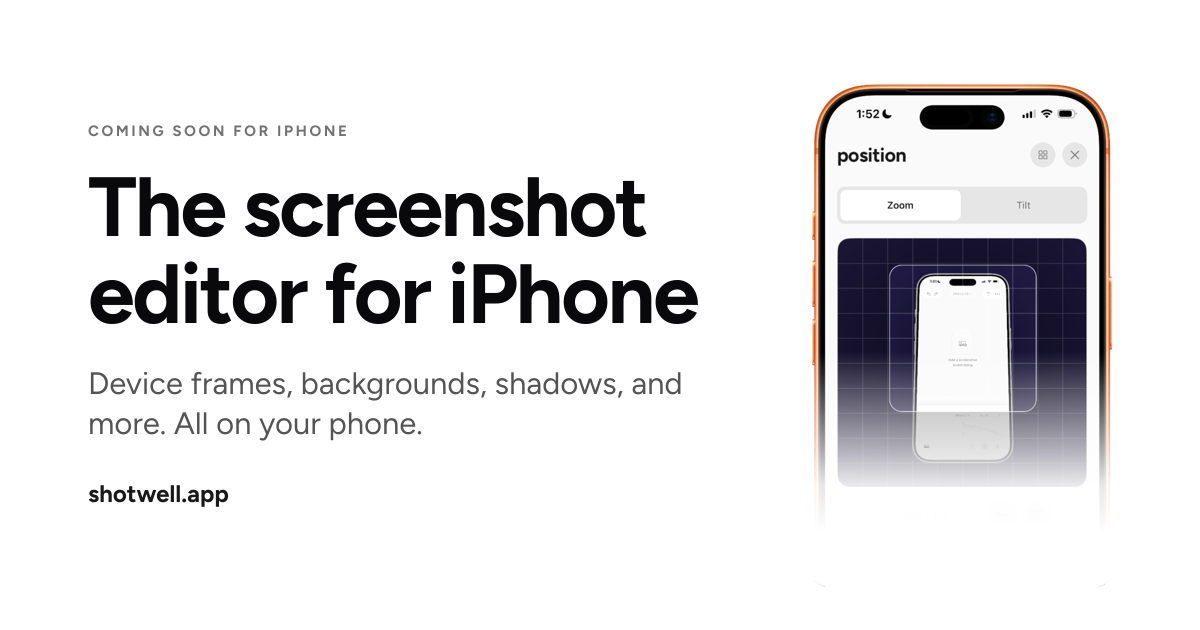
Screenshot & Screen Recording
Shotwell
The screenshot editor for iPhone.