
Startupizer2
Login items handler
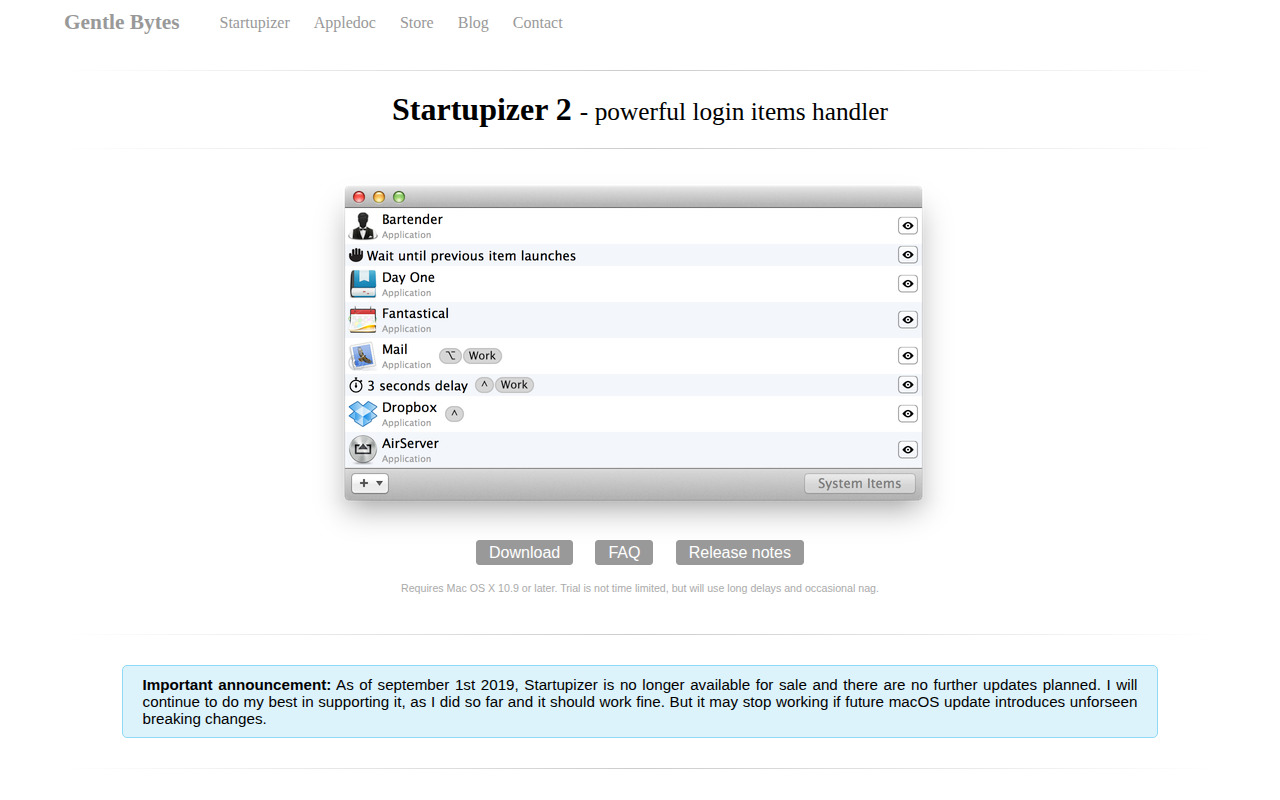
It provides a graphical interface for managing macOS login items, allowing users to view, reorder, and add entries through drag‑and‑drop or import from System Preferences. Each entry is displayed with a larger icon and can be delayed or set to wait for the previous item to finish, ensuring dependent applications start in the desired sequence.
The program lets users define conditional rules that filter execution based on time of day, day of week, modifier‑key state, and power source (plugged‑in vs battery). It also offers a simulation mode to test launch parameters before applying changes. Status information appears in a bottom bar and notifications are sent via the system’s notification center when attention is required.
Targeted at macOS users who want finer control over which applications and documents launch at login, it aims to reduce startup time by launching only the necessary items and maintaining a consistent order of menu‑bar icons.
Reviews
Loading reviews…
Similar apps
Design & UI Prototyping
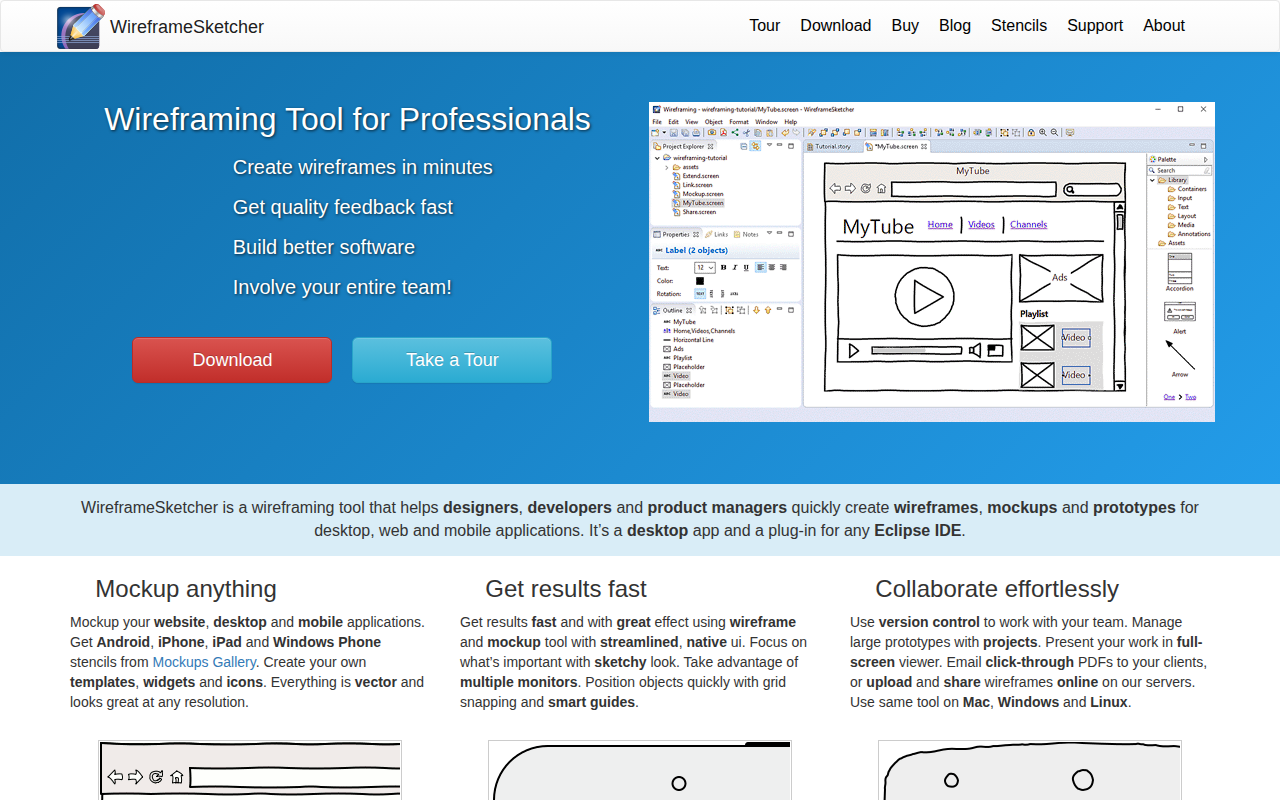
WireframeSketcher
Tool for creating wireframes, mockups and prototypes

System Monitoring & Maintenance
AutoPkgr
Install and configure AutoPkg
Design & UI Prototyping
SpaceSaver
Application designed to help you manage and optimize your workspace
Window & Desktop Management
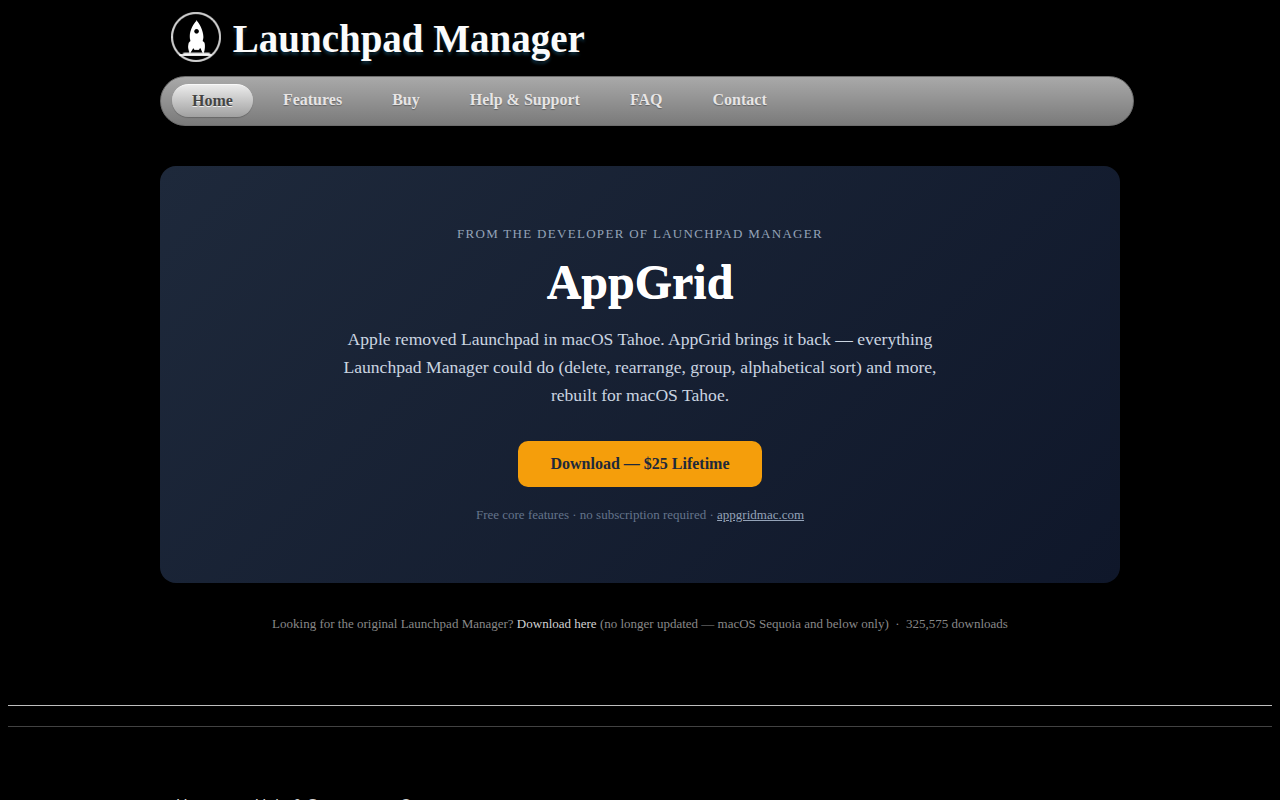
Launchpad Manager
Tool to manage the launchpad
Clipboard, Input & Automation
Shortcutor
iOS shortcuts editor
Code Editors & IDEs
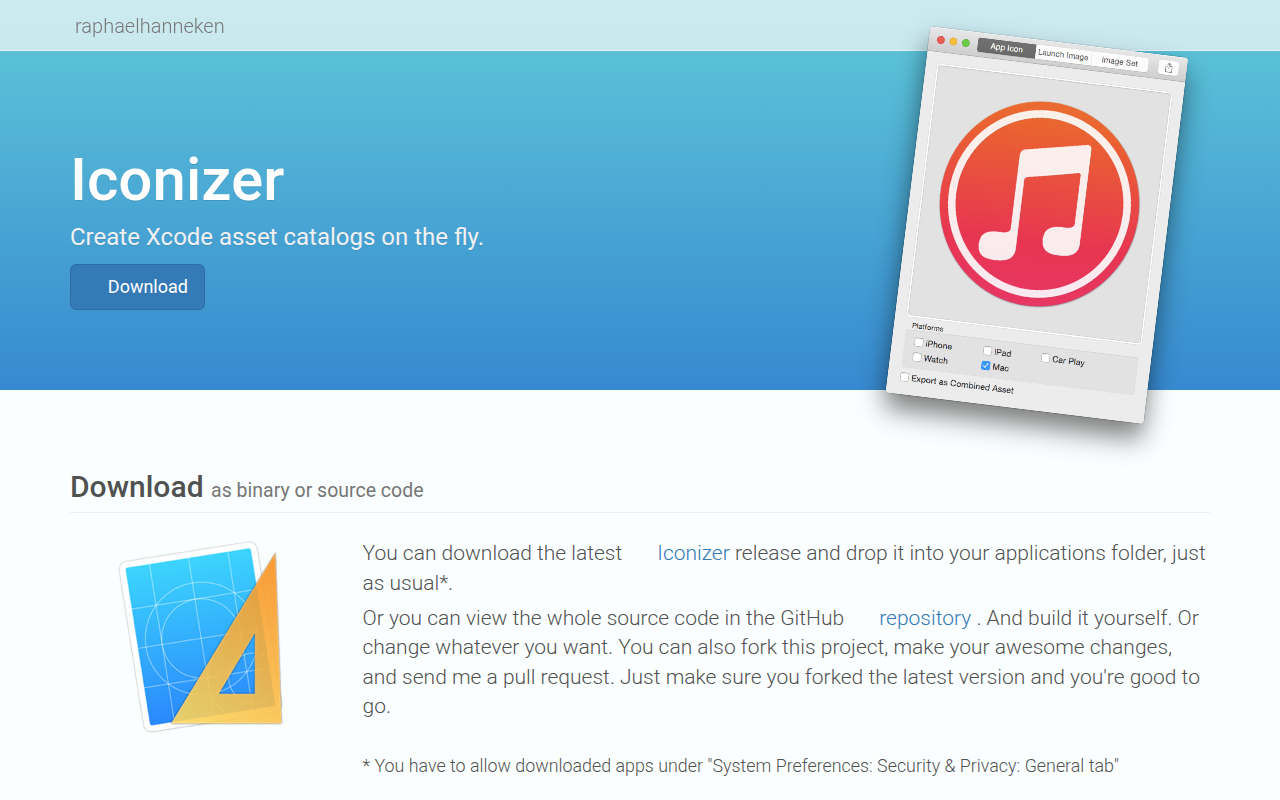
Iconizer
Xcode asset catalog creator