

TabConnect
Guide customers, run demos, and review browser workflows with a two-click sharing extension and a focused viewer page.
The extension enables a host to share the active browser tab through a toolbar button, then brings participants into a dedicated viewer page accessed via a short password or direct link. Viewers join from any modern desktop or mobile browser without installing additional software, and the system handles restrictive corporate networks internally. The sharing flow consists of three steps: start the share in the extension, open the viewer, and optionally reuse a session code for repeat workflows.
Typical users include customer‑support agents, sales and success teams, and product reviewers who need to demonstrate or troubleshoot a specific web page. By focusing on a single tab, the tool avoids full‑desktop screen sharing, allowing precise guidance through forms, dashboards, onboarding flows, or QA checks while keeping the session centered on the relevant content.
Key features are one‑click sharing from the toolbar, a clean viewer interface, session history for recurring workflows, and simple onboarding that reduces first‑run friction. The solution requires no accounts or separate collaboration suite, making it suitable for quick, ad‑hoc demonstrations and remote assistance.
Reviews
Loading reviews…
Similar apps
Remote Access & VPN
ScreenConnect
Lightning-fast remote support and remote access to connect instantly and solve problems faster.
API & Network Testing
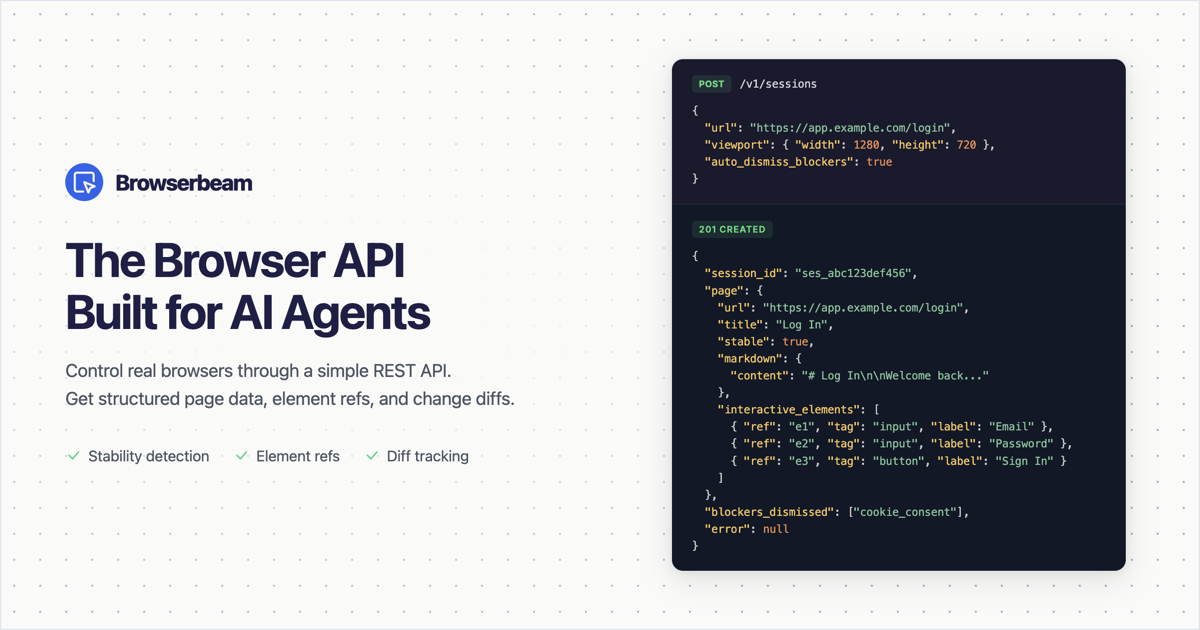
Browserbeam
Control real browsers through a simple REST API. Get structured page data, stable element refs, and change diffs instead of raw HTML. Built…

Clipboard, Input & Automation
Tabstack
Extract web data and automate browsers, no scraper required.

API & Network Testing
Tunno
Local domains & tunnels for developers

API & Network Testing
rtcStats
WebRTC monitoring & observability from your users' browsers
Network & Connectivity
SaaS Detective
SaaS-Detective - Instantly reveal any website's Tech stack!