
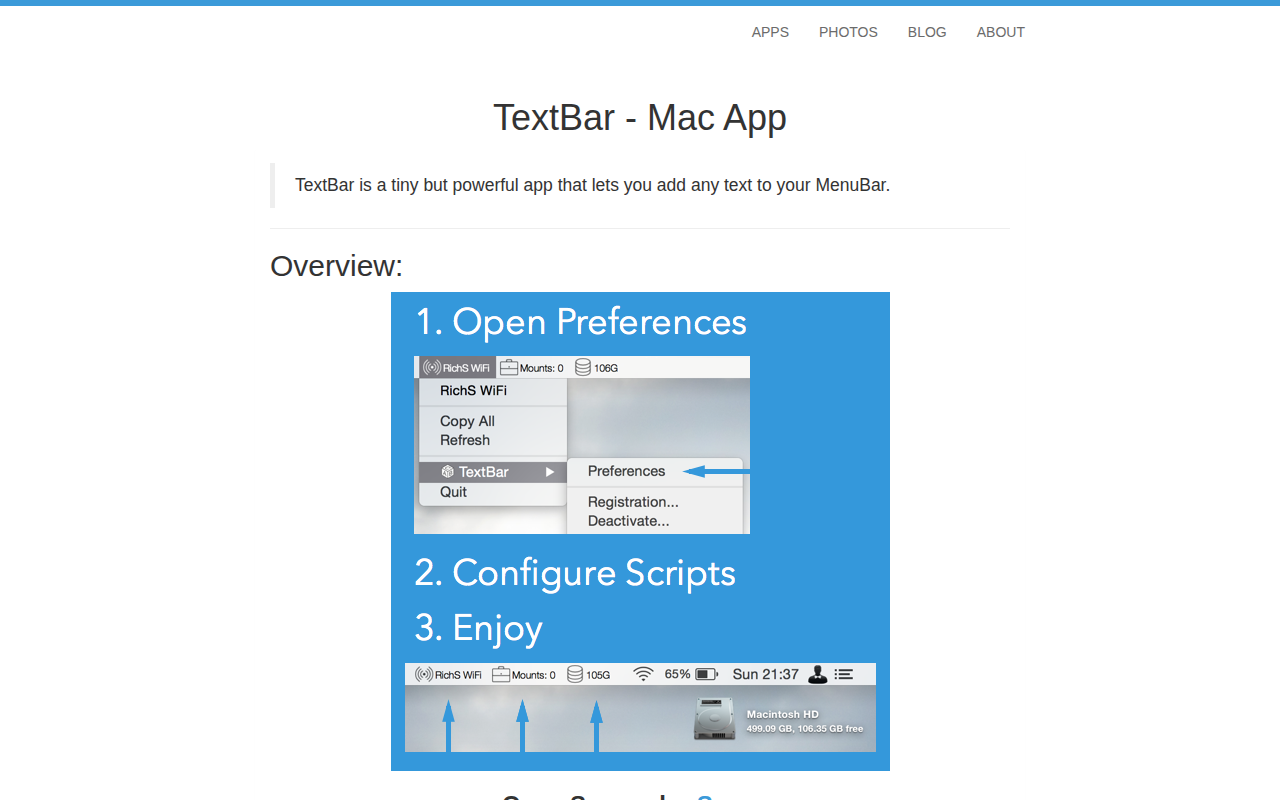
TextBar
Add any text to menu bar
TextBar is a macOS utility that places arbitrary text in the system Menu Bar. Users can configure the app to run scripts or commands and show their output directly in the bar, enabling quick visibility of information such as weather, disk usage, or Wi‑Fi network name. The displayed items can be individually enabled or disabled, refreshed at user‑defined intervals, and trigger notifications when their content changes.
The application supports interactive actions on the text, including copying it to the clipboard or launching custom scripts defined through TextBar Actions. Items are arranged via drag‑and‑drop in the preferences table, and the tool offers additional menu types such as dynamic scripts, chart menus, and WebView‑based entries. Updates to each item’s content can be scheduled, and users can control how frequently they are refreshed.
TextBar runs on Intel 64‑bit Macs with macOS 10.10 or later. Its functionality is limited by the available Menu Bar space, which depends on screen resolution and other icons; users needing more space may consider complementary tools like MacBartender.
Reviews
Loading reviews…
Similar apps
Window & Desktop Management
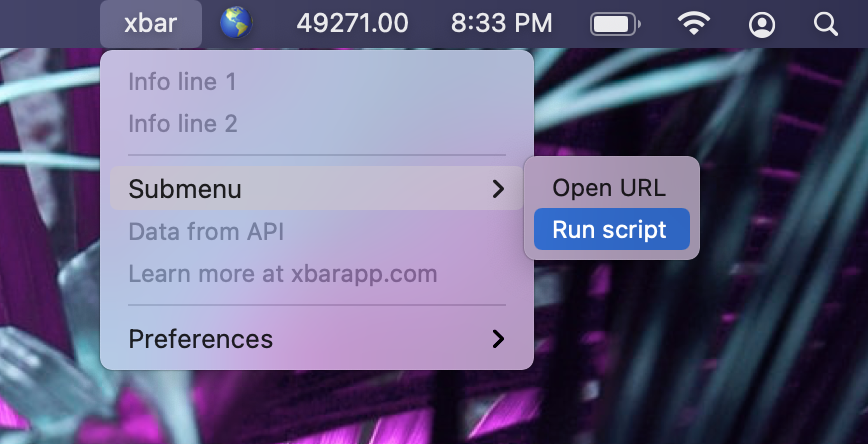
Xbar
Put the output from any script or program into your macOS Menu Bar (the BitBar reboot).
Window & Desktop Management
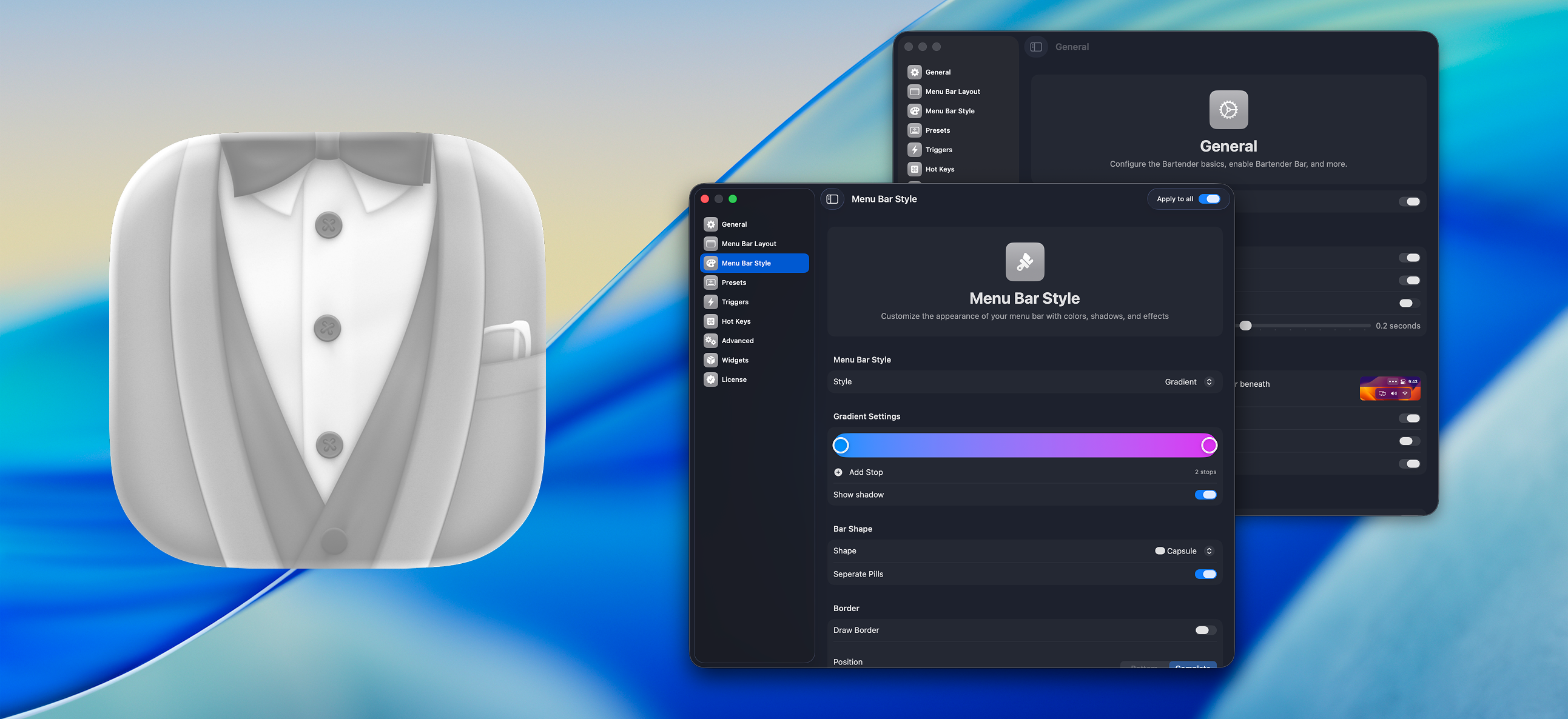
Bartender
Organize or hide menu bar icons on your Mac.
Window & Desktop Management
SwiftBar
Menu bar customization tool

Window & Desktop Management
SwiftBar
Powerful macOS menu bar customization tool.
Window & Desktop Management
BitBar
Utility to display the output from any script or program in the menu bar
Window & Desktop Management
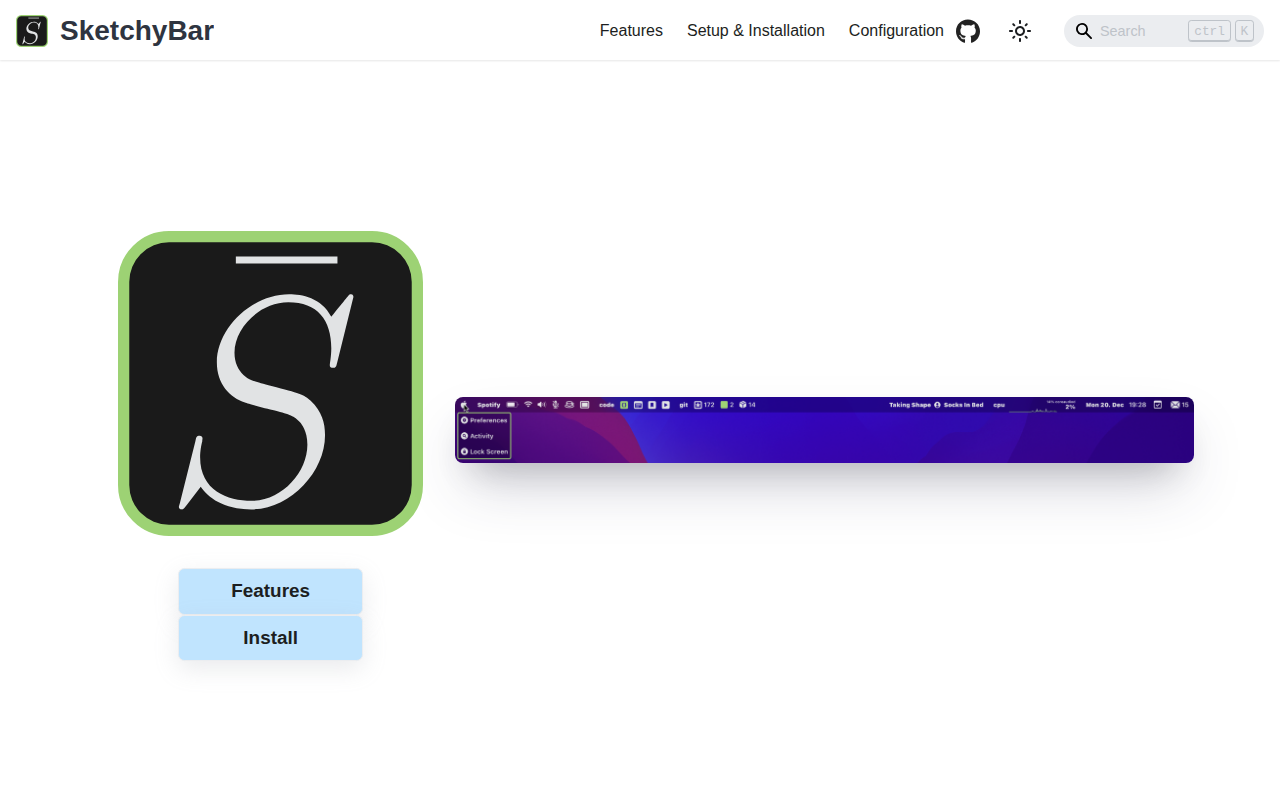
SketchyBar
A highly customizable macOS status bar replacement.