
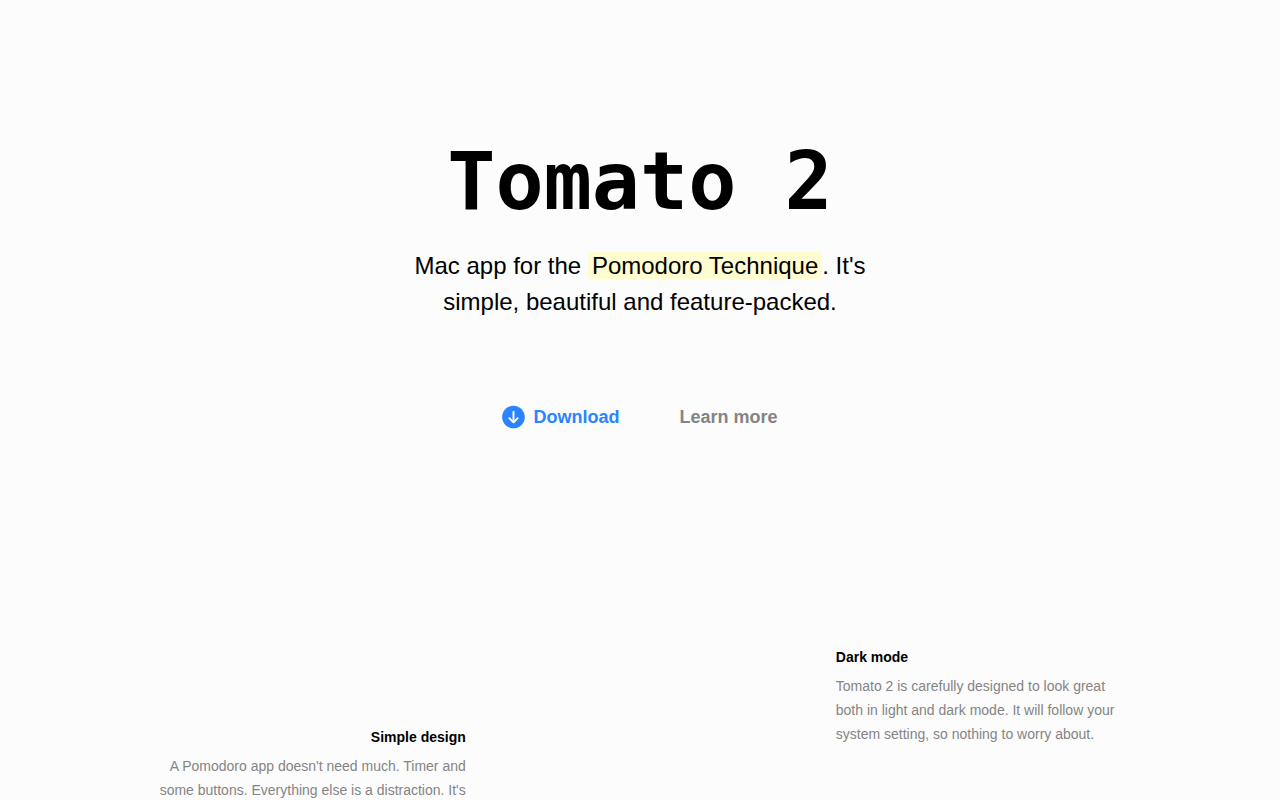
Tomato 2
Beautiful and simple Pomodoro timer. ![Freeware][Freeware Icon]
Tomato 2 is a macOS application that implements the Pomodoro Technique, offering a clean interface with a timer and two primary controls for starting a work interval (“Tomato”) or a break. It supports customizable timing modes, allowing users to stick to the classic 25‑minute work/5‑minute break cycle or adjust durations, including syncing sessions to the clock for breaks at specific minutes of the hour.
The app tracks weekly statistics, displaying the total time spent on each session and any goals set for individual intervals, helping users monitor productivity over time. It also includes an optional website‑blocking feature that restricts access to user‑specified sites while a timer is active, serving as a distraction‑reduction aid.
Designed to respect system appearance, Tomato 2 automatically adapts to light or dark mode and follows the user’s macOS settings. It is distributed as freeware and is positioned as a simple, visually appealing tool for individuals who want a straightforward Pomodoro timer without extraneous features.
Reviews
Loading reviews…
Similar apps
Time Tracking & Focus
TomatoBar
World's neatest Pomodoro timer for macOS menu bar.
Time Tracking & Focus
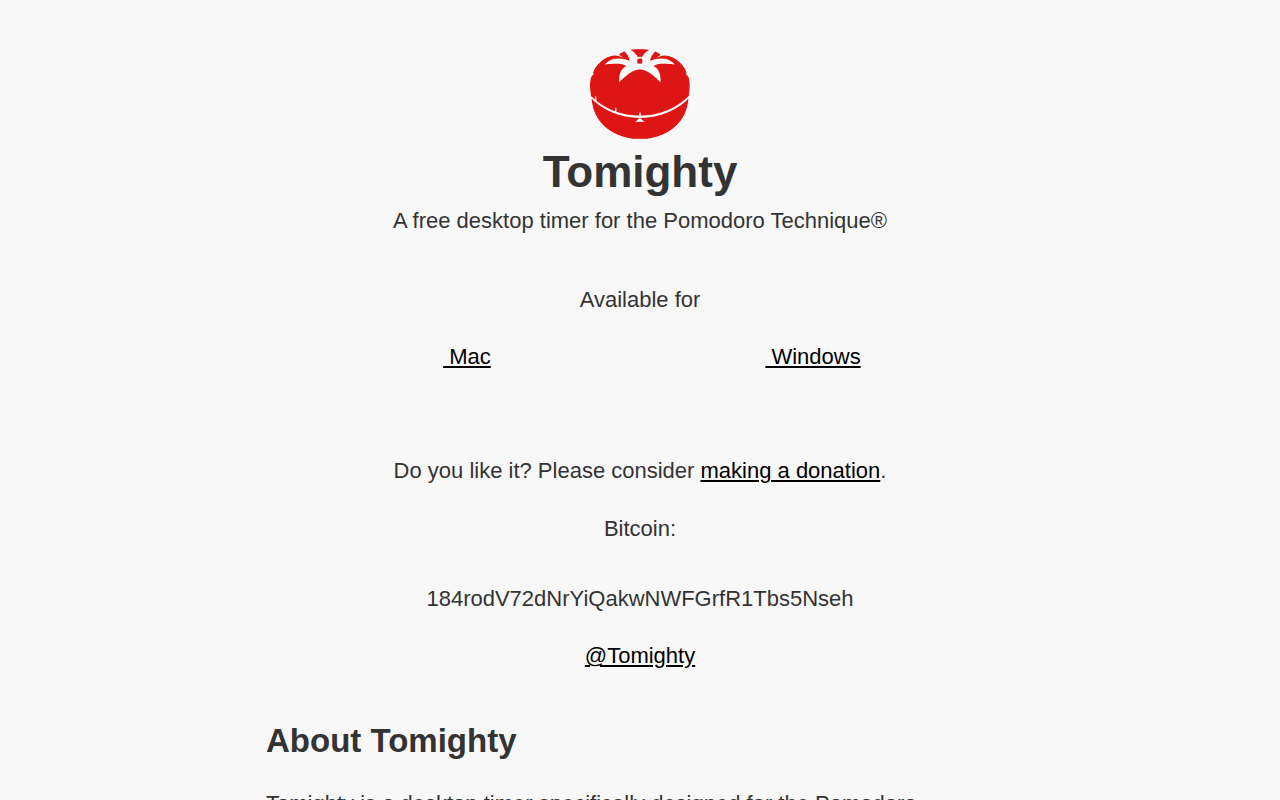
Tomighty
Pomodoro desktop timer
Time Tracking & Focus
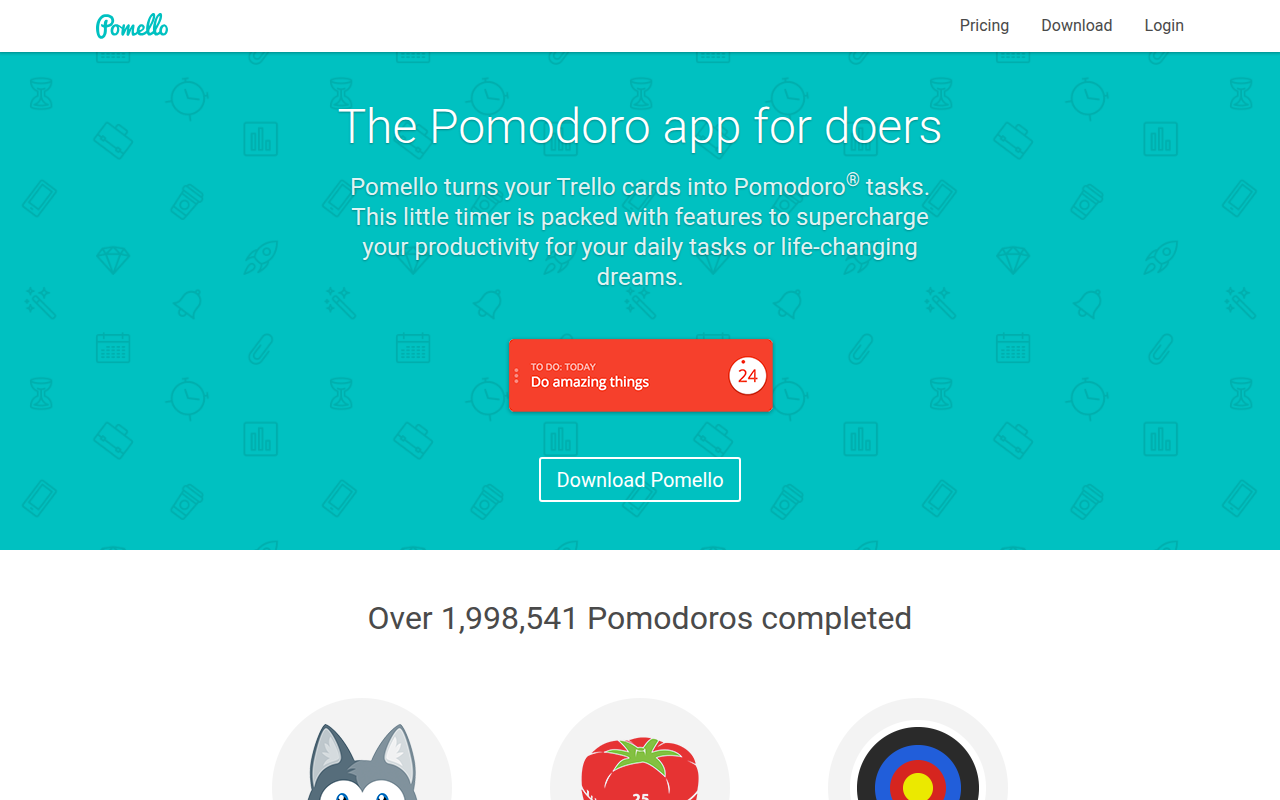
Pomello
Turns your Trello cards into Pomodoro tasks

Time Tracking & Focus
Pomatez
Pomodoro timer
Time Tracking & Focus
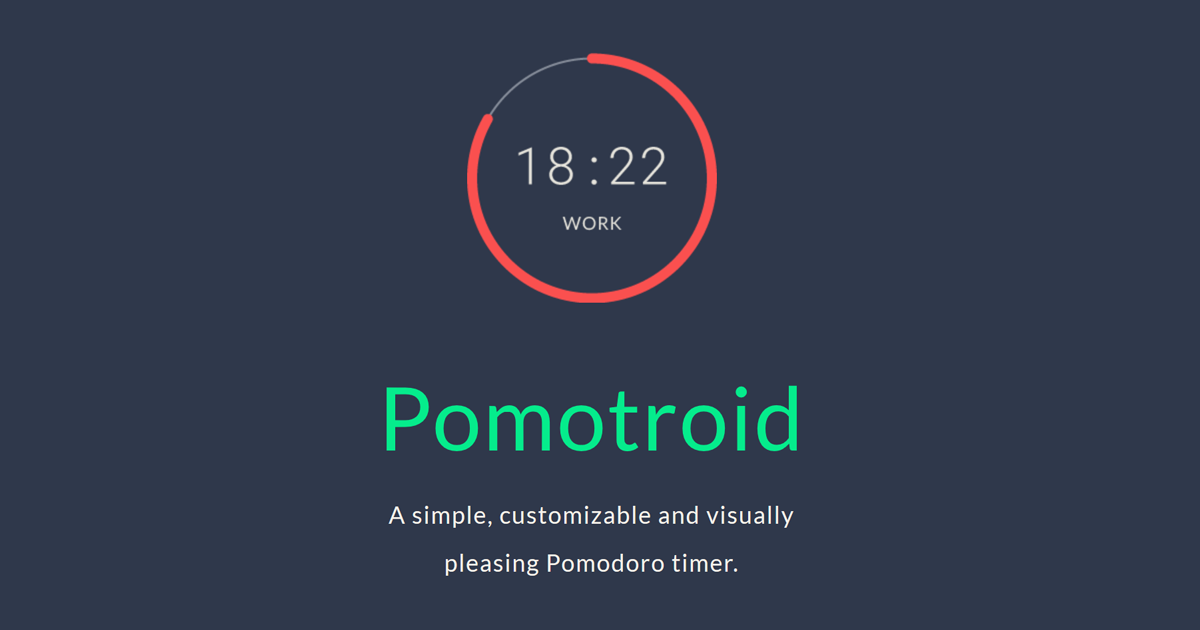
Pomotroid
Timer application
Time Tracking & Focus
Time Out
Easy break reminders, with micro-break and flexible customization if you want it. ![Freeware][Freeware Icon]