
Unclutter
Desktop storage area for notes, files and pasteboard clips
Unclutter provides a hidden panel that drops down from the top of the screen on macOS, giving quick access to three tools: a clipboard history viewer, a file drop‑zone, and a sticky‑note editor. Users can drag files onto the panel to store them, type brief notes, and browse previously copied items without leaving the current workspace. The panel can be opened with a mouse‑to‑top gesture or other configurable shortcuts, and it appears on every display, even in full‑screen mode.
The app supports automatic synchronization of stored files and notes across multiple Macs, and panels can be rearranged, resized, or disabled to suit individual workflows. It runs natively on both Apple Silicon and Intel‑based Macs and requires macOS 10.13 or later.
Targeted at Mac users who need a lightweight way to keep frequently accessed items within reach, Unclutter consolidates clipboard, file, and note management into a single, always‑available desktop area, reducing the need to switch between separate applications.
Reviews
Loading reviews…
Similar apps
Clipboard, Input & Automation
1Clipboard
Clipboard managing app
Clipboard, Input & Automation
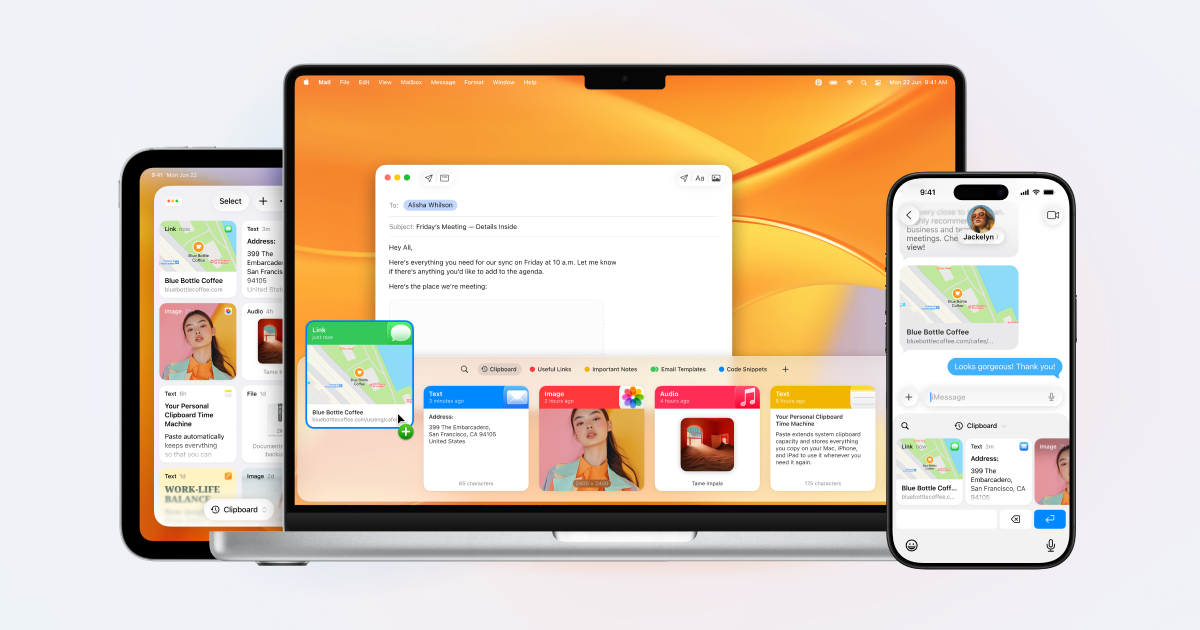
Paste
Smart clipboard history & snippets manager.
Clipboard, Input & Automation
Maccy
Lightweight clipboard manager for macOS.
Clipboard, Input & Automation
Paste
Limitless clipboard
Clipboard, Input & Automation
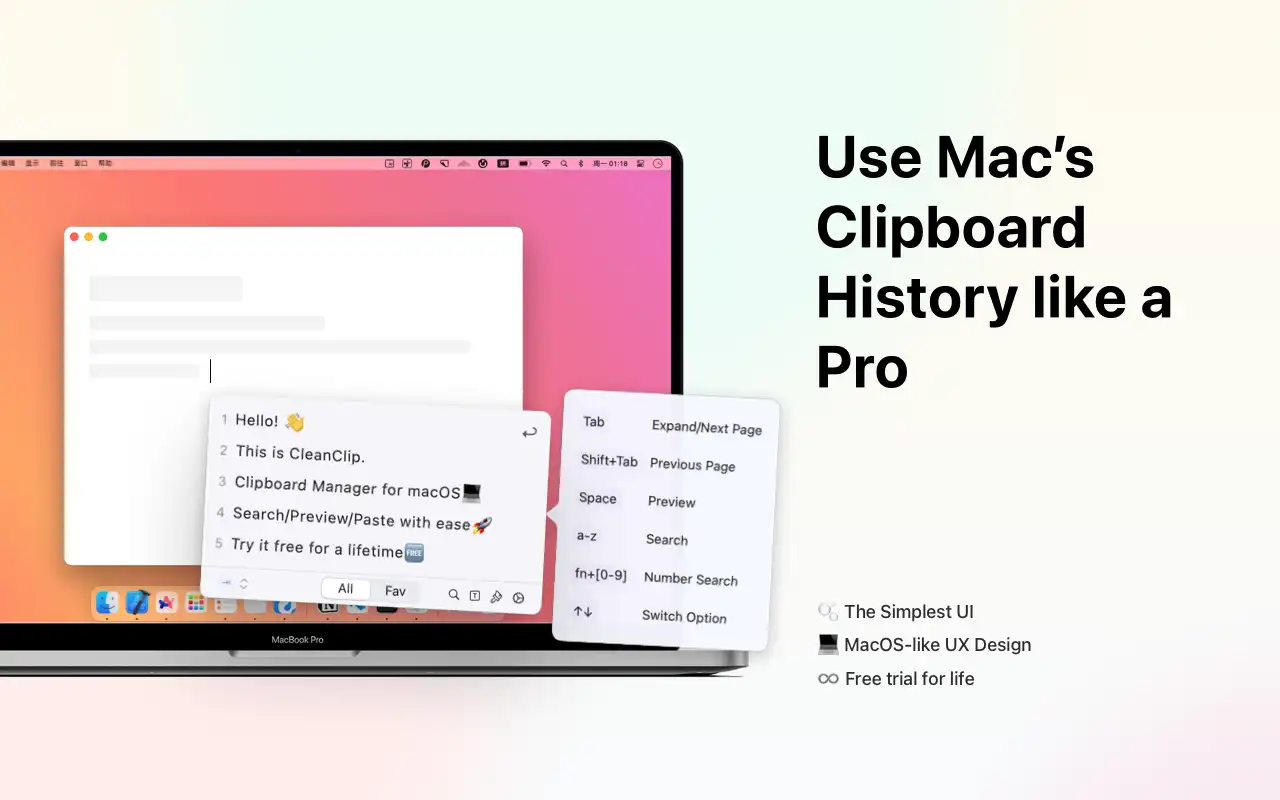
CleanClip
The cleanest Clipboard Manager on macOS, ever! ![Freeware][Freeware Icon]
Clipboard, Input & Automation
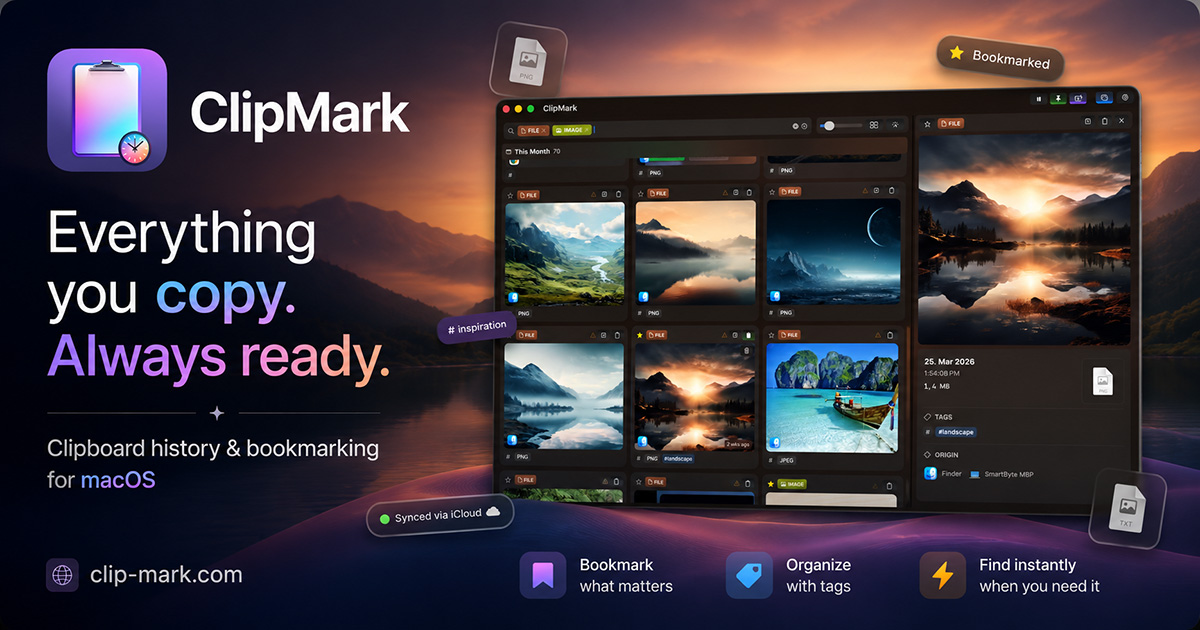
ClipMark
Never lose anything you copy again