

Vox
The first local AI that actually does things on your Mac
Vox is an offline AI assistant for macOS that lets users interact with the operating system through voice or text. It integrates directly with native macOS APIs to read, search, summarize, draft, and send emails via Mail.app, as well as to send iMessages, move files, and control the screen. The assistant ships with 48 built‑in tools that can manipulate real applications on the desktop without requiring an internet connection.
The software runs entirely on the user’s hardware, using a locally hosted language model and speech‑to‑text engine, so no data, audio, or prompts are transmitted to external services. Installation is a single download of a DMG file, after which the user grants standard macOS permissions for accessibility, mail, and screen access. Once set up, a wake word or keyboard shortcut activates the assistant for immediate interaction.
Vox is released under the MIT license and is positioned as a free, experimental alternative to cloud‑based chat assistants. It targets users who want a voice‑first productivity tool that can automate routine tasks on their Mac while keeping all information private and offline.
Reviews
Loading reviews…
Similar apps
Clipboard, Input & Automation
VoxBee
Dictation. Transcription. Meeting recording - all in one!
Clipboard, Input & Automation
VoiceOS
Say it and it's done. Work 10x faster with your voice.

Clipboard, Input & Automation
VoxTori
Real-time subtitles, translation, and dictation for Mac
Clipboard, Input & Automation
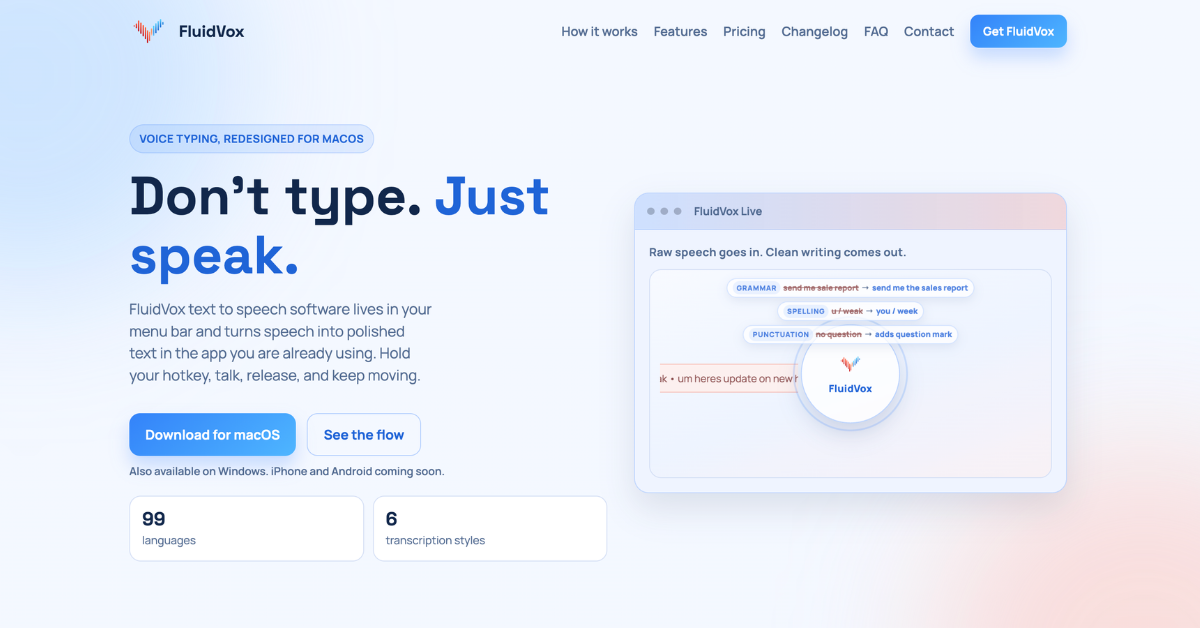
FluidVox
Voice Typing Transcription. No Monthly Subscriptions Private
Clipboard, Input & Automation
FluidVoice
Offline voice-to-text dictation app with AI enhancement
Clipboard, Input & Automation
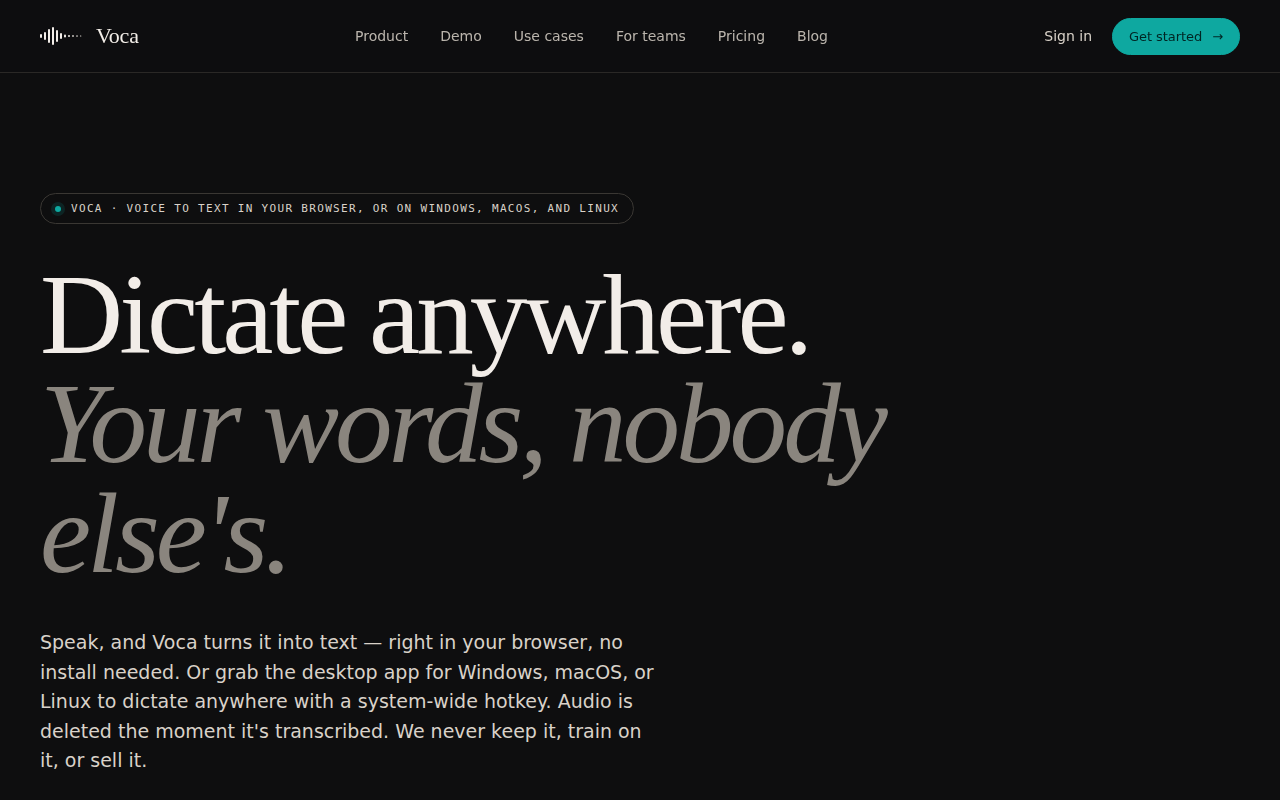
Voca - AI Dictation
Privacy-First AI Dictation App