
Xpra
Screen and application forwarding system
Xpra lets you run graphical X11 applications on a remote host and display them on a local machine as if they were native windows. In seamless mode the client receives the application’s output, while the server keeps the program running, allowing you to disconnect and later reconnect from the same or a different device without losing state. It also supports shadowing an existing desktop session or launching a full remote desktop.
The system forwards a range of desktop features to integrate the remote applications with the local environment, including audio input and output, printers, clipboard, system tray icons, notifications, webcams, file transfers, high‑bit‑depth images, and DPI handling. Connections can use various network protocols such as SSL, SSH, HTTP/WebSockets, or RFB, and can be secured with encryption and authentication modules. Xpra runs on many platforms, with clients for Windows, macOS, Linux, and a built‑in HTML5 client for browser access.
Reviews
Loading reviews…
Similar apps
Remote Access & VPN
Vine Server
VNC server
Remote Access & VPN
TurboVNC
Remote display system
Remote Access & VPN
Barrier
Open-source KVM software
Remote Access & VPN
X2Go Client
Remote desktop software
Remote Access & VPN
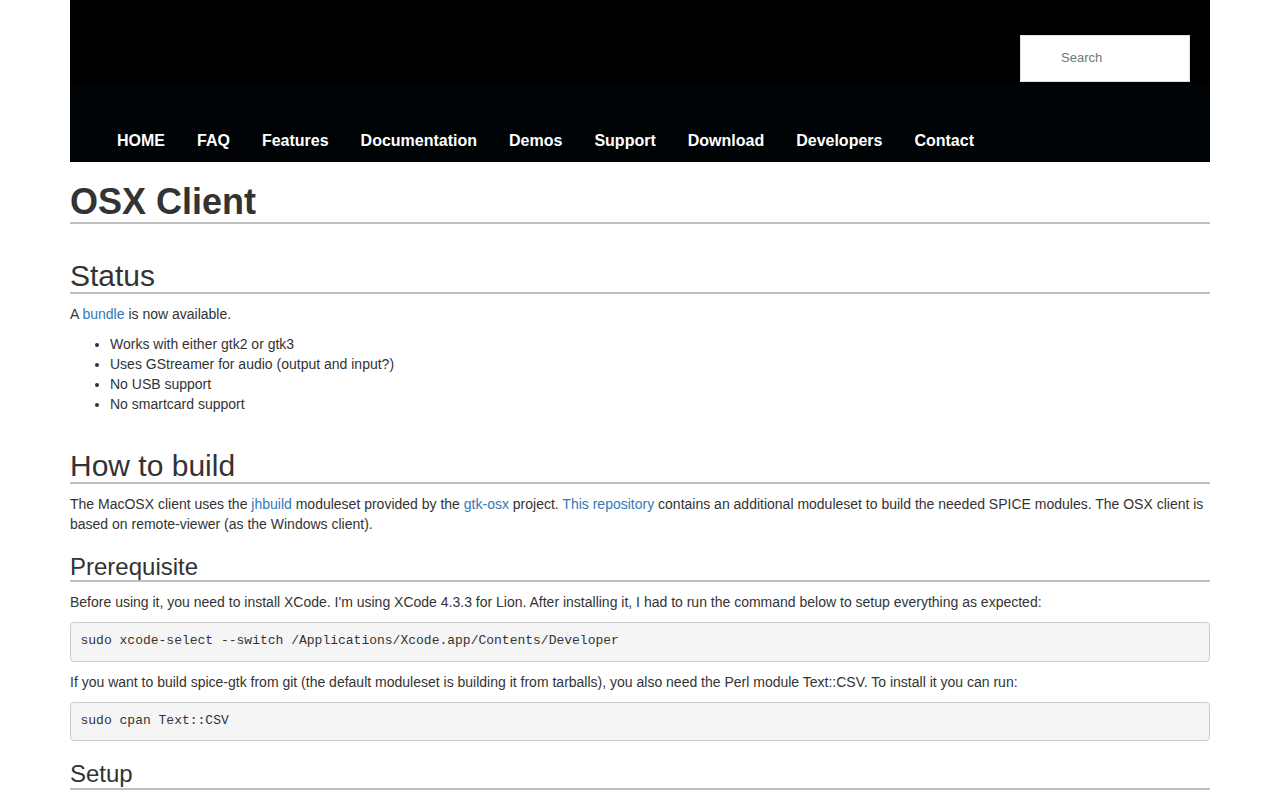
Remote Viewer
Connect to virtual machines using SPICE
Remote Access & VPN
Screens
Remote access software focusing on usability